
Just TinyMCE Custom Styles
v1.2.1Alex Prokopenko / JustCoded · 2016年7月20日 上架
Adds dropdown options for custom css classes and attributes for tags in WordPress TinyMCE Editor.
- 正在使用
- 1,000+
- 评分
- 4.8 / 5
- 累计下载
- 2.1 万
- 最近更新
- 2020年8月14日
 Alex Prokopenko / JustCoded
截图


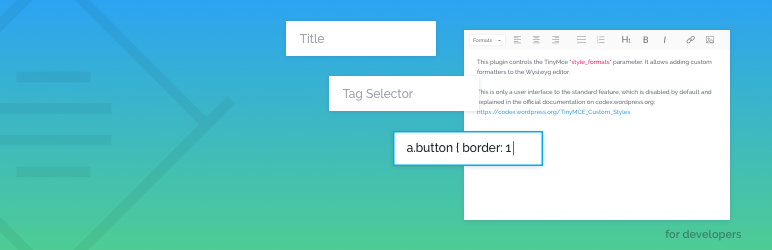
This plugin controls the TinyMce “style_formats” parameter. It allows adding custom formatters to the Wysiwyg editor.
This is only a user interface to the standard feature, which is disabled by default and explained in the official
documentation on codex.wordpress.org: https://codex.wordpress.org/TinyMCE_Custom_Styles
Features
- Load Settings from DB or .json file from theme
- Enable/Disable some style_format features for more clean formatting
- Nice interface to quickly add your formats
- Ability to apply custom editor css for each rule separately
- You can group your styles for more clear usage
- Bootstrap preset: pre-defined bootstrap styles for editor.
Example: Custom link class
For example, you can define an addition dropdown option of the css classes for the link tag.
To do so, create such row formatter:.
- Title: My Link Style
- Selector: a
- Classes: my-link-style
- Editor CSS: a.my-link-style { color:red; }
Plugin Demo
Presets
We added special feature called “Presets” – these are pre-defined styles included inside the plugin.
You can import them to your site with a single click.
With presets we plan to add popular CSS framework classes to be able to use them inside the editor.
We started with a Bootstrap preset, because it’s one of the most popular CSS framework right now.
ISSUES TRACKER
If you have any feedbacks or bugs found, please write to our GitHub issues tracker:
https://github.com/justcoded/just-tinymce-custom-styles/issues