

Jupa – Post Type Field for Contact Form 7
v1.0.1Jupa · 2026年9月2日 上架
Adds drop-down, checkbox, and radio button fields to Contact Form 7 that are automatically populated with posts from any post type.
- 正在使用
- 10 以下
- 评分
- 暂无
- 累计下载
- 342
- 最近更新
- 2026年9月14日
需要 WordPress 6.0+已测试到 7.1.5PHP 7.4+
贡献者
 Jupa
截图

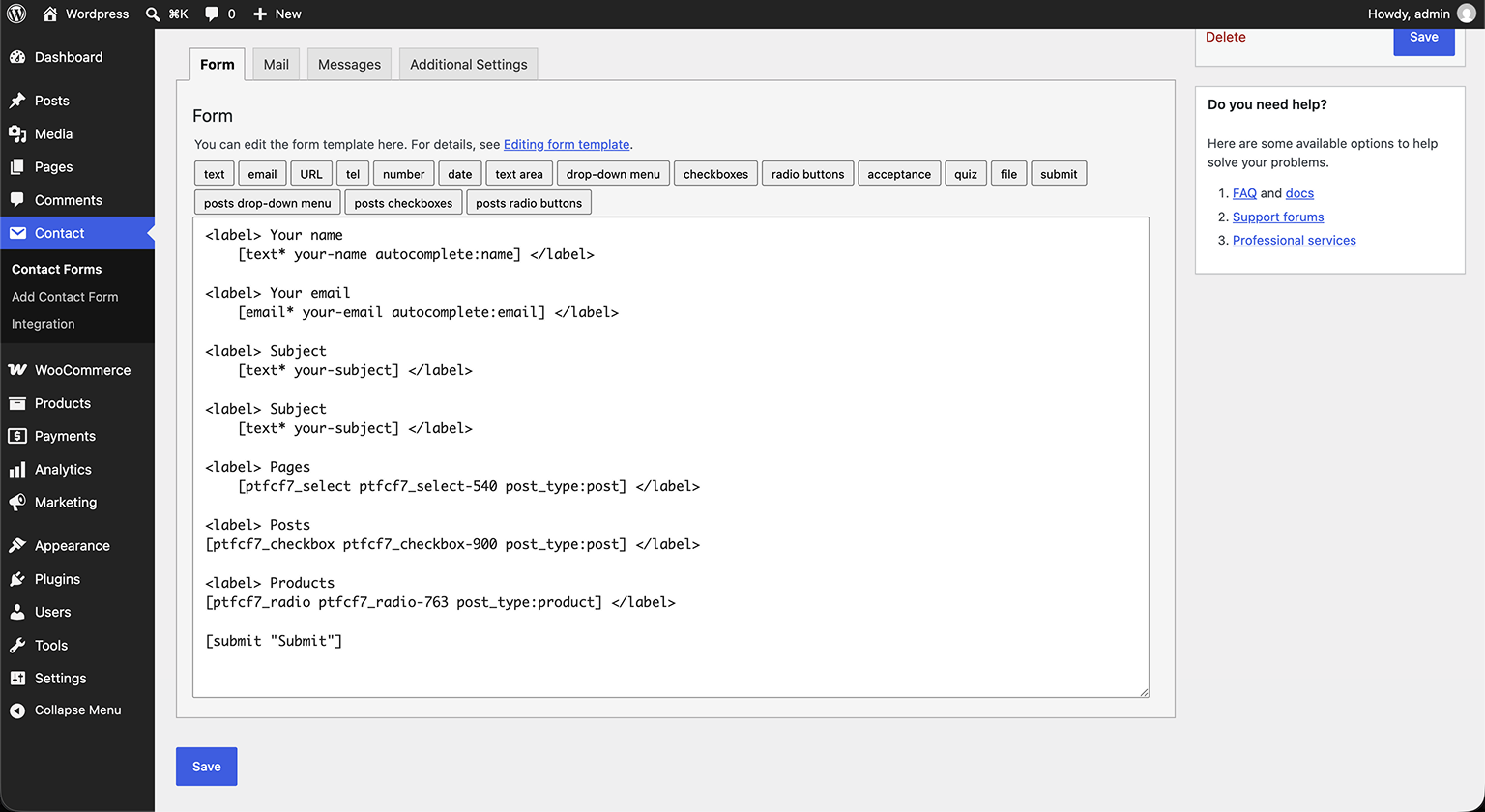
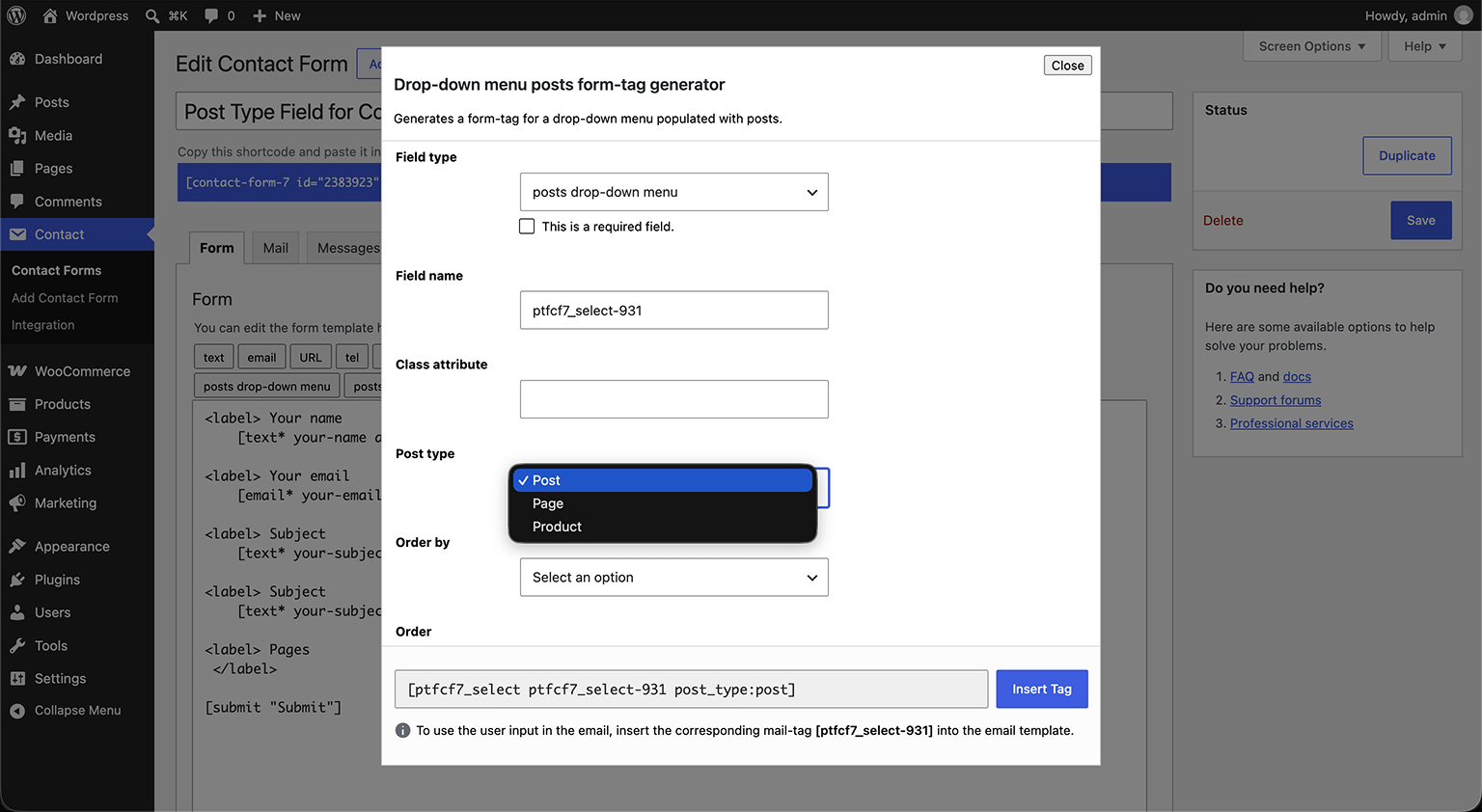
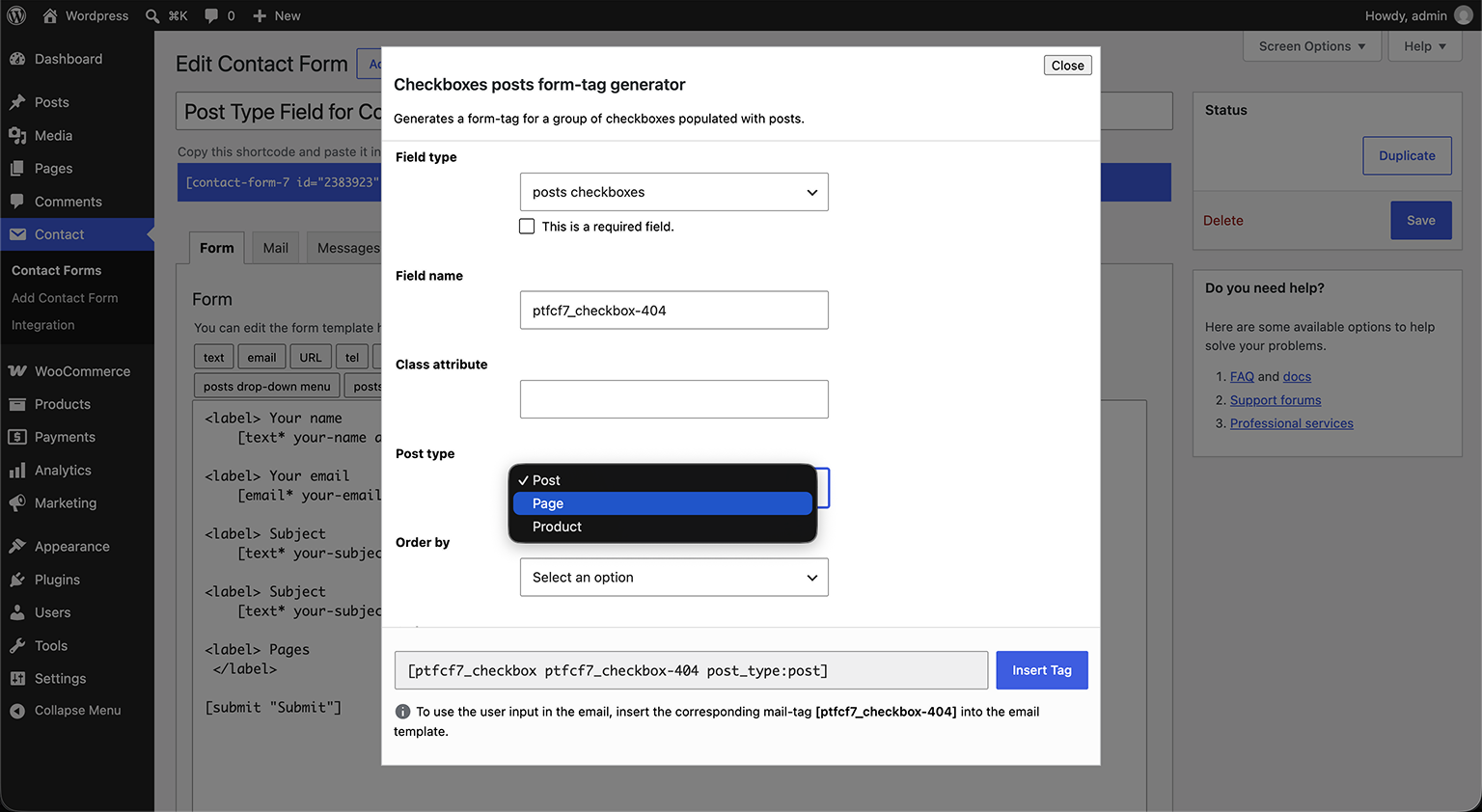
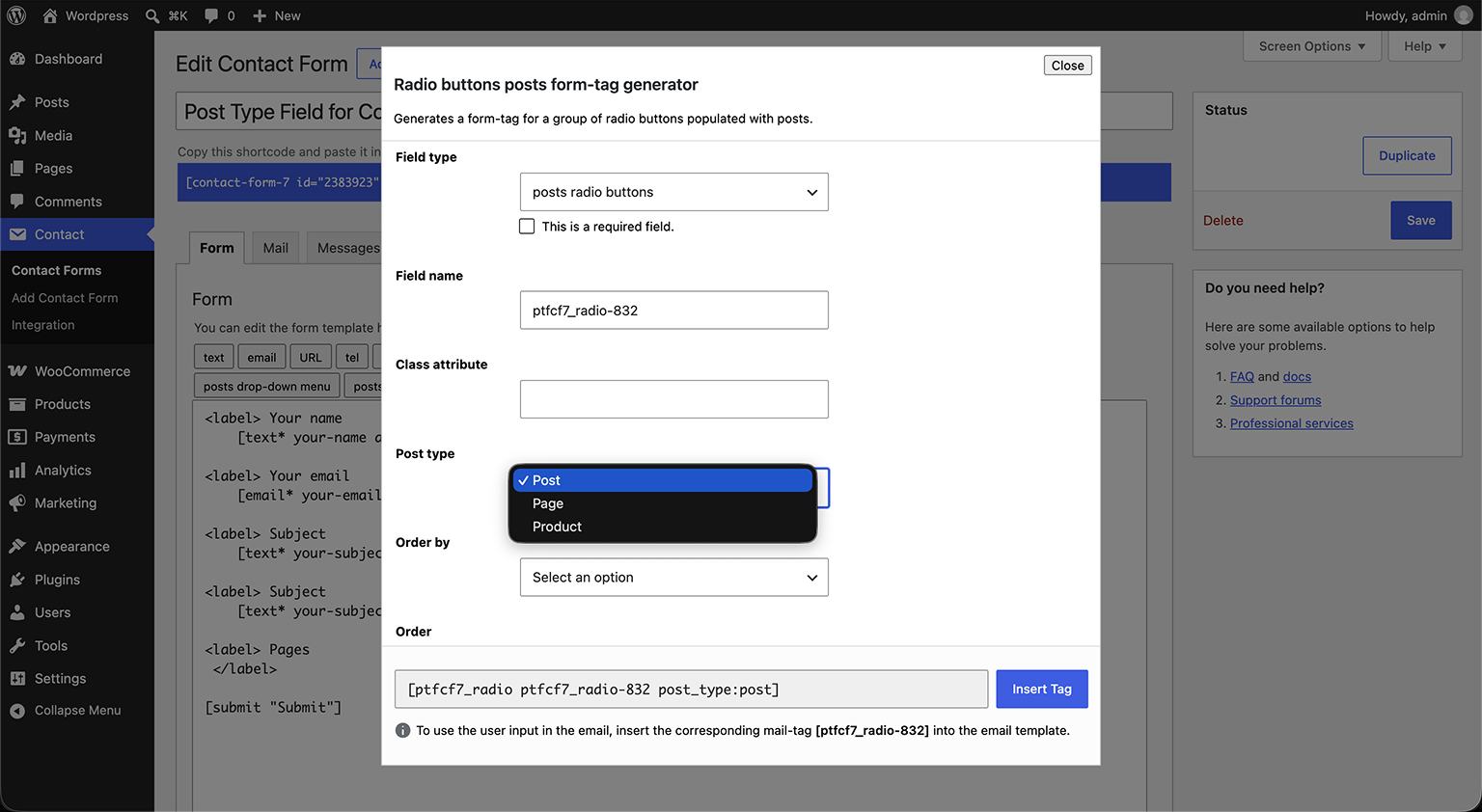
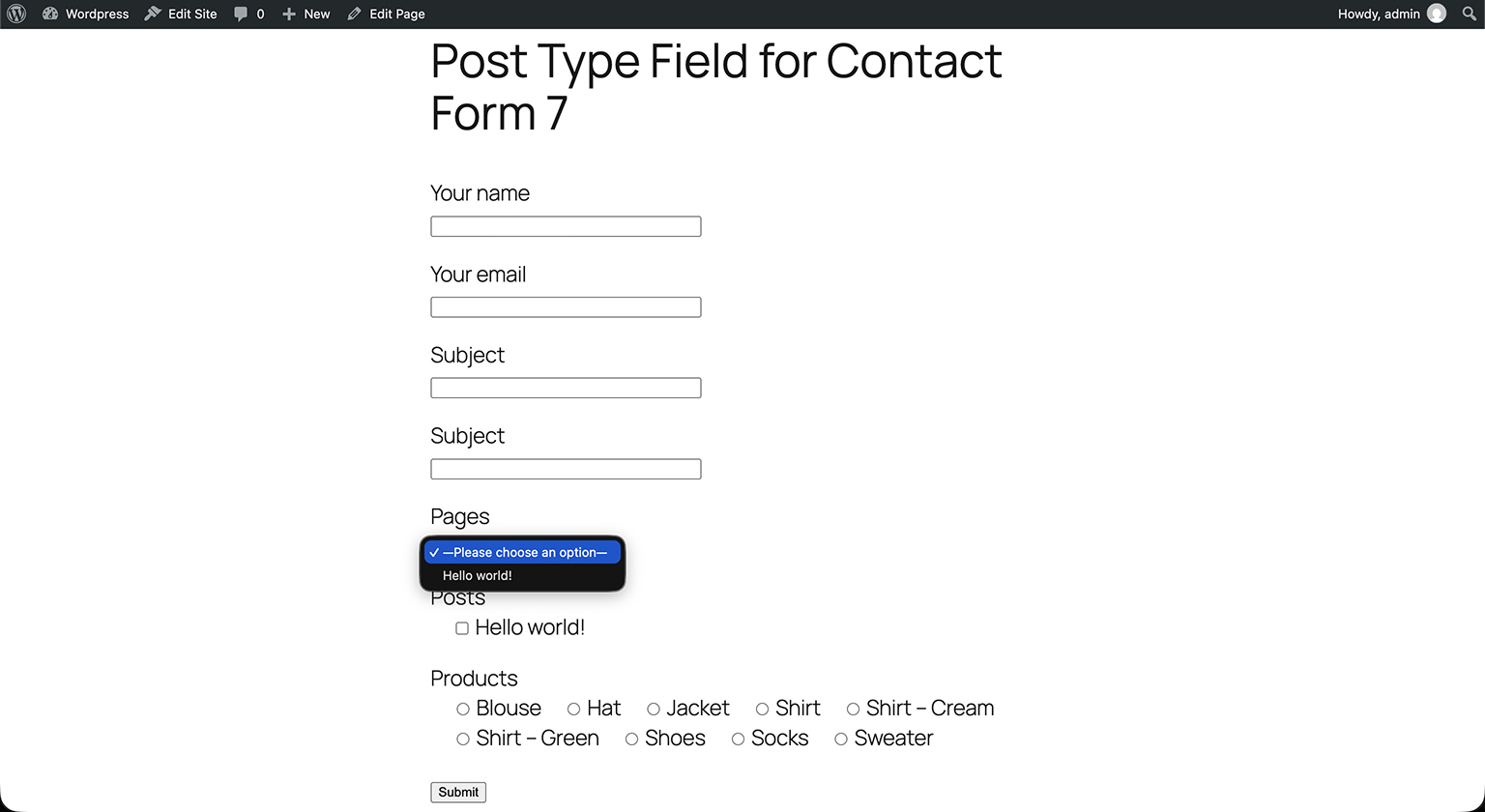
Jupa – Post Type Field for Contact Form 7 adds three new field types to Contact Form 7: a drop-down menu, a group of checkboxes, and a group of radio buttons. Each one is automatically filled with the titles of posts from any post type you choose (posts, pages, products, or any custom post type registered on your site).
This is useful when you want visitors to pick from a list that already exists in your content, such as choosing a location, category page, product, or any other custom post type entry, without maintaining that list by hand inside the form.
Features
- Three form-tag types: drop-down menu, checkboxes, and radio buttons.
- Works with any public post type, including custom post types.
- Choose the ordering (
orderbyandorder) of the listed posts. - Limit how many posts are shown, or show all of them.
- Full integration with the Contact Form 7 tag generator (visual UI, no manual tag writing required).
- Supports the standard
id:andclass:tag options, the same way native Contact Form 7 fields do. - Supports required-field validation.
Usage
- Edit a Contact Form 7 form.
- Open the “Insert form-tag” menu and choose one of “posts drop-down menu”, “posts checkboxes”, or “posts radio buttons” (they appear at the end of the list).
- Select the post type to pull posts from, the sort order, and (optionally) how many posts to show.
- Insert the tag and save the form.