
JHMG AI Editor for Divi 5
v4.19.0lucaslopvet · 2026年10月4日 上架
Design guidance, validation and undo for any AI working on Divi 5. Designed to work alongside Divi's upcoming MCP.
- 正在使用
- 100+
- 评分
- 5.0 / 5
- 累计下载
- 3,828
- 最近更新
- 2026年11月11日
贡献者
 lucaslopvet
截图
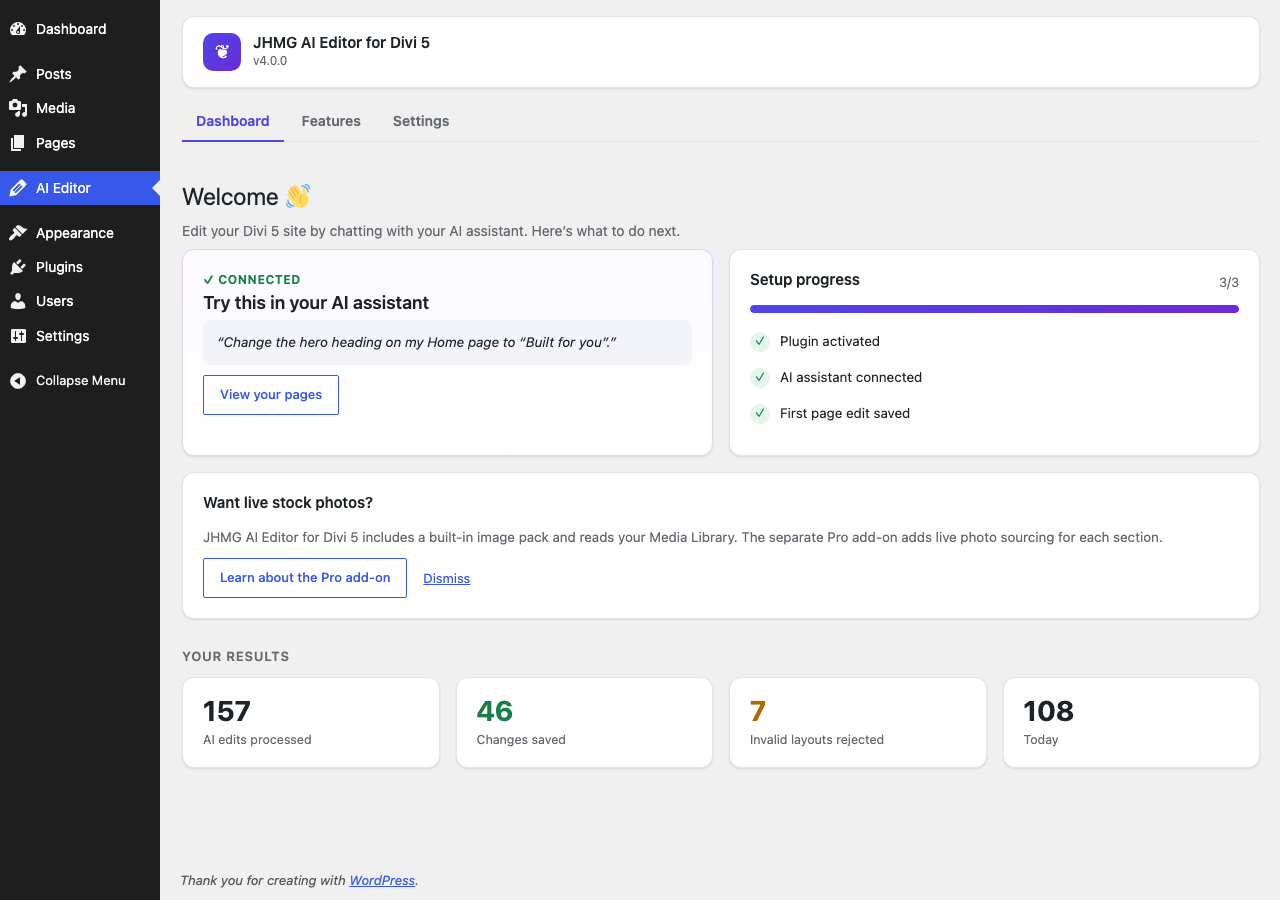
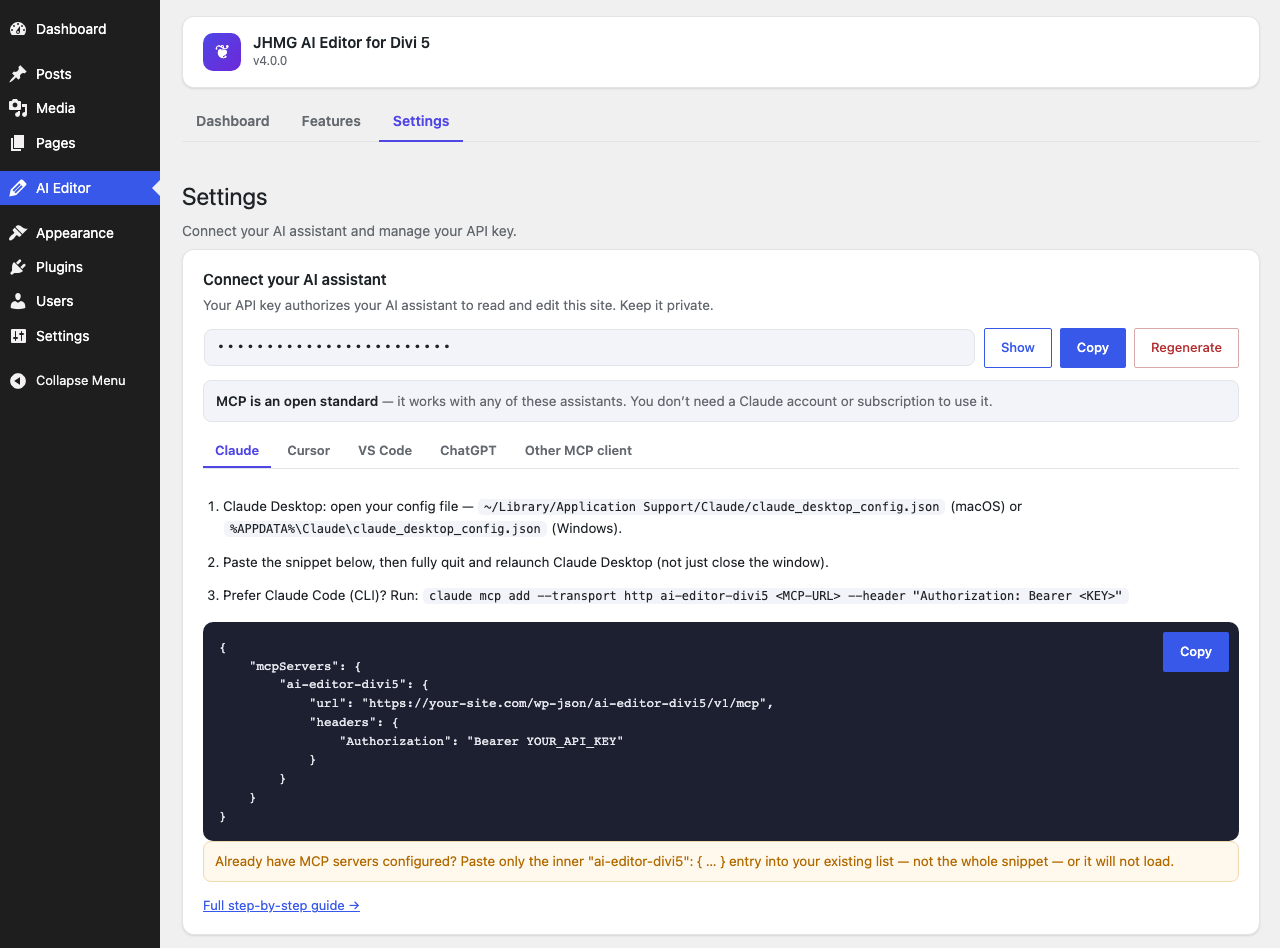
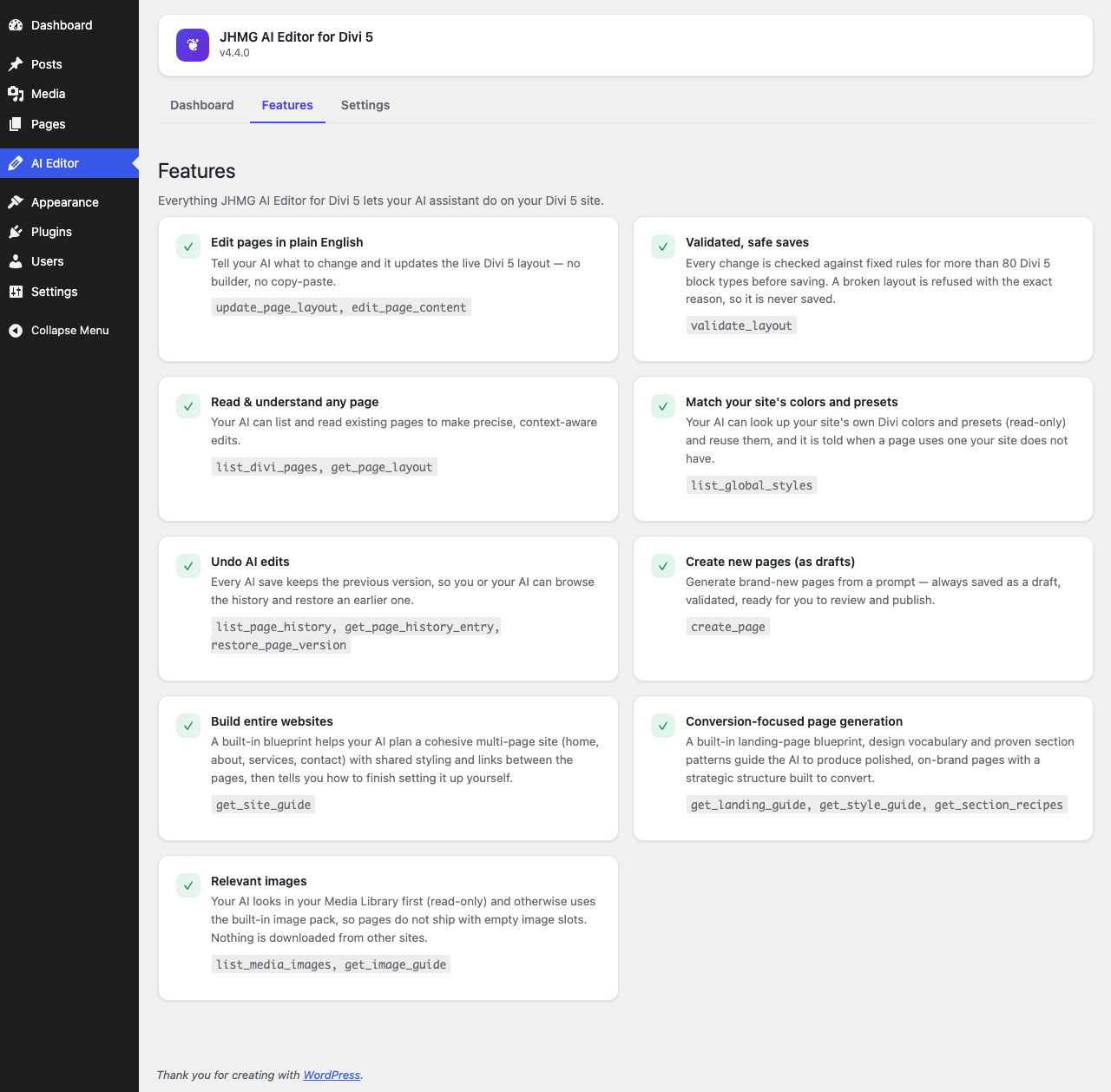
Design guidance, validation and undo for any AI working on Divi 5. Connect Claude, ChatGPT, Cursor, VS Code Copilot, Windsurf or Gemini to your WordPress site, then tell it in your own words what to change on your Divi 5 pages, or to build a new one. A built-in checker tests every change before it is saved, and every change can be undone.
The Model Context Protocol (MCP) server runs on your own site. The plugin uses no cloud service and no account, and nothing is sent to us.
Designed to work alongside Divi’s upcoming MCP
The plugin is designed to work alongside Divi’s upcoming MCP and any other tool that builds Divi pages. It has not been tested against Divi’s MCP yet, because that has not been released. It adds design guidance before the build (10 design languages and 75 proven section patterns), a fixed-rule check after it, and undo for every change, whichever tool made it. These are offered as WordPress abilities on WordPress 6.9 and later. It never wraps, blocks or changes another tool’s abilities.
How it works
- Connect your own AI assistant with one key (copy and paste, about two minutes).
- Tell it what you want in plain English, for example “change the phone number on the Contact page” or “build me a landing page for my dental clinic”.
- The built-in guides steer it, a checker refuses a broken layout with the exact reason, and the previous version of the page is kept so you can undo.
More detail is in the FAQ below: the tools, the checker, privacy, images and compatible assistants.
External services
This plugin does not connect to any external service. Your AI assistant connects to your own site using the API key you generate (or, if you turn it on, by signing in to your own site from Claude on the web); no data passes through the plugin author’s servers.