

Maintenance Redirect
v2.2.1Peter Hardy-vanDoorn · 2010年6月13日 上架
Display a maintenance mode page and allow invited visitors to bypass the functionality to preview the site.
- 正在使用
- 1 万+
- 评分
- 4.9 / 5
- 累计下载
- 22 万
- 最近更新
- 2026年5月21日
 Peter Hardy-vanDoorn
 jfinch3
截图


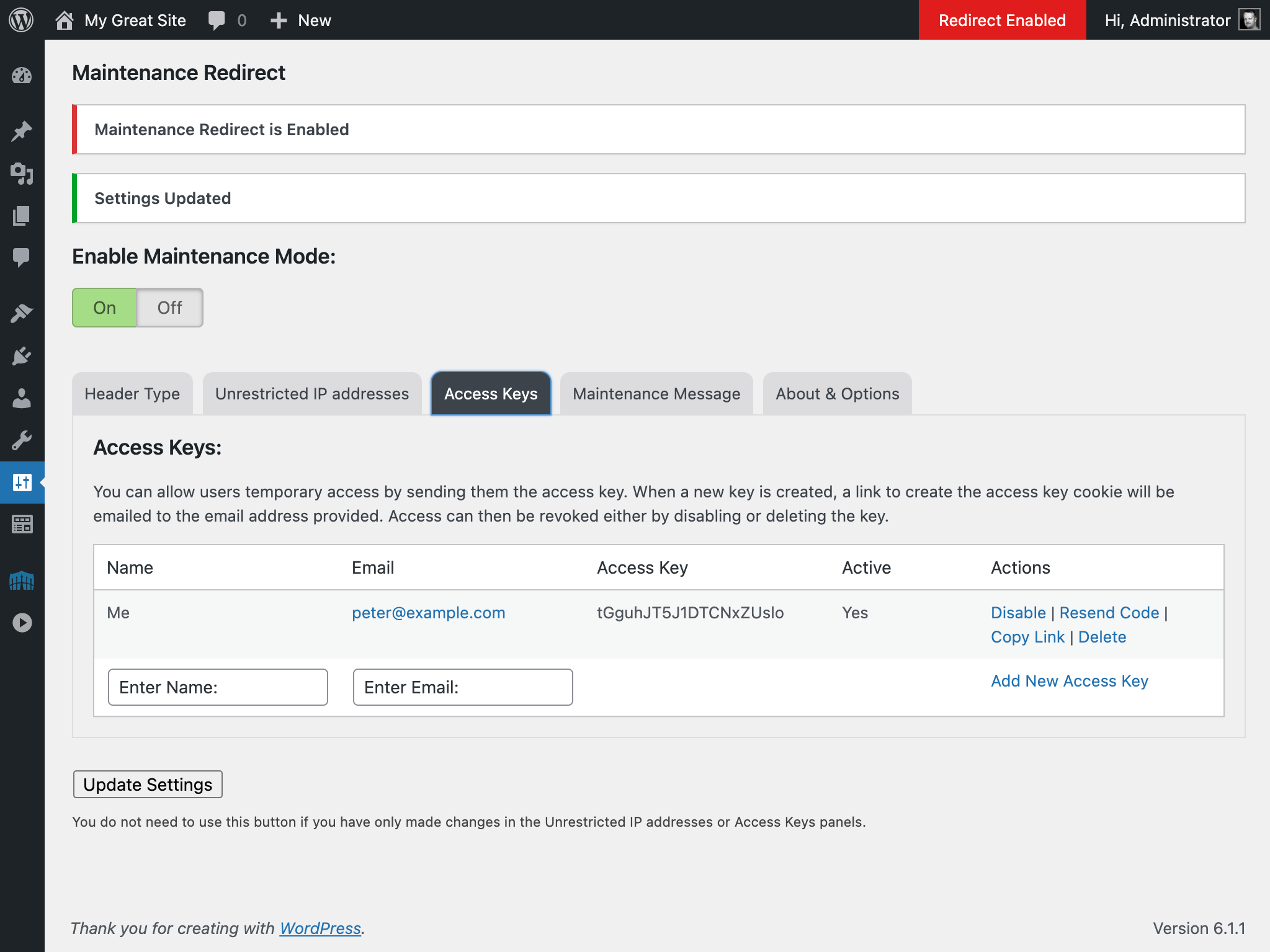


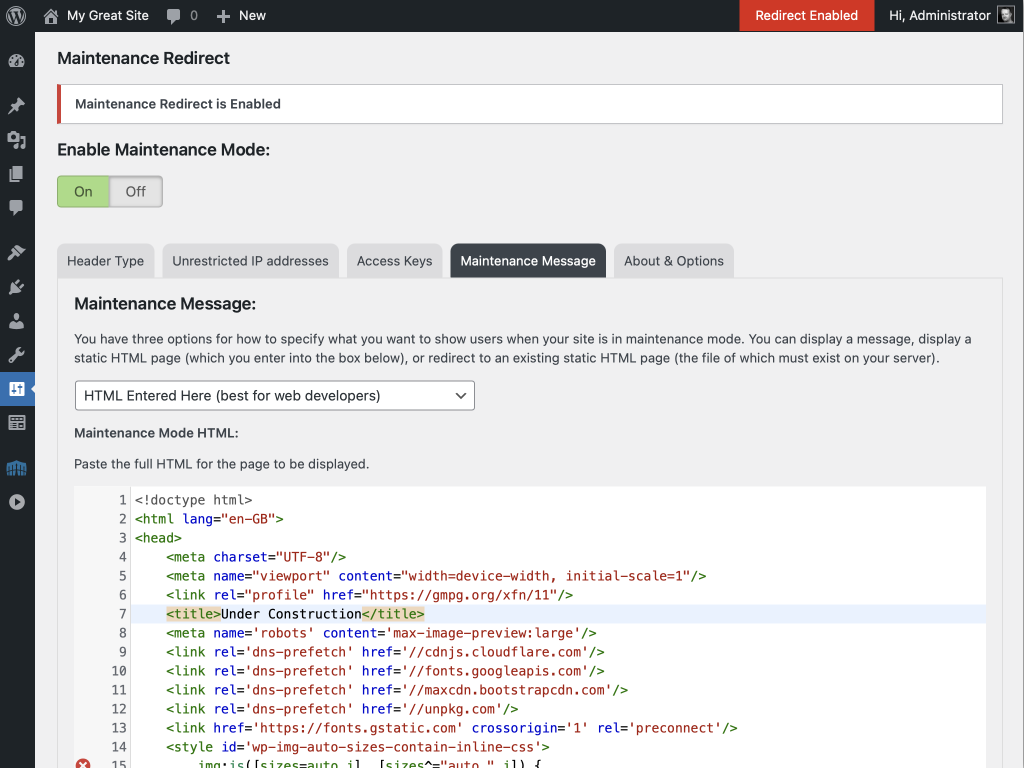
This plugin is intended primarily for designers / developers that need to allow clients to preview sites before being available to the general public or to temporarily hide your WordPress site while undergoing major updates.
Any logged in user with WordPress administrator privileges will be allowed to view the site regardless of the settings in the plugin. The exact privilege can be set using a filter hook – see FAQs.
The behaviour of this plugin can be enabled or disabled at any time without losing any of the settings configured in its settings pane. However, deactivating the plugin is recommended versus having it activated while disabled.
When redirect is enabled it can send 2 different header types. “200 OK” is best used for when the site is under development and “503 Service Temporarily Unavailable” is best for when the site is temporarily taken offline for small amendments. If used for a long period of time, 503 can damage your Google ranking.
A list of IP addresses can be set up to completely bypass maintenance mode. This option is useful when needing to allow a client’s entire office to access the site while in maintenance mode without needing to maintain individual access keys. See FAQ below about working through a proxy.
Access keys work by creating a cookie on the user’s computer that will be checked for when maintenance mode is active. When a new key is created, a link to create the access key cookie will be emailed to the email address provided. Access can then be revoked either by disabling or deleting the key.
This plugin allows three methods of notifying users that a site is undergoing maintenance:
-
They can be presented with a simple message.
-
They can be presented with a custom HMTL page.
-
They can be redirected to a static HTML page. This static page will need to be uploaded to the server via FTP or some other method. This plugin DOES NOT include any way to upload the static page file. Any URL can be used here, and it doesn’t need to be on the same server (so you could redirect back to the client’s current site if you’re working on a dev site, for example). However, it should NOT be the URL of a WordPress page or post on the same site as this will result in an infinite redirect loop.