
Jass Product Version Display for WooCommerce
v1.1.0Jaswant Singh · 2026年6月29日 上架
Display product version information for digital products in your WooCommerce store. Fully translation-ready with 20+ languages included.
- 正在使用
- 10 以下
- 评分
- 暂无
- 累计下载
- 451
- 最近更新
- 2026年10月19日
贡献者
 Jaswant singh
截图
Jass Product Version Display for WooCommerce is a simple yet powerful plugin that allows you to display version information for your digital products. This is particularly useful for software, plugins, themes, eBooks, and any other downloadable products that have version numbers.
Key Features
- Add version numbers to any downloadable product
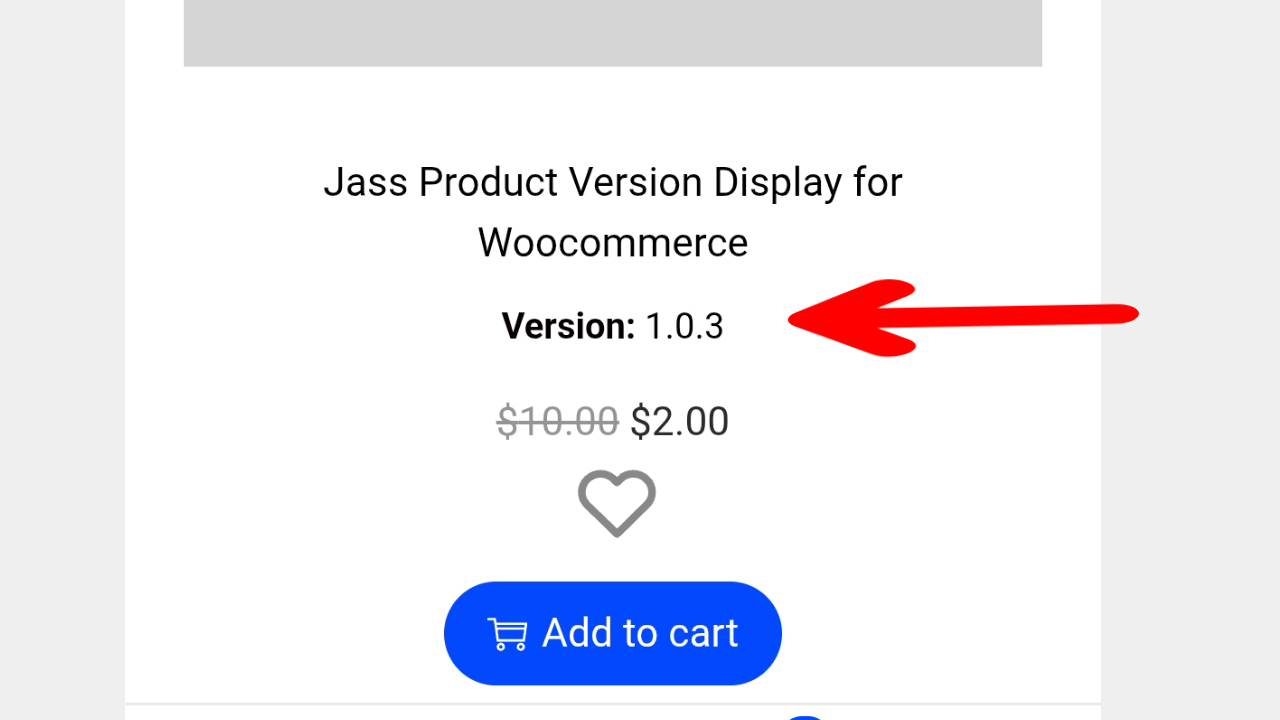
- Display version information on single product pages
- Show version information on shop/archive pages
- Simple and clean interface with beautiful styling
- Fully translatable (translation-ready)
- HPOS compatible (High-Performance Order Storage)
- WooCommerce compatible
- Mobile responsive
- Dark mode support
- Multilingual – 20+ languages included
Translation Ready
This plugin is fully translation-ready. All user-facing strings use WordPress translation functions with the text domain jass-product-version-display.
Included Languages
The following languages are included with the plugin:
- Arabic (ar)
- Bengali (bn_BD)
- Chinese (Simplified) (zh_CN)
- Dutch (nl_NL)
- French (fr_FR)
- German (de_DE)
- Hindi (hi_IN)
- Indonesian (id_ID)
- Italian (it_IT)
- Japanese (ja)
- Korean (ko_KR)
- Polish (pl_PL)
- Portuguese (Brazil) (pt_BR)
- Russian (ru_RU)
- Spanish (es_ES)
- Tamil (ta_IN)
- Thai (th)
- Turkish (tr_TR)
- Urdu (ur)
- Vietnamese (vi)
You can add more languages by contributing to the plugin’s translation page on WordPress.org.
How It Works
- Go to any product edit page
- Check “Downloadable” option
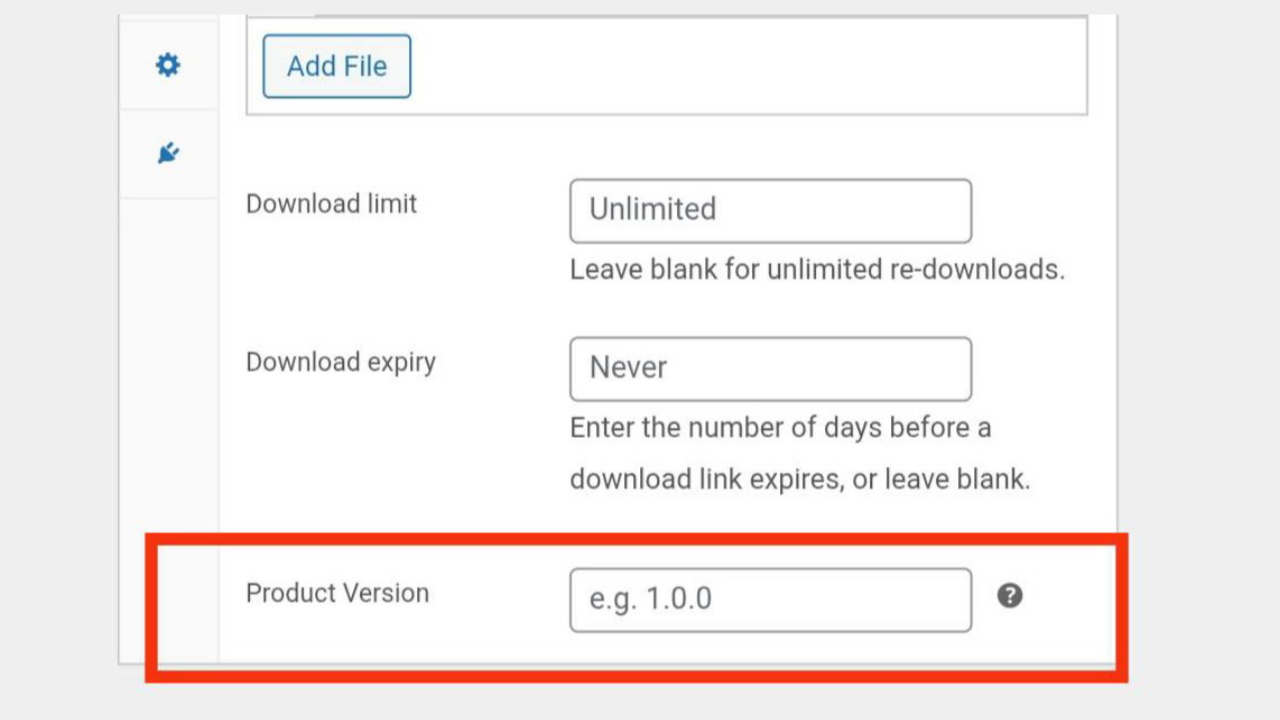
- Enter product version in the “Product Version” field
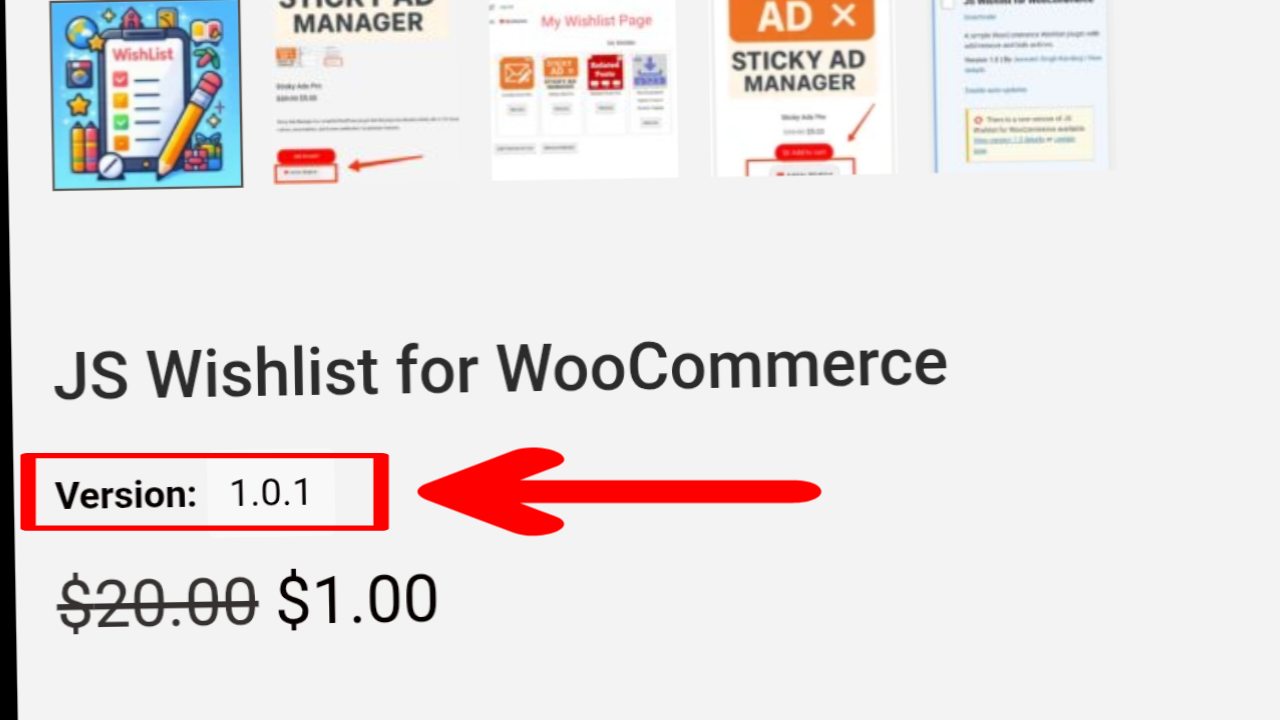
- Version will automatically appear on the product page
Arbitrary Section
This plugin is developed and maintained by Jaswant Singh. For support, please use the WordPress.org support forums.
Contributing
We welcome contributions! If you’d like to contribute to the plugin, please visit our GitHub repository.
Support
For support questions, please use the WordPress.org support forums.
Credits
- Author: Jaswant Singh
- License: GPL-2.0+
Privacy Policy
This plugin does not collect, store, or share any user data. It only stores the version number you enter for your products in your WordPress database.