
Jamie's Visual HTML Editor
v0.6.2jamiemarsland · 2026年6月23日 上架
Edit text, images, links and backgrounds directly in the WordPress Custom HTML block, and give it Wide and Full width alignment.
- 正在使用
- 100+
- 评分
- 5.0 / 5
- 累计下载
- 1,936
- 最近更新
- 2026年9月24日
贡献者
 jamiemarsland
截图
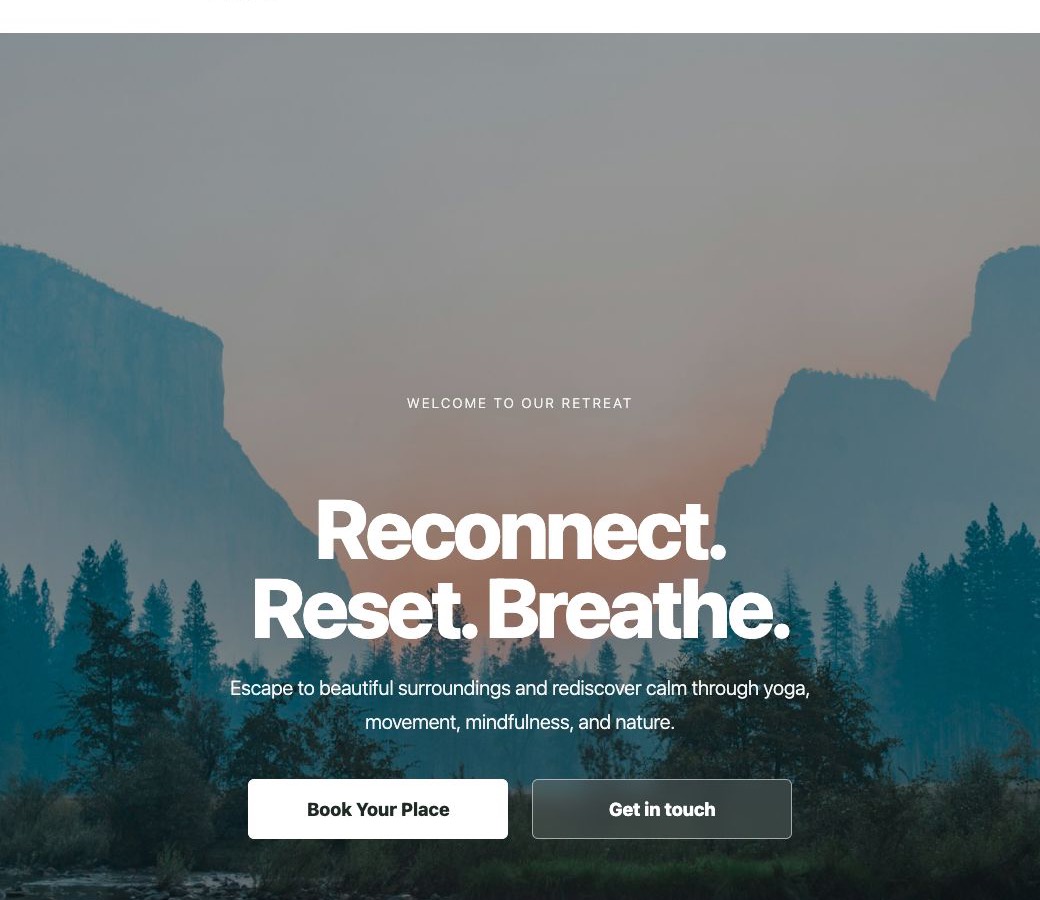
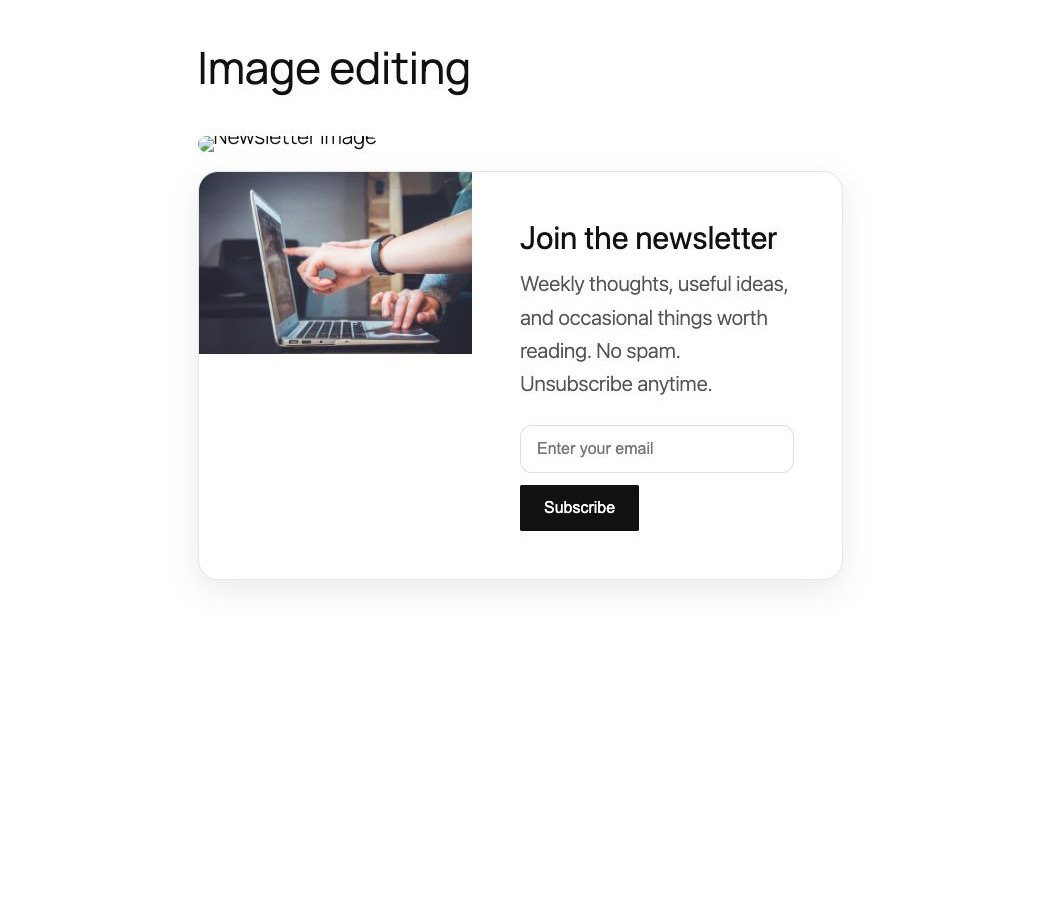
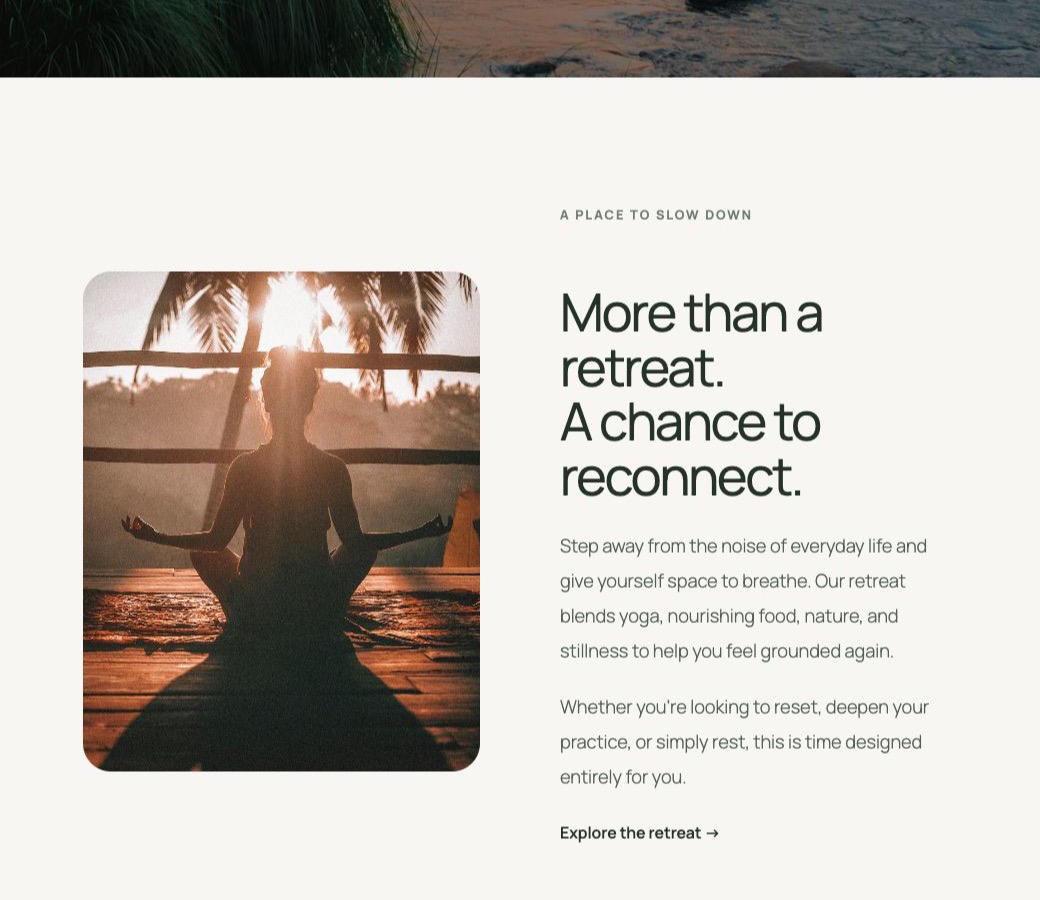
Jamie’s Visual HTML Editor enhances the core Custom HTML block so you can paste in any HTML and let editors change the copy and images without touching the markup.
- Edit content — render the HTML live and click any heading, paragraph, list item, link, or button to edit its text in place. Select text to get a small toolbar for bold, italic, and adding a link. Click any
<img>to replace it from the Media Library, change its URL, or edit its alt text. Adddata-vc-bgand an inlinebackground-imageon hero sections to make backgrounds editable too. - Edit code — the normal raw-HTML view for pasting or writing markup.
- Wide and Full width — adds Wide and Full alignment options to the Custom HTML block. It does not change the block’s content width; it only lets you choose Wide or Full alignment so full-bleed sections can break out of the theme’s content area.
Content is stored as a native Custom HTML block, so revisions and saving work exactly as they do in core. The plugin only changes how the block is edited and aligned.
This plugin is open source. See the Development section below for the full human-readable source code and build instructions.
Development
This plugin is open source (GPL-2.0-or-later). The complete, human-readable source code — including the un-minified JavaScript in src/ and the build configuration — is publicly available at:
https://github.com/jamiemarsland/jamies-visual-html-editor
The compiled files in build/ are generated with @wordpress/scripts:
npm install
npm run build
No third-party libraries are bundled; the plugin relies only on the WordPress-provided editor packages (@wordpress/*).