

Simple Fonts – Upload Custom Fonts for Any Theme or Page Builder
v1.1.11Jonas Hjalmarsson · 2026年8月12日 上架
Upload a custom font once and use it on any theme. Registers in the Font Library and in Kadence, Elementor, Divi, Avada, GeneratePress and Astra.
- 正在使用
- 70+
- 评分
- 暂无
- 累计下载
- 738
- 最近更新
- 2026年10月23日
 Jonas Hjalmarsson
截图
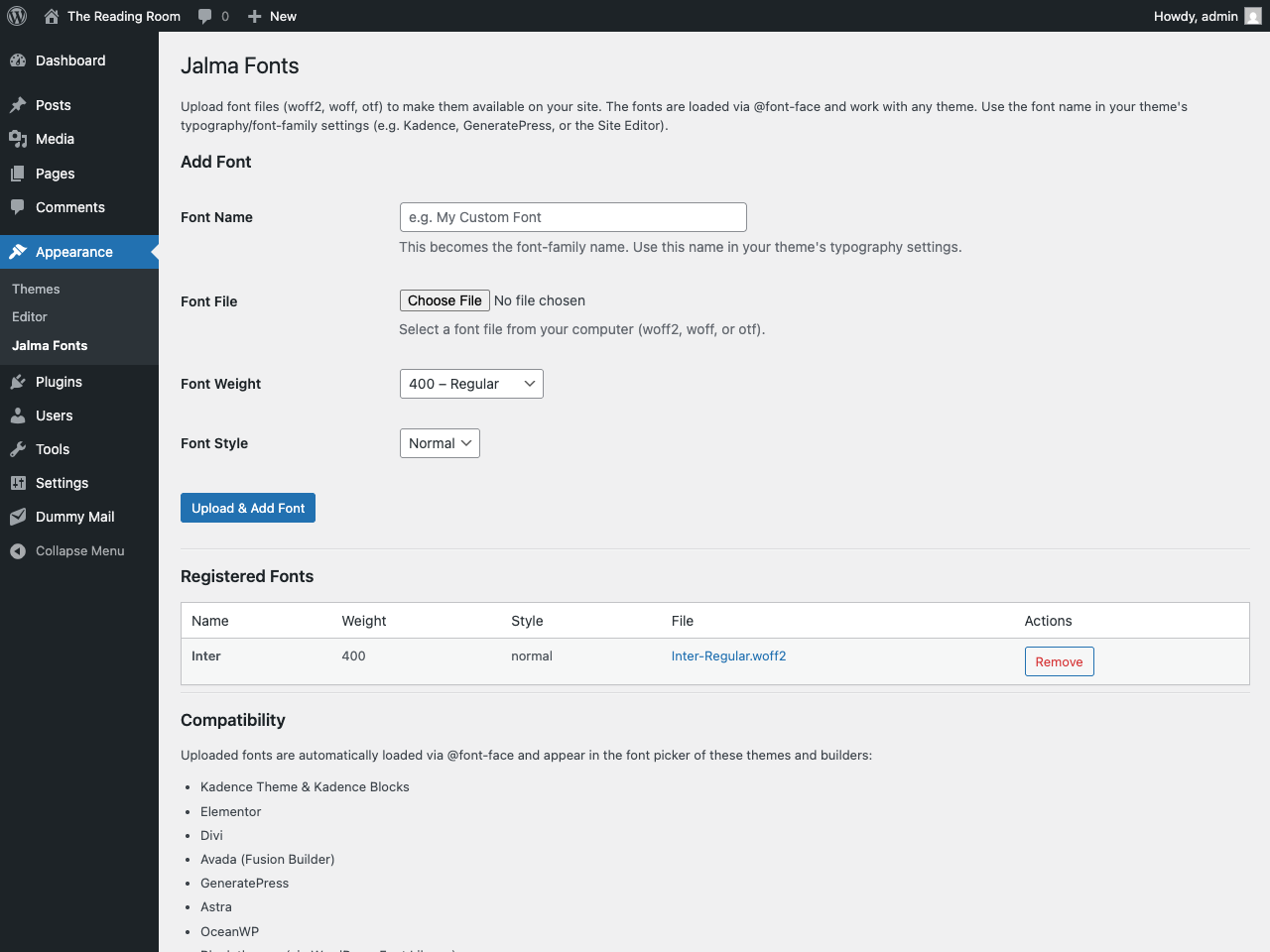
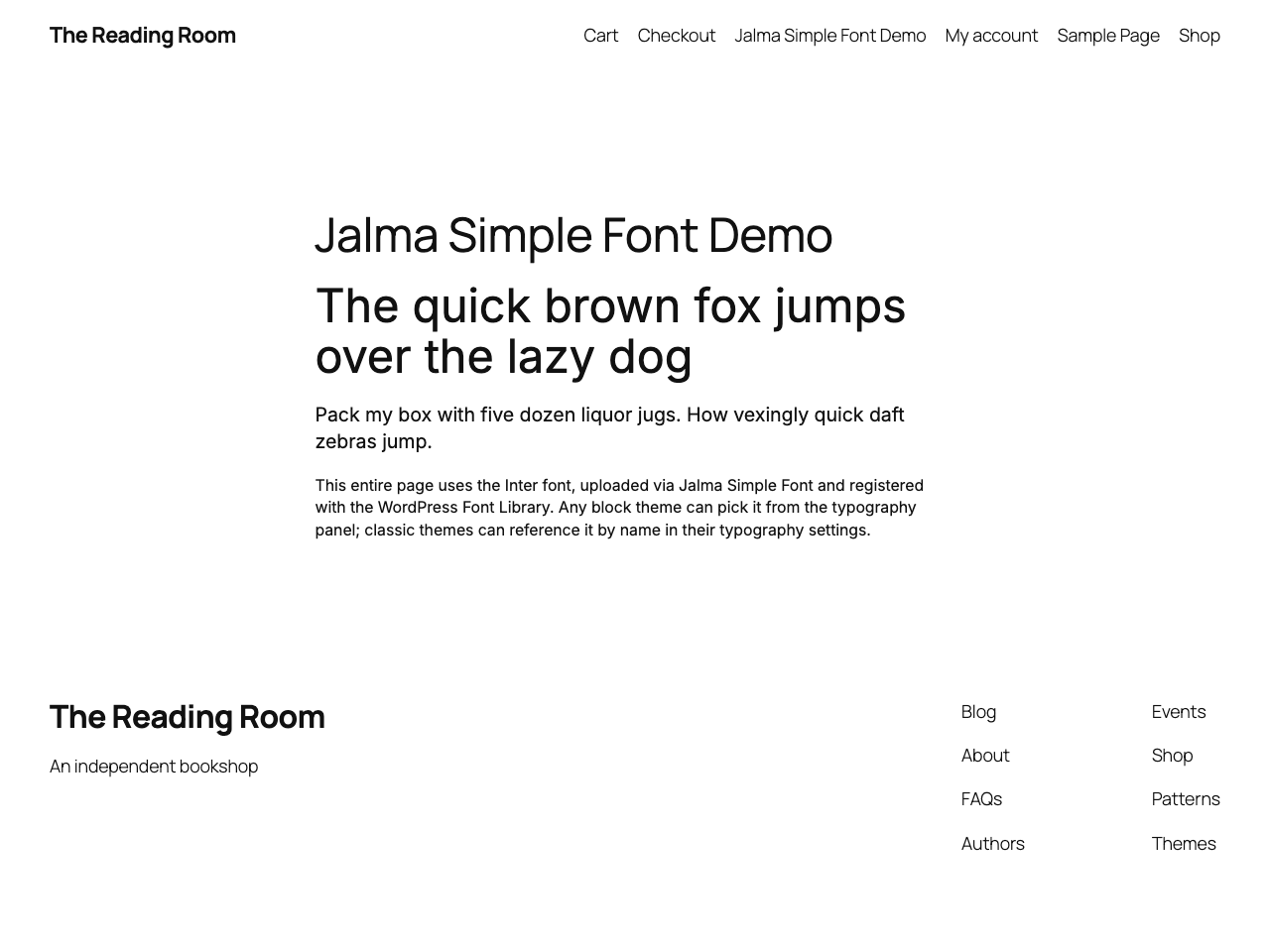
Most custom-font plugins get the font onto your site and stop there. You still end up writing font-family by hand somewhere in a CSS box, because your theme’s typography panel does not know the font exists.
This one registers the font where you actually pick fonts. Upload a woff2, and it shows up in the font dropdown of the builder or theme you already use — selectable with a click, no CSS.
The font is served from your own server via @font-face on the frontend and in wp-admin, so the editor previews what visitors get, and nothing is fetched from Google.
Where your font appears:
- Block themes — registered in the WordPress Font Library, pick it in the Site Editor.
- Kadence (theme & Kadence Blocks), Elementor, Divi, Avada (Fusion Builder), GeneratePress, Astra and OceanWP — the font shows up directly in each one’s own typography settings.
- Any other theme — reference the font name in your CSS or the theme’s font-family setting.
No bloat, no page-builder lock-in — just a custom font, made simple.
Features:
- Upload woff2, woff, and otf font files
- Fonts are loaded via @font-face with
font-display: swap - Set font weight (100–900) and style (normal/italic) per file
- Registered in the WordPress Font Library for block themes
- Native font-picker integration for Kadence, Elementor, Divi, Avada, GeneratePress, Astra and OceanWP
- Works with any other theme too — use the font name in your typography settings or CSS
- Manage fonts at Appearance > Simple Fonts