
iStyleBlox
v2.1.0fareeddaar · 2026年8月23日 上架
Style any block with gradients, shadows, hover effects and animations. Includes 12 blog blocks with FAQ, Review and HowTo schema.
- 正在使用
- 10 以下
- 评分
- 暂无
- 累计下载
- 447
- 最近更新
- 2026年11月23日
需要 WordPress 6.2+已测试到 7.1.5PHP 7.4+
贡献者
 fareeddaar
截图

iStyleBlox gives you the power to design beautiful blog sections directly in the WordPress block editor — no code, no page builder required.
Styling Panel for Every Block
A sidebar panel appears on every block, letting you control:
- Background color and gradient
- Border color, width, radius, style, and shadow
- Padding and margin, per side
- Text color, font size, and font weight
- Hover effects — lift, grow, shadow, dim
- Entrance animations when the block scrolls into view (respects reduced-motion settings)
- Hide on mobile, tablet, or desktop
- One-click style presets
12 Custom Blog Blocks
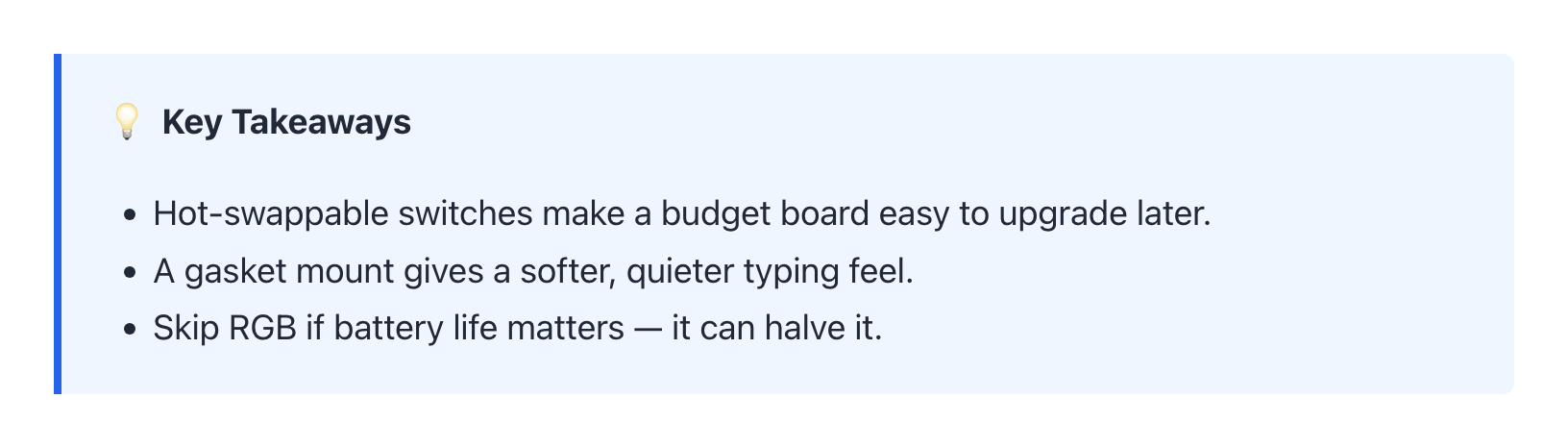
- Key Takeaways — Highlight key points at the top of your article
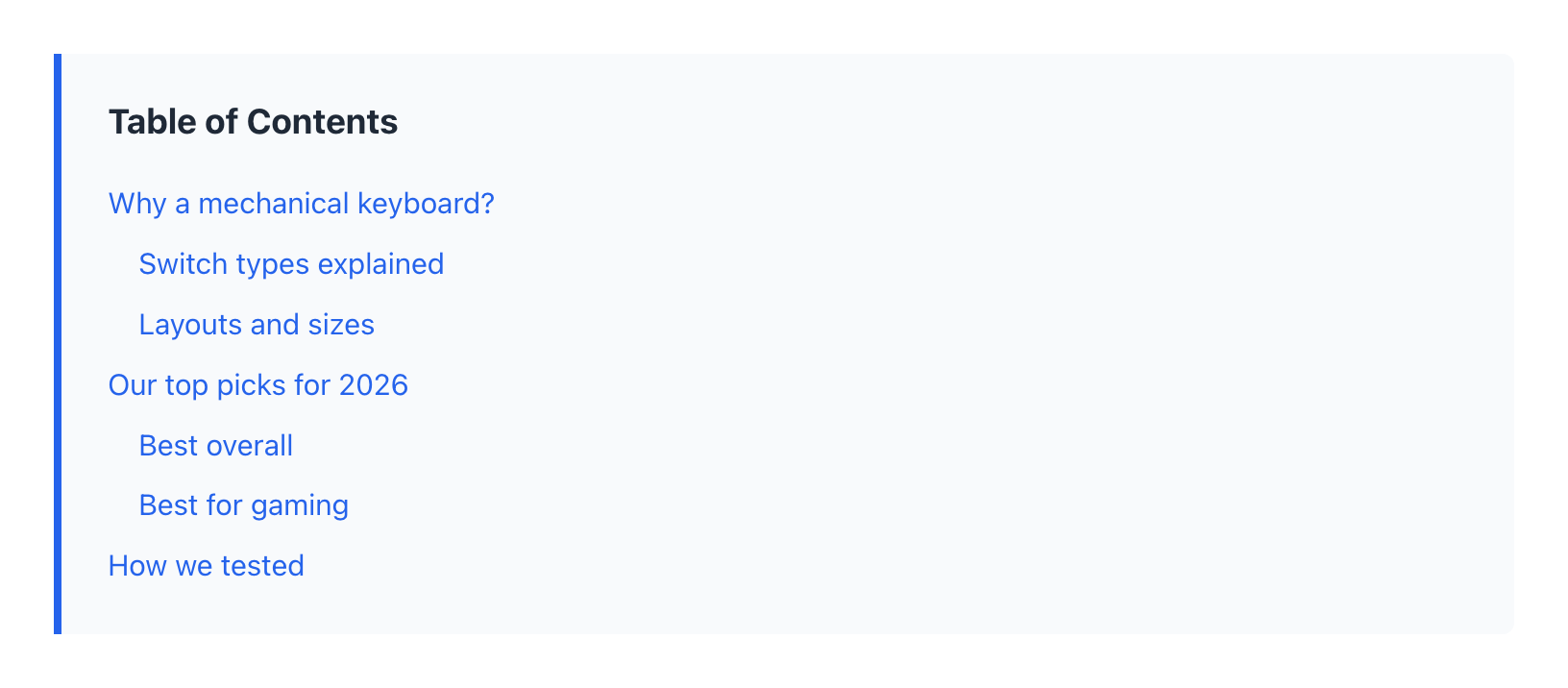
- Table of Contents — Auto-generated, clickable TOC from your headings, with reading-position highlight, optional collapse toggle and floating button
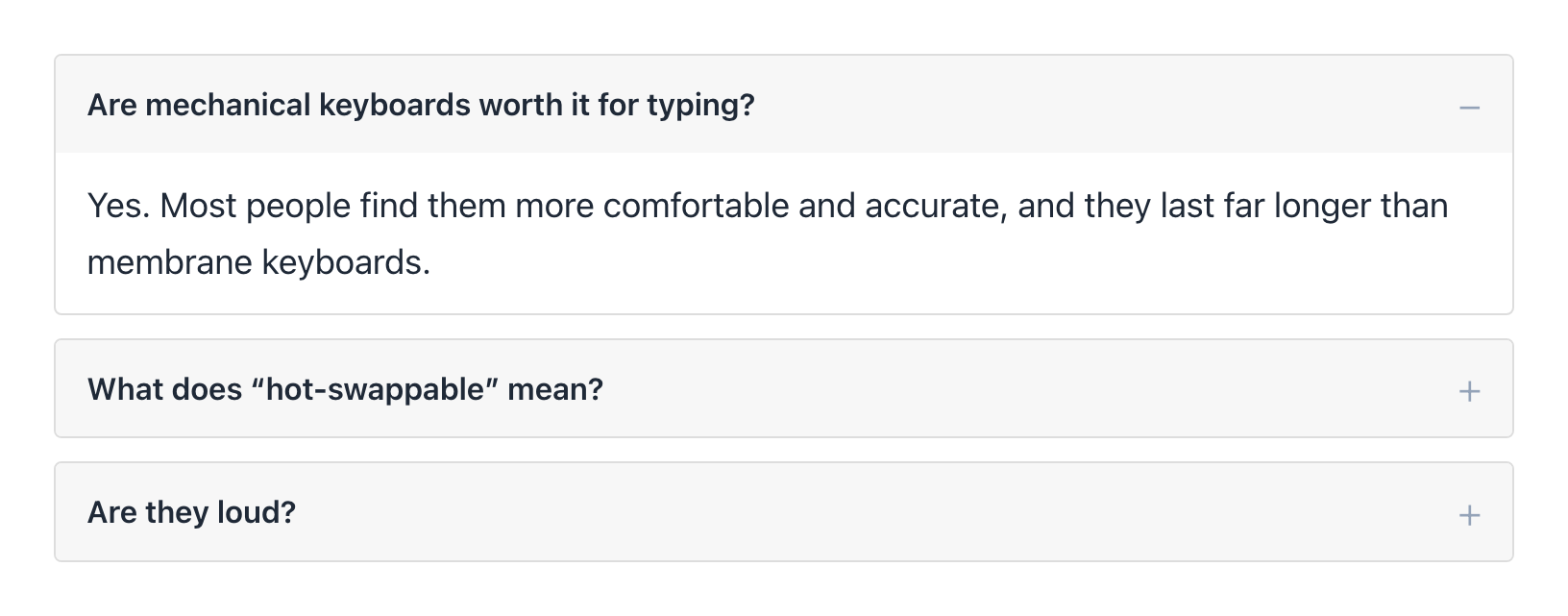
- FAQ Accordion — Collapsible question-and-answer pairs with Schema markup; optionally open the first question or keep one open at a time
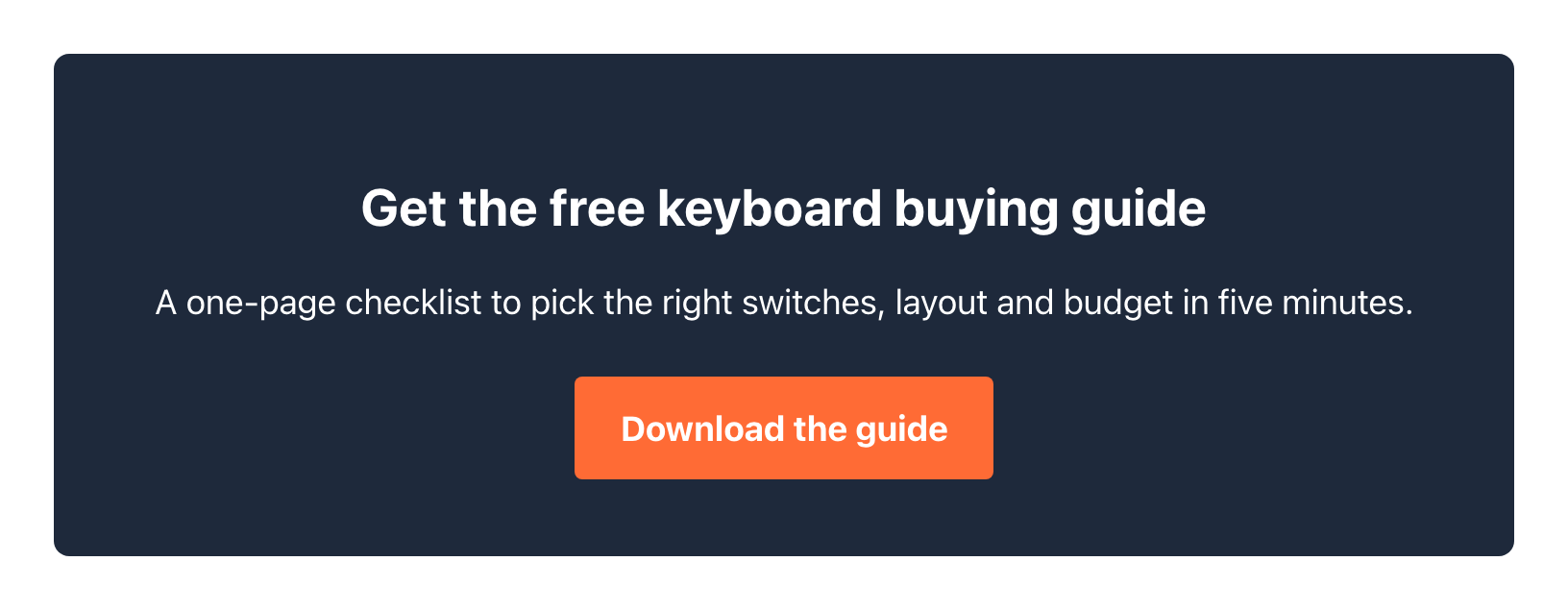
- CTA Box — Call-to-action sections with customizable background, text, and button (new tab, sponsored and nofollow link options)
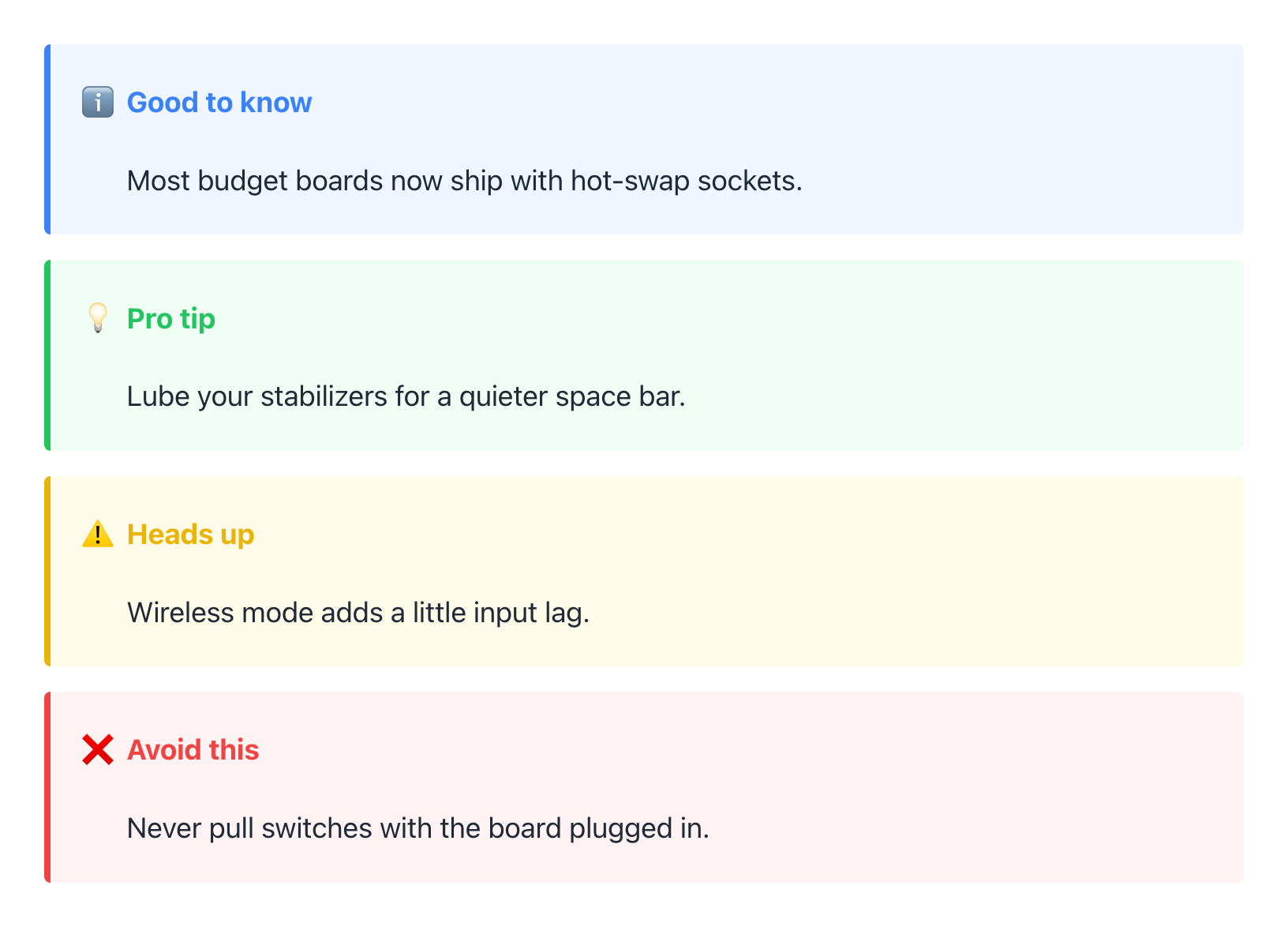
- Note/Info Box — Colored info, warning, tip, or note callouts
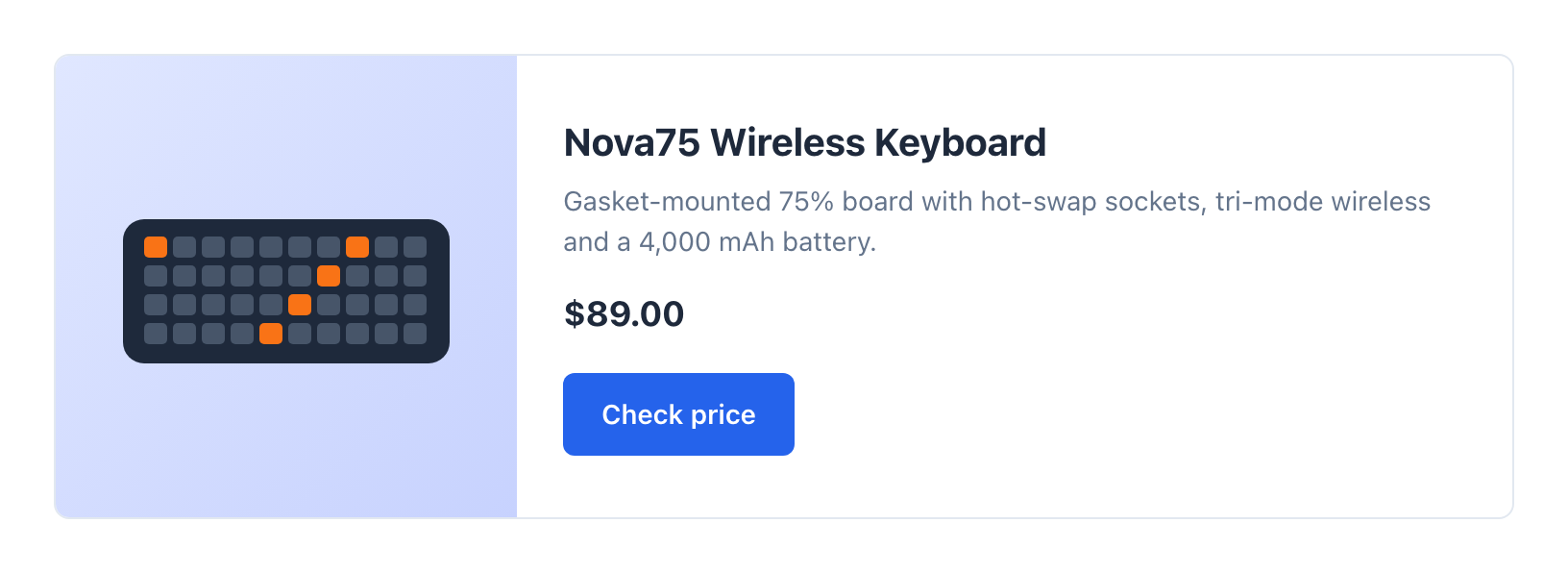
- Featured Product Card — Showcase a product with image, title, price, and link (affiliate-ready sponsored / nofollow options)
- Author Box — Display author info with avatar, name, bio, and social links
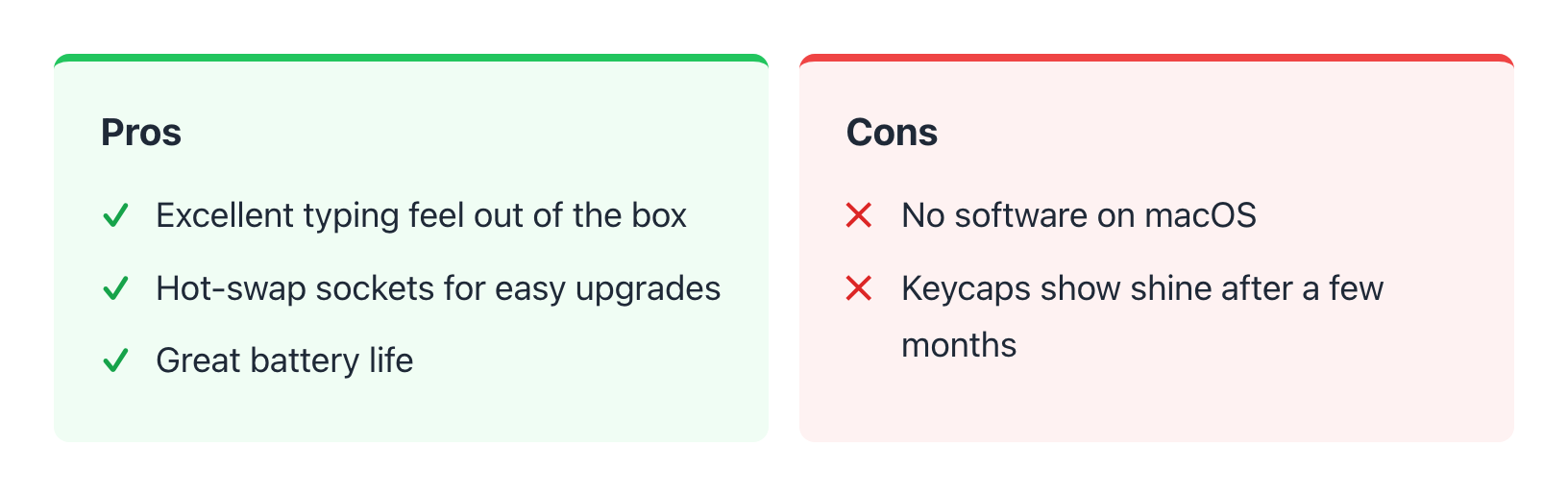
- Pros & Cons — Side-by-side lists of advantages and disadvantages
- Review Box — Star rating, rating breakdown and verdict, with Review schema
- How-To Steps — Numbered instructions with total time and HowTo schema
- Tabs — Organize any content into accessible, keyboard-friendly tabs
- Testimonial — Quote with name, role, photo and star rating
Style Presets
Apply pre-built styles with one click. Choose from presets like “Highlighted Box”, “Soft Card”, “Bold Banner”, and more.