

Live updates from Excel
v2.4.0ipushpull · 2015年7月24日 上架
Display live updating data from your desktop Microsoft Excel spreadsheets in your WordPress blog. No file saving or importing required.
- 正在使用
- 100+
- 评分
- 4.2 / 5
- 累计下载
- 2 万
- 最近更新
- 2023年12月5日
 ipushpull
 Tomas Dostal
截图
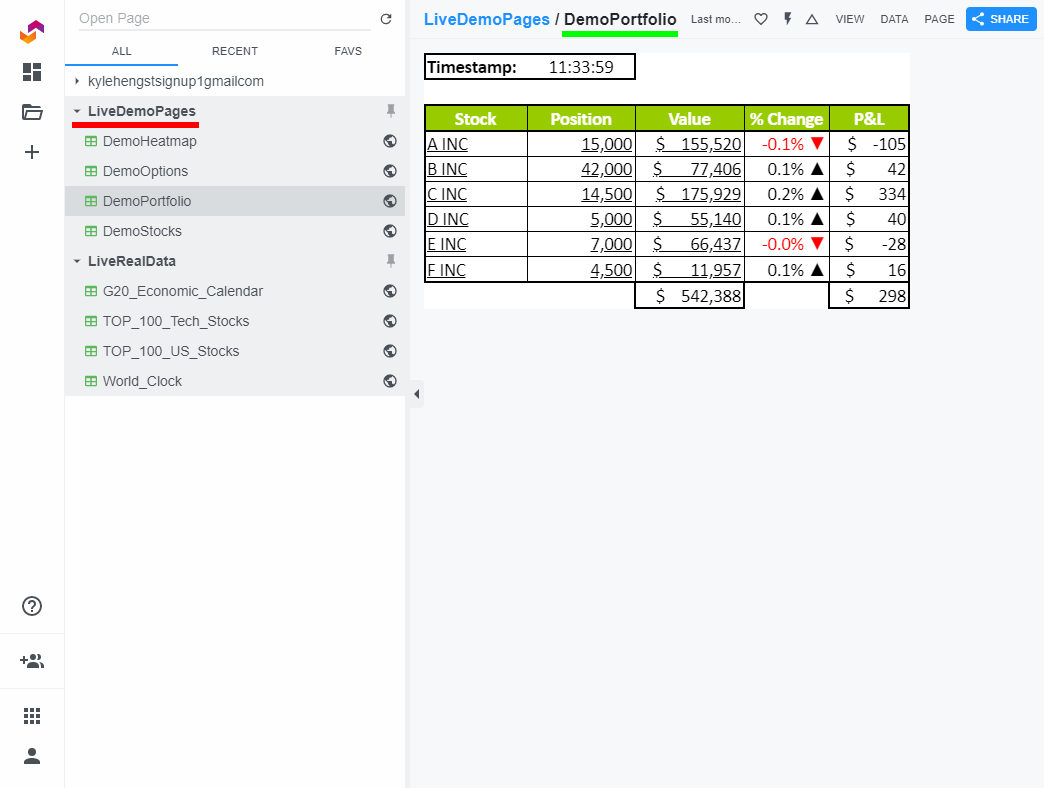
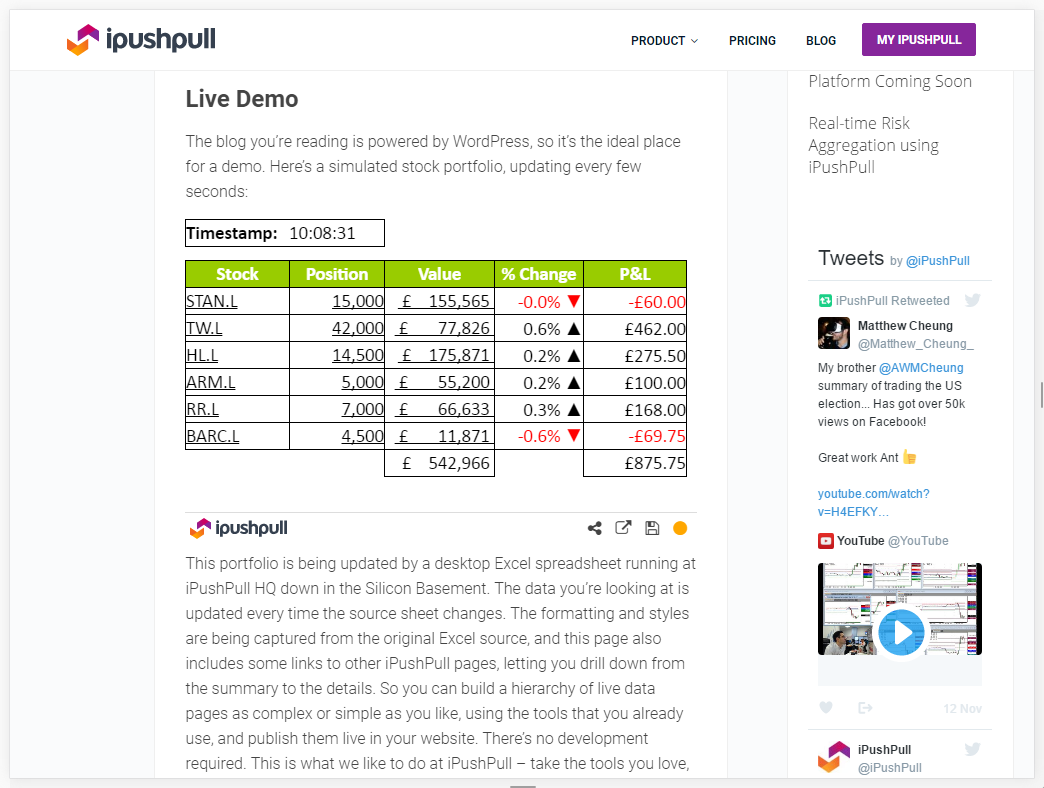



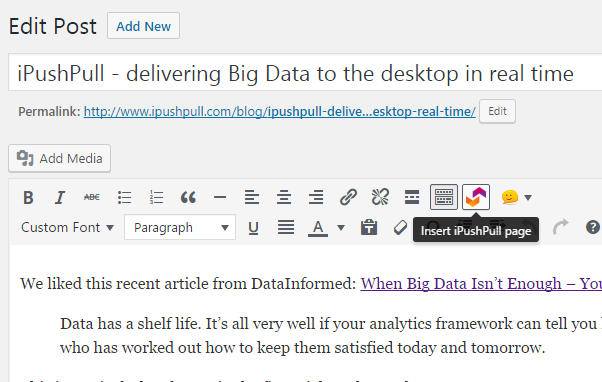
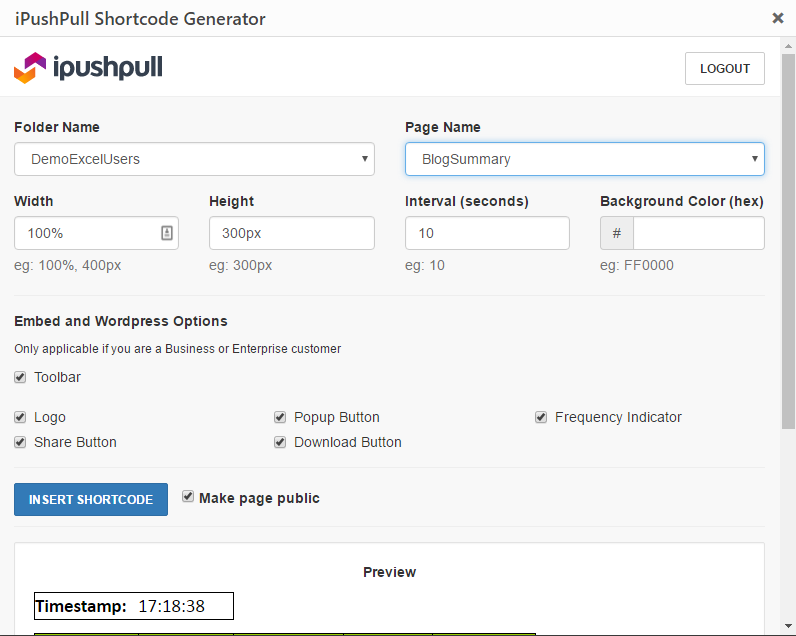
The ipushpull WordPress plugin makes it easy to automate updates from your desktop Excel spreadsheets into your WordPress pages.
Push data from Excel
- Push your data and formats at the click of a button from your existing spreadsheets with our Excel add-in. No file uploads required.
Live updates
- Update your webpages automatically as data changes in your spreadsheet. Share only the latest information with your site visitors.
Live charts too!
- Push your Excel charts automatically to WordPress too.
Take a look at this page on the ipushpull blog to see the plugin in action.
You’ll need an ipushpull account to use the plugin – sign up for a free trial here!
Features
- Display the latest data from your desktop spreadsheets in your WordPress pages
- You don’t need to save the source spreadsheet to update the data
- Your content updates automatically – the reader does not need to refresh their browser to get the latest update
- You choose the range of cells that gets displayed
- You control the update frequency – every few seconds, every hour, every day
- Data can be public or password protected
Examples
Take a look at this page on the ipushpull blog to see the plugin in action.
For more information please visit the ipushpull website and the ipushpull Help and Support Centre.
User Guide
When you sign up to ipushpull we create a Folder for you, containing live data Pages. You can then push data to these pages from desktop Excel spreadsheets, databases or any of the other applications we support.