

IP Address Widget II
v1.0.6myproxy · 2012年11月22日 上架
Show the visitor's information in a widget, including the IP address, country, flag, city, region, language, operating system, and browser.
- 正在使用
- 100+
- 评分
- 4.3 / 5
- 累计下载
- 2.1 万
- 最近更新
- 2026年9月25日
3 条评价需要 WordPress 2.7+已测试到 7.1.5PHP 4.0+
贡献者
 myproxy
截图
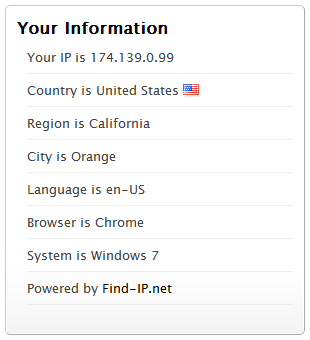

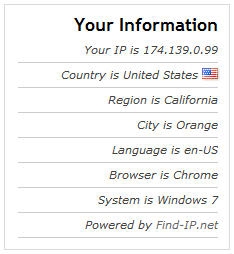

Show the visitor’s information in a widget, including the IP address, country, country flag, city, region, language, operating system, and browser.
You can choose the information to be shown. It’s shown in the visitor’s language automatically.
How to use it?
- Go to the admin menu Appearance > Widgets.
- Then drag the IP address widget to your Sidebar.
Here is a live demo: https://free-proxy-list.net/blog/
3rd Party API
- The plugin is relying on our IP Widget API service
- It gets the visitor’s information by that API
- IP Widget API service Privacy Policies
- IP Widget API service Terms of Use