

Invitations for Slack
v1.0.2rheinardkorf · 2016年1月27日 上架
Build a Slack community by allowing your visitors (or registered users) to invite themselves to your Slack team.
- 正在使用
- 20+
- 评分
- 3.8 / 5
- 累计下载
- 6,344
- 最近更新
- 2016年1月29日
6 条评价需要 WordPress 4.4+已测试到 4.4.34
贡献者
 rheinardkorf
截图

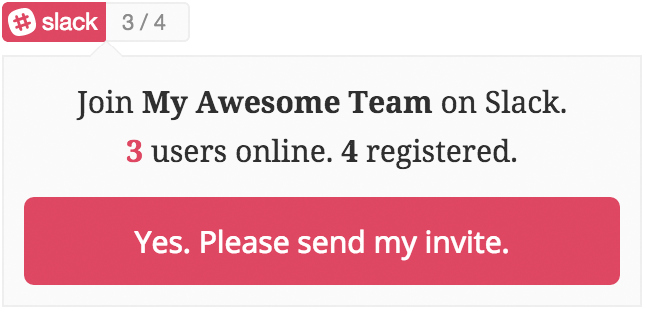


Invitations for Slack lets you use convenient shortcodes to show “Join us on Slack.” buttons or Slack badges. Just add
your Slack token and use the shortcodes wherever you want your visitors to be able to invite themselves from.
Features:
- Easy to use:
- Visit https://api.slack.com/web to generate your Slack token.
- Add the token to the plugin settings.
- Use the [invitations_for_slack] or [invitations_for_slack_badge] shortcodes.
- Invitations are performed using the WP REST API which in turn communicates with the Slack API. No page reloads.
Requirements:
- A Slack team and the team’s access token.
- A self-hosted WordPress website (Not a WordPress.com website.)