

Intuitive Custom Post Order
v3.2.0hijiri · 2012年10月21日 上架
Intuitively reorder Posts, Pages, Custom Post Types, Taxonomies, and Sites with a simple drag-and-drop interface.
- 正在使用
- 40 万+
- 评分
- 4.4 / 5
- 累计下载
- 316 万
- 最近更新
- 2025年9月16日
贡献者
 hijiri
截图


Intuitively reorder Posts, Pages, Custom Post Types, Taxonomies, and Sites with a simple drag-and-drop interface.
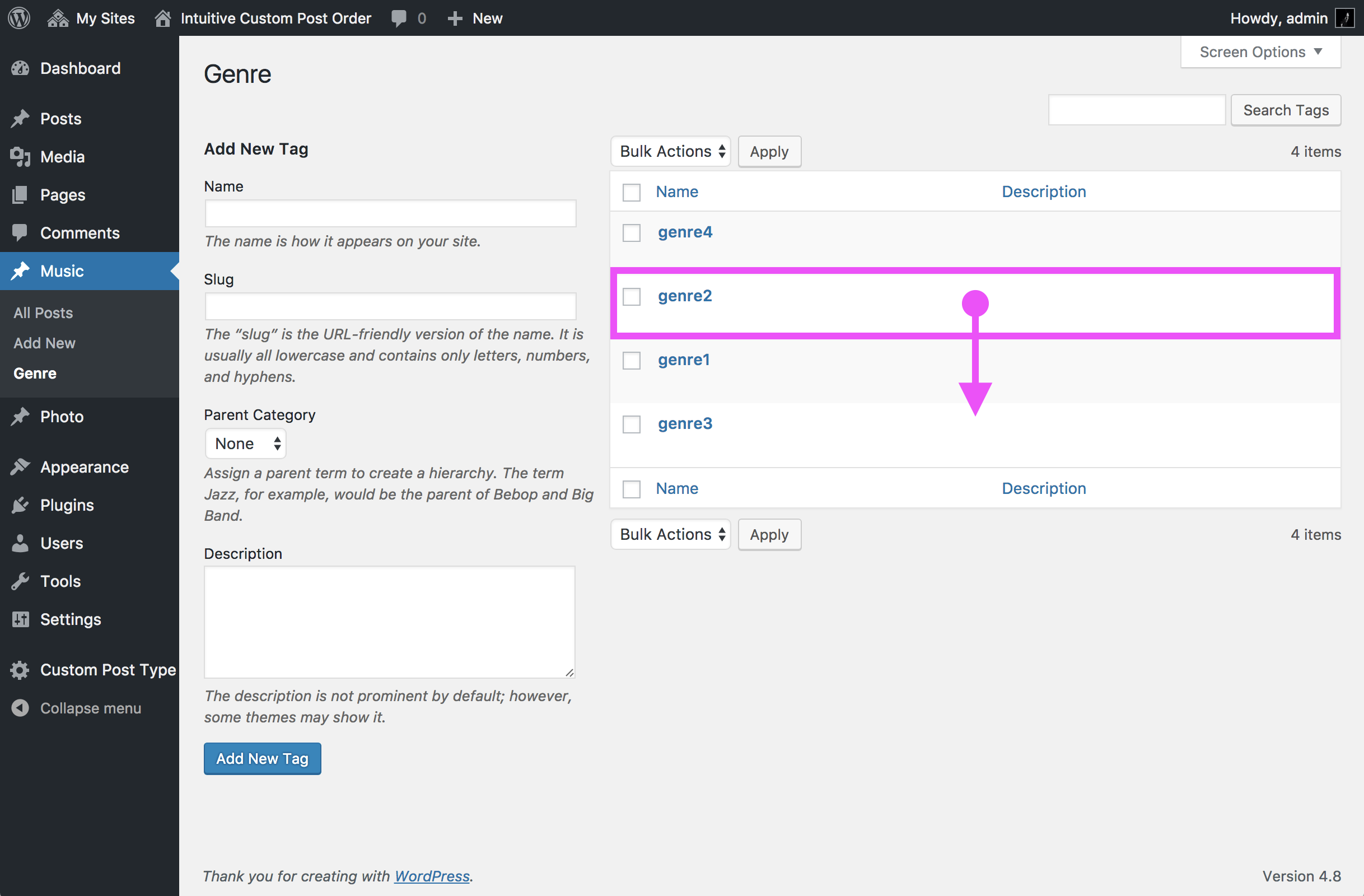
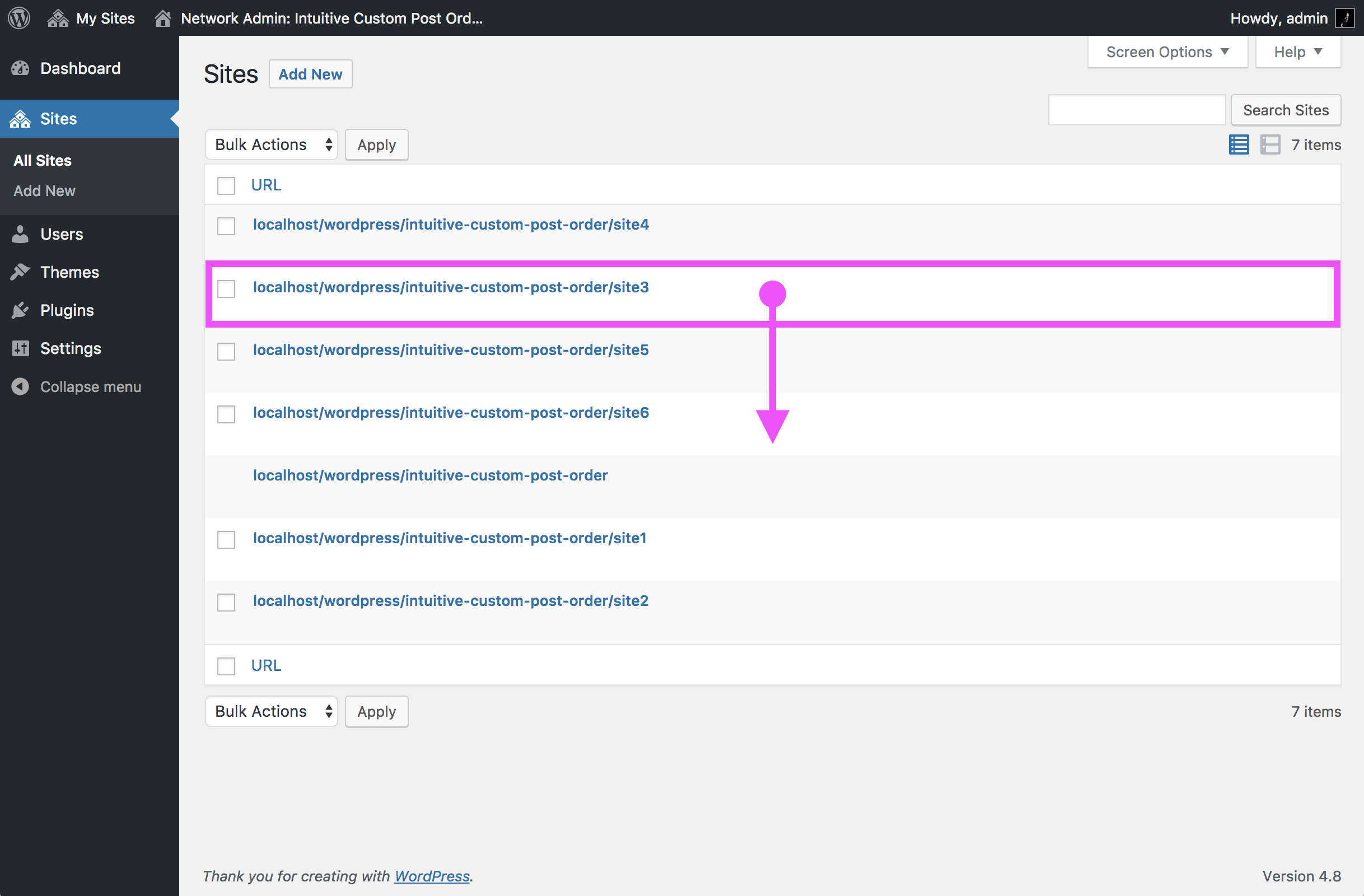
Intuitive Custom Post Order lets you reorder items with simple drag and drop in the WordPress admin.
You can sort Posts, Pages, Custom Post Types, Taxonomies, and (on Multisite) Sites.
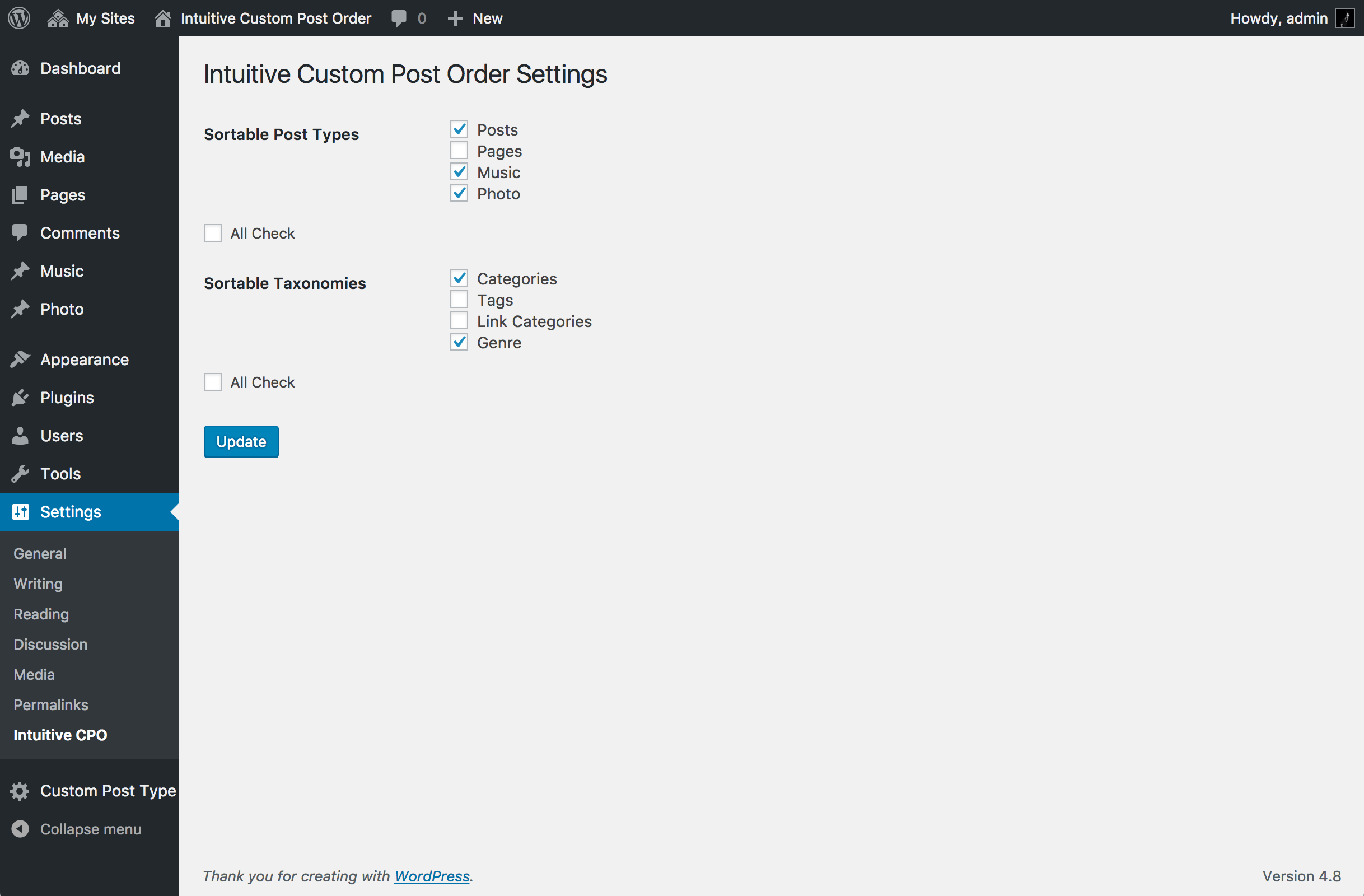
Go to Settings Intuitive CPO and select which content types you want to make sortable.
Once enabled, just drag and drop items in the list tables—no extra setup is required.
If you create custom queries in your theme or plugins, set orderby=menu_order and order=ASC to respect the drag-and-drop order.
To keep the default WordPress order (by date), explicitly set orderby=date and order=DESC.
Source code and development are available on GitHub.