

IntelligenceBank Assets Connector
v2.0.1IntelligenceBank · 2018年5月2日 上架
Insert images, video, audio and documents from your IntelligenceBank platform into WordPress.
- 正在使用
- 30+
- 评分
- 暂无
- 累计下载
- 3,731
- 最近更新
- 2026年10月13日
贡献者
 IntelligenceBank
截图
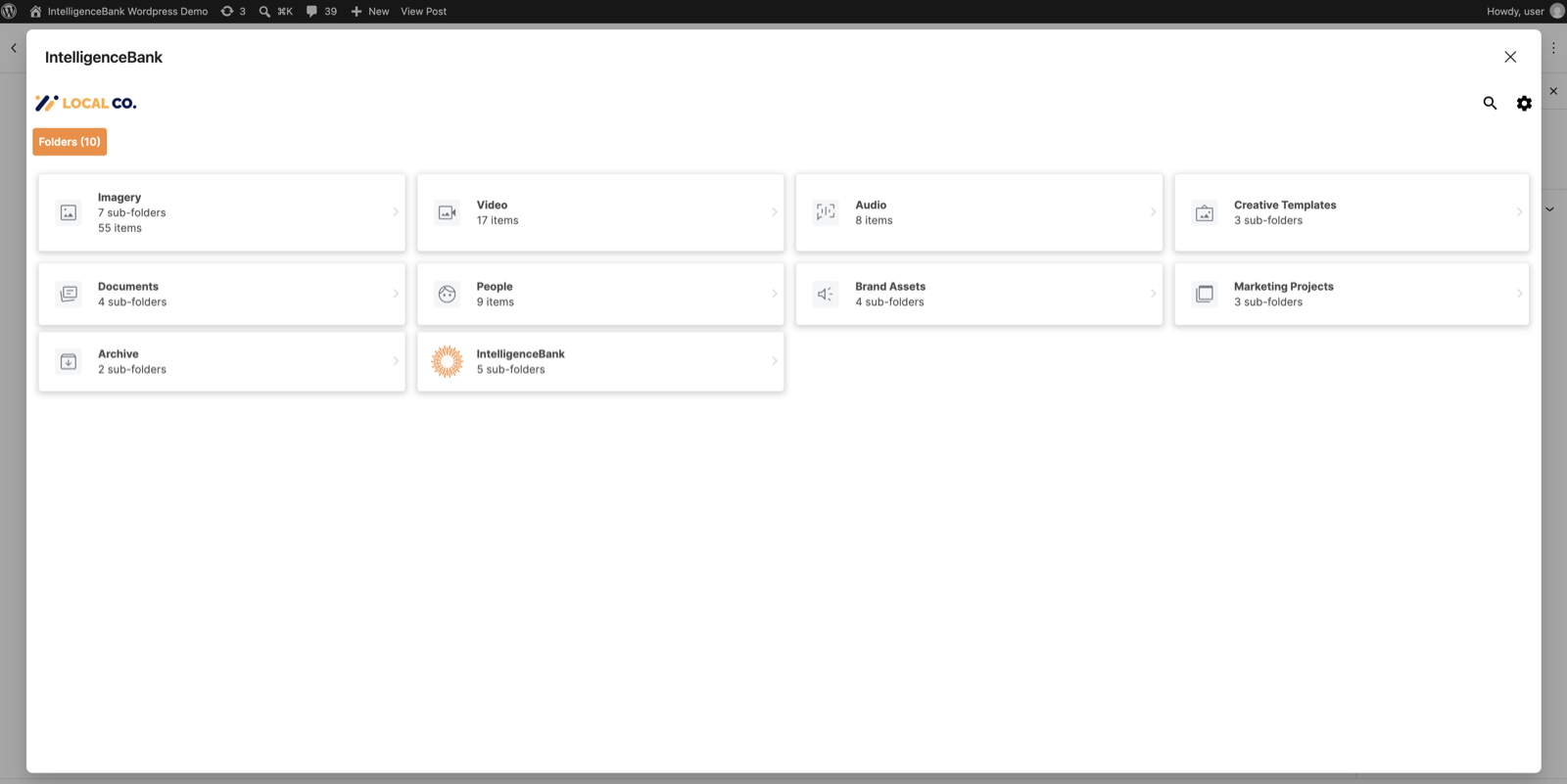
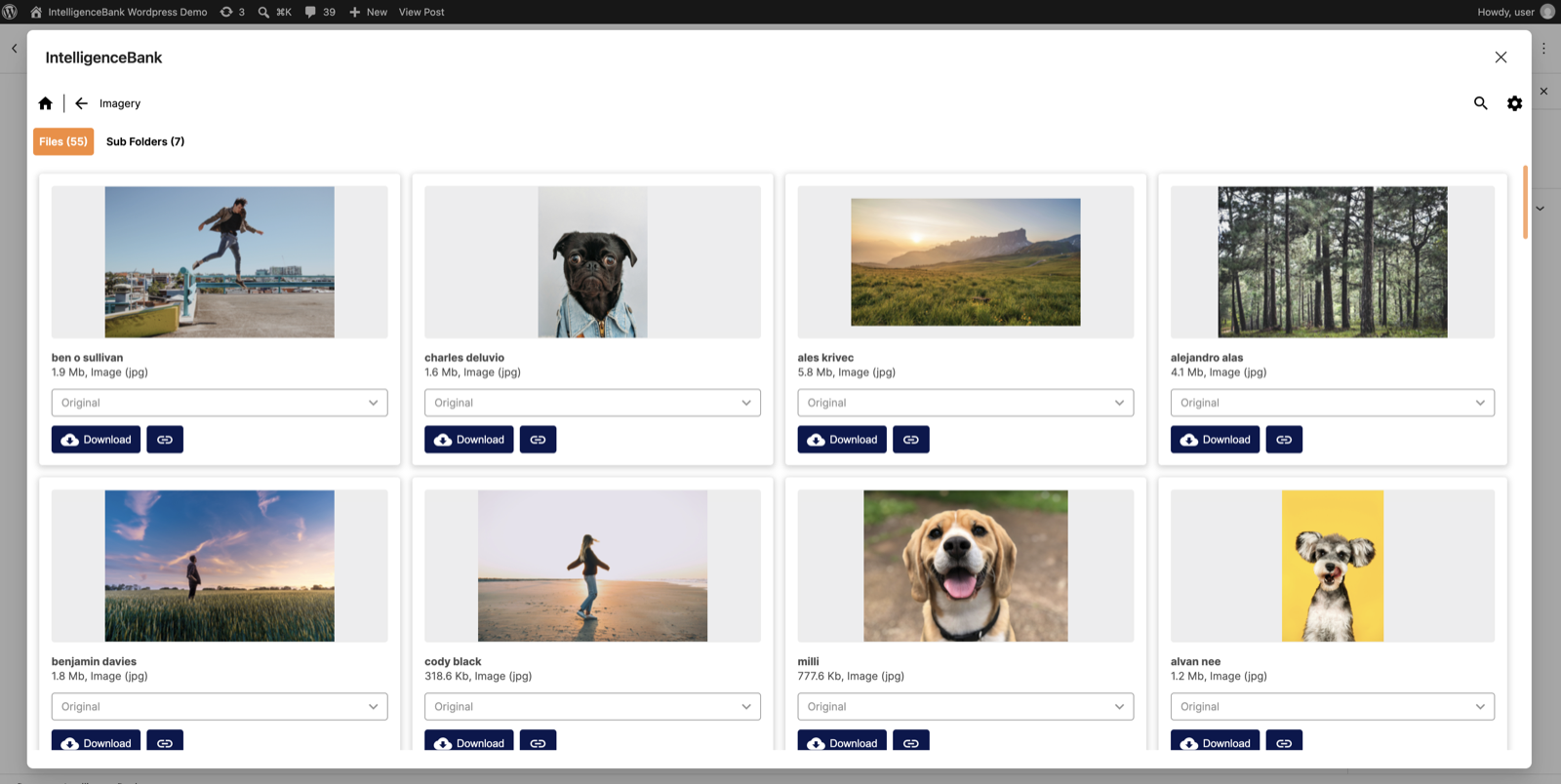
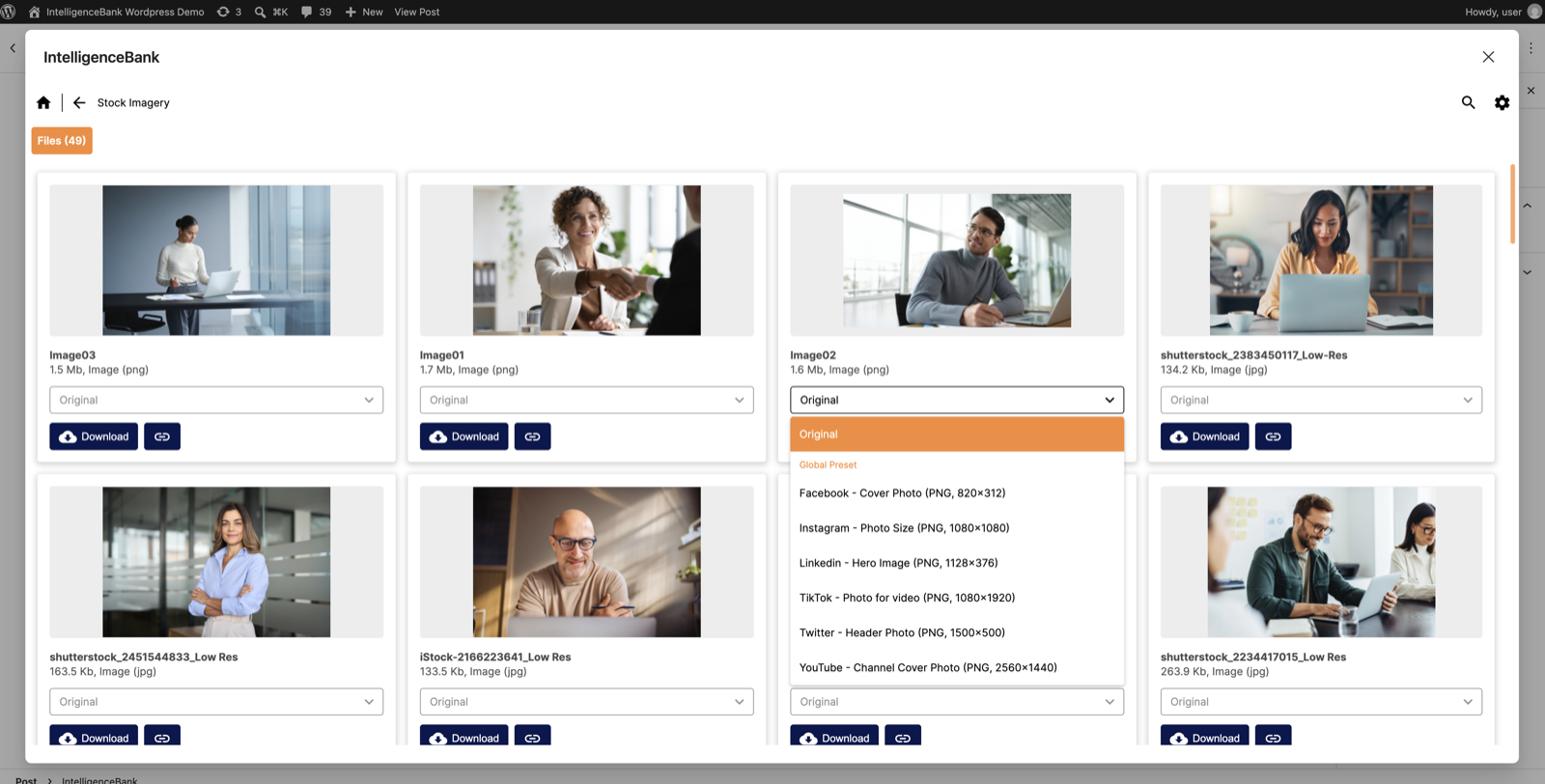
The IntelligenceBank Assets Connector lets you browse your IntelligenceBank digital asset management platform from inside WordPress and insert approved assets into your content.
Insert an asset in one of two ways:
- Public link. The asset is displayed from IntelligenceBank, so updates to the asset are reflected on your site.
- Media Library copy. The file is downloaded into your WordPress Media Library.
The connector is available:
- As the IntelligenceBank block in the block editor.
- As an IntelligenceBank tab in the WordPress media window, used by the Classic editor, featured images, the Image block’s Media Library and page builders such as Elementor.
You need an IntelligenceBank account to use this plugin. Learn more about the IntelligenceBank Assets Connector for WordPress.
External service
This plugin loads the IntelligenceBank connector app from ucprod.intelligencebank.com (or ucstaging.intelligencebank.com when the Staging environment is selected) in the editor, so you can sign in to IntelligenceBank and choose assets. When you insert a Media Library copy, your site downloads the file from your IntelligenceBank platform. Nothing is sent to IntelligenceBank from your site’s visitors, other than loading assets you inserted as public links.