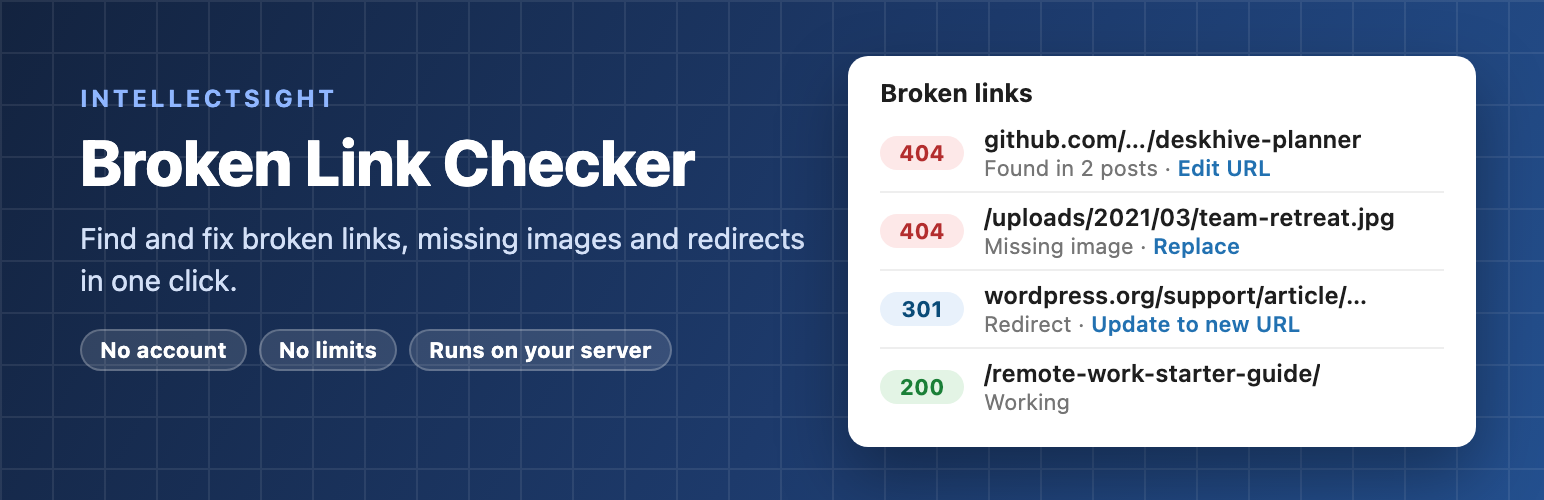

IntellectSight Broken Link Checker
v1.0.1intellectsight · 2026年9月30日 上架
Find and fix broken links, missing images and redirects in your posts and pages. 100% on your server — no account, no cloud, no link limits.
- 正在使用
- 10 以下
- 评分
- 暂无
- 累计下载
- 368
- 最近更新
- 2026年11月7日
需要 WordPress 6.2+已测试到 7.1.5PHP 7.4+
贡献者
 intellectsight
截图


Broken links frustrate visitors and waste the SEO value of your content. IntellectSight Broken Link Checker finds every broken link and missing image in your posts and pages and lets you fix them in one click — without leaving your dashboard.
Why another link checker?
- No account, no credit card, no cloud. Every check runs on your own server. Nothing about your site is sent to us or to any third-party service.
- No limits. Check 50 links or 500,000. There is no paid tier holding back features.
- Light on your database and server. One row per unique URL (a link used in 300 posts is checked once), small background batches that stop after 20 seconds, and nothing at all runs for your visitors.
- Fewer false alarms. A timeout or server error is re-tested before it is called broken. Sites that block automated checks (LinkedIn, some shops and social networks) are listed separately as “Blocked” instead of cluttering your broken-link list.
- Smart internal checks. Links to your own posts are checked directly in your database — no web request — so it also catches links to drafts, private posts and posts in the trash.
What it checks
- Links (
<a href>) in posts, pages and any public custom post type. - Images (
<img src>) — including image files missing from your uploads folder. - Links within your own site — always.
- Links to other websites — once you switch this on (it is off until you agree; see the FAQ).
- Redirects — see where old links now point and update them to the final URL.
Fix links in one click
From the Broken Links screen you can, for any link:
- Edit URL — type the new address once and it is updated in every post that uses it.
- Unlink — remove the link but keep the text.
- Update to new URL — replace a redirecting link with the address it now ends up at.
- Not broken — dismiss a false alarm; it stays dismissed.
- Recheck — test again right now.
Every fix is saved as a normal post update, so a revision is created and you can always undo it. Bulk actions let you fix many links at once.
Everything else you need
- Filter by Broken, Needs confirmation, Redirects and Blocked, and search by URL or link text.
- See the link text and every post that contains each link.
- Count of broken links in the admin menu and a Dashboard widget.
- Optional daily email when new broken links are found.
- Optional: add
rel="nofollow"to broken links until you fix them. - Optional: strike through broken links on the front end — visible only to logged-in editors.
- Exclude URLs or whole domains (wildcards supported).
- Export any list to CSV.
- WP-CLI:
wp link-checker scanandwp link-checker report. - Uninstalling removes every table, option and scheduled task the plugin created.
Developed by IntellectSight.