
Integrate WooCommerce with Lightspeed (Vend)
v1.6sujith222 · 2018年6月25日 上架
Connect your Lightspeed Retail (X-Series) with WooCommerce - manage products in Lightspeed, inventory synchronization, sales and customer exports in r …
- 正在使用
- 40+
- 评分
- 5.0 / 5
- 累计下载
- 4,985
- 最近更新
- 2026年10月4日
贡献者
 sujith222
截图
This powerful integration plugin connects Lightspeed Retail (X-Series) with your WooCommerce store, offering:
✨ Free Features:
* Two-way inventory synchronization
* Simple product import
* Product updates from Lightspeed to WooCommerce
* Real-time order and customer from WooCommerce to Lightspeed
🌟 Premium Features:
* Automated product updates
* Automated inventory sync
* Lightspeed register selection for orders from WooCommerce
* Variable product support
* Lightspeed Brands integration
* WooCommerce order ids in Lightspeed orders
* Lightspeed Loyalty points tracking
* Priority support
Note: The premium features are only available in the Premium version of the plugin. You can get in touch with us or purchase from here: https://linkly.link/2ufSU
Limitations
- Composite products are not currently supported (planned for future release)
The Integration
Steps:
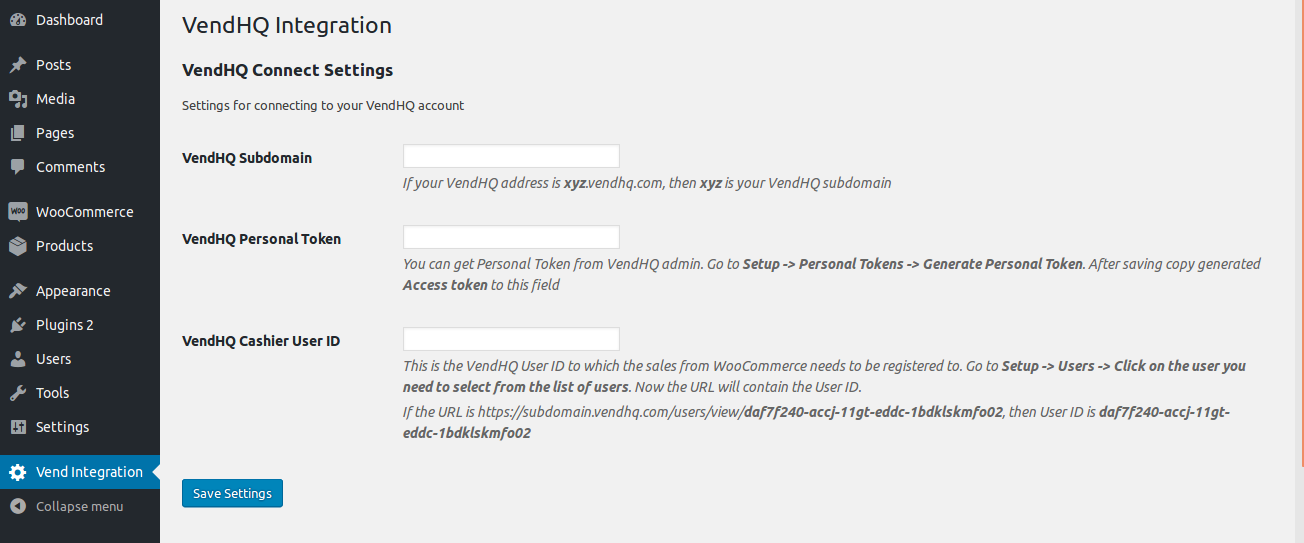
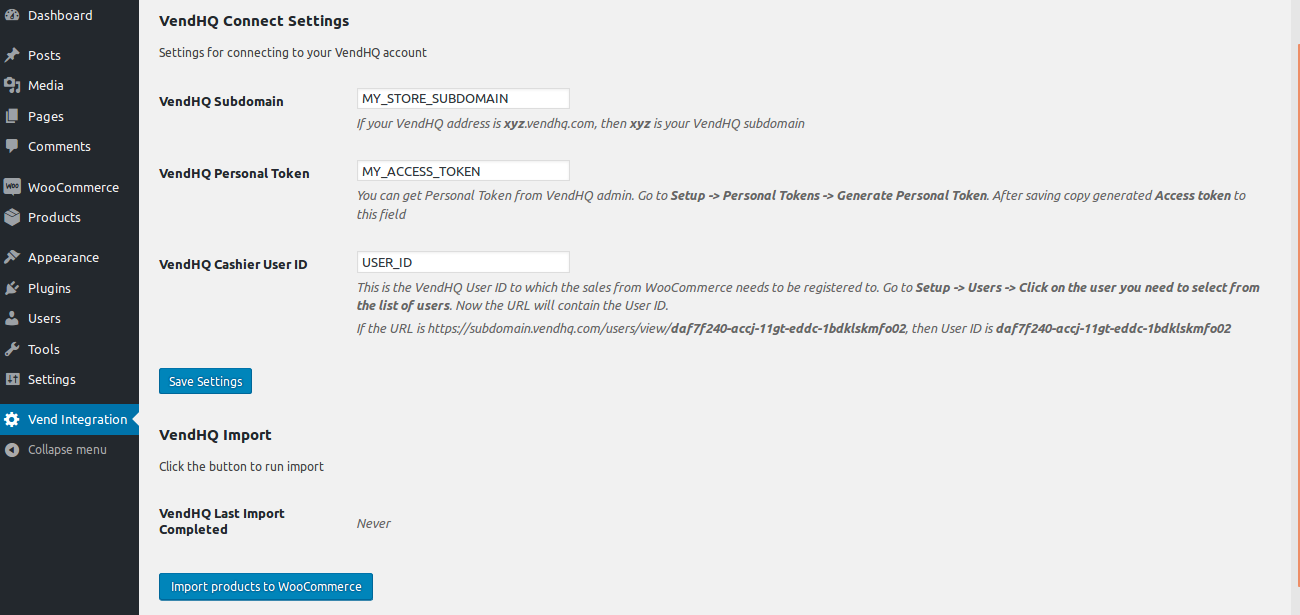
- Click “Lightspeed Integration” on left menu in WordPress admin.
- Enter Lightspeed Subdomain, Lightspeed Personal Token and Lightspeed Cashier User ID and Click “Save Settings”(Detailed instructions are in the page).
- Now you will be able to import products to WooCommerce by clicking the button “Import products to WooCommerce”.