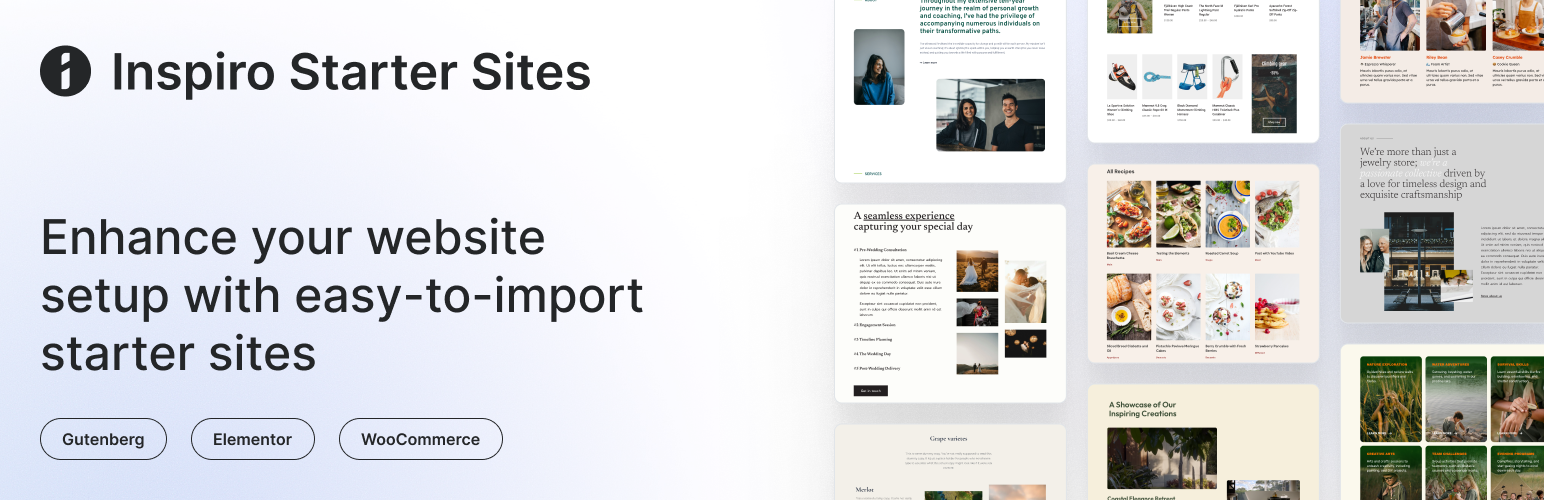

Inspiro Starter Sites – 20+ Free Demo Templates for Gutenberg & Elementor
v1.7.0WPZOOM · 2025年2月11日 上架
Import free starter sites & demo templates for Gutenberg, Elementor and WooCommerce — build a complete WordPress website in just a few clicks.
- 正在使用
- 1 万+
- 评分
- 5.0 / 5
- 累计下载
- 17 万
- 最近更新
- 2026年11月21日
贡献者
 WPZOOM
截图


Inspiro Starter Sites is a free library of starter sites and demo templates for WordPress. Import a complete, professionally designed website — built for the Gutenberg block editor, Elementor, and WooCommerce — in just a few clicks, then customize it to match your brand.
✨ NEW: AI Demo Generator (Beta) — don’t see a demo that fits? Describe your website and let AI design and build a custom demo just for you: real pages, photos, menu and colors, ready in about two minutes and 100% editable with native blocks.
✨ NEW: Design Library — a button in the block editor with ready-made patterns you insert in one click (the ones built into your theme, plus a larger library with Inspiro Premium) and an AI page builder that writes a page from your description.
No page-building from scratch and no coding required: pick a demo, run the one-click importer, and get a ready-made site with pages, images, menus, widgets and customizer settings already set up.
The plugin works hand-in-hand with the free Inspiro theme and gives you access to 20+ ready-made starter templates:
View All Demos
⭐️ View Premium Starter Sites ⭐️
- Business / Portfolio | View Demo
- Business (Elementor) | View Demo
- Business | View Demo
- Creative Agency | View Demo
- Video Production | View Demo
- Green Energy | View Demo
- Architecture | View Demo
- Consulting Company | View Demo
- Lawyer / Legal Firm | View Demo
- Insurance Company | View Demo
- Charity / NGO | View Demo
- Events / Conference | View Demo
- Construction | View Demo
- Winery | View Demo
- Gym / Fitness | View Demo
- Remix | View Demo
- Persona Lite (Dark) | View Demo
- Shop (WooCommerce) | View Demo
- Medical / Doctor | View Demo
- Finance / Tech | View Demo
- Food Blog | View Demo
- Magazine | View Demo
- Freelancer (One-page) | View Demo
- Freelancer (One-page) #2 | View Demo
Whether you’re building a business site, an online store, a blog, or a portfolio, Inspiro Starter Sites helps you launch a professional WordPress website fast.
FEATURES
- One-click demo import of full starter sites — pages, media, widgets, menus and customizer settings
- 20+ free website templates for business, portfolio, WooCommerce shops, food & restaurant, medical, finance, charity, events, fitness and more
- Demos for both the Gutenberg block editor and Elementor page builder
- WooCommerce-ready starter sites for online stores
- Filter starter sites by page builder and category to find the right demo template fast
- Required plugins are detected and installed automatically during import
- 100% free starter templates — no sign-up required
How does it work?
Inspiro Starter Sites is optimized to work with the Inspiro Lite theme.
After installing and activating the theme, click on the Starter Sites button from the theme banner or go to Inspiro -> Import Demo and click on the Install Inspiro Starter Sites button.
Choose the demo you want to use and click on Import Demo.
Follow the steps of the installer.
Additional Resources
Credits
This plugin incorporates code from the One Click Demo Import plugin by Awesome Motive, available under the GNU General Public License.
🙌 FOLLOW US
- 🐦 X
- 📘 Facebook Group
External services
This plugin connects to the following external services. No data is sent to any of them without an explicit action by the site administrator (importing a starter site, using the AI Demo Generator, or opening the Design Library).
WPZOOM demo servers (wpzoom.com, ai.wpzoom.com)
When you import a starter site, the demo package (content, images, widgets and customizer settings) is downloaded from WPZOOM’s servers to your site. If you submit the optional “Suggest a demo” feedback form, the text you enter is sent to wpzoom.com.
Terms of service: https://www.wpzoom.com/terms-and-conditions/ — Privacy policy: https://www.wpzoom.com/privacy-policy/
WPZOOM pattern library (ai.wpzoom.com, wpzoom.s3.amazonaws.com)
When you open the Patterns tab of the Design Library in the block editor, the list of patterns is requested from ai.wpzoom.com and their preview images are loaded from WPZOOM’s file storage on Amazon S3. Inserting a pattern downloads its content, and the images it ships with, to your site.
Terms of service: https://www.wpzoom.com/terms-and-conditions/ — Privacy policy: https://www.wpzoom.com/privacy-policy/
Google Fonts (fonts.googleapis.com)
Font stylesheets for AI-generated demos are fetched once by your server and the font files are stored locally on your site. Your visitors’ browsers never connect to Google’s servers.
Terms: https://developers.google.com/fonts/terms — Privacy policy: https://policies.google.com/privacy