

Insight Pricelist – Price List and Restaurant Menu
v1.0.25Bas Buis · 2026年10月26日 上架
A price list or restaurant menu with sections, products, descriptions, and prices. One or two columns. Drag to reorder. Works in any builder.
- 正在使用
- 10 以下
- 评分
- 暂无
- 累计下载
- 537
- 最近更新
- 2026年11月14日
贡献者
 Bas Buis
截图
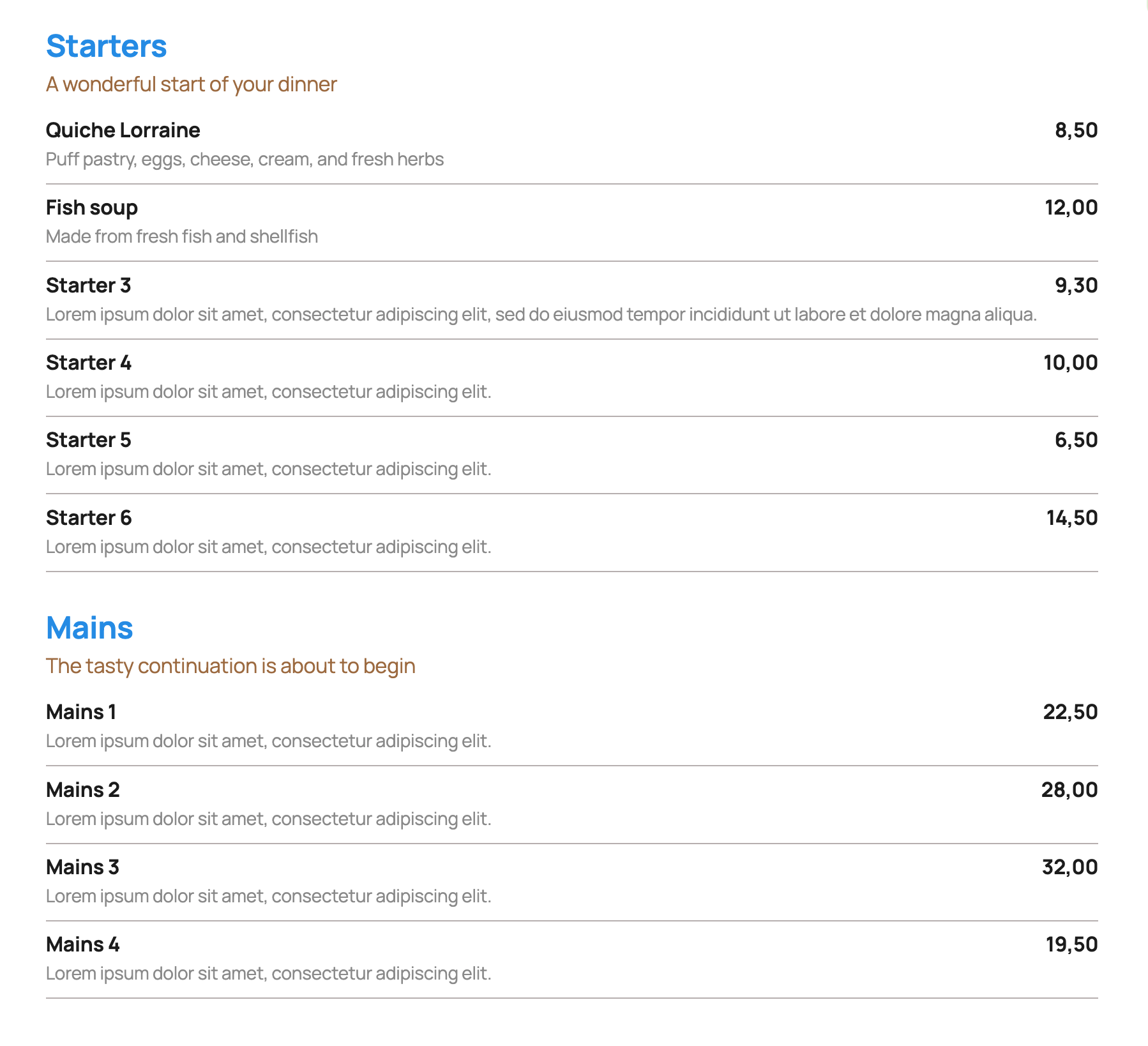
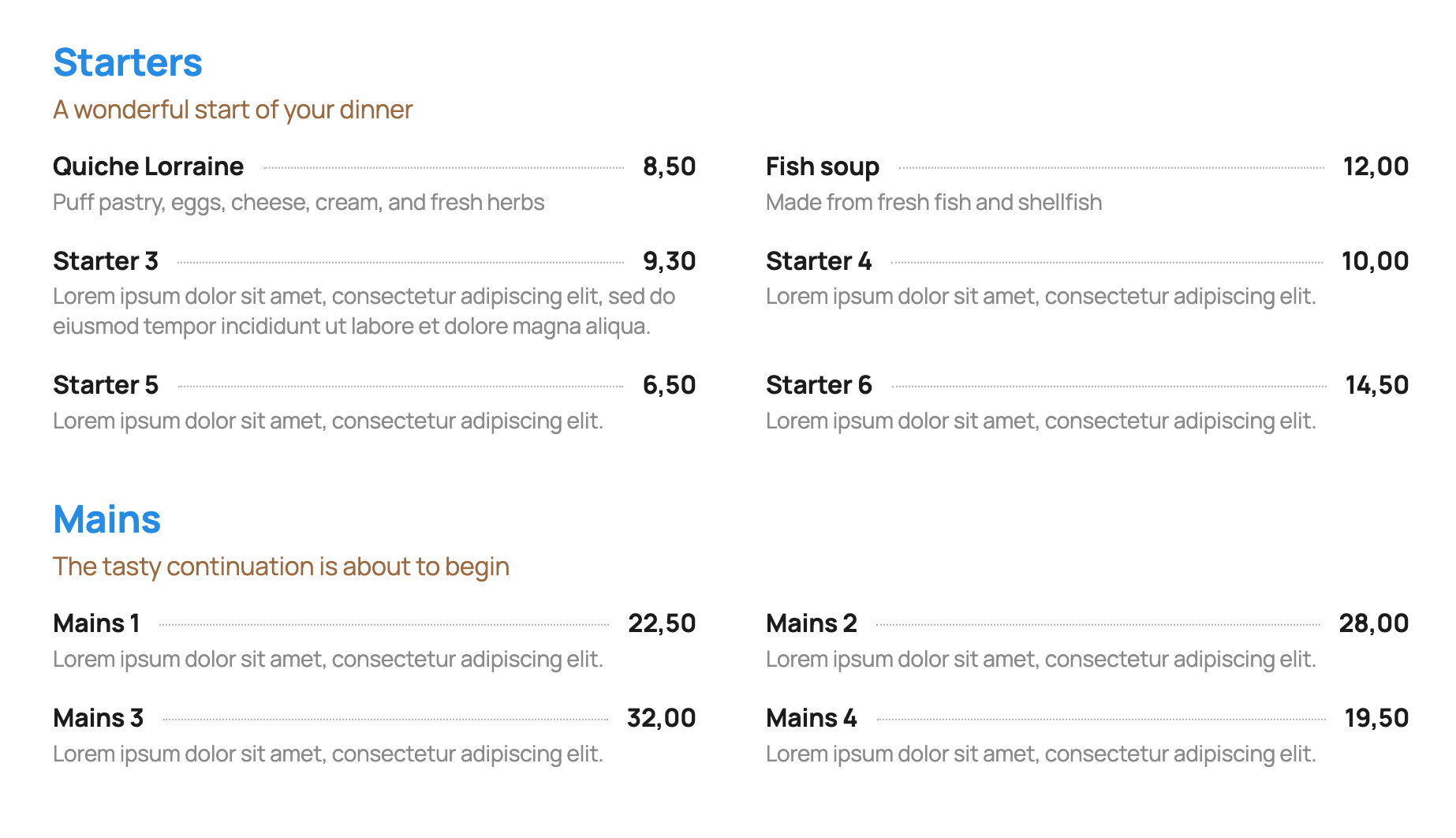
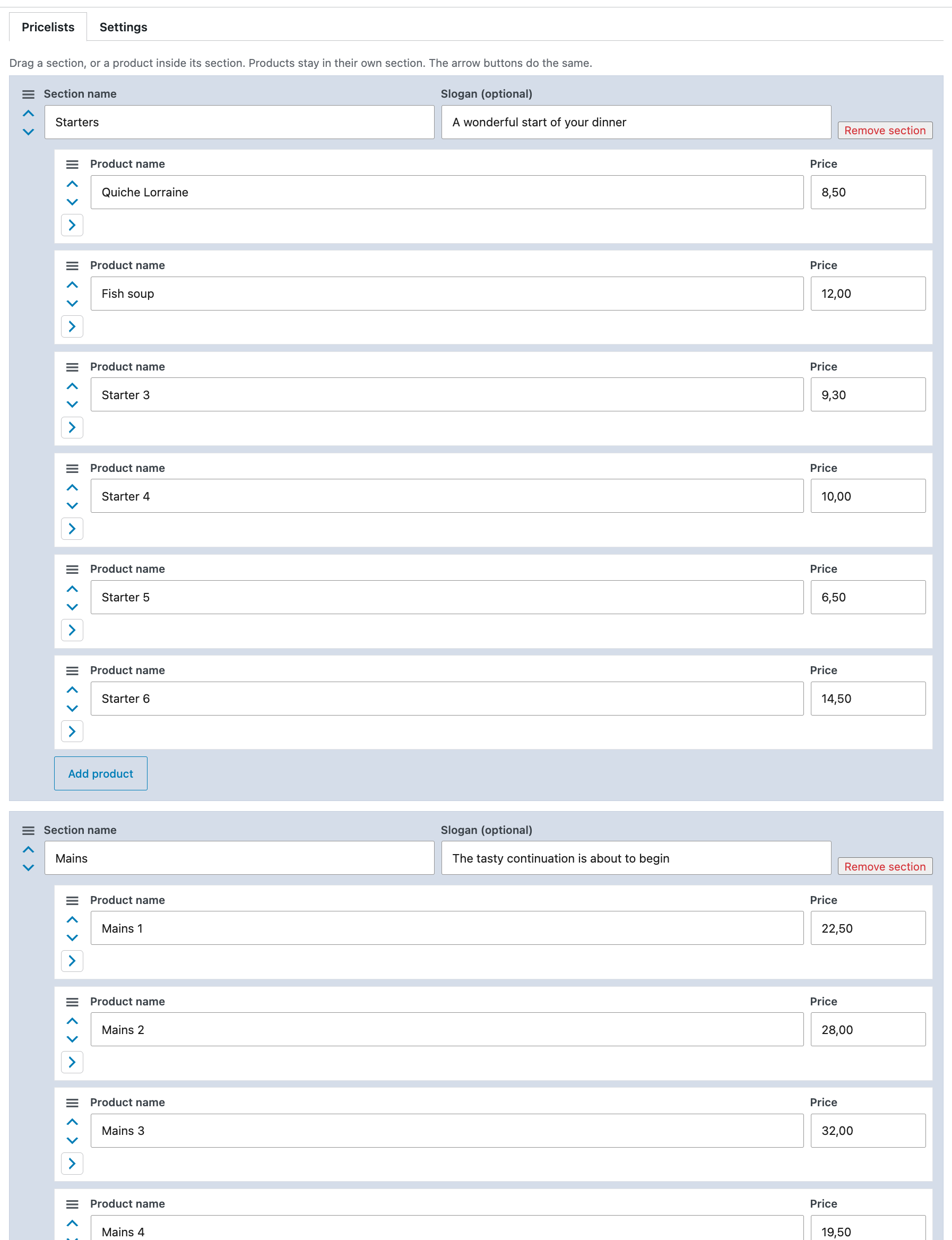
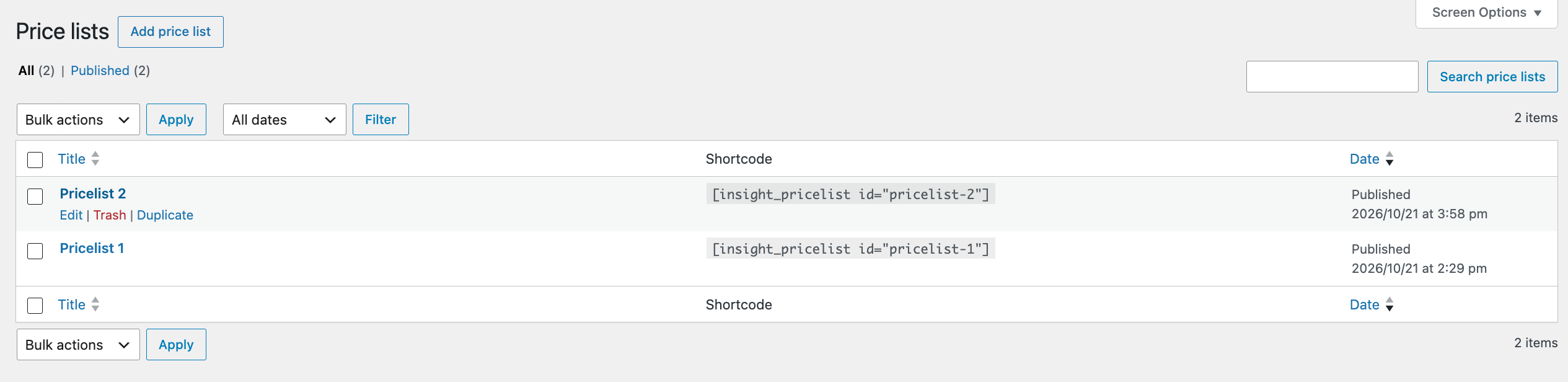

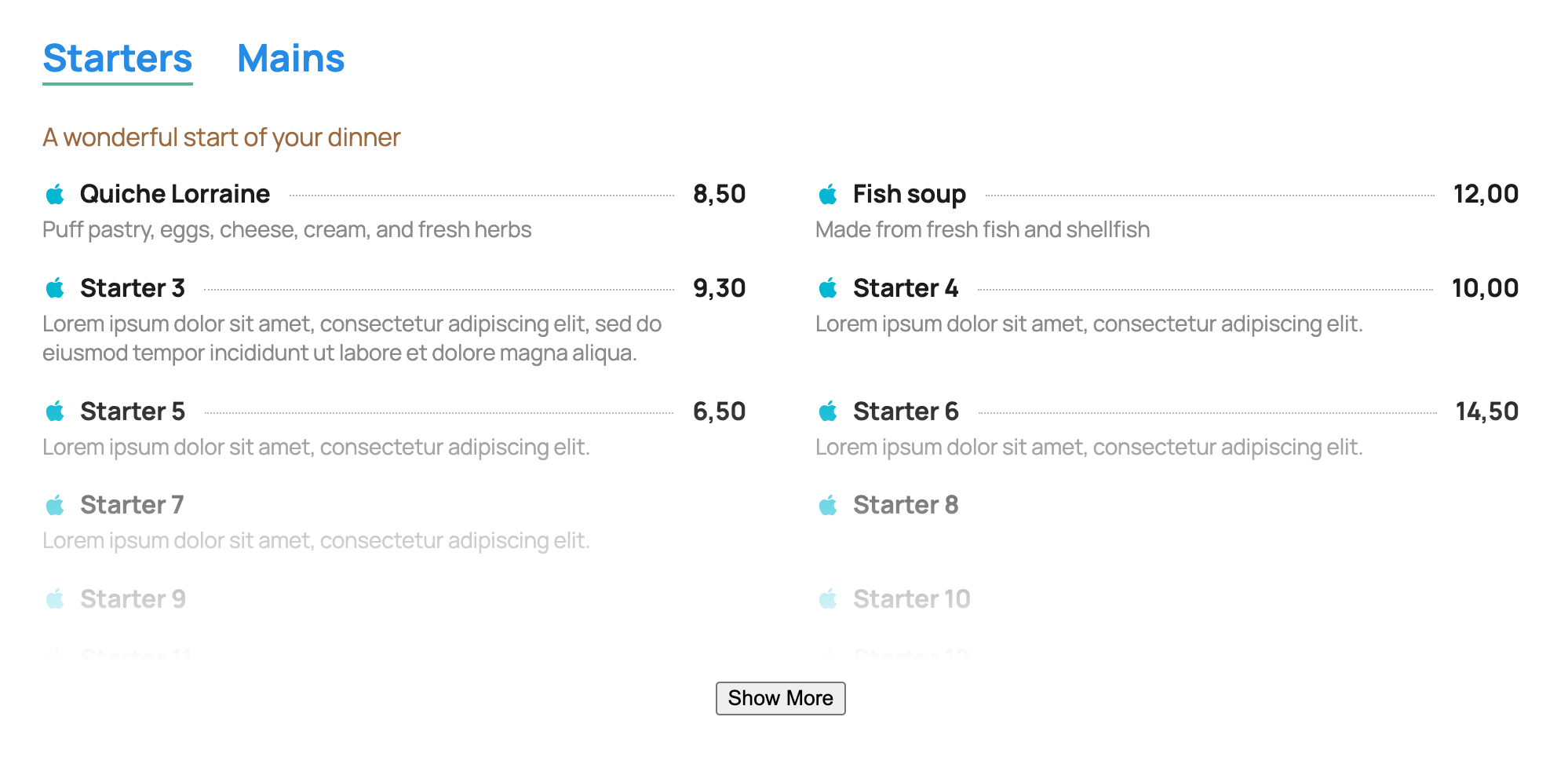

Insight Pricelist is a price list and a restaurant menu. Each list is stored on its own. A list has sections. Each section has an optional slogan and products with a name, an optional description, and a price. The shortcode works in the block editor, the classic editor, and other builders.
Add a published list to a page with:
[insight_pricelist id="your-list-slug"]
The id is the list slug, or the numeric id. The name insight_pricelist stays fixed. You can change the id. It selects the list and is saved as its slug. Leave it empty to keep the current slug.
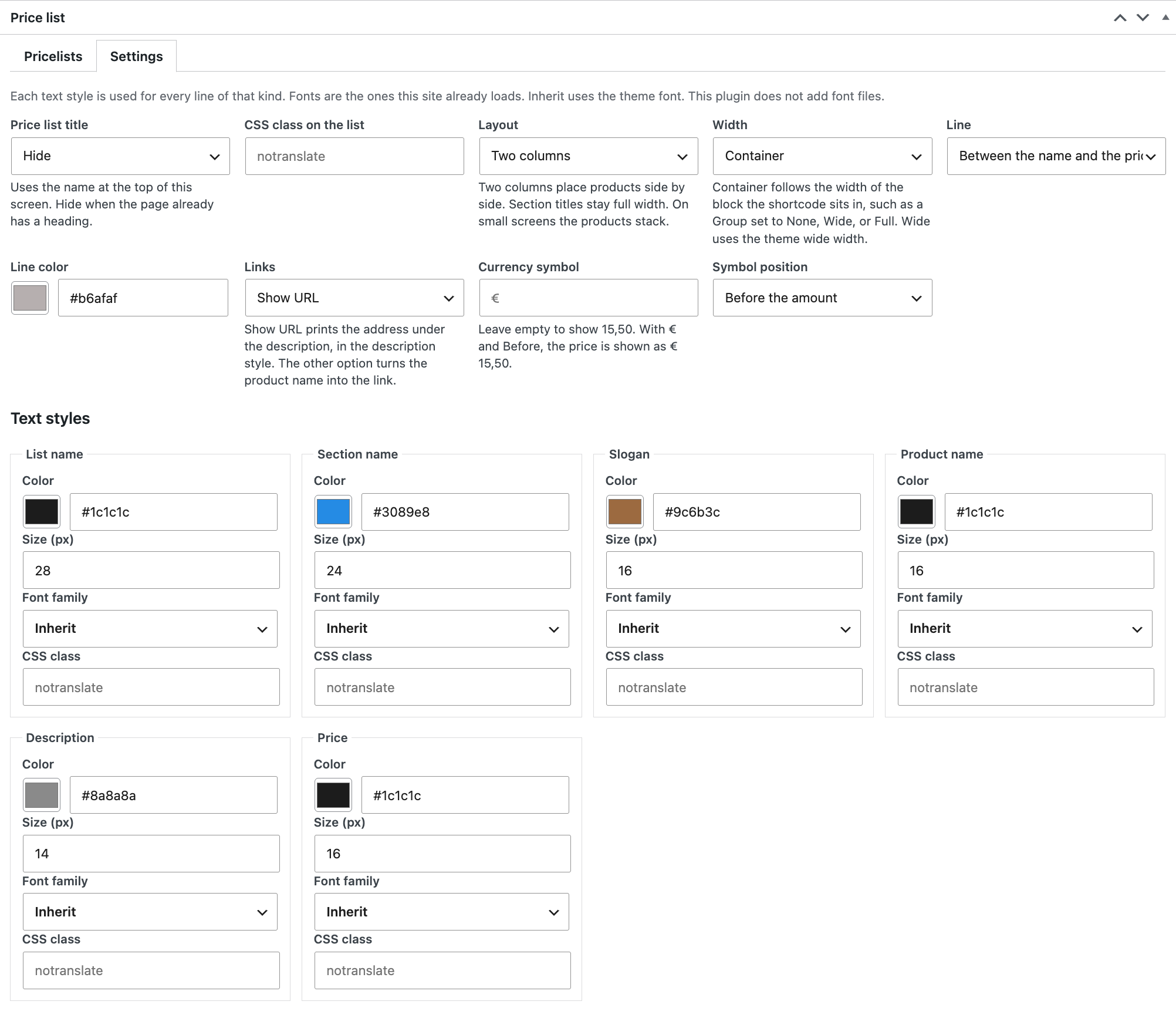
- One column or two columns. Two columns stack on small screens. In two columns, the line under a row runs across both products.
- Show or hide the list name. It is hidden by default.
- Drag sections, and drag products inside a section, to reorder them.
- A line under each product, a dotted line between the name and the price, or no line. One color for both line styles.
- A currency symbol before or after the price. Leave the currency empty to show the amount only. The price itself is free text, and an empty price hides the currency.
- For the list name, section name, slogan, product name, description, and price: color, size, a CSS class, and a font the site already loads. The plugin does not add font files.
- Width follows the block the shortcode sits in, or uses the theme wide width.
- Duplicate a whole list, including its colors and content.
- In the editor, products stay collapsed until opened. Anyone who can edit the list can change its settings and publish it. Uninstall does not delete lists.
Do you need more
See Insight Pricelist Pro for client editing, importing a menu from pasted text, Show more, food allergen icons, and printing the menu to PDF.
- Tab-style layout: sections as tabs, showing the products in that section only.
- Section and slogan left alignment or centered.
- Before each product: a photo, or one icon for the whole list.
- Client mode: edit settings with administrator privileges only.
- URLs (page or an external link) can be added to the product name or shown separately.
- Product Schema output.
- Separate class field for each section name (notranslate, target colors or any other need).
- Export (backup) and import.
- Import sections and products from pasted text.
- Show more: a fade after about five and a half products, and a button to open the rest.
- Export- and import your settings.
- Allergen icons per menu item (with a popup).
- PDF with allergen list (A4).
- A section or the whole pricelist can be printed to PDF (A4, products stay on one page).