

Image Watermark
v2.1.0dFactory · 2013年4月6日 上架
Apply image or text watermarks to new uploads and existing Media Library images.
- 正在使用
- 4 万+
- 评分
- 4.2 / 5
- 累计下载
- 130 万
- 最近更新
- 2026年11月18日
303 条评价需要 WordPress 6.3+已测试到 7.1.5PHP 7.3+
贡献者
 dFactory
截图
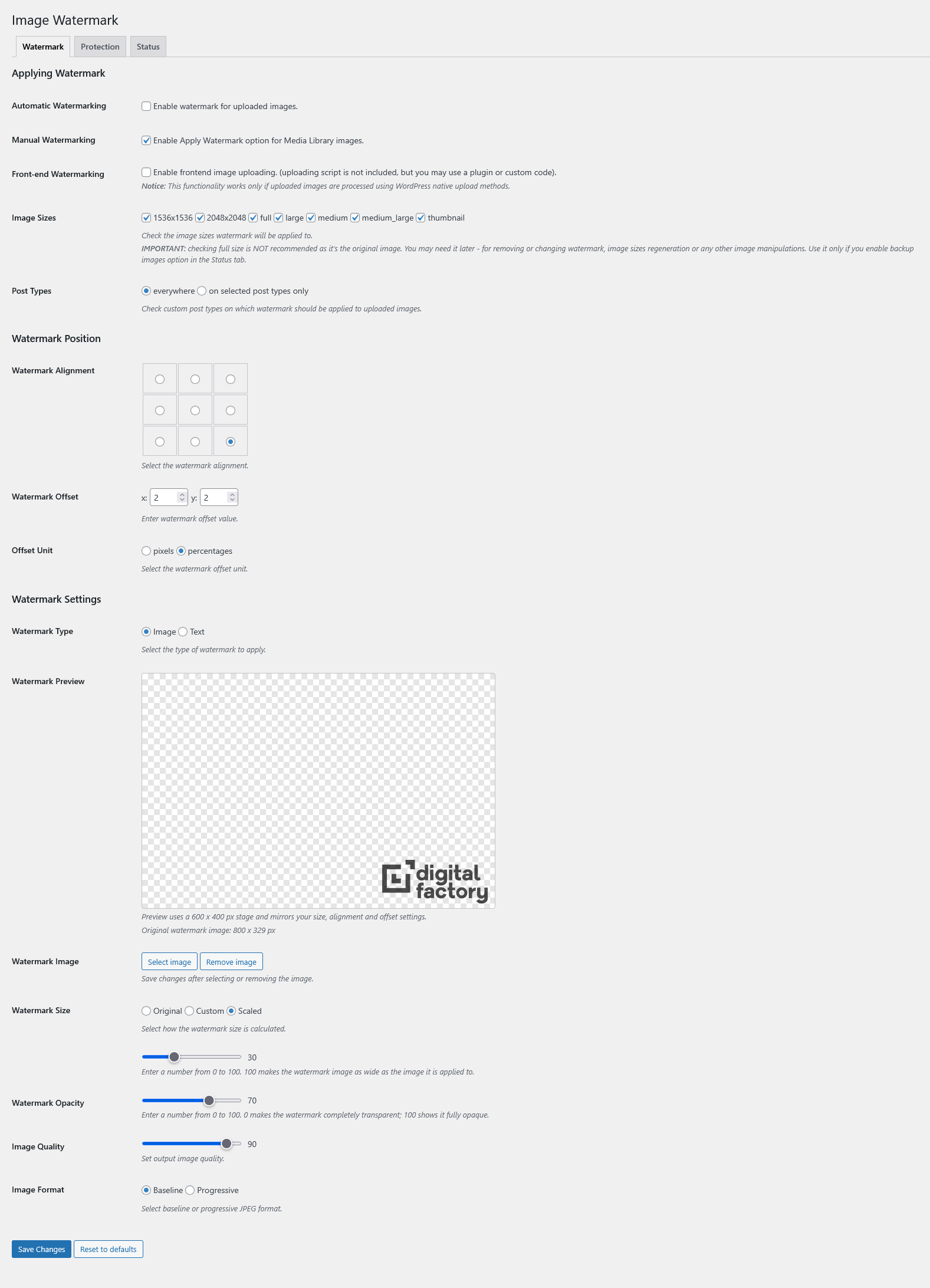
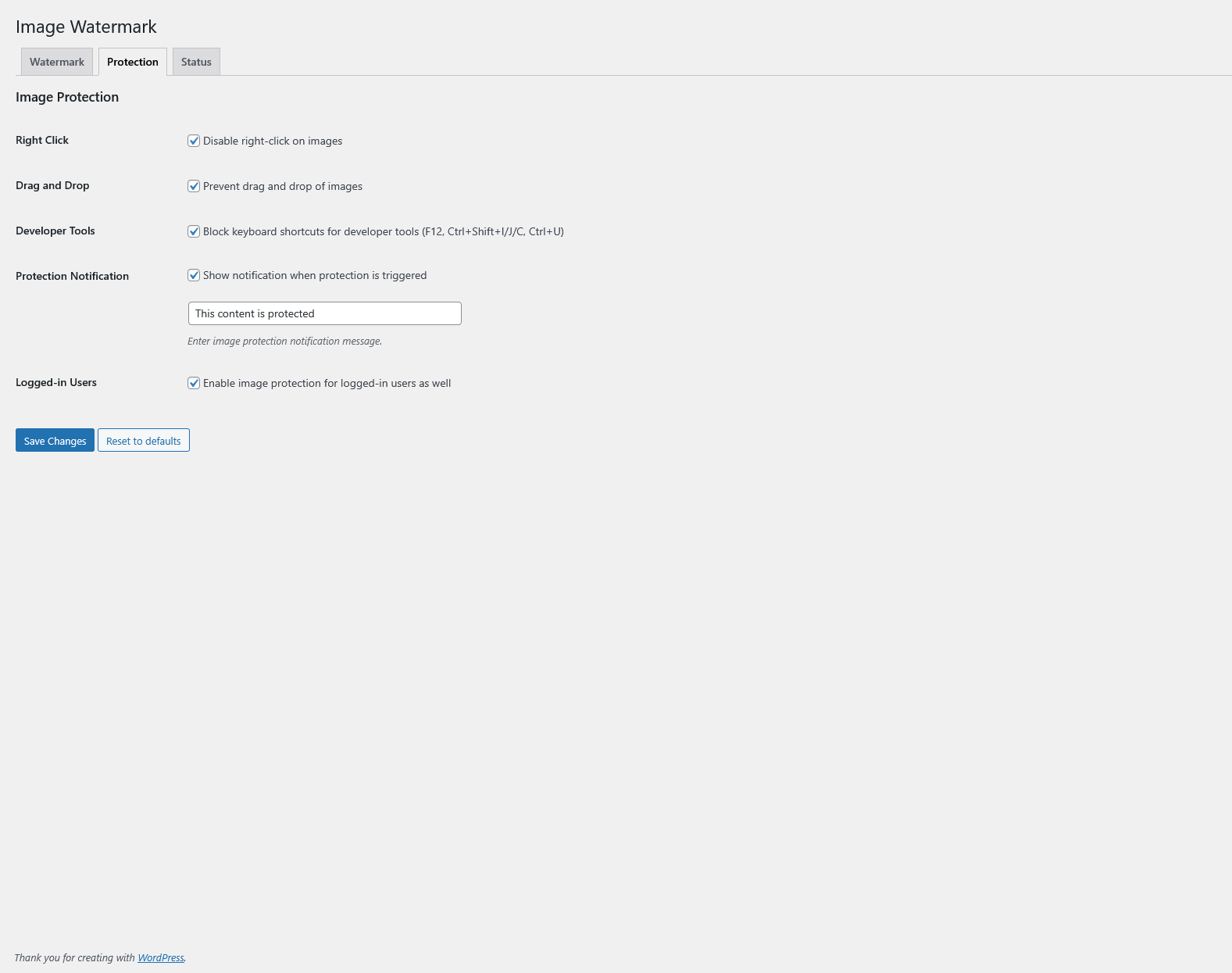
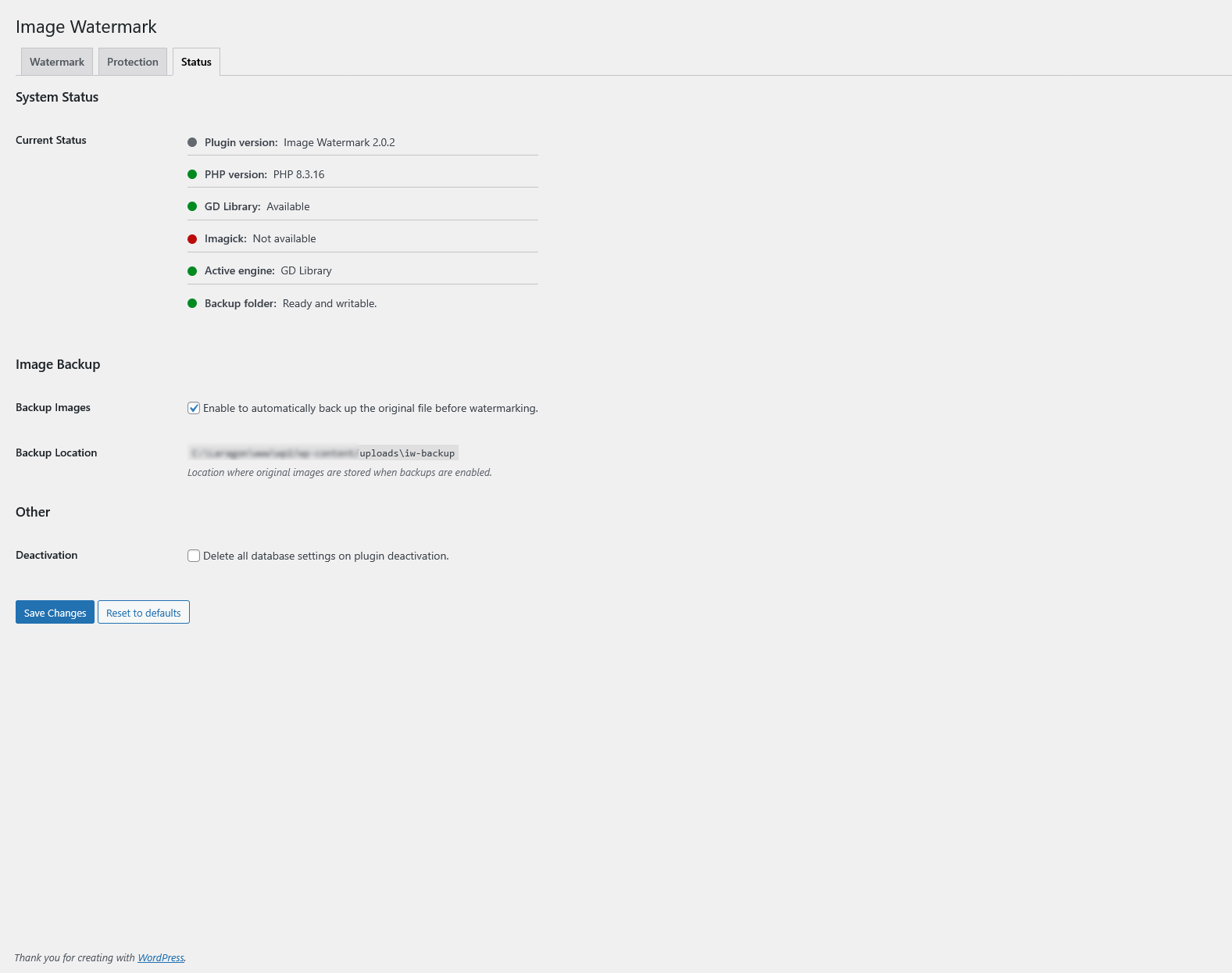
Enhance your WordPress site’s image security and branding. Use the Watermark screen under Settings to configure image or text watermarks, check Status and its Library section, or process existing images in Bulk Processing.
Key Features
- Watermark Types: Choose from image-based or text-based watermarks with full customization.
- Automatic & Manual Watermarking: Watermark new uploads automatically or apply and remove watermarks through the Media Library.
- Bulk Processing: Apply, remove or scan existing images with selection filters, an Estimate, progress, pause/resume controls and retries for eligible problems. Large Media Library selections can be handed to Bulk Processing.
- Advanced Customization: Adjust watermark position, size, rotation, opacity and image quality, with a live preview.
- Small Image Rules: Skip watermarking for images below configurable minimum width and height thresholds.
- Backup & Restore: Optional backups support watermark removal when a validated clean backup is available.
- Image Protection: Browser-side right-click, drag-and-drop, and developer-tools deterrents.
- Status & Diagnostics: Review readiness and the Library’s last run and scan under Settings > Watermark > Status.
- Image Compatibility: JPEG, PNG and WebP support through ImageMagick or GD, with EXIF/IPTC preservation where supported.
Perfect for photographers, bloggers, and businesses looking to safeguard their visual content.
For more information, check out the plugin page, documentation, or support forum.
Feature Breakdown
Watermarking:
- Support for image-based watermarks (upload custom images as watermarks)
- Support for text-based watermarks (customizable fonts, colors, and sizes)
- Automatic watermarking on new uploads to the Media Library
- Manual and bulk watermarking for existing images (apply or remove via Media Library actions)
Bulk Processing:
- Apply or remove watermarks, or scan your library without changing images
- Select all images, enter attachment IDs, or filter by upload month and watermark state
- Estimate the scope before starting, then follow progress with Pause, Resume and Stop controls
- Review recent runs, saved problems and scan findings, and retry eligible problems
Customization & Settings:
- Flexible watermark positioning (9 alignment options with pixel or percentage-based offsets)
- Three watermark size modes: original, custom dimensions, or scaled to image size
- Clockwise watermark rotation from 0 to 360 degrees
- Adjustable watermark transparency and opacity
- Watermark preview support for image and text watermark modes
- Optional skip rules for small images based on minimum width and height thresholds
- Selective application: Choose specific post types or enable everywhere (including frontend uploads)
- Baseline or progressive JPEG output
- Configurable image quality settings
Backup & Management:
- Optional clean backups before watermarking
- Watermark removal restores images from validated clean backups
- Optional preservation of file timestamps during backup and restore
- Backup storage follows the configured uploads location; server-level access controls must be verified by the site administrator
Image Protection:
- Browser-side deterrents for right-click, image dragging and developer-tools access
- Customizable protection notice/toast message displayed to users attempting to copy images
Technical Information:
- Support for JPEG, PNG, and WebP image formats
- Dual image processing engines: ImageMagick (preferred) with GD library fallback
- EXIF and IPTC metadata preservation (where supported)
- Cache-busting for immediate thumbnail updates after watermark changes
- Settings > Watermark > Status for PHP, engine, backup-folder readiness and the Library’s last run and scan
- Translation-ready with included .pot file