
Image Text Wrap
v1.3.4cmtkennyb · 2026年8月24日 上架
Wrap body text around an image. Float it, drop it into the copy, and choose how the text hugs it.
- 正在使用
- 20+
- 评分
- 暂无
- 累计下载
- 291
- 最近更新
- 2026年8月25日
贡献者
 cmtkennyb
截图
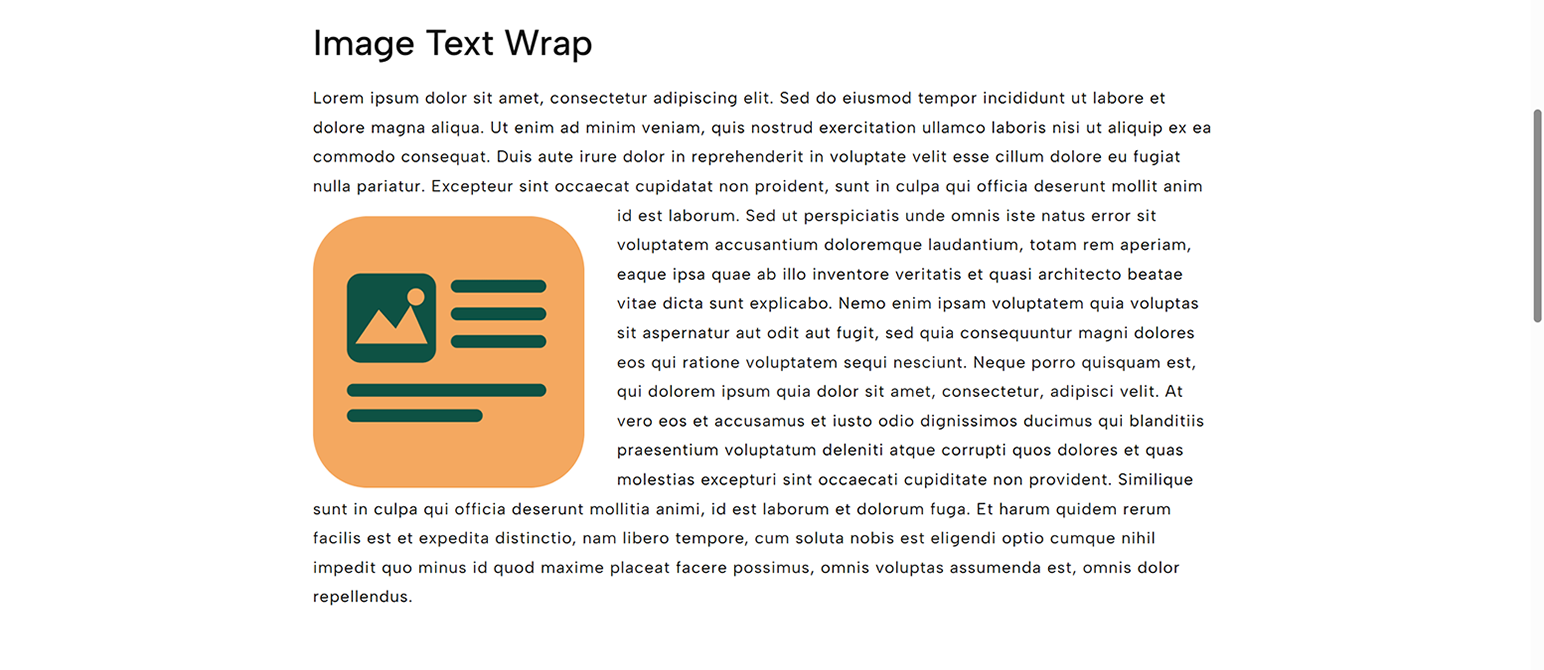
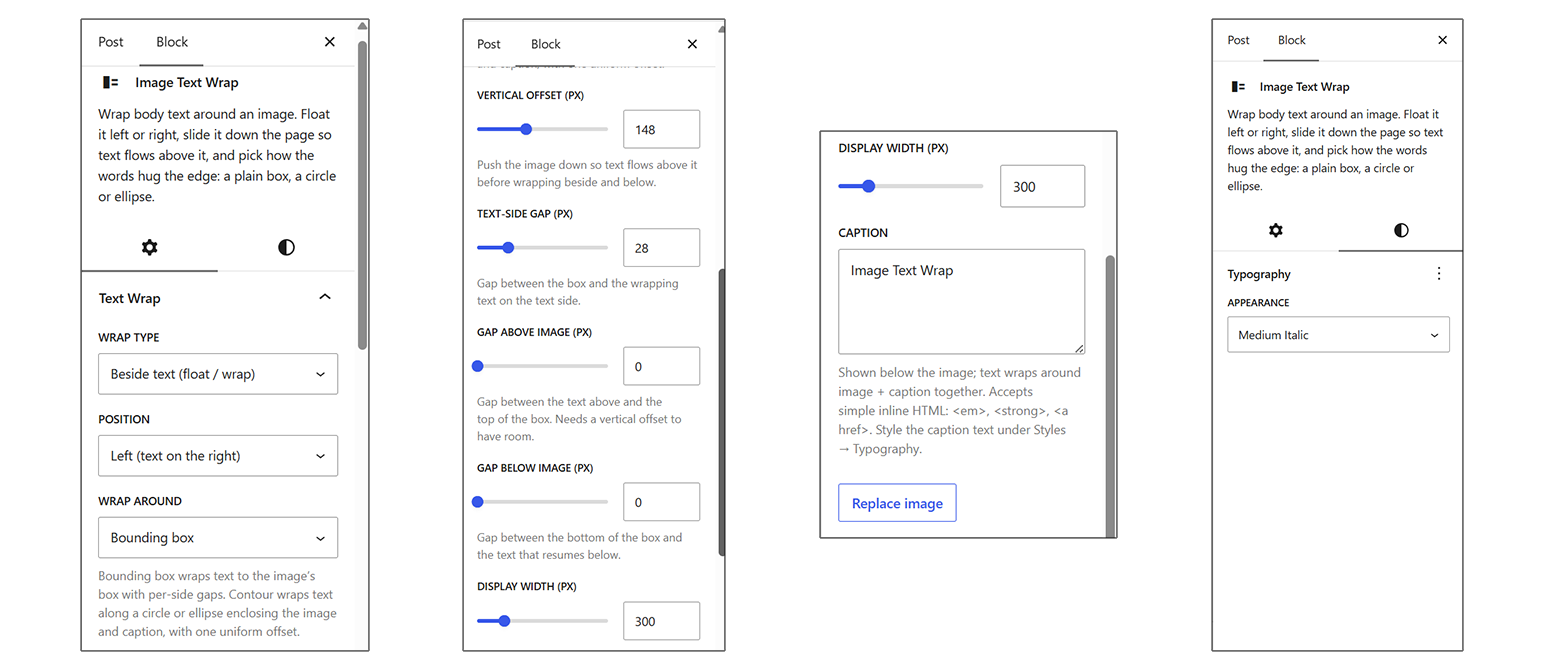
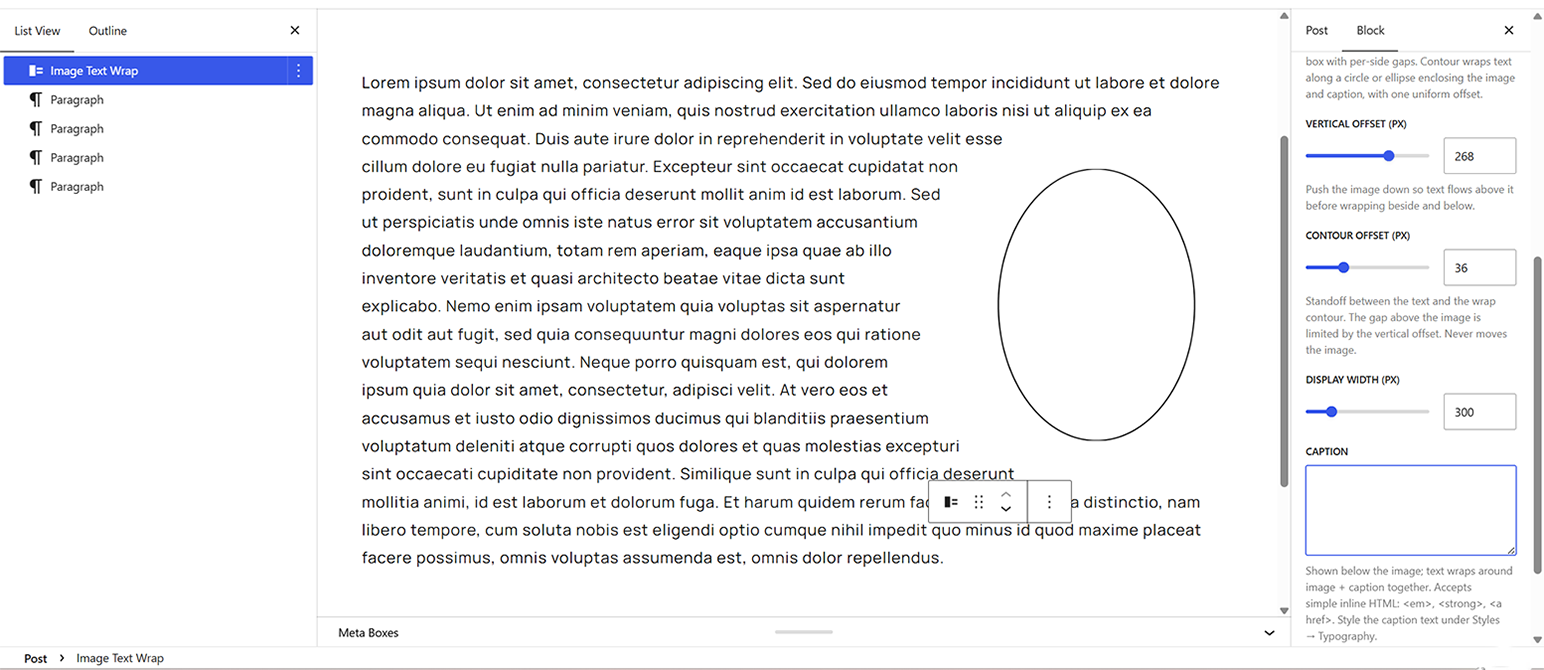
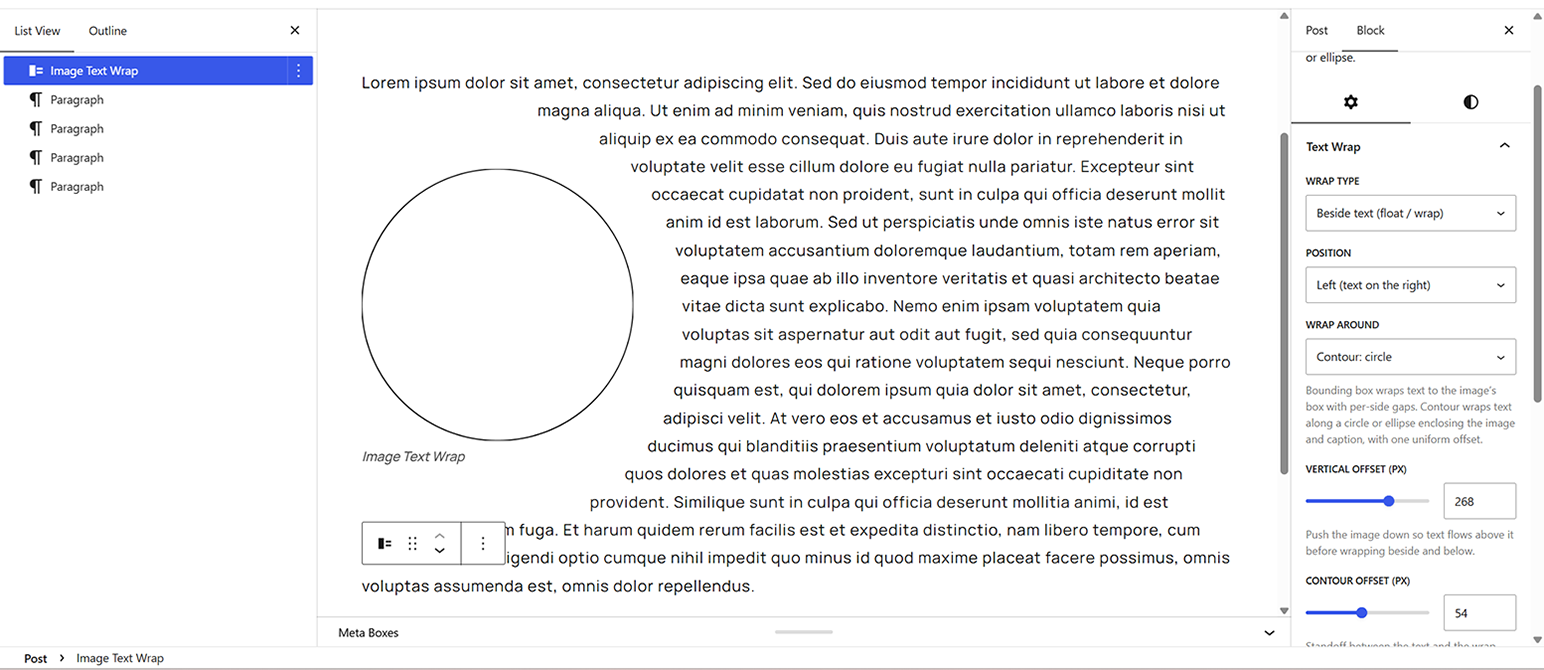
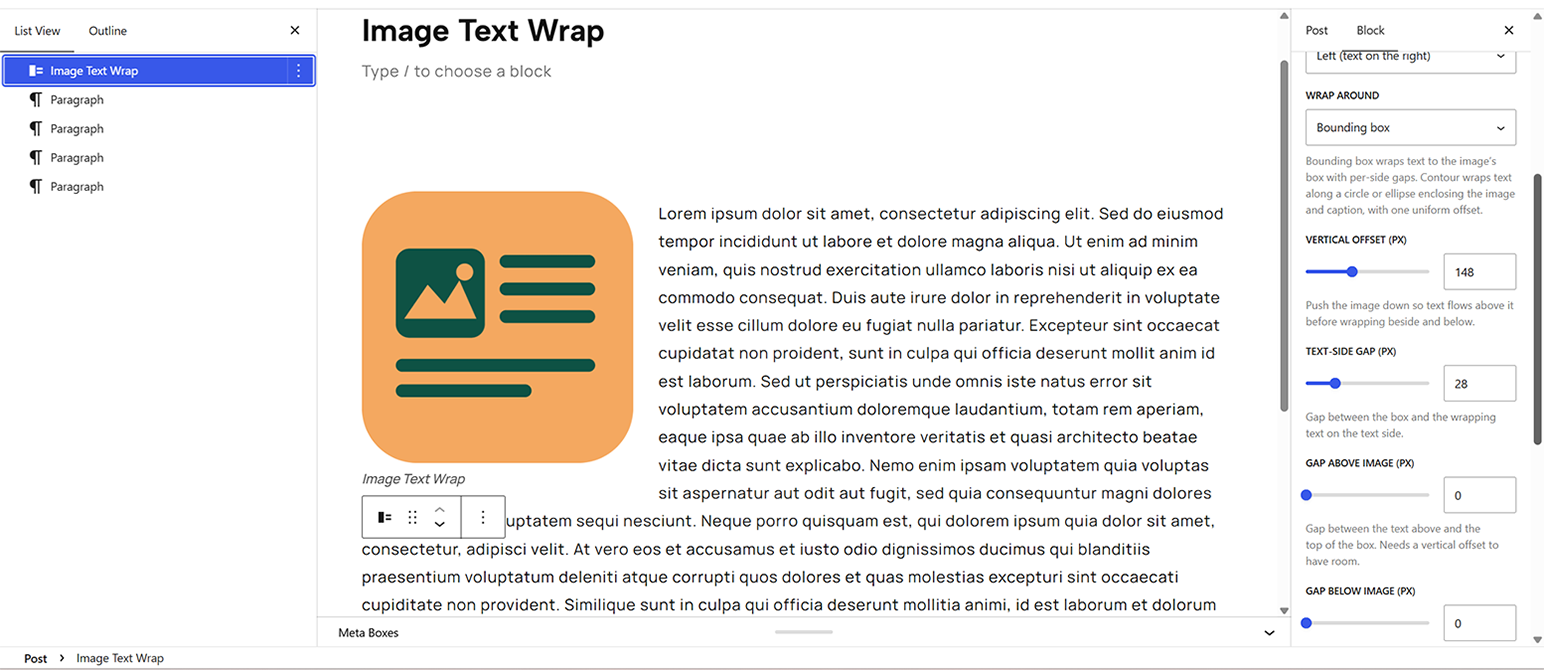
Image Text Wrap adds a Gutenberg block that flows your body text around an image the way a page-layout program does. Drop the block into a post, type your paragraphs after it, and the text reflows around the image.
You get real control over the wrap instead of the all-or-nothing float the core Image block gives you:
- Float left or right, with the image aligned to your content column (not thrown into the page gutter).
- Vertical offset slides the image down into the copy so text flows above it, then wraps beside and below.
- Bounding box wrap flows text around the image’s box, with independent gaps for the text side, above, and below, like a page-layout program’s box wrap.
- Contour wrap flows text along a circle or ellipse enclosing the image and its caption, with a single contour offset controlling the standoff (the gap above the image is limited by the vertical offset).
- Top & bottom mode drops the image into its own band with text above and below only.
- Captions appear below the image, edited from the sidebar, with the body text wrapping around image and caption together. They accept simple inline HTML (em, strong, links), and the standard WordPress Typography panel (font size, line height, appearance, letter spacing, letter case, decoration) styles the caption text.
The block saves as plain HTML with inline styles, so published posts keep rendering even across editor updates. There is no build step and no external dependencies.
A note on wrapping: text flows above, beside (one side), and below the image. Text hugging both sides of a centered image at once is not supported, because the browser feature required for it (CSS Exclusions) does not exist in current browsers.