
Image Map Connect – Display Posts as Image Hotspots
v1.0.2Igor · 2024年1月20日 上架
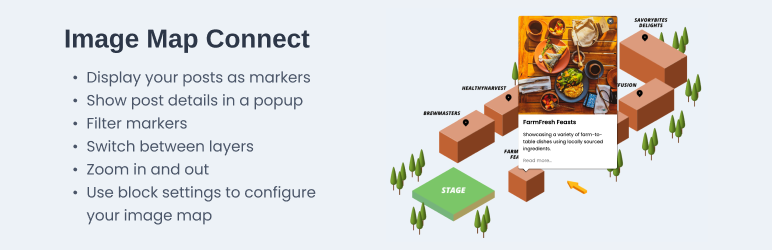
Add any image to your WordPress posts, pages, or archives and make it interactive: display your existing and new posts as markers.
- 正在使用
- 100+
- 评分
- 5.0 / 5
- 累计下载
- 3,141
- 最近更新
- 2024年11月11日
1 条评价需要 WordPress 6.2+已测试到 6.7.12PHP 7.2+
 Igor
 Daniela
截图


What is Image Map Connect Plugin?
Image Map Connect allows you to add any image to your WordPress website and make it an interactive image map. On the image map you can:
- Display your existing and/or new posts as markers, including custom post types
- Show post details in a popup
- Filter markers
- Switch between layers
- Zoom in and out
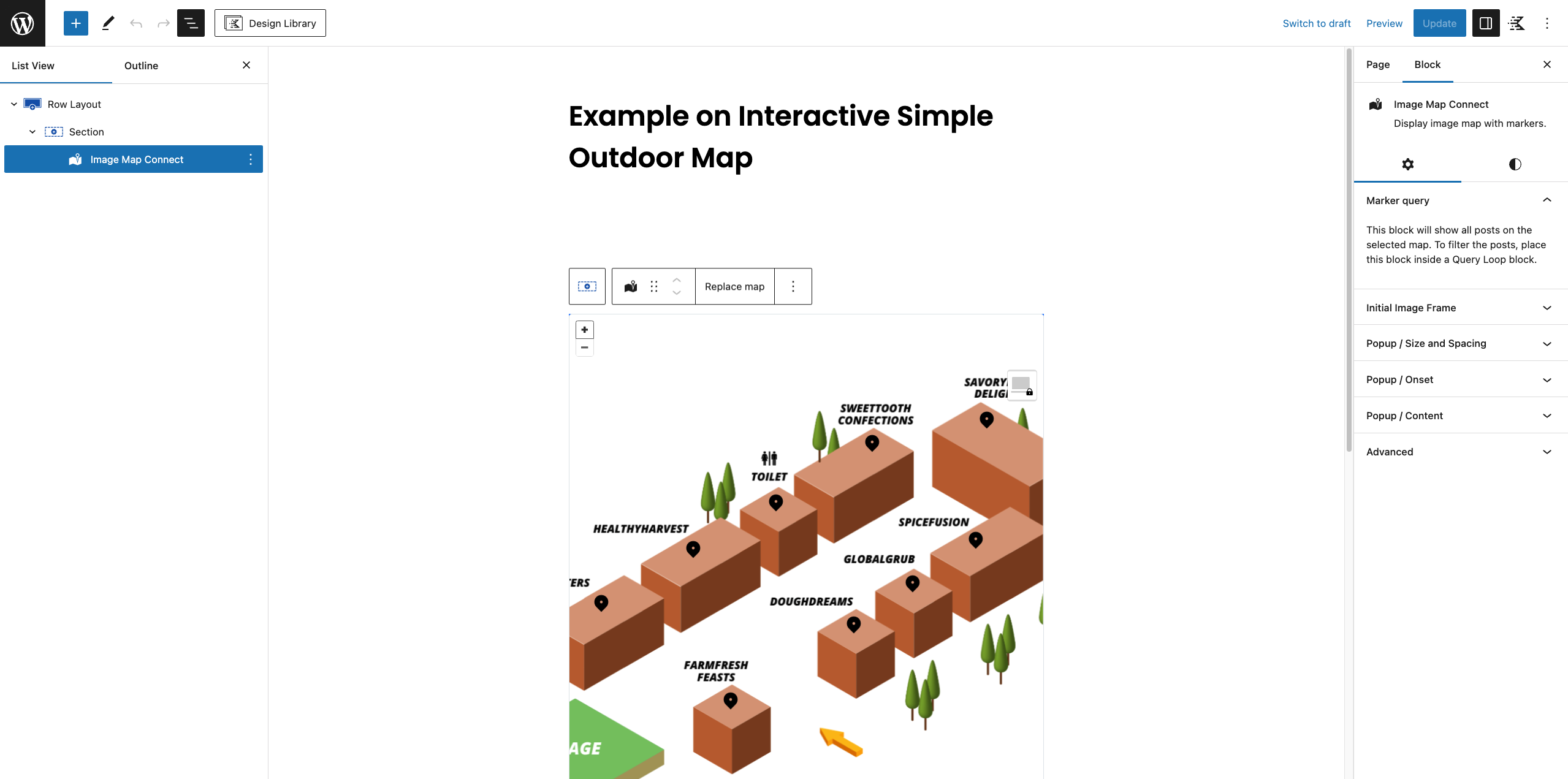
- Use block settings to visually configure the plugin
The plugin uses built-in WordPress features where possible, for example it extends the current posts and makes use of the default blocks like the query block.
What Can You Use the Plugin for?
Among other things, you can use the plugin provide an interactive
- Indoor maps (e.g. for campus facilities, grocery stores, hotels, conferences, museums, and exhibitions)
- Simplified or stylised outdoor maps (e.g. for events, routes, towns and villages)
- Infographics to introduce a complex concept (e.g. technical frameworks)
- Technical drawings to provide context
- Product images with highlighted product features
Key Features
- Create unlimited amount of image maps, layers, and markers
- Embed the image map in block theme templates
- Add the image map to block-based widget area in classic themes
- Embed the image map in any pages or (custom) posts
- Display your existing and new posts as markers, including custom post types
- Show post details in a popup
- Define image map center, height and zoom level
- Modify marker and popup styling
- Filter markers based on query loop or archive
- Add multiple layers
- The image map is responsive
Help and Support
You can contact us in two ways at the moment:
- If you have any questions, you can send an email to info@flarehub.io
- If you find a bug or have a feature request, you can send an email or report an issue in our Github repository. Please just make sure to search the existing issues and only report new ones.