

Image Converter for WebP
v1.6.0badasswp · 2024年6月25日 上架
Convert your WordPress JPG and PNG images to efficient WebP format, improving performance, reducing file size, and enhancing website speed.
- 正在使用
- 1,000+
- 评分
- 5.0 / 5
- 累计下载
- 1.9 万
- 最近更新
- 2026年7月8日
贡献者
 badasswp
 activist507
截图


As an internet user, you already know images can be the difference between a great website experience and a terrible one! Think about how often you’ve landed on a website and hit the back button because the home page was too busy or the banner image was taking so much time to load due to its size.
You may not realize it, but imagery is a large part of it. This plugin helps take care of all those concerns, by converting your WordPress images to WebP format during page load so that your site loads extremely fast, without any disruptions or downtime.
✔️ Features
Our plugin comes with everything you need to convert your WP website images to WebP.
✔️ Convert your WP images to WebP feature.
✔️ Convert images on both upload and page load.
✔️ Conversion Quality & WebP Engine options.
✔️ Error Loggging Capabilities.
✔️ Custom Hooks to help you customize plugin behaviour.
✔️ Compatible with Divi & Elementor page builders.
✔️ Available in mutiple langauges such as Arabic, Chinese, Hebrew, Hindi, Russian, German, Italian, Croatian, Spanish & French languages.
✔️ Backward compatible, works with most WP versions.
✨ Getting Started
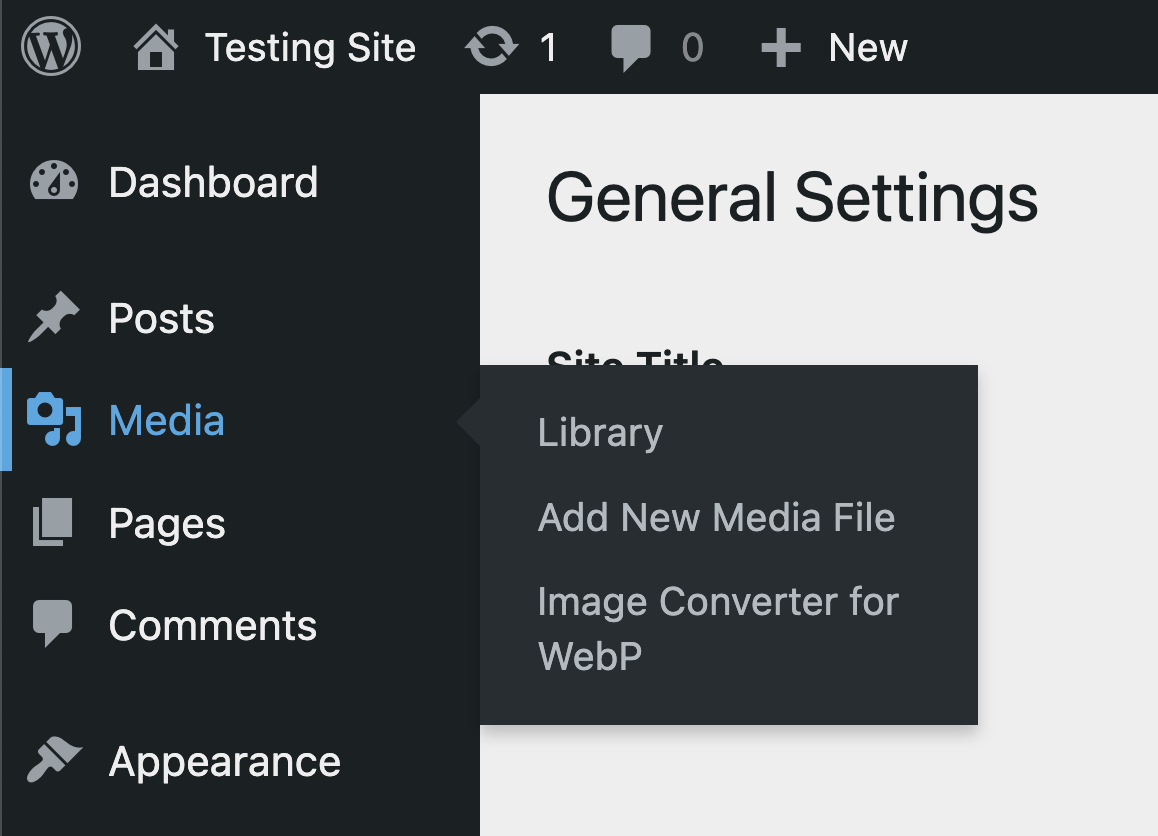
- Locate the Media menu option on the left side of the WP admin dashboard.
- You should see the Image Converter for WebP menu listed as one of the options, click on it.
- You can now set your plugin options here. Ensure you enable the Convert Images on Upload option.
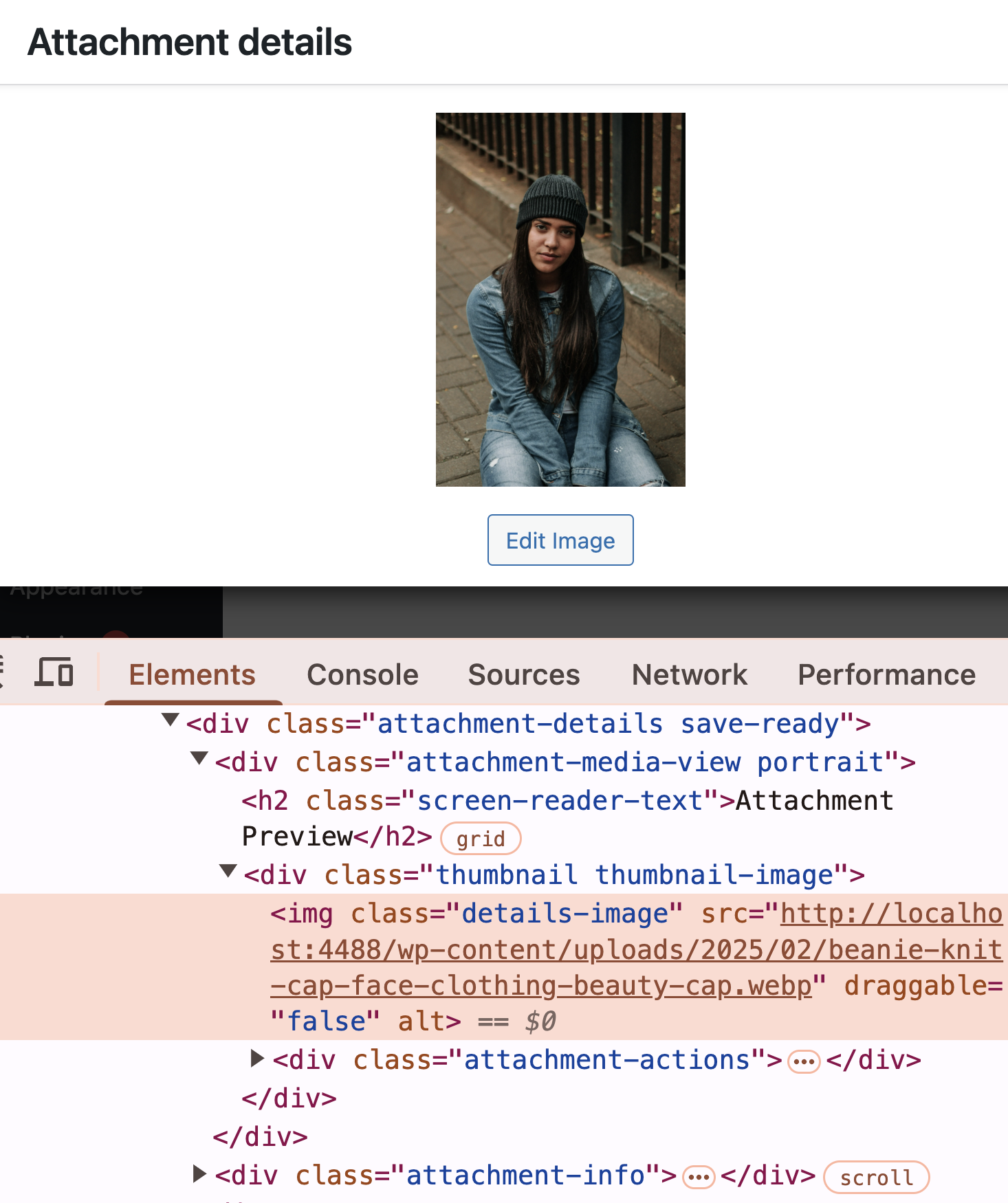
- Now upload any image into your WP website, it would convert it to a WebP format that will be served on your pages when users visit your website.
- You’re all set!
You can get a taste of how this works, by using the demo link.
⚡ WooCommerce, Posts, Pages & Images
By default, Image Converter for WebP, will serve WebP images for your posts, pages and woocommerce pages. For future releases, you should be able to toggle this feature ON/OFF based on your needs.
NB: The Convert Images on Page Load option helps you convert and serve WebP images for images that were already uploaded on your WP website before the plugin was installed. It does this when the page or post that contains that image is loaded.
🔌🎨 Plug and Play or Customize
The Image Converter for WebP plugin is built to work right out of the box. Simply install, activate, configure options and start using straight away.
Want to add your personal touch? All of our documentation can be found here. You can override the plugin’s behaviour with custom logic of your own using hooks.
Contribute
If you’d like to contribute to the development of this plugin, you can find it on GitHub.