
Huntsman Dark Mode Site Icon
v1.0.2Josh Hunt · 2026年1月14日 上架
Set separate site icons for light and dark mode based on the visitor’s system theme.
- 正在使用
- 10+
- 评分
- 暂无
- 累计下载
- 882
- 最近更新
- 2026年10月22日
贡献者
 Josh Hunt
截图
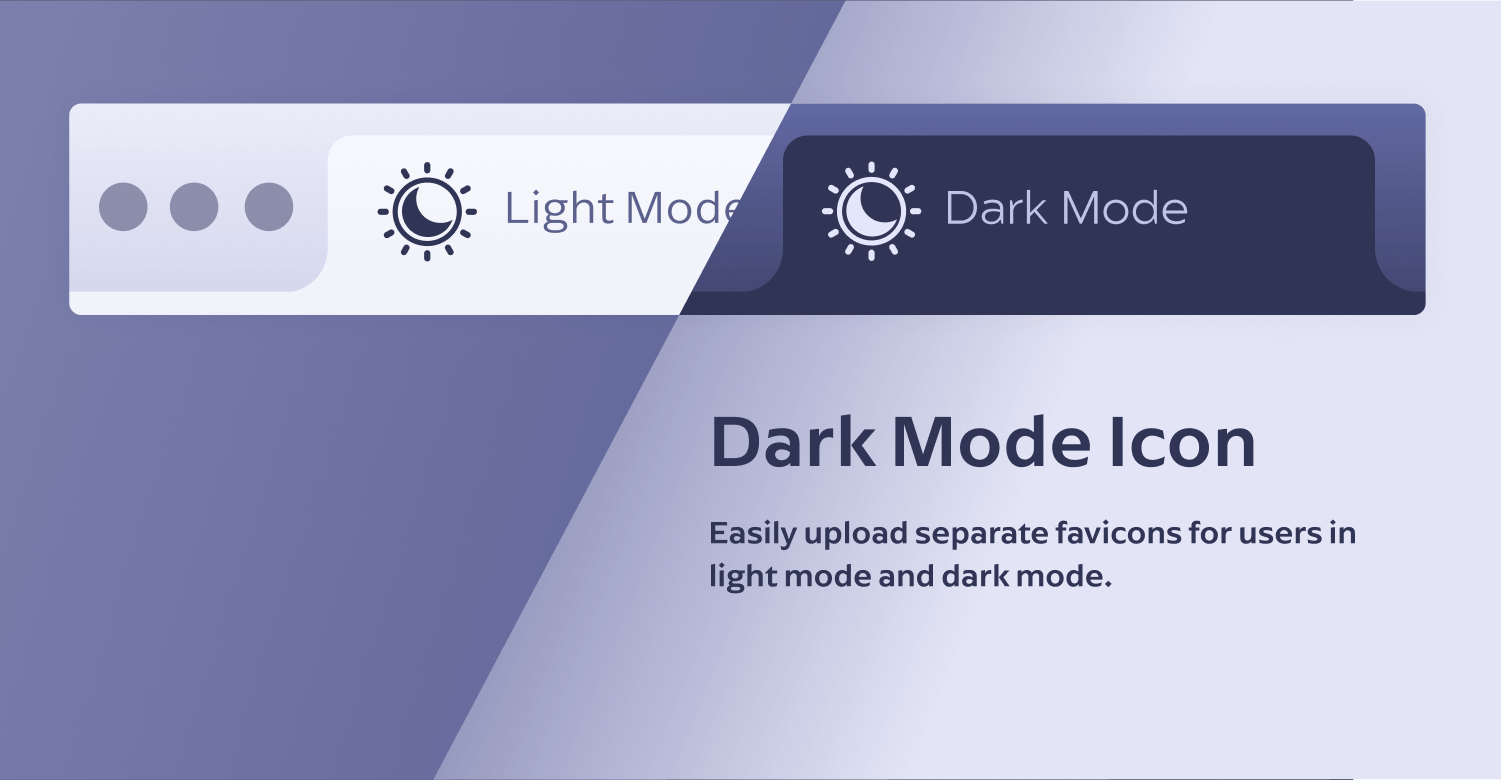
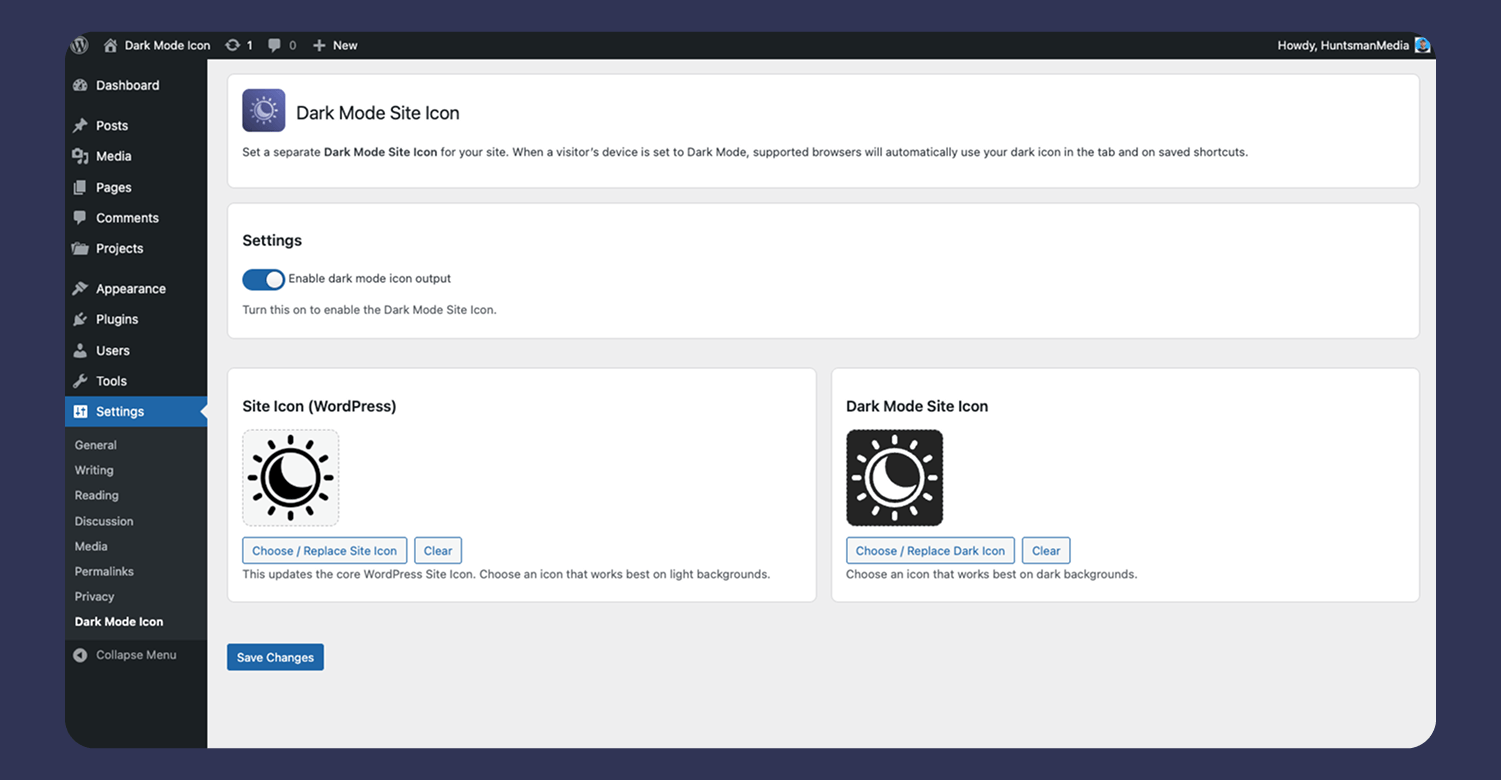
Huntsman Dark Mode Site Icon allows you to set a separate site icon for light and dark mode.
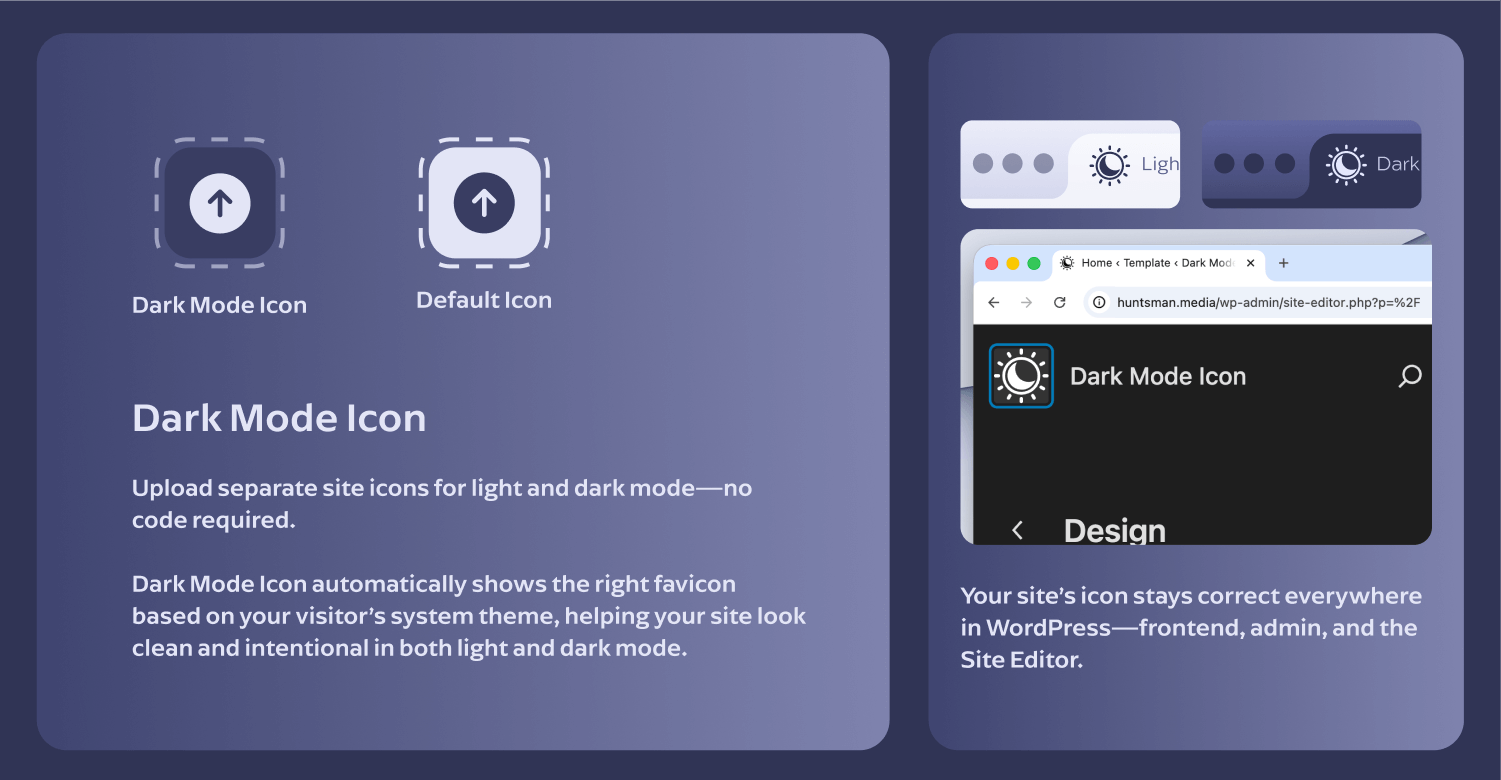
Upload one icon for light mode using WordPress’s built-in Site Icon, and upload a separate icon for dark mode using this plugin. The appropriate icon is then displayed automatically based on the visitor’s system theme.
No code or configuration is required. If no dark mode icon is set, WordPress behaves exactly as normal.
Key Features
- Separate site icons for light mode and dark mode
- Simple upload interface in the WordPress admin
- Works on the frontend, admin area, and login screen
- Optional enable/disable toggle
- Does not replace or override the core WordPress Site Icon
- Accessable via the WP API
Usage
-
Site Icon (WordPress)
This is the default WordPress Site Icon and is still managed by WordPress. -
Dark Mode Site Icon
This icon is only used when the user’s system is in dark mode and the browser supportsprefers-color-scheme.
If the Dark Mode Site Icon is not set, the plugin does nothing and WordPress behaves normally.
REST API
The plugin exposes a public REST endpoint for accessing the Dark Mode Site Icon:
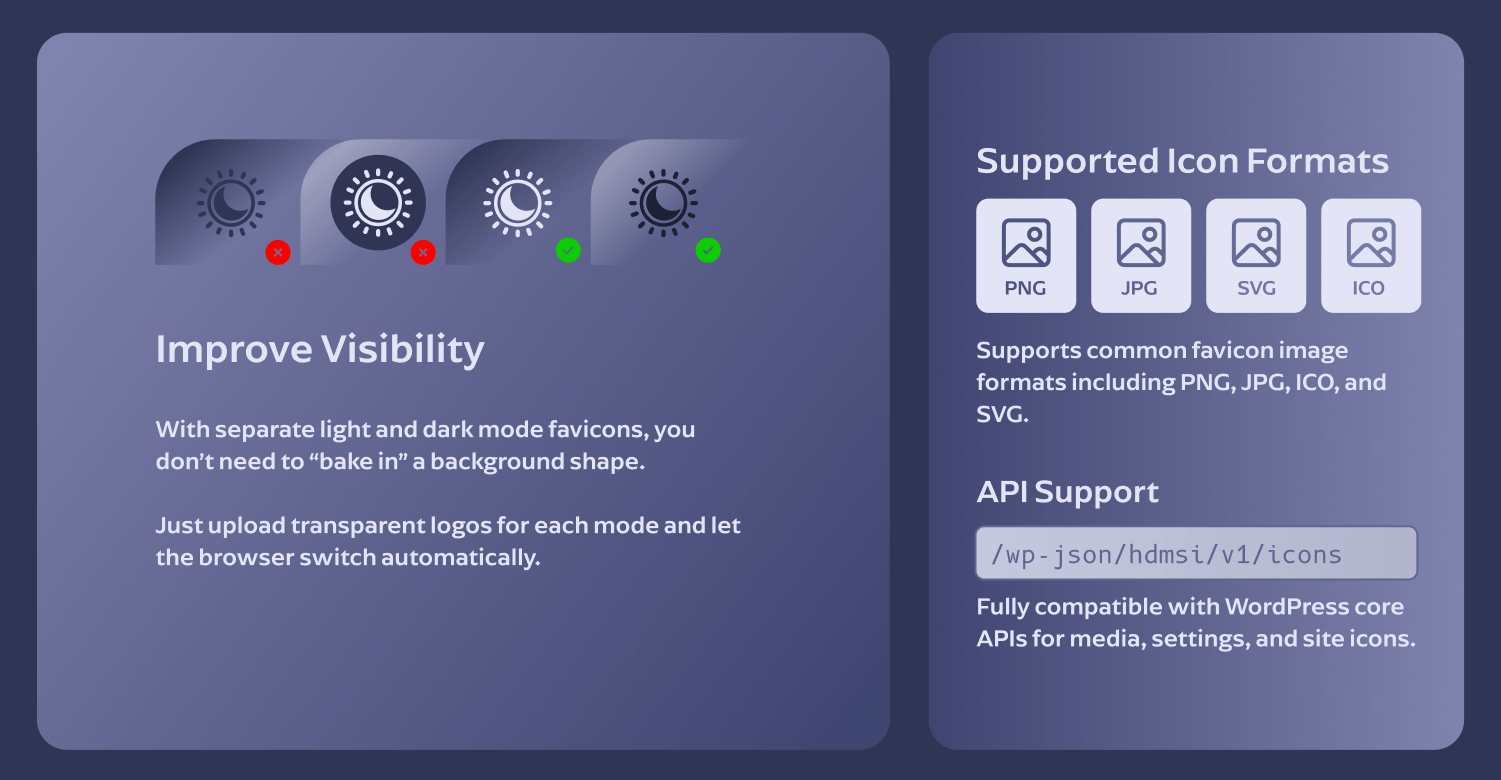
/wp-json/hdmsi/v1/icons
Example response:
{
“enabled”: true,
“dark”: {
“id”: 123,
“url”: “https://example.com/icon-dark.png”
}
}
A dark-mode Web App Manifest is also available at:
/wp-json/hdmsi/v1/manifest?mode=dark