

Hungry REST API Monitor
v1.0.4Prakhar Bhatia · 2026年1月23日 上架
Monitor WordPress REST API requests with detailed analytics, performance metrics, and beautiful visualizations. Full WooCommerce support included.
- 正在使用
- 30+
- 评分
- 5.0 / 5
- 累计下载
- 984
- 最近更新
- 2026年5月23日
贡献者
 Prakhar Bhatia
截图
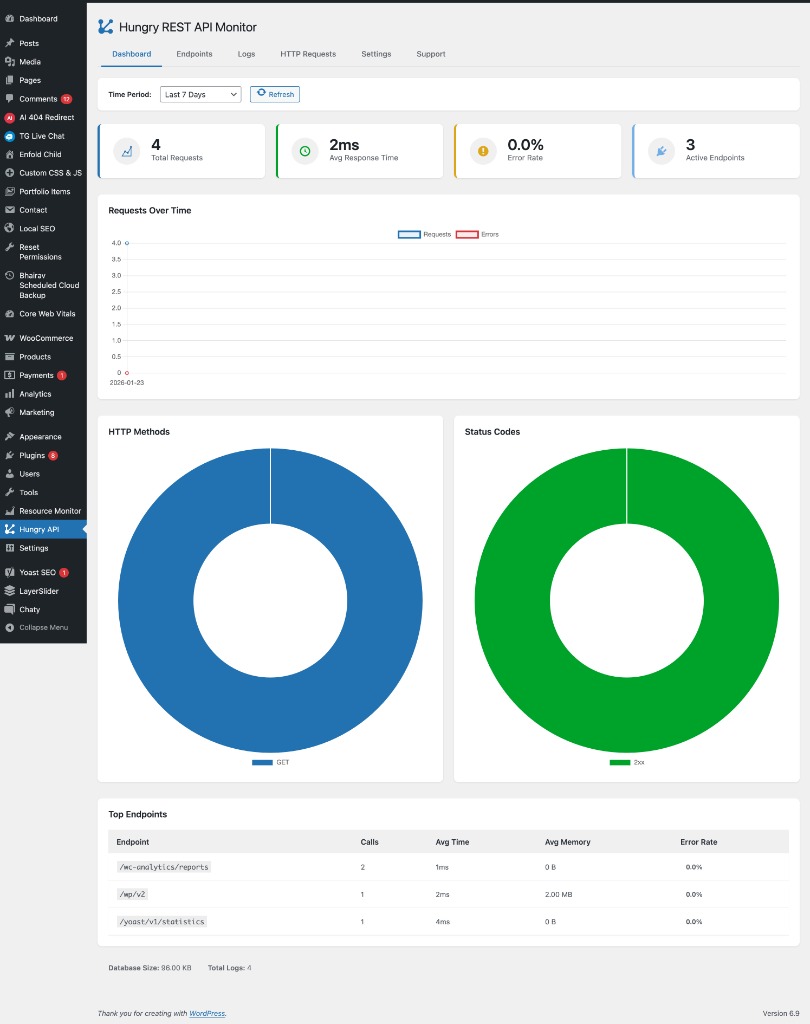
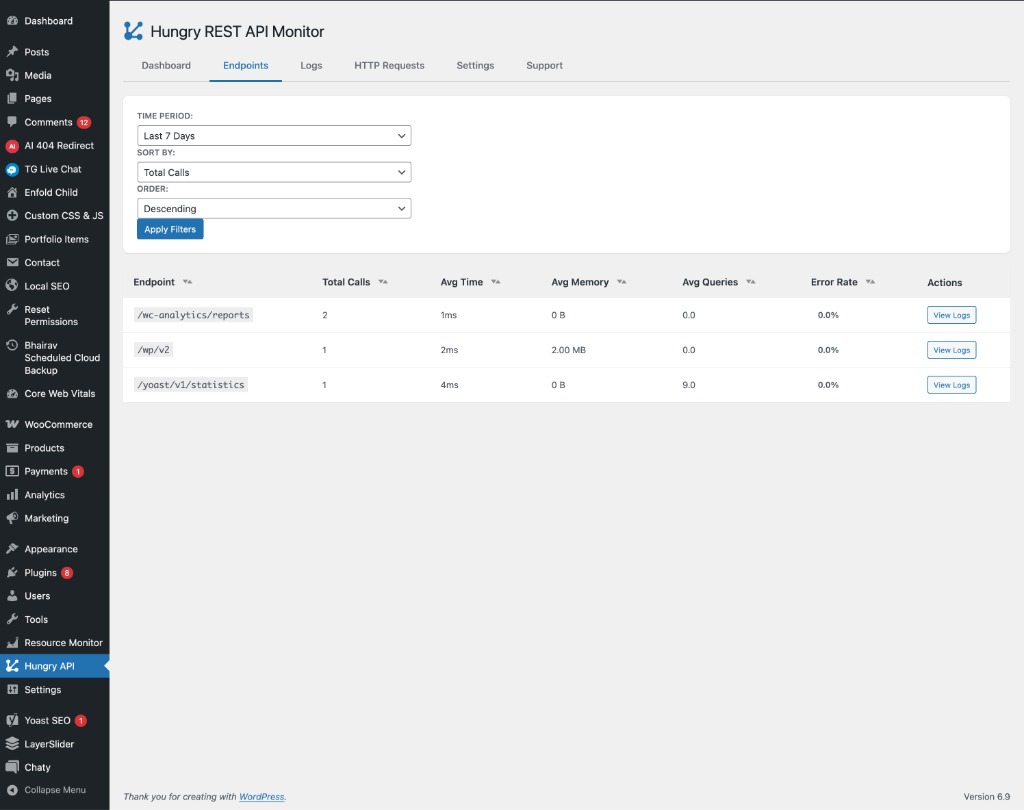
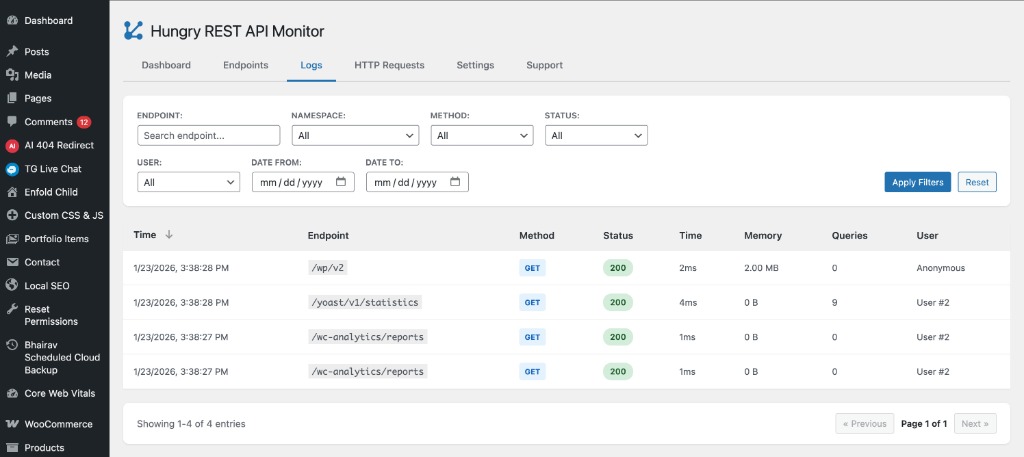
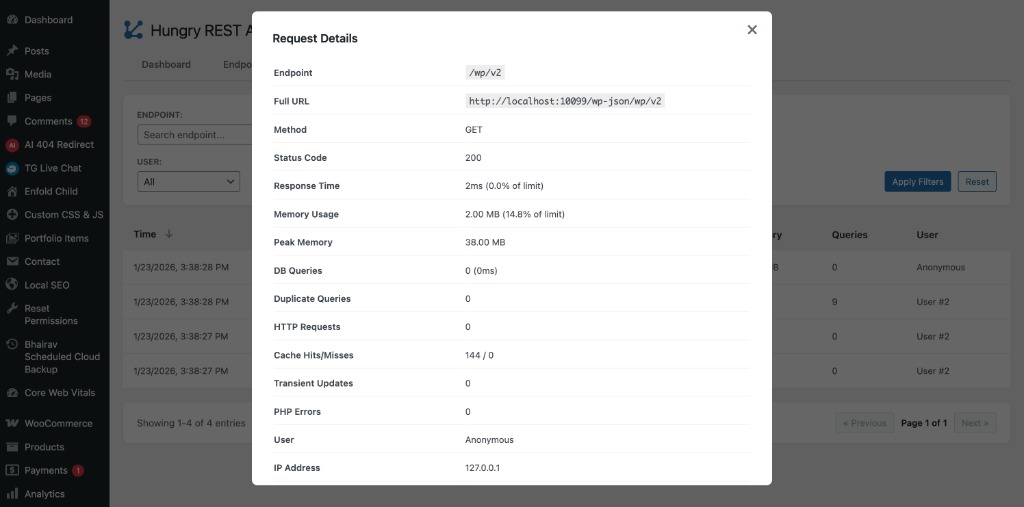
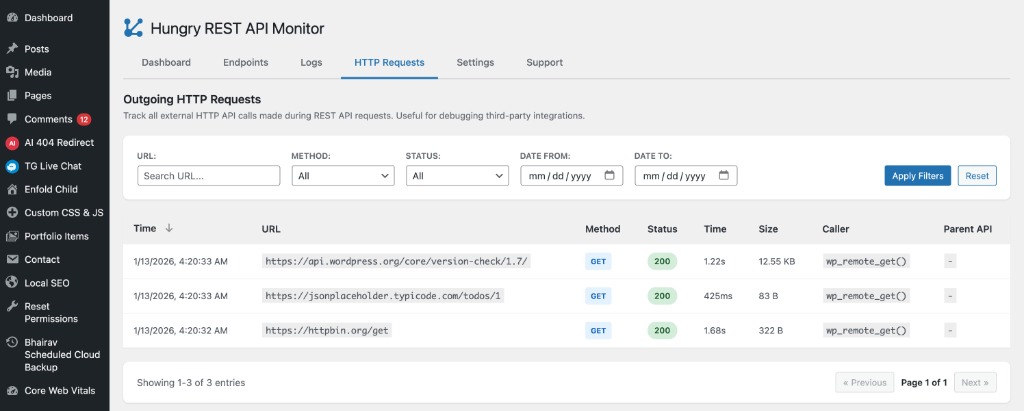
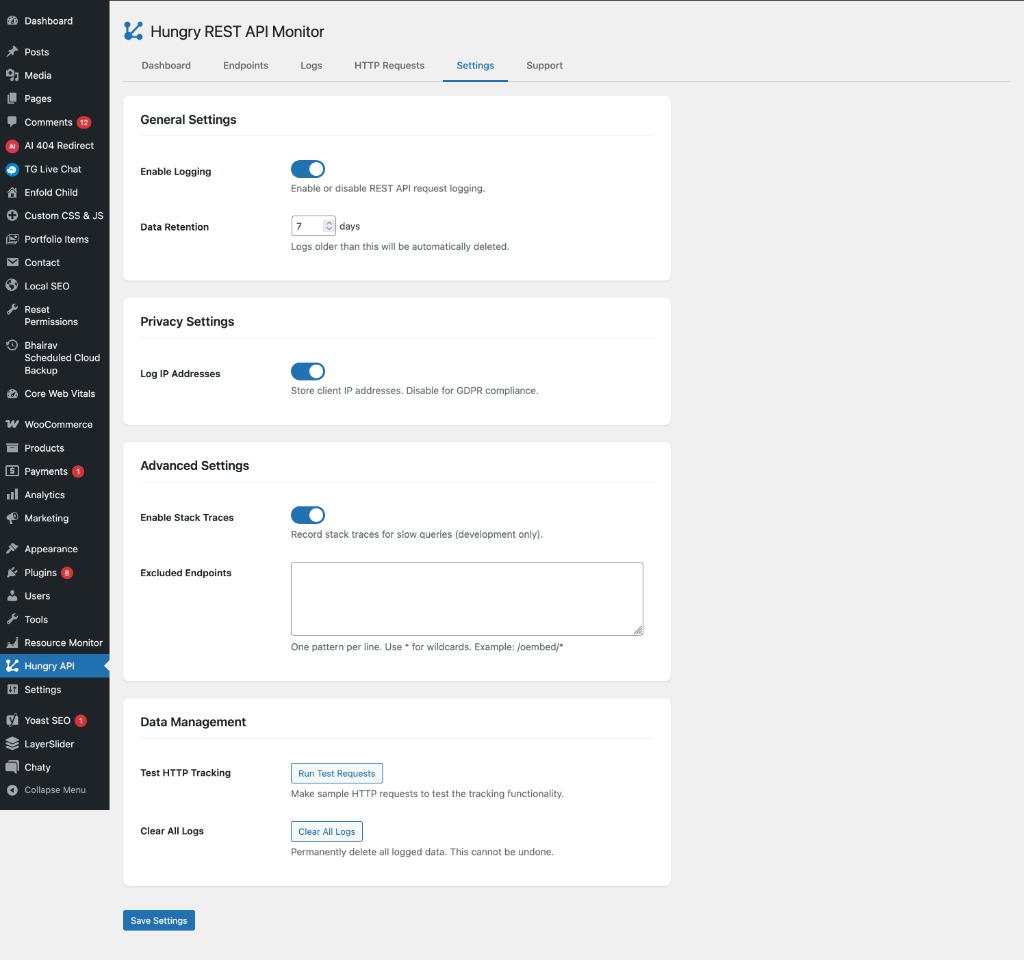
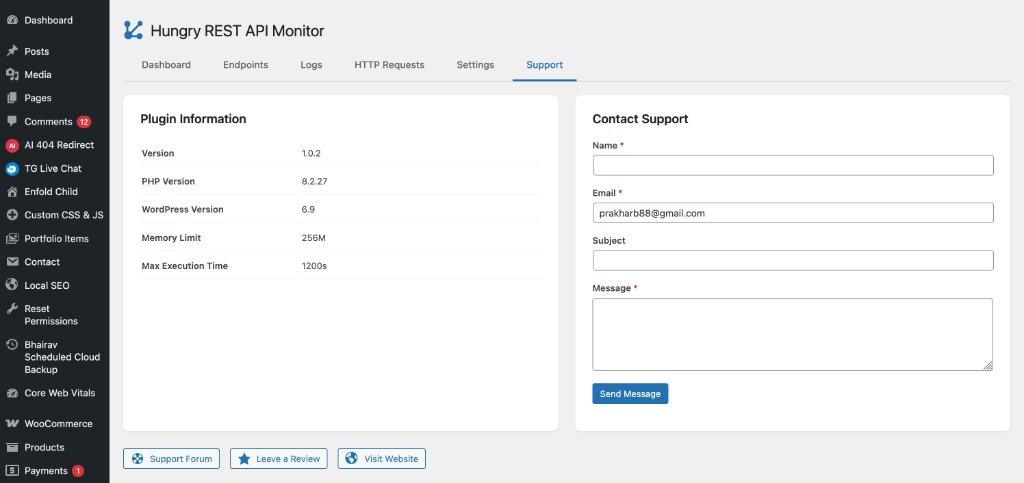
Hungry Rest API Monitor is a powerful WordPress plugin that tracks and analyzes all REST API requests hitting your site. Whether you’re running a headless WordPress site, a mobile app backend, or a WooCommerce store with API integrations, this plugin gives you complete visibility into your API performance.
Key Features
📊 Visual Analytics Dashboard
* Beautiful charts showing traffic patterns over time
* HTTP method distribution (GET, POST, PUT, DELETE)
* Status code breakdown (2xx, 4xx, 5xx errors)
* Authenticated vs anonymous request tracking
⚡ Performance Monitoring
* Response time tracking for every request
* Memory usage per API call
* Database query count and execution time
* Memory usage as percentage of PHP limit
* Execution time as percentage of max limit
🔍 Advanced Tracking
* PHP errors during API requests
* Outgoing HTTP API calls made during requests
* Object cache hit/miss ratios
* Duplicate query detection
* Transient updates during requests
🌐 Outgoing HTTP Request Tracking
* Detailed view of all external HTTP calls made during REST requests
* Track request URL, method, status, and response time
* See request/response headers and body sizes
* Identify caller file, line, and function (debug info)
* Filter by URL, method, status code, and date
* Link each HTTP request to its parent REST API call
🎯 Endpoint Analytics
* Aggregate statistics per endpoint
* Find your slowest endpoints
* Identify memory-heavy endpoints
* Track query-heavy endpoints
* Error rate per endpoint
📋 Detailed Logging
* Searchable request logs
* Filter by endpoint, method, status, user
* Date range filtering
* Sortable columns
* Click-through to full request details
🛒 WooCommerce Ready
* Automatically monitors all WooCommerce REST API endpoints
* Track /wp-json/wc/v3/products
* Monitor /wp-json/wc/v3/orders
* Analyze /wp-json/wc/v3/customers
* Works with any WooCommerce API consumer
🔒 Privacy & Security
* IP address logging disabled by default (GDPR-friendly)
* Nonce verification on all AJAX requests
* Capability checks for admin access
* Prepared statements for all database queries
External Services
This plugin connects to external services only when an administrator manually clicks the “Run Test Requests” button in the Settings tab. This feature is designed to verify that the HTTP request tracking functionality is working correctly.
When the test is run, the plugin sends simple GET requests to:
-
httpbin.org – A testing service used to verify HTTP request tracking.
- Data sent: A simple GET request with no user data
- When: Only when admin clicks “Run Test Requests”
- Terms of Service | Privacy Policy
-
api.wordpress.org – The official WordPress.org API, used to test JSON API response tracking.
- Data sent: A simple GET request to the version-check endpoint (no user data)
- When: Only when admin clicks “Run Test Requests”
- Terms of Service | Privacy Policy
-
jsonplaceholder.typicode.com – A free testing API used to verify HTTP tracking with JSON responses.
- Data sent: A simple GET request with no user data
- When: Only when admin clicks “Run Test Requests”
- Terms of Service | Privacy Policy
Important: These external requests are never made automatically. They only occur when an administrator explicitly initiates the test feature. No user data, site data, or any personal information is transmitted to these services.
Use Cases
- API Performance Optimization – Find slow endpoints and optimize them
- Debugging – Track down API errors and failed requests
- Security Monitoring – Identify unusual API access patterns
- Capacity Planning – Understand your API traffic patterns
- WooCommerce Integrations – Monitor third-party app connections