

HoweScape ScoutBookLabelPrint
v1.8.1pthowe · 2019年9月28日 上架
This plugin is a utility to take the CSV files which ScoutBook can produce and generate labels using Avery 6570.
- 正在使用
- 10 以下
- 评分
- 暂无
- 累计下载
- 9,578
- 最近更新
- 2026年4月8日
贡献者
 pthowe
截图



This HoweScape ScoutBook Label Print plugin allows labels to be printed for Scout advancement Cards. Currently the tool
being recommended for recording scout advancement is ScoutBook. ScoutBook only has the ability to print full sheets of award cards.
The ScoutBook.com web site provided the ability to print onto a sheet of 8 advancement cards. HoweScape ScoutBook LabelPrint Plugin is
configured to use Avery 6570 labels.
A sheet of labels contains 32 labels. The Plugin provides the ability to skip label positions so that you can print a single label
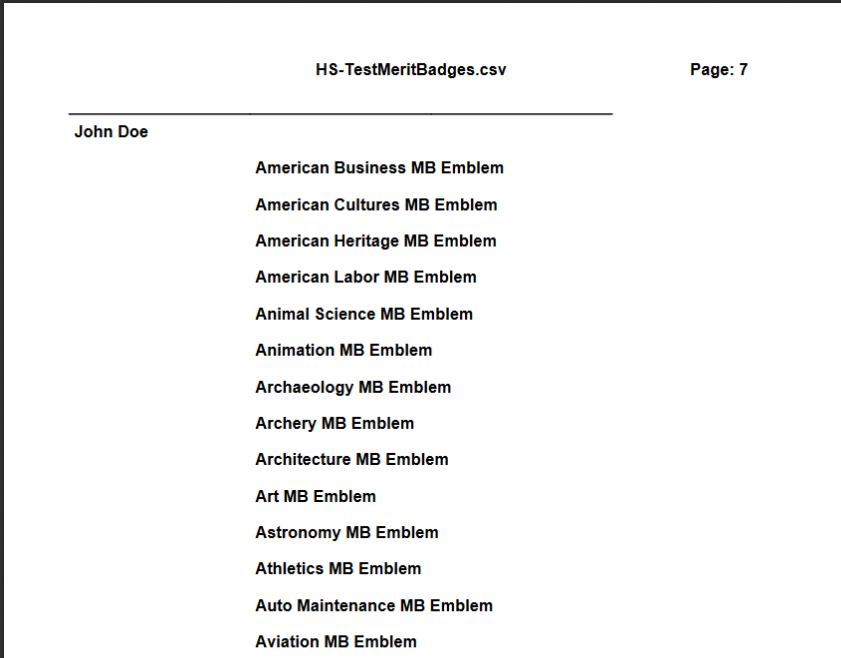
or a whole sheet, starting at any label on the sheet. After the labels are printed a list is printed. The output from the plugin
is a PDF file which is displayed in a new tab. This tab can be saved or printed using the features of the browser. Some of the
merit Badge names do not fit on the label with the other text. A list of abbreviated for Merit Badges has been included. The information
is loaded from an XML file. There are 3 settings Drawn Border, Presentation Card and Merit Badge / Rank Images. The only active control is
Draw Border. This feature was used to help verify that the information was positioned correctly in the label.
The other fields are for future features. The settings page also displays a table of the original and abbreviated name of merit badges and awards