
Horde Trace
v1.0.1Horde · 2026年10月29日 上架
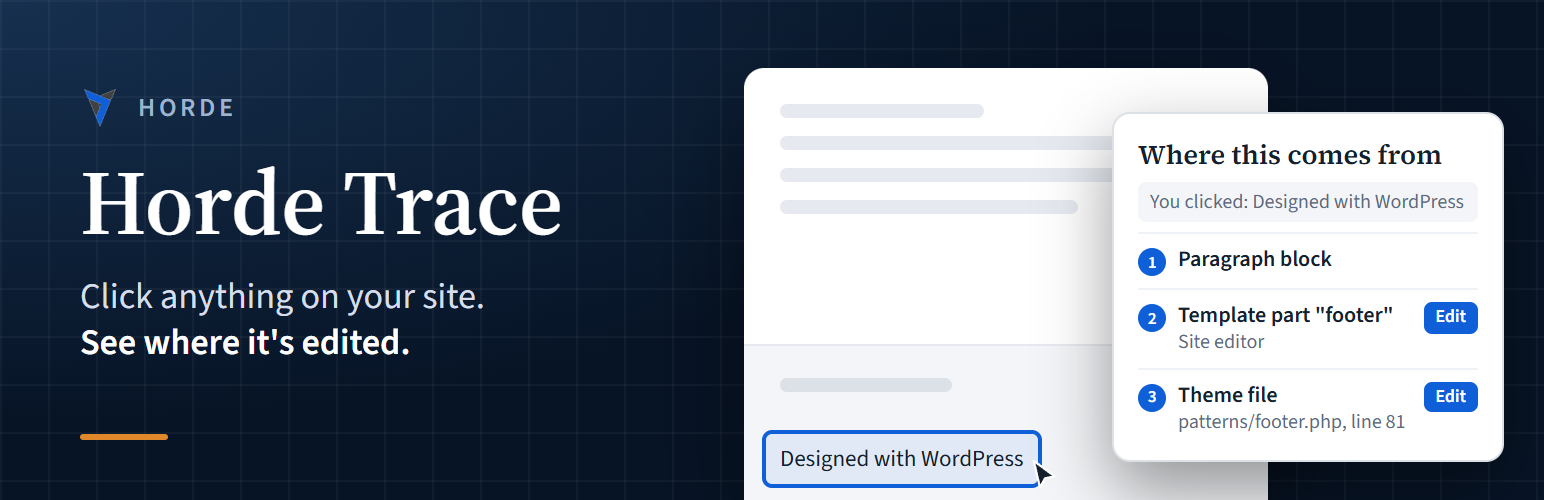
Click any text, image or link on your site and see where it comes from and where to edit it.
- 正在使用
- 10 以下
- 评分
- 暂无
- 累计下载
- 285
- 最近更新
- 2026年10月30日
需要 WordPress 6.3+已测试到 7.1.5PHP 7.4+
贡献者
 Horde
截图
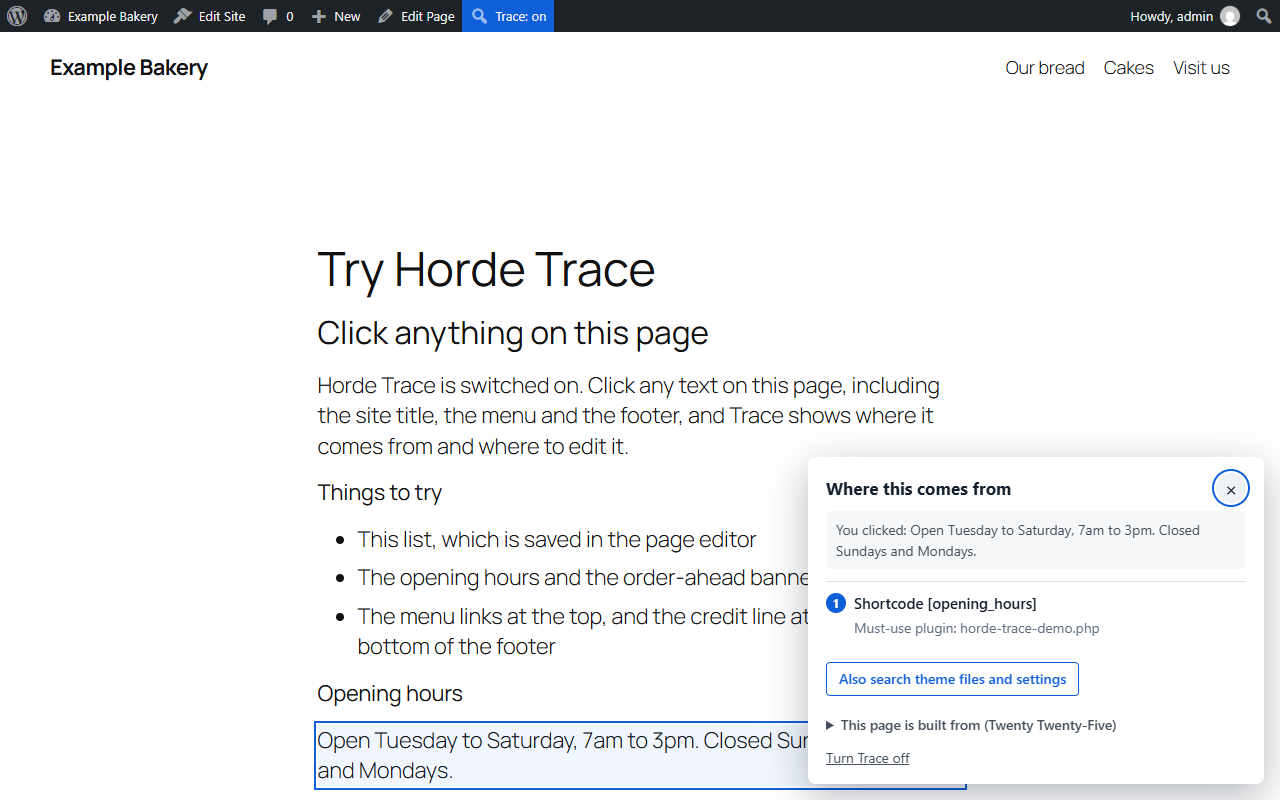


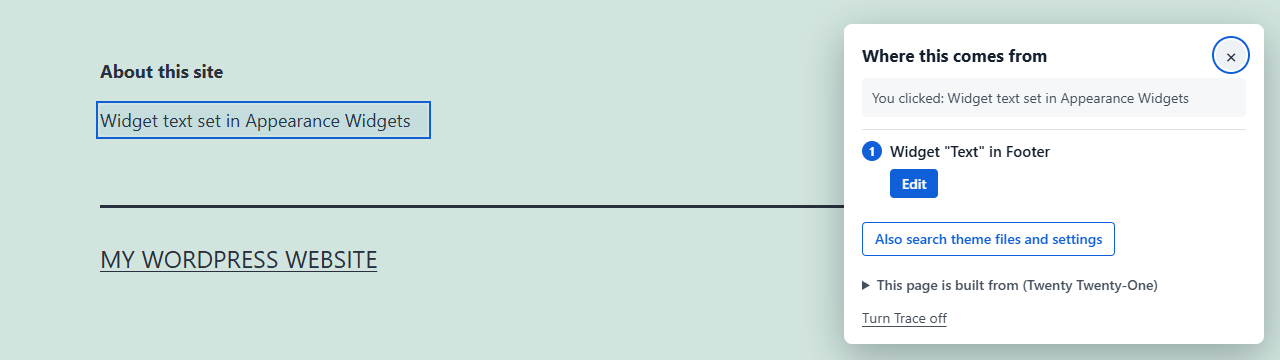
You change a sentence in the page editor, save, refresh, and the old sentence is still there. It lives somewhere else: a template file, a widget, a menu, a shortcode, a synced pattern or a theme setting.
Horde Trace finds it. Switch Trace on from the admin bar, click the thing you want to change, and Trace shows where it comes from, with a link straight to the screen where you can edit it.
What Trace can find
- Blocks, and the page, post or synced pattern they’re saved in
- Site editor template parts and navigation menus (block themes)
- Widgets, and the widget area they’re in
- Classic menus, by menu and item
- Shortcodes, and the plugin or theme that registered them
- Text hardcoded in theme files, with the file name and line number
- Site title, tagline, Customizer settings and other stored settings
- Text saved in custom fields and page builder layouts
Built to stay out of the way
- Only administrators who switch it on see anything. Visitors never load any of it.
- Read-only. Trace never changes, moves or deletes anything.
- Nothing is sent anywhere. Everything runs on your own site.