

Holiday Mode for WooCommerce
v3.1.0Heinrich Franz · 2021年9月7日 上架
Set your WooCommerce® shop to holiday mode. Schedule closures and keep customers informed automatically.
- 正在使用
- 700+
- 评分
- 4.6 / 5
- 累计下载
- 1.1 万
- 最近更新
- 2026年9月26日
5 条评价需要 WordPress 6.0+已测试到 7.2PHP 8.0+
贡献者
 Heinrich Franz
截图
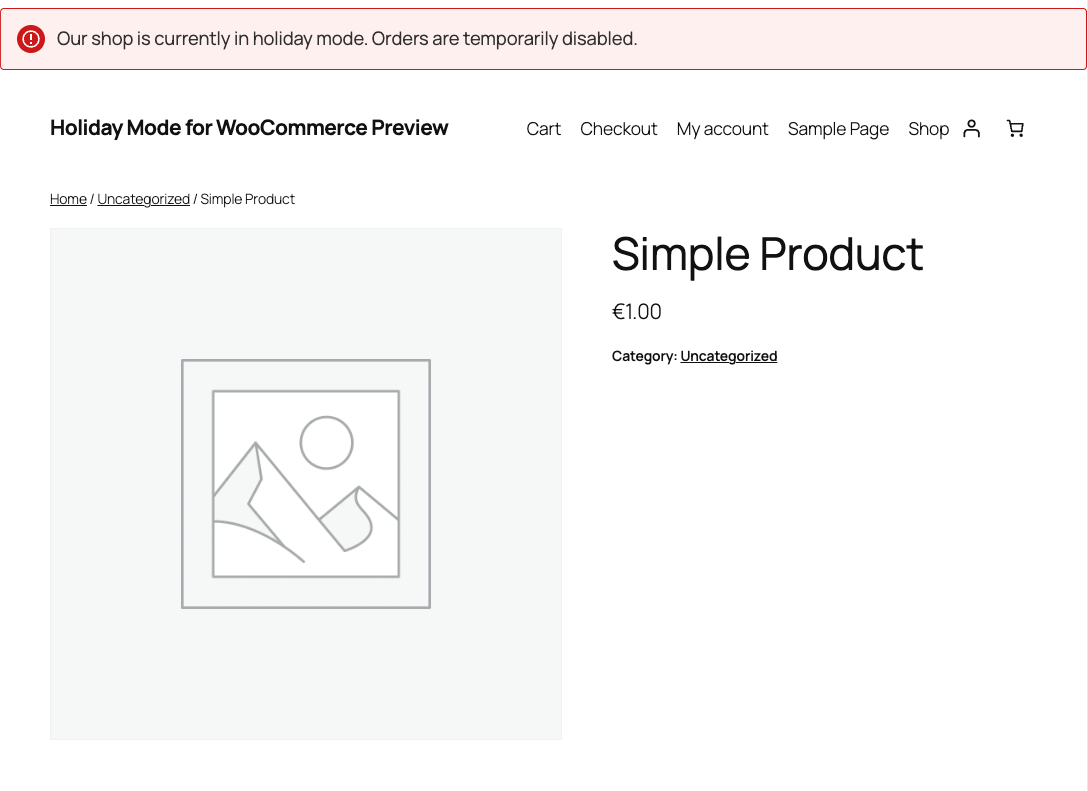
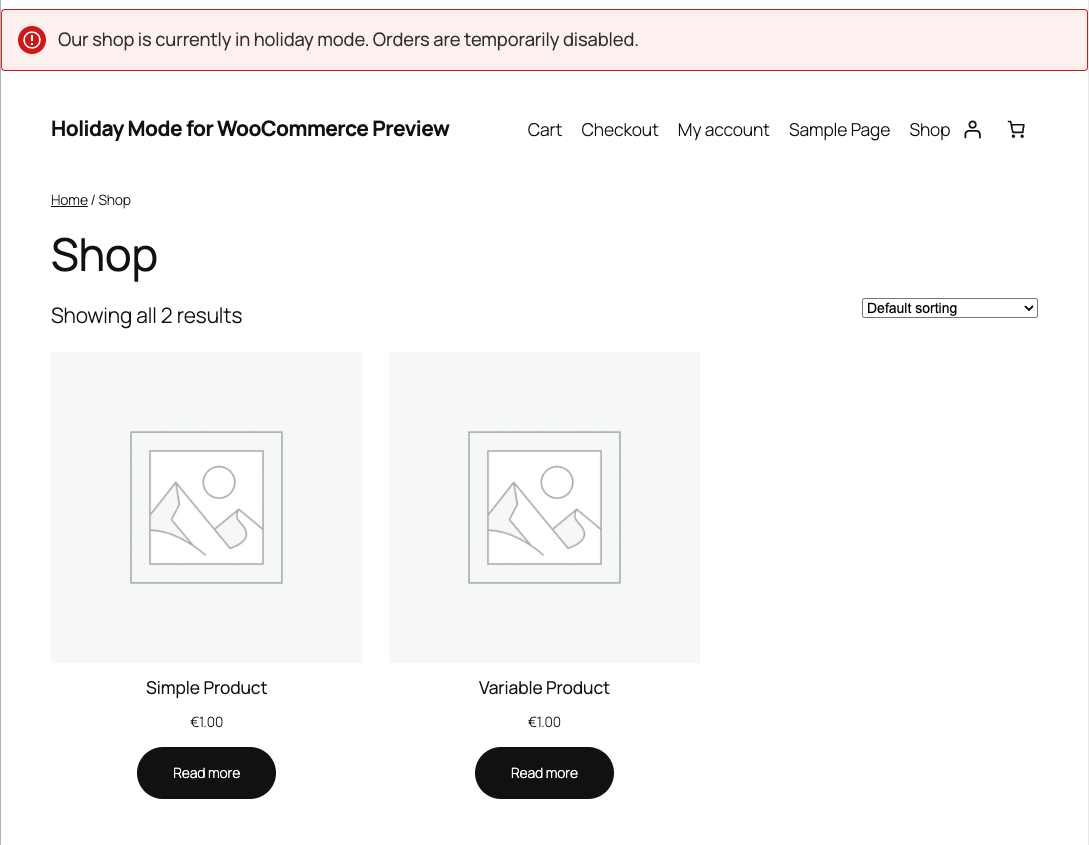
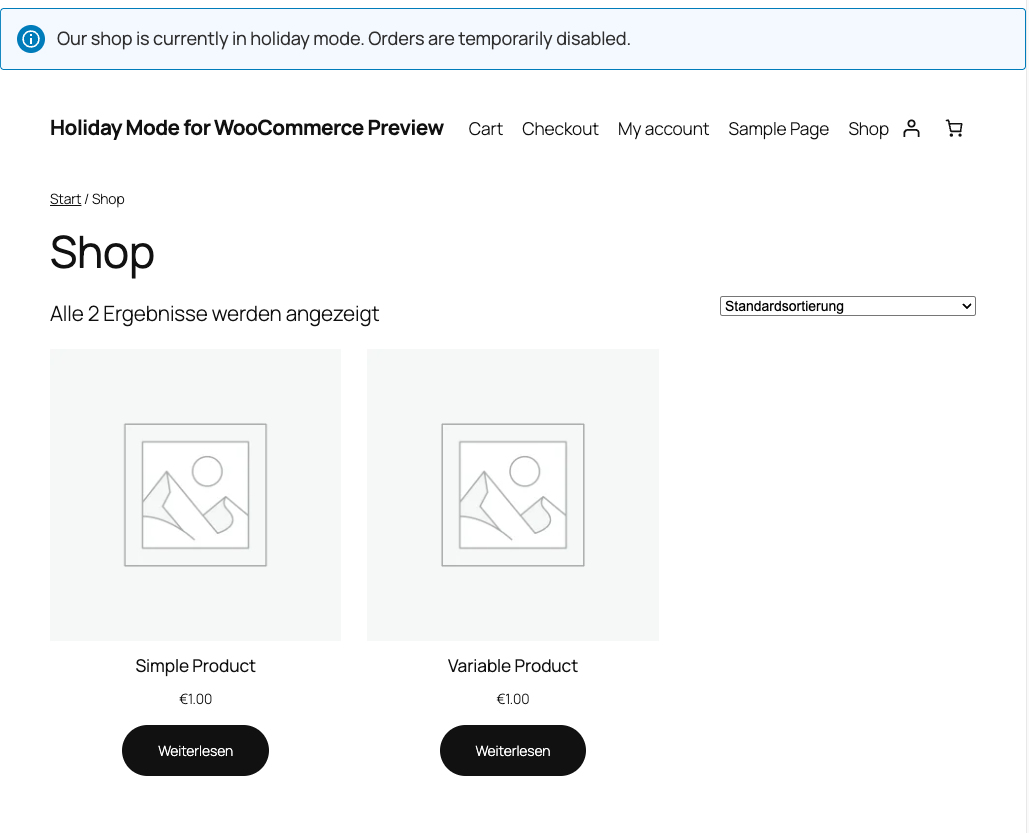
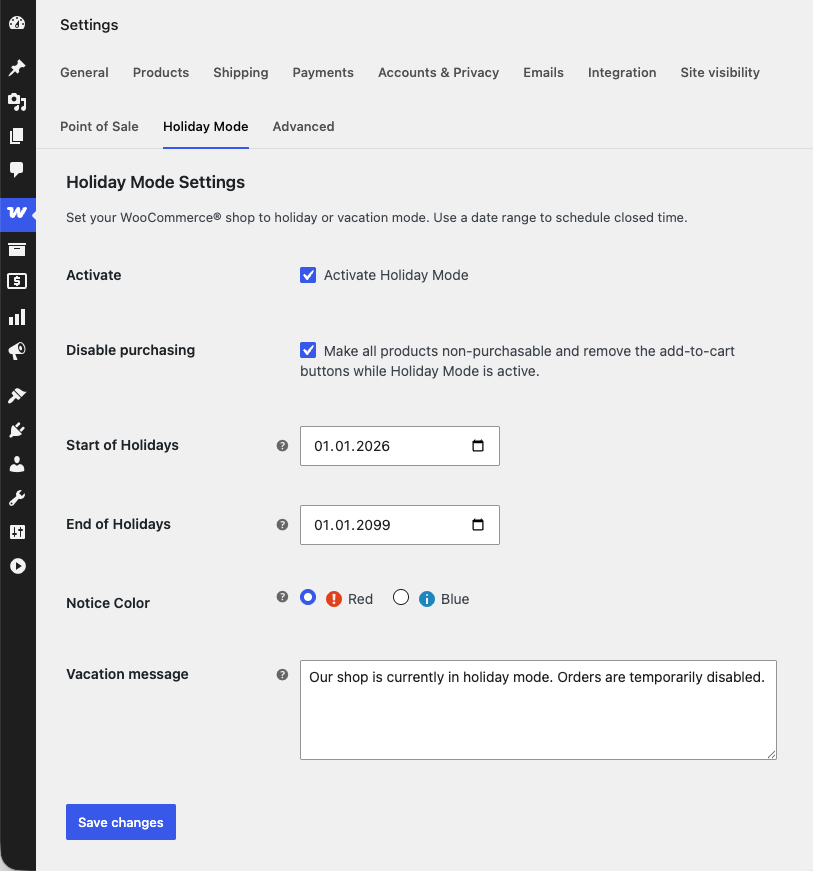
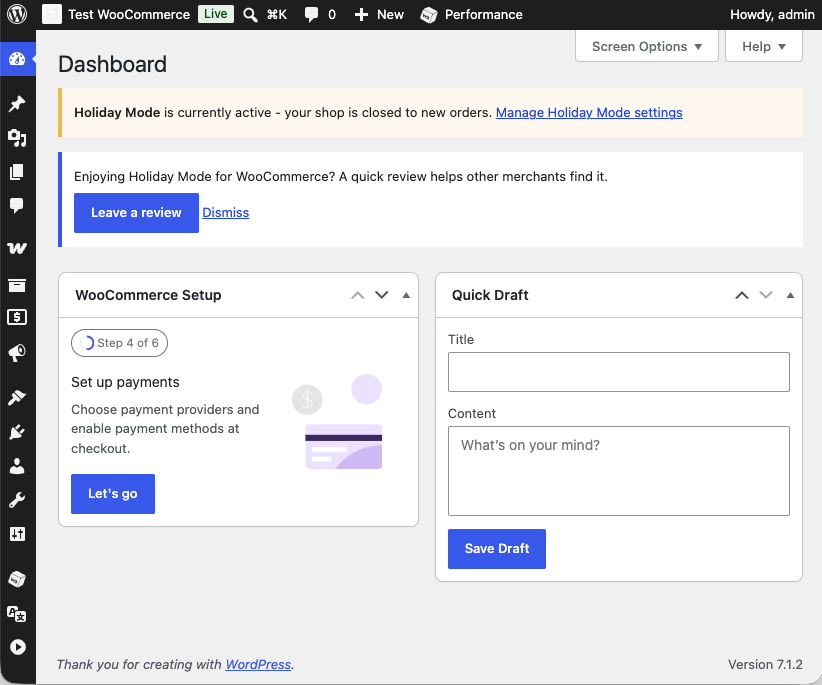
WooCommerce® Holiday Mode allows you to temporarily pause your online store during holidays, vacations, maintenance periods, or other planned breaks.
Define a start and end date for your closed period and automatically enable or disable holiday mode. During this time, you can display a prominently visible custom absence message to inform your customers about your temporary closure, return date, or other important information.
Features:
- Disable new orders by removing the add-to-cart button and displaying a custom message
- Disable the shopping cart (existing cart items will be removed when holiday mode is activated)
- Disable checkout during the holiday period
- Display a prominent custom absence message to inform customers about your temporary closure
- Optionally show the absence message on every page, not just the shop, product, cart and checkout pages
- Schedule holiday mode with a specific start and end date
- Optional advance-notice period – show a heads-up message a configurable number of days before the shop closes, so customers can still place orders before purchasing is disabled
- Automatically deactivate holiday mode when the vacation period ends
- Works with headless/decoupled storefronts and the Cart & Checkout blocks, via the WooCommerce Store API
- Admin notice reminding you that Holiday Mode is currently active, shown throughout wp-admin
- Plays nicely with caching plugins – automatically flushes your page cache when you save your settings, and marks pages as non-cacheable while Holiday Mode is active, so visitors never see a stale, out-of-date version of your shop
WooCommerce® is a registered trademark of Automattic Inc.
Privacy Disclosure
This plugin does not collect, process, or store any personal data.