

Holiday Calendar
v1.0.3Tareq monower · 2025年1月11日 上架
A WordPress plugin to manage holidays with titles, descriptions, dates, and links, displaying past, present, and future holidays.
- 正在使用
- 10 以下
- 评分
- 暂无
- 累计下载
- 986
- 最近更新
- 2025年4月18日
贡献者
 Tareq monower
截图
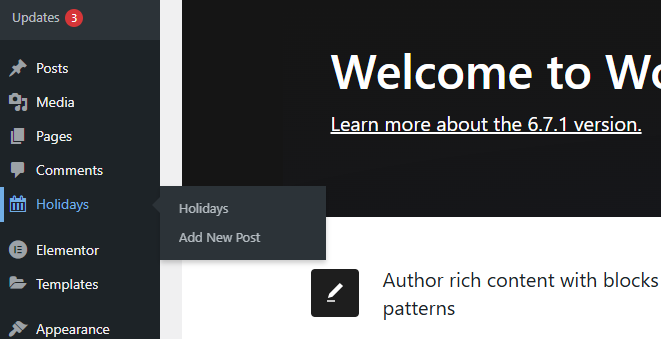


Holiday Calendar is a WordPress plugin that allows you to add holidays with a title, description, multiple dates, and page link. The plugin features three cards that display past, present, and future holidays. You have the option to set all your holidays in the holiday post type. Each post type will contain:
- Title: The name of the holiday.
- Description: A brief description of the holiday.
- Date Field: The date(s) of the holiday (multiple dates can now be added).
- Link Field: A link that will be connected to a button.
- Button Text Field: An optional field to add custom text for the button.
- Custom Class Field: An optional field to add a custom class to the button.
When the time of the holiday arrives, it will show in the “Today” card with the title, description, and button. The holiday view also includes past and future cards to display holidays, showing the title and the button that links to the holiday page. The holiday view cards are responsive, ensuring a great user experience on all devices.
You can easily add and remove your holidays as needed.
Configuration
To use the plugin, follow these steps:
- Go to Holiday Calendar > Add Holiday in WordPress.
- Enter the holiday title, description, and multiple dates, and page link.
- Optionally, set the button text and custom class for the button.
- Click the “Add Holiday” button to save the holiday.