
Maintenance Mode
v3.2.1helderk · 2020年11月25日 上架
This plugin is intended primarily for developers who need to allow clients to preview sites before public launch, or temporarily hide a WordPress site …
- 正在使用
- 8,000+
- 评分
- 4.6 / 5
- 累计下载
- 14 万
- 最近更新
- 2026年8月3日
 helderk
 jfinch3
 Peter Hardy-vanDoorn
截图

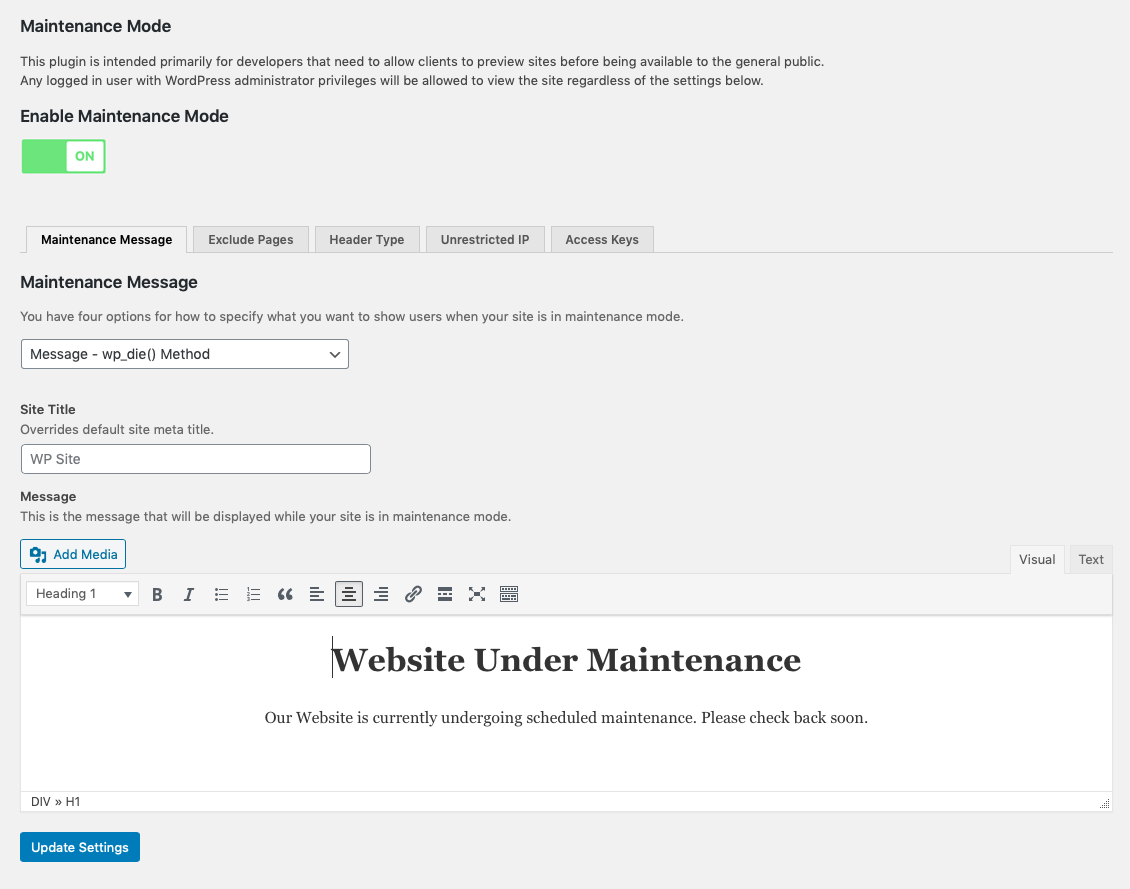
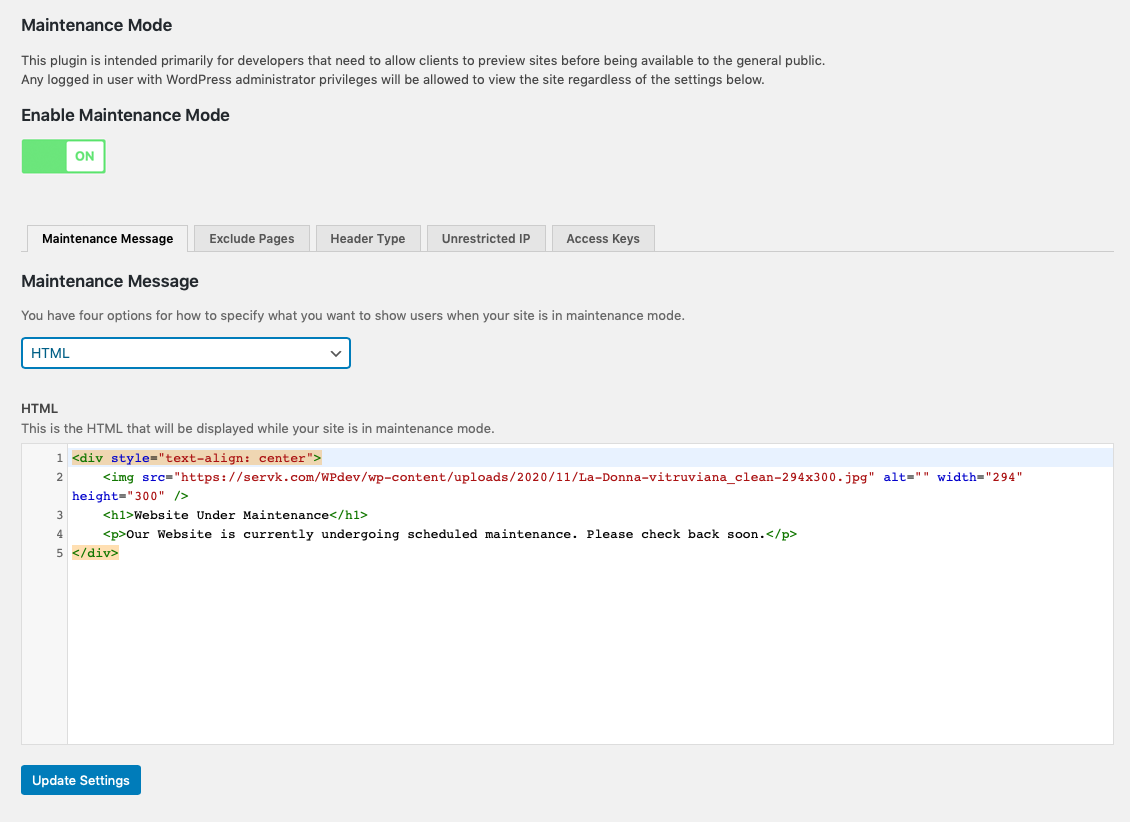
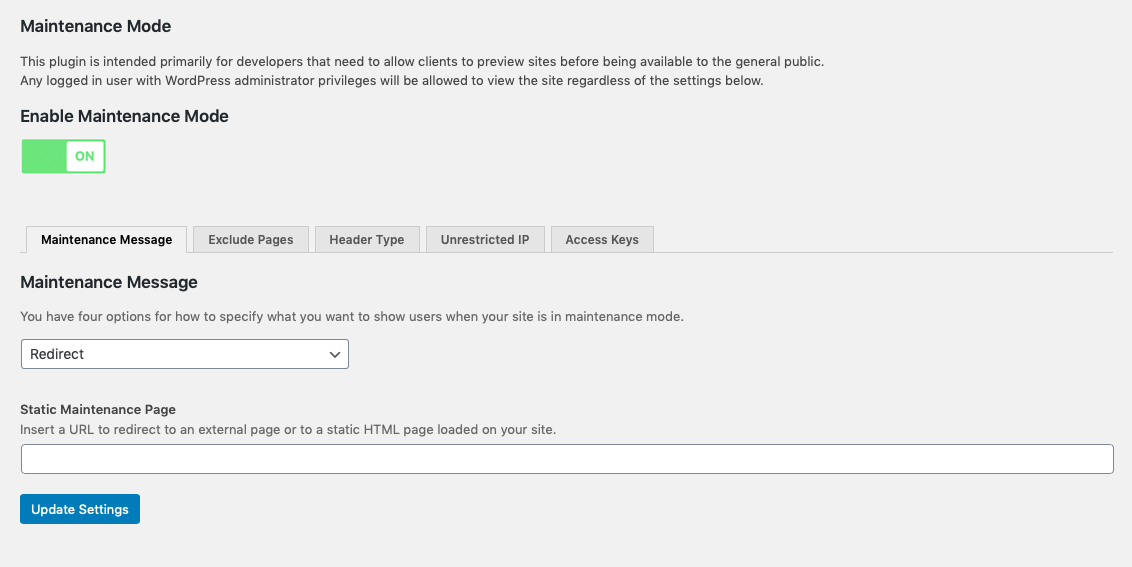
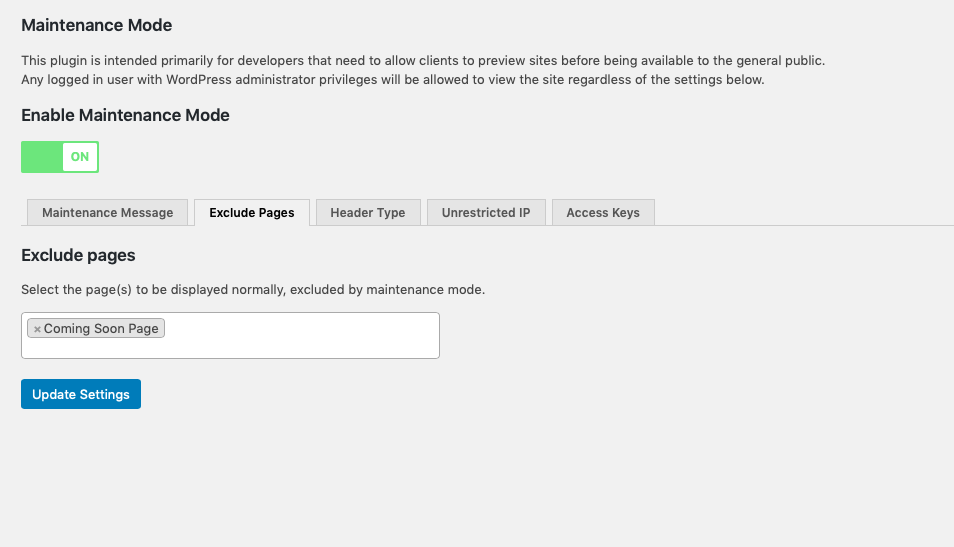
This plugin lets you place a WordPress site into maintenance mode and display a custom message, HTML page, or redirect users to a static page or external URL.
It also disables the WordPress REST API while maintenance mode is active, helping keep site data inaccessible during maintenance.
Any logged-in user with administrator privileges can be allowed to view the site, and the required capability can be changed through a filter hook. See the FAQ section for details.
The maintenance mode behavior can be enabled or disabled at any time without losing the configured settings. However, deactivating the plugin is still recommended when maintenance mode is not needed.
The plugin also supports excluding specific pages from maintenance mode so only selected pages remain visible.
When maintenance mode is active, the plugin sends no-cache headers to help prevent caching plugins, CDNs, or browsers from storing responses that would bypass the maintenance page.
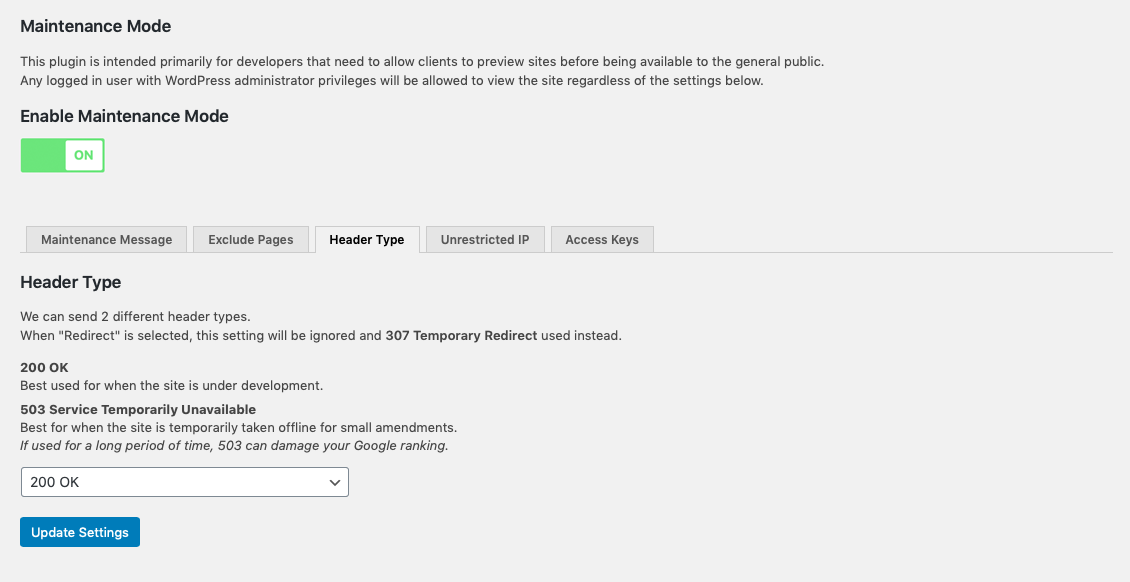
When redirect mode is enabled, the plugin can send two different response codes. “200 OK” is suitable for development environments, while “503 Service Temporarily Unavailable” is better when the site is temporarily taken offline. If used for long periods, 503 may negatively affect search engine visibility.
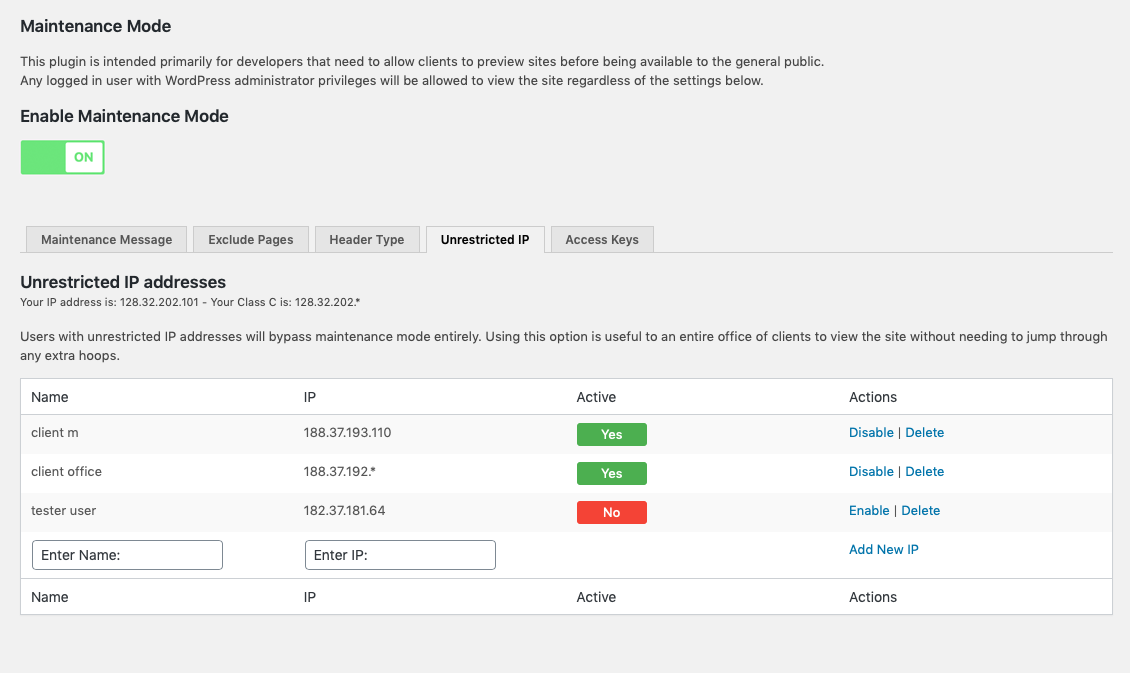
A list of IP addresses can be configured to bypass maintenance mode completely. This is useful for allowing an entire office or client team to access the site without managing individual access keys.
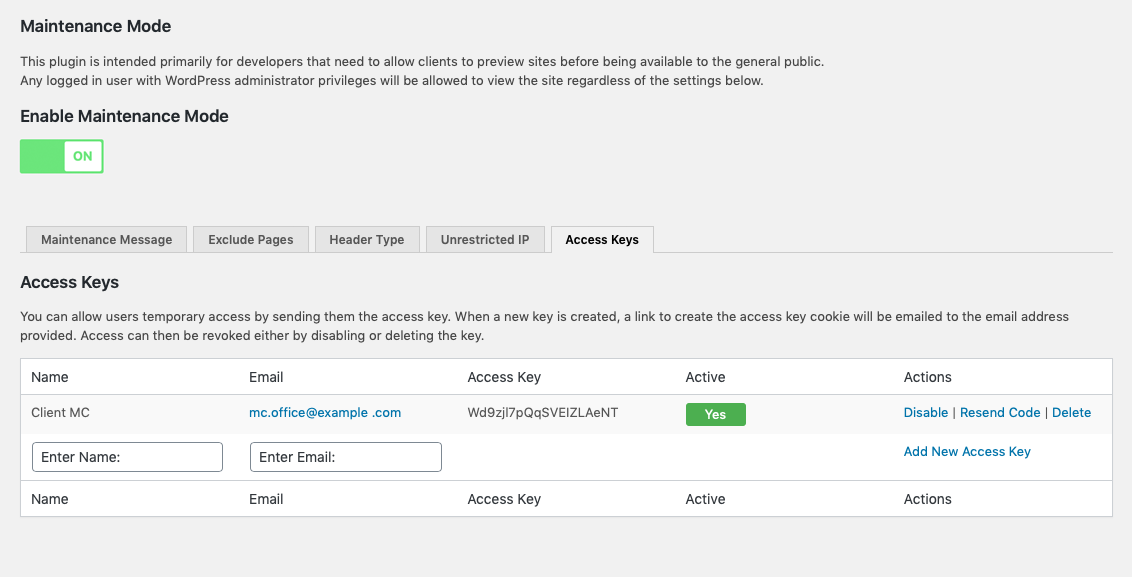
Access keys work by creating a key on the user’s computer that is checked while maintenance mode is active. When a new key is created, a link to store the access key cookie is sent to the email address provided. Access can then be revoked by disabling or deleting the key.
This plugin offers four ways to present the maintenance experience:
- A message rendered with WordPress’s wp_die() function, making the experience feel native to WordPress.
- A page styled with the active theme’s template.
- A custom HTML page.
- A redirect to a static page or external URL.