
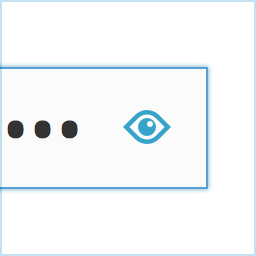
hideShowPassword
v2.0.1Barry Ceelen · 2013年11月6日 上架
Toggle password visibility on the WordPress login screen.
- 正在使用
- 400+
- 评分
- 4.5 / 5
- 累计下载
- 1.2 万
- 最近更新
- 2018年7月12日
贡献者
 Barry Ceelen
截图


Lets you easily show or hide the contents of the password field on the WordPress login screen. Uses the excellent hideShowPassword jQuery plugin by the equally excellent Cloud Four.
Suggested reading: “a compendium of why and how to show passwords and what’s coming next” by Luke Wroblewski.
Options
A settings section is added to the ‘General Settings’ page. You can select between toggling password visibility via an icon in the password field (default) or via a checkbox below the password field.
Translations
The default setting of toggling the password via an icon in the password field does not require translation as no text will be visible to the user. If you select the option of toggling the password via a checkbox, the following translations are included:
- Dutch
- German
Github
Fork me on Github.