

Hide Menu Items by Role
v2.1.0Mahfuzur Rahman · 2023年3月17日 上架
Hide or show WordPress menu items by user role and login status, item by item, without creating duplicate menus.
- 正在使用
- 100+
- 评分
- 5.0 / 5
- 累计下载
- 3,073
- 最近更新
- 2026年10月26日
1 条评价需要 WordPress 5.0+已测试到 7.1.5PHP 7.0+
贡献者
 Mahfuzur Rahman
截图
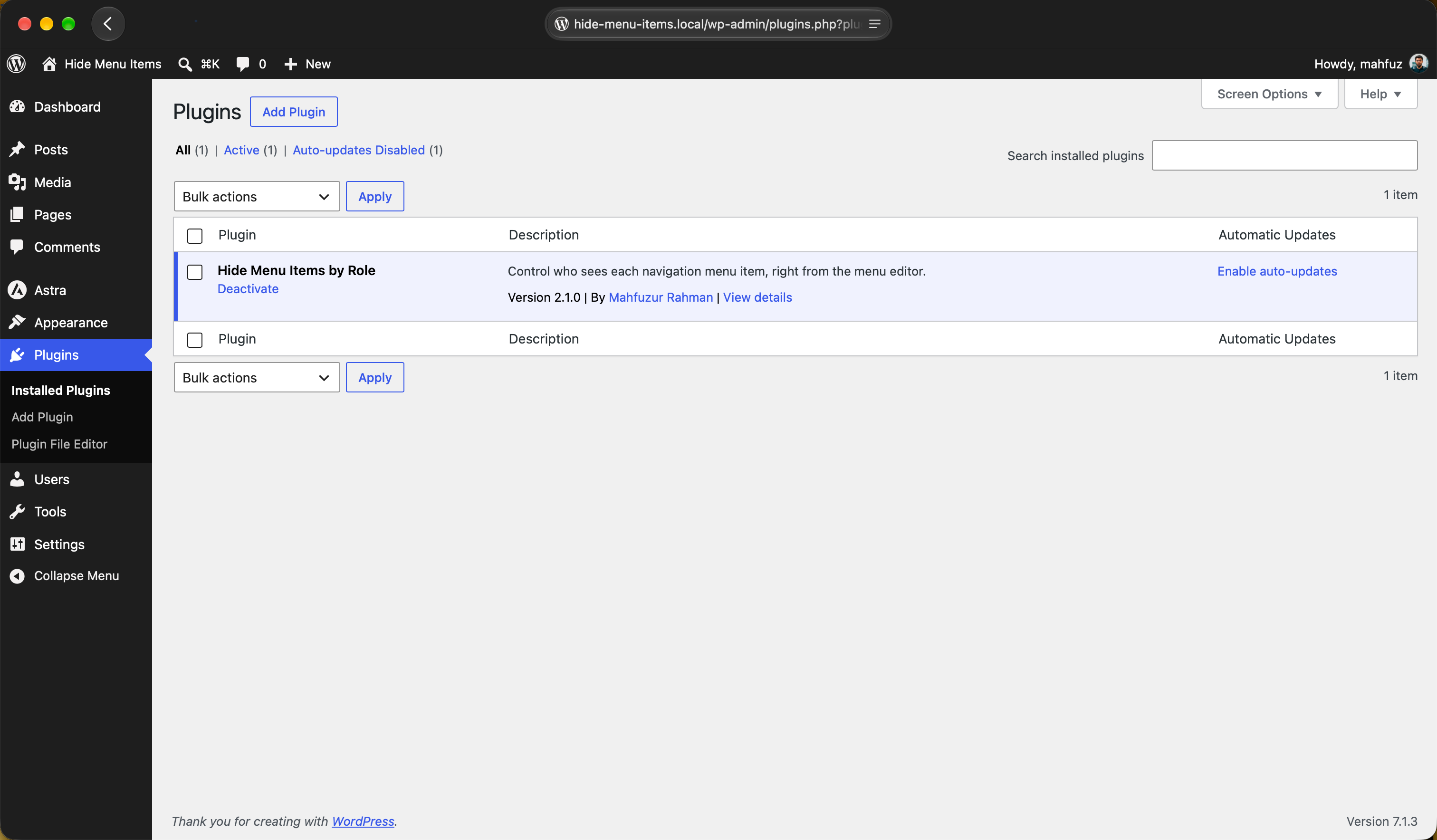

Hide Menu Items by Role lets you decide who sees each link in your WordPress navigation, item by item, without building a separate menu for every audience. Open Appearance > Menus, edit a menu item, and choose which user roles should see it and whether it belongs to logged-in users, logged-out visitors, or everyone.
It is a small, focused tool for client sites, membership and community sites, WooCommerce stores, and any site where guests and registered users need different navigation.
What you can do
- Show a menu item to everyone, ignoring role rules (“Show to all roles”, the default)
- Hide a menu item from the user roles you select
- Show a menu item only to the user roles you select
- Restrict items by user status: everyone, logged-in users only, or logged-out visitors only
- Combine role and user-status rules on the same item
- Tick as many roles as you need, including custom roles registered by other plugins
Why it stays out of the way
- No settings page to learn, because the options live in the menu item editor right where you need them
- No extra database tables, as every setting is stored as standard menu item meta
- Filtering runs through WordPress core menu filters, so no frontend JavaScript or CSS is added to your site
- Role checkboxes are disabled whenever a rule does not apply, which makes the panel hard to misconfigure by accident