
Hide Admin Notices
v2.1PontetLabs · 2020年4月1日 上架
Hide – or show – WordPress Dashboard Notices, Messages, Update Nags etc. ... for everything!
- 正在使用
- 2 万+
- 评分
- 4.6 / 5
- 累计下载
- 15 万
- 最近更新
- 2024年2月19日
贡献者
 PontetLabs
截图

New & improved!
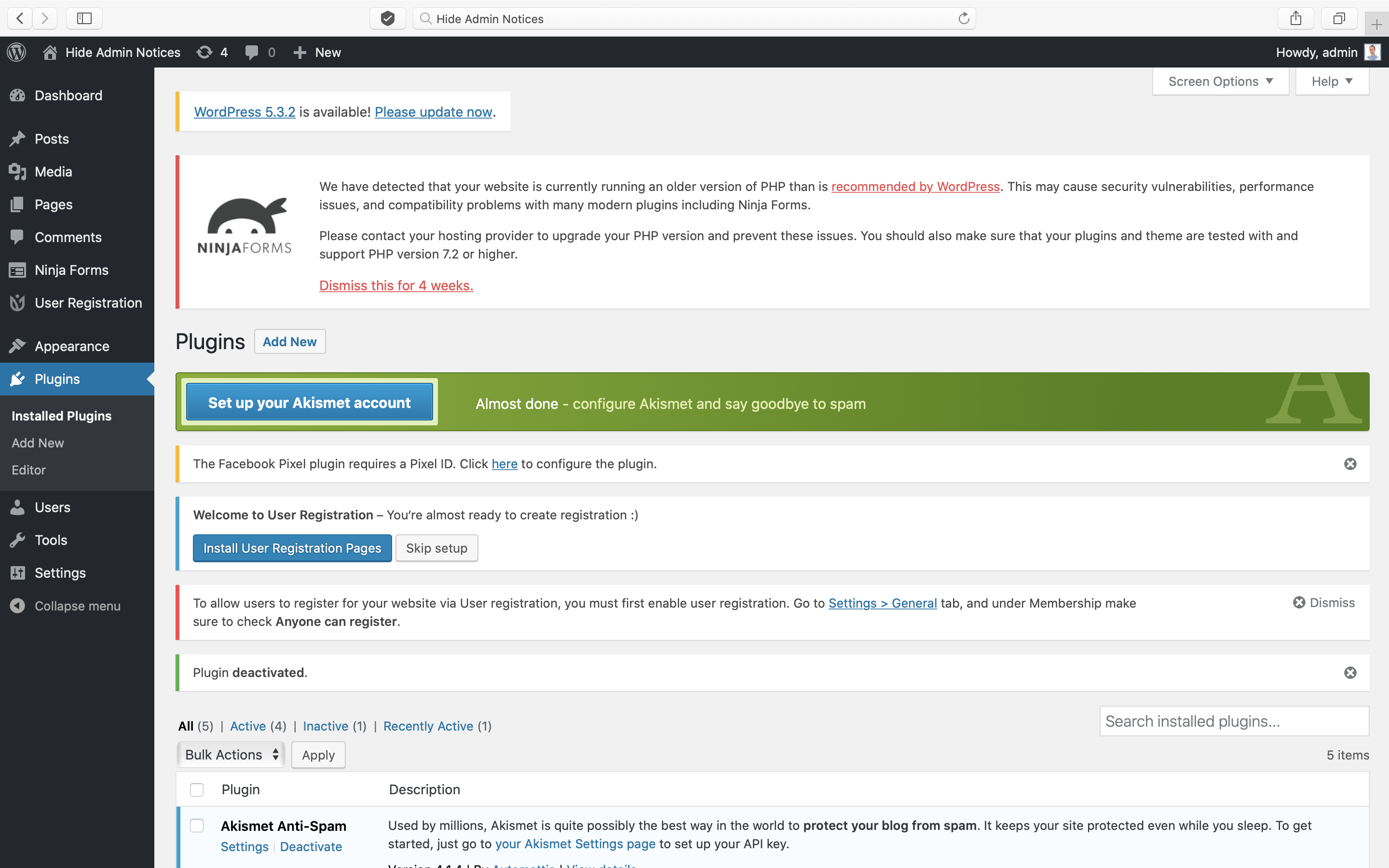
Have you become tired of the clutter of Admin Notices that appear at the top of every page in your WordPress Dashboard?
With each new plugin or theme that you install, there seem to be more and more notices that appear at the top of each page!
With this simple plugin, you can claim back all this wasted screen space so that you can focus on what is important – creating your content.
Hide Admin Notices hides away all Notices, Messages, and Update Nags, and makes it easy for you to see them again when you want.
HOW DOES IT WORK?
After activating the plugin, you will have a new Show Notices button at the top right-hand corner of your admin pages – just next to Screen Options.
Click the button to reveal all hidden notices, then simply click the button again to hide them.
SUPPORT
Like this plugin? Please Rate It or Donate a $1
Have a problem? Please write a message in the WordPress Support Forum
Translations
- English
- Russian
- German
- Japanese
- Italian
- Spanish