

Helplexa Live Chat
v0.1.0pathelplexa · 2026年7月5日 上架
Connect your WordPress site to Helplexa and embed a live chat widget managed from your Helplexa workspace.
- 正在使用
- 10 以下
- 评分
- 暂无
- 累计下载
- 305
- 最近更新
- 2026年7月6日
贡献者
 pathelplexa
截图
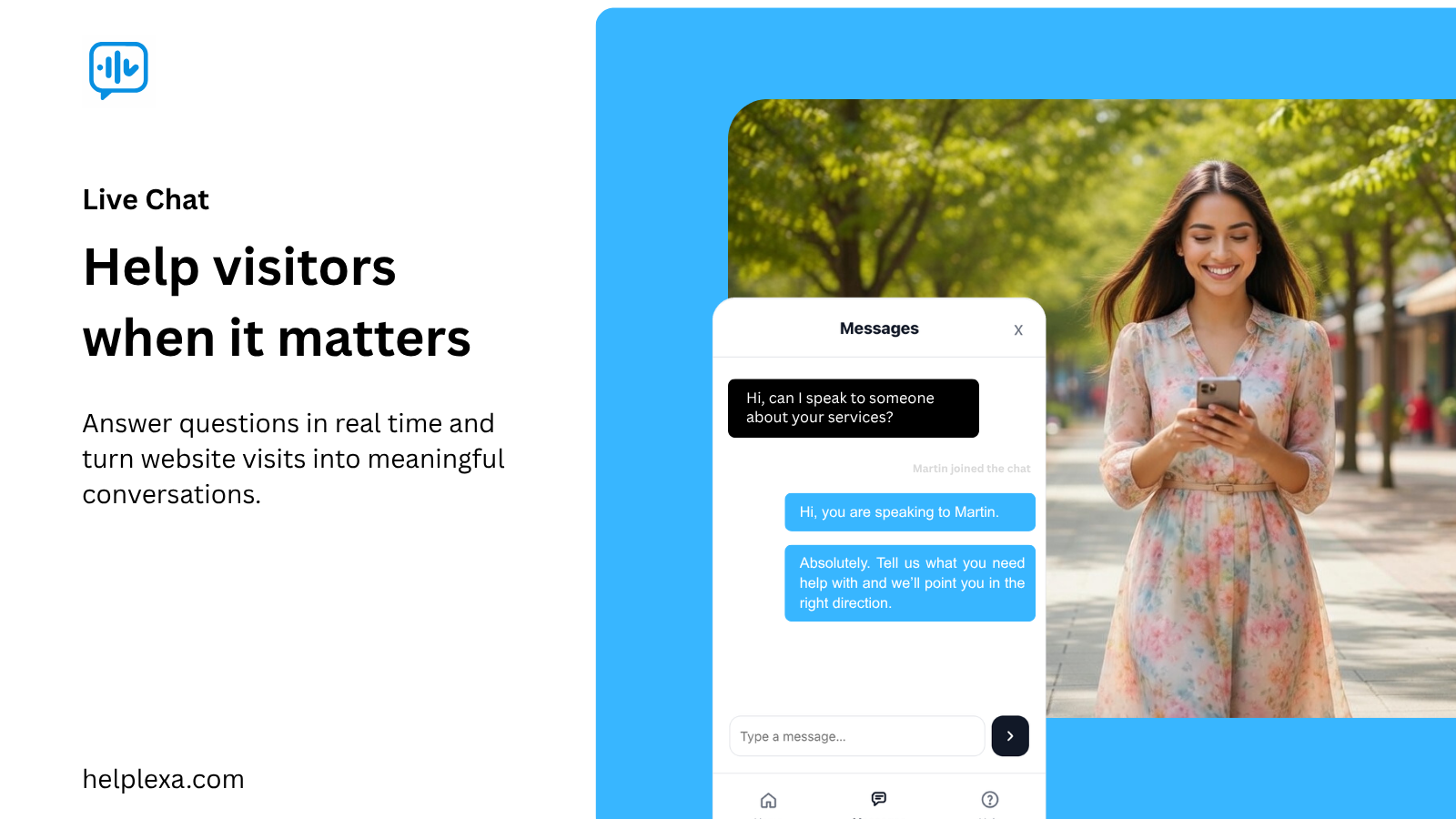
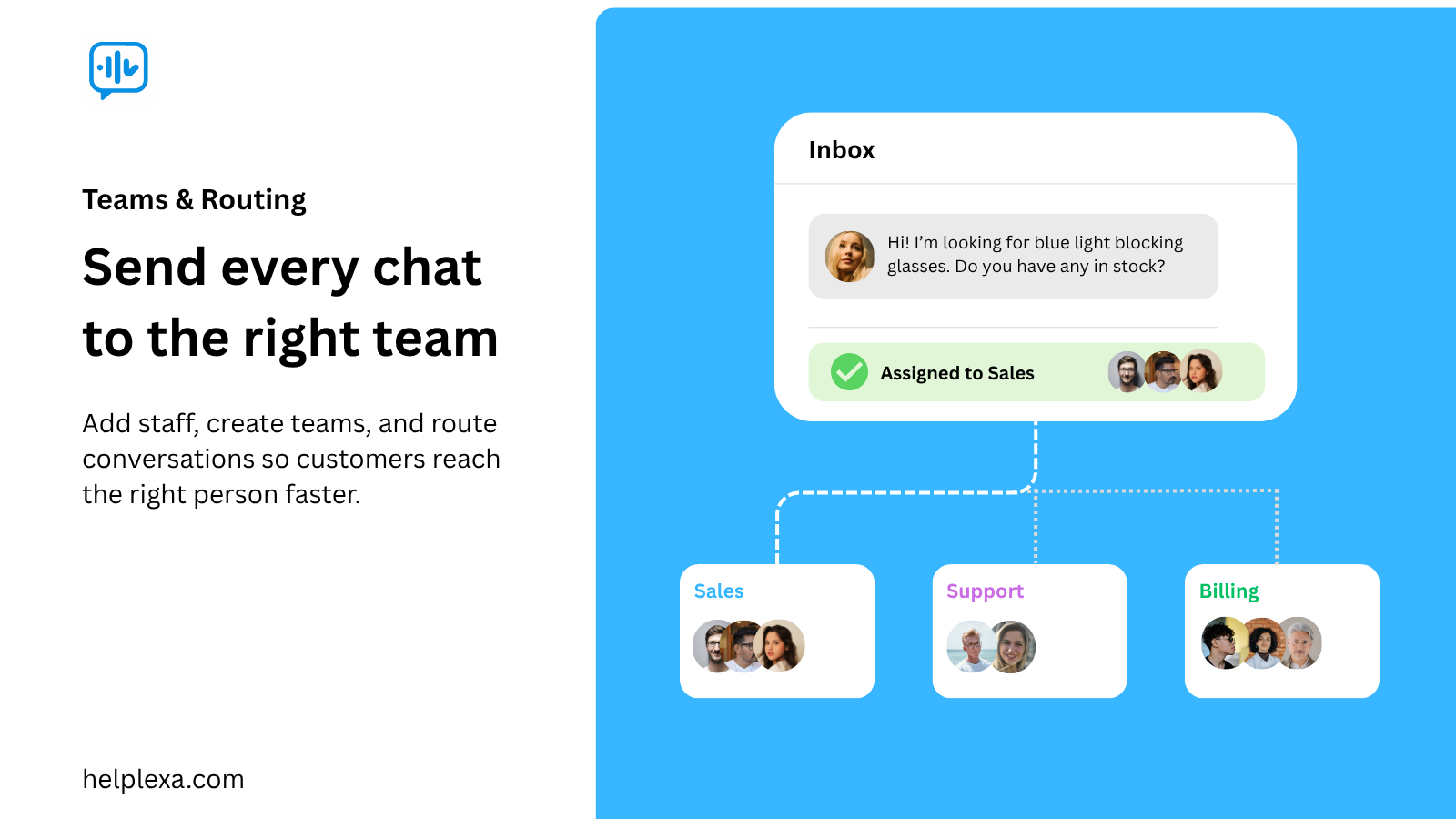
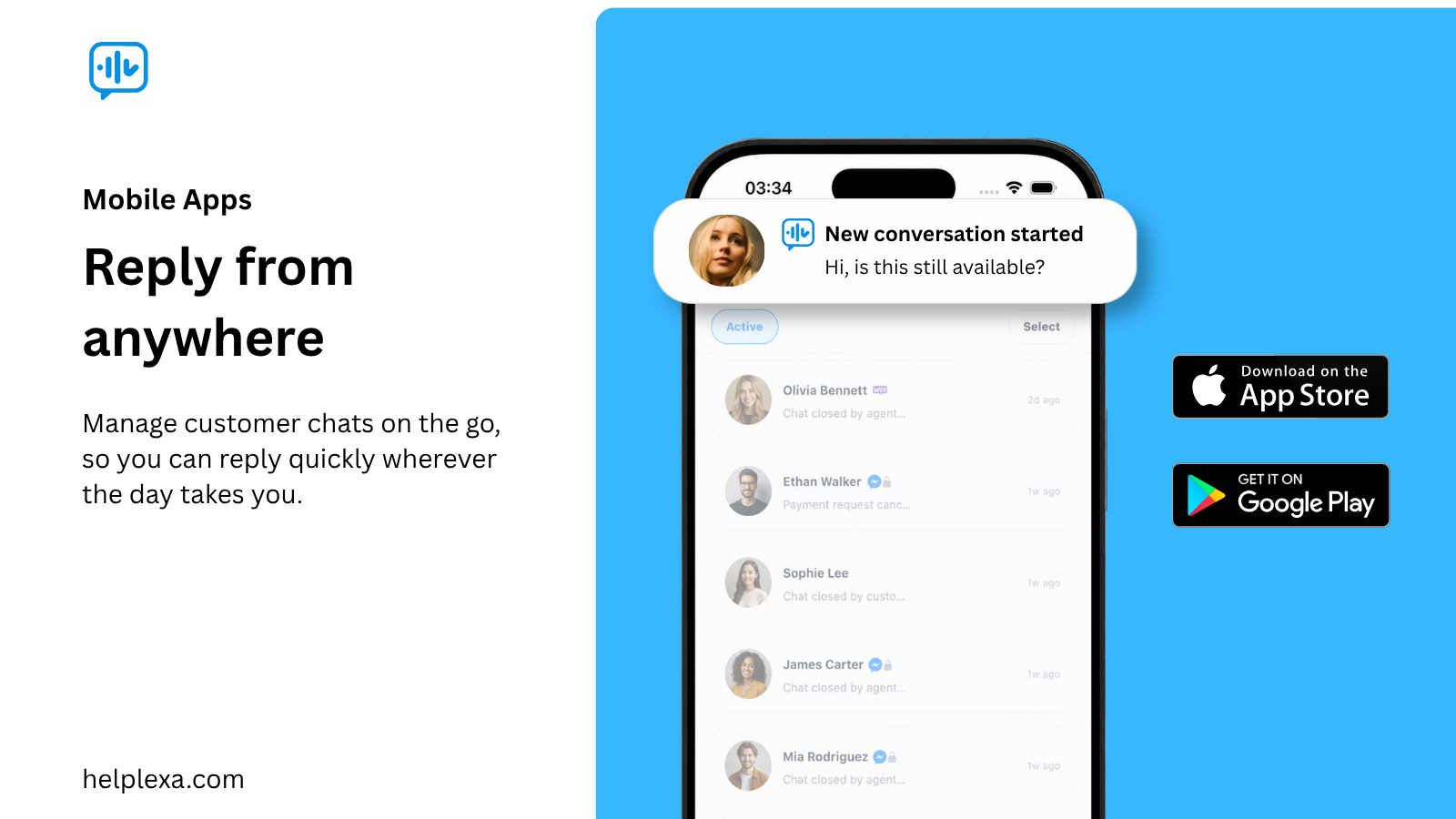
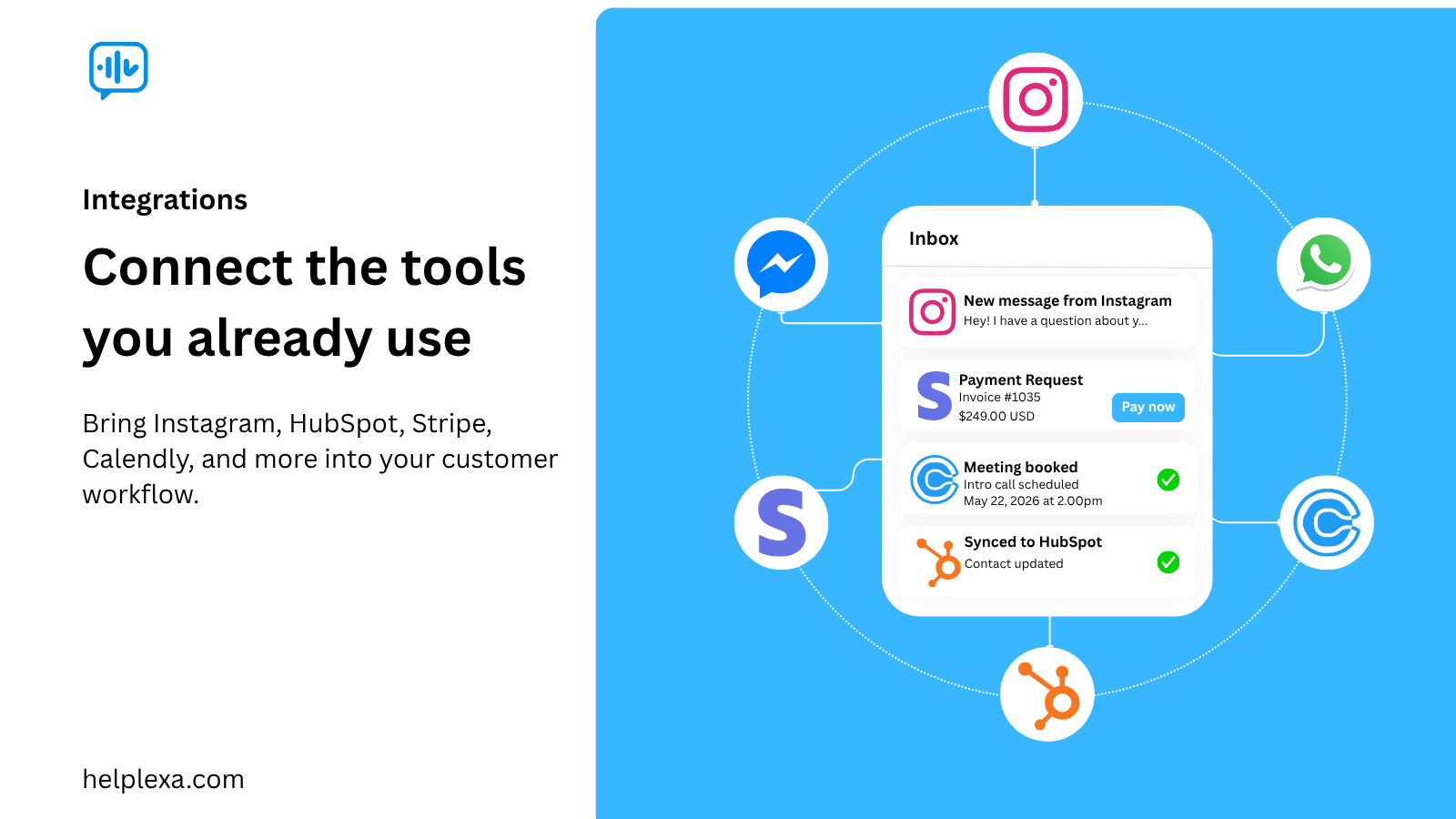
The Helplexa Live Chat plugin connects your WordPress site to your Helplexa workspace, allowing you to:
- Embed the Helplexa live chat widget on your site
- View and respond to customer chats inside Helplexa
- Manage widget creation, domain selection, availability, and embedding from Helplexa
- Reply to conversations on desktop or from the Helplexa mobile apps
- Link workspace users and create teams to manage customer conversations
- Route conversations to the right users or teams
- Manage connection settings from WordPress and widget settings from Helplexa
A Helplexa account is required to use this plugin.
Create your free Helplexa account or view plans and pricing.
External Services
This plugin connects to Helplexa to authenticate your account, link your WordPress site to your Helplexa workspace, receive widget embed settings, and load the Helplexa live chat widget when embedding is enabled.
A Helplexa account is required. Use of Helplexa is subject to the Helplexa Terms and Privacy Policy:
Displaying the Chat Widget
After connecting your WordPress site:
- Log in to your Helplexa dashboard.
- Go to Widgets and either create a new chat widget or edit an existing one.
- Under the widget’s Domain Settings, click Change Domain.
- Select Integration Domain, then choose the domain linked to your WordPress site.
- Make sure the widget is enabled in its availability settings.
- Go to Integrations WordPress in Helplexa.
- Toggle embedding on.
Your Helplexa chat widget will now appear on your WordPress site. No code or script snippets are required.
License
This plugin, all included libraries, and any other included assets are licensed under the GNU General Public License version 2 or later.