

Health Check & Troubleshooting
v1.7.1WordPress.org · 2018年6月9日 上架
Health Check identifies common problems, and helps you troubleshoot plugin and theme conflicts.
- 正在使用
- 20 万+
- 评分
- 3.6 / 5
- 累计下载
- 541 万
- 最近更新
- 2024年7月26日
 WordPress.org
 Peter Westwood
 Gary Pendergast
 Marius L. J.
截图

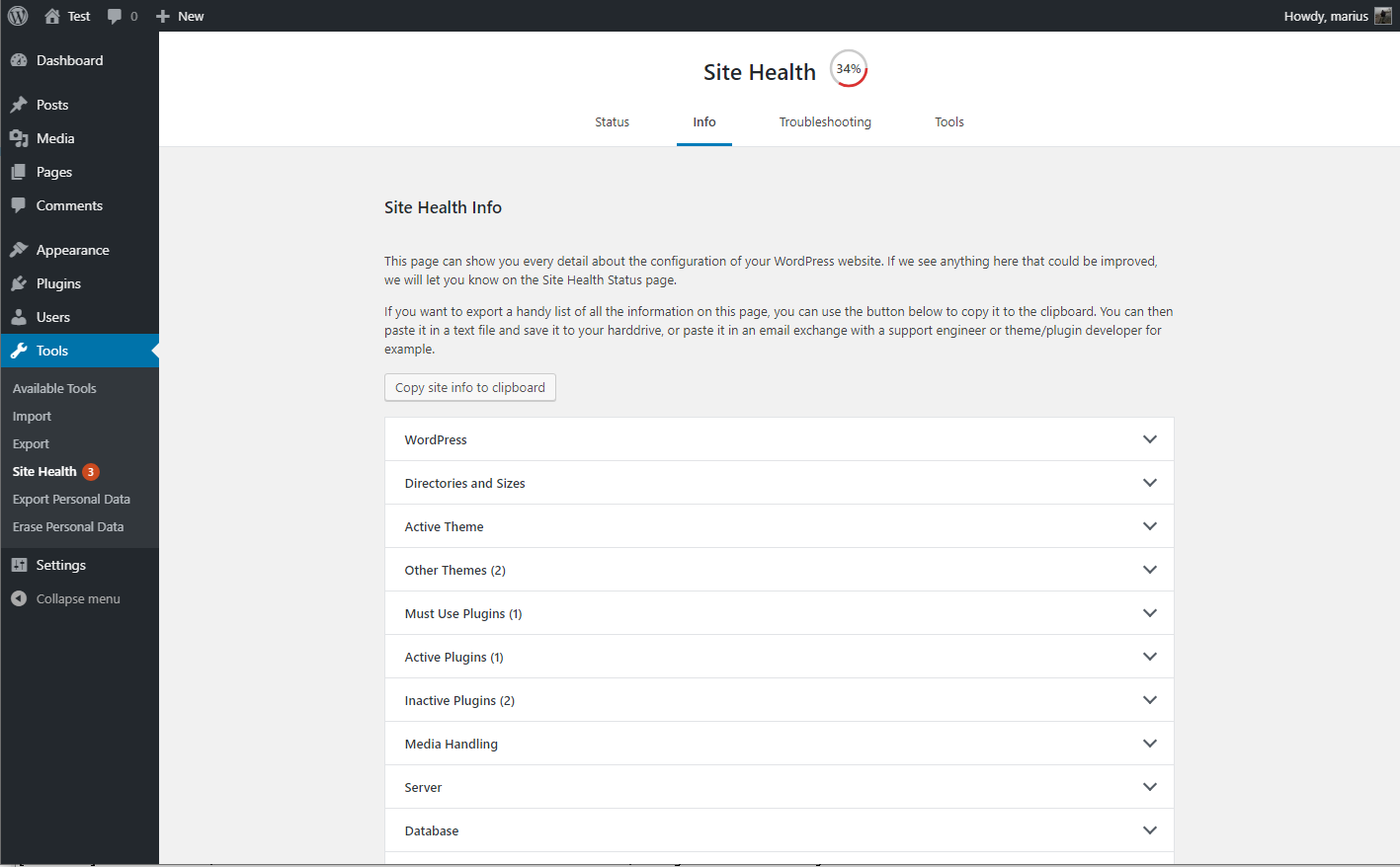
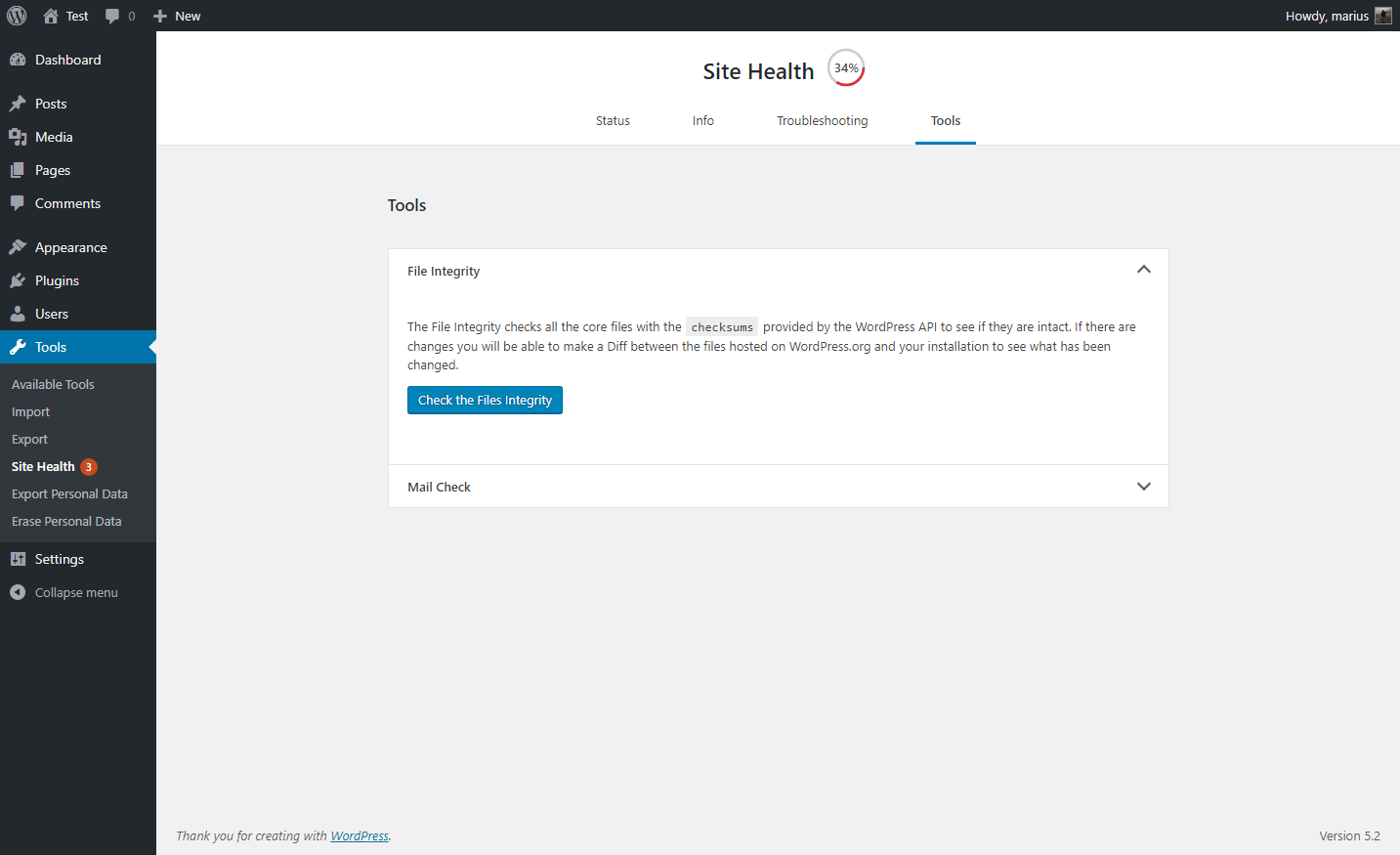
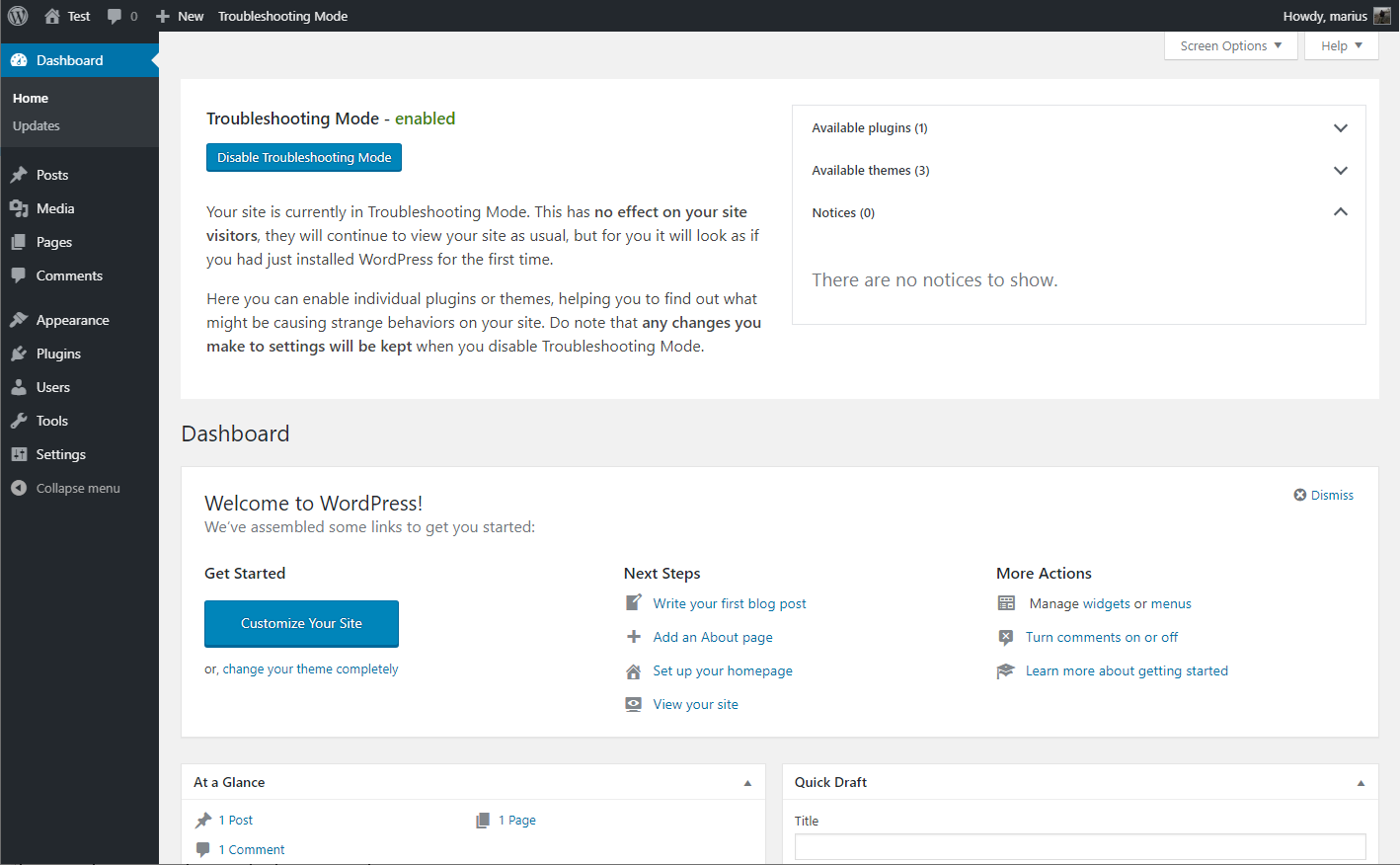
This plugin will perform a number of checks on your WordPress installation to detect common configuration errors and known issues, and also allows plugins and themes to add their own checks.
The debug section, which allows you to gather information about your WordPress and server configuration that you may easily share with support representatives for themes, plugins or on the official WordPress.org support forums.
Troubleshooting allows you to have a clean WordPress session, where all plugins are disabled, and a default theme is used, but only for your user until you disable it or log out.
The Tools section allows you to check that WordPress files have not been tampered with, that emails can be sent, and if your plugins are compatible with any PHP version updates in the future.
For a more extensive example of how to efficiently use the Health Check plugin, check out the WordPress.org support team handbook page about this plugin.
Feedback is welcome both through the WordPress.org forums, the GitHub project page, or on Slack in either #forums or #core-site-health.