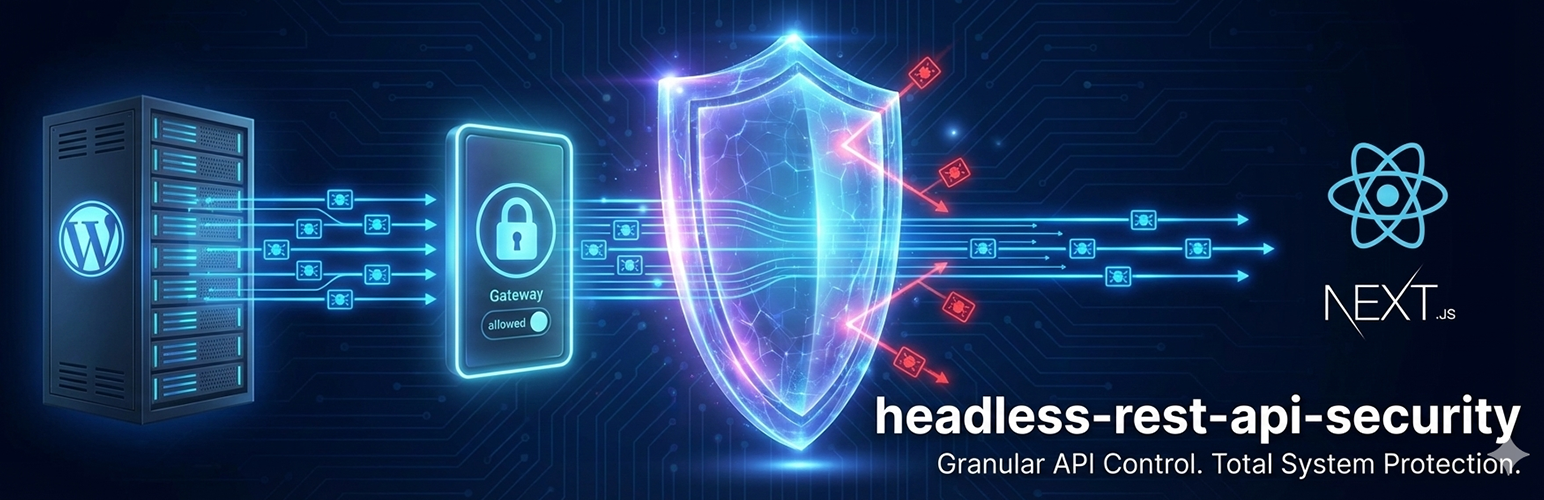

Headless REST API Security
v2.2Md. Rakib Ullah · 2026年1月20日 上架
Manage access to the WordPress REST API by restricting public endpoints, enabling specific route allow-listing, and handling API key authentication.
- 正在使用
- 50+
- 评分
- 5.0 / 5
- 累计下载
- 2,010
- 最近更新
- 2026年2月23日
2 条评价需要 WordPress 5.8+已测试到 6.9.12PHP 7.4+
贡献者
 Md. Rakib Ullah
截图


Running a Headless WordPress site often involves exposing the REST API. Headless REST API Security provides tools for administrators to control which endpoints are accessible to the public or external applications.
This plugin restricts public access to REST API endpoints by default and offers a settings interface to allow-list only the specific routes required by a frontend application (such as Next.js, Gatsby, or mobile apps).
Features
- Access Control: Restrict default public access to REST API endpoints.
- Route Allow-Listing: Specific API routes (e.g.,
/wp/v2/posts) can be enabled while others remain restricted. - API Key Authentication: Supports an
X-API-KEYheader for server-to-server or frontend requests. - Headless Redirect: Option to redirect users accessing the backend API URL to a specified frontend domain.
- Admin Access: Logged-in Administrators and Editors retain access to the API to support the Block Editor (Gutenberg) functionality.
- Plugin Support: Detects routes registered by third-party plugins for configuration.
Usage
- Navigate to Settings > Headless Security in the WordPress dashboard.
- Enable the Master Switch to activate the access restrictions.
- Review the list of REST API routes and check the Allow box for endpoints the application requires.
- Copy the generated API Key for use in application headers.
- (Optional) Enter a Headless Frontend URL to configure redirects for visitors.