

Header Footer Code Manager
v1.1.46DraftPress Team · 2016年8月26日 上架
Easily add tracking code snippets, conversion pixels, or other scripts required by third party services for analytics, marketing, or chat features.
- 正在使用
- 60 万+
- 评分
- 4.9 / 5
- 累计下载
- 920 万
- 最近更新
- 2026年7月15日
309 条评价需要 WordPress 4.9+已测试到 7.0.9PHP 5.6.20+
 DraftPress Team
 99robots
 charliepatel
截图
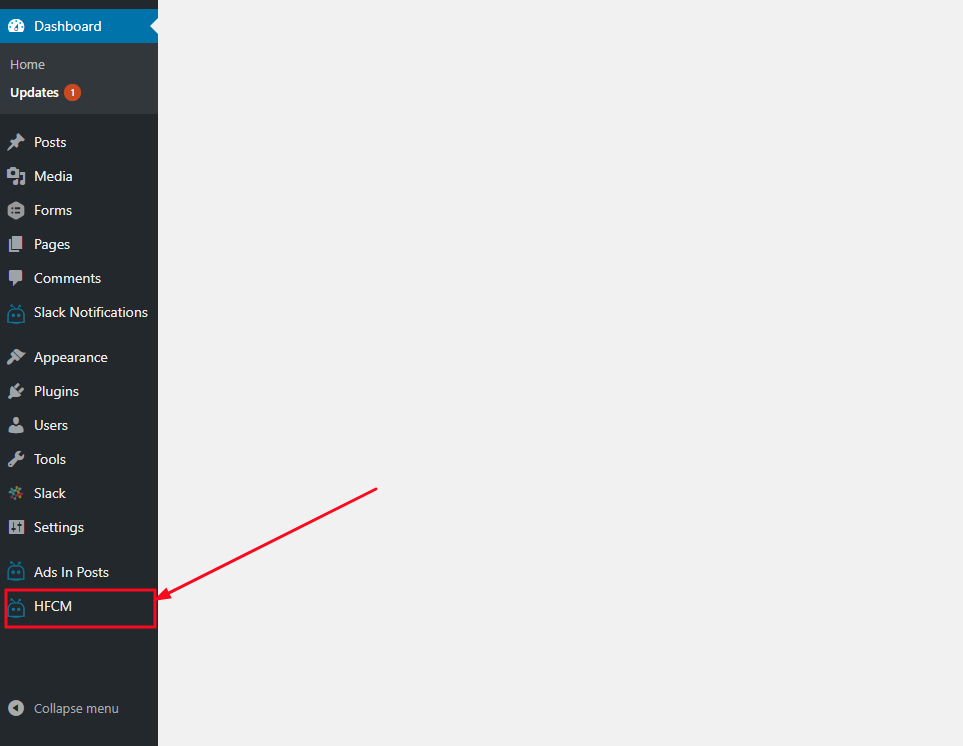
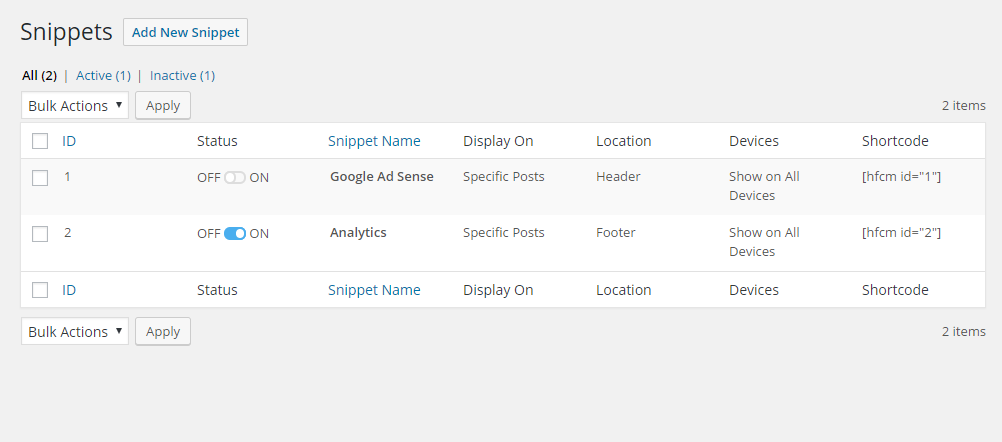
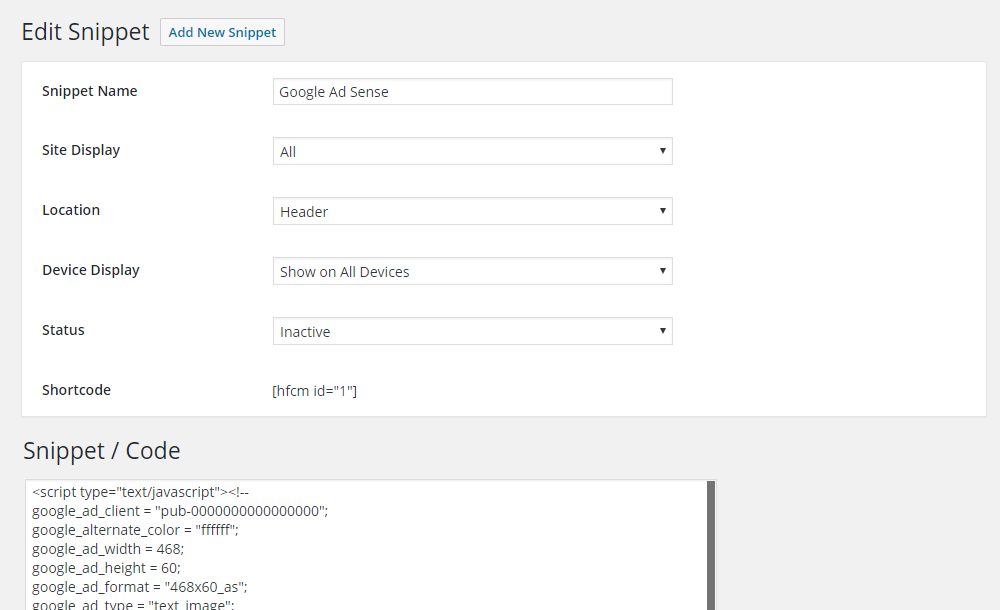

Header Footer Code Manager by 99 Robots is a easy interface to add snippets to the header or footer or above or below the content of your page.
BENEFITS
- Never have to worry about inadvertently breaking your site by adding code
- Avoid inadvertently placing snippets in the wrong place
- Eliminate the need for a dozen or more silly plugins just to add a small code snippet – Less plugins is always better!
- Never lose your code snippets when switching or changing themes
- Know exactly which snippets are loading on your site, where they display, and who added them
FEATURES
- Add an unlimited number of scripts and styles anywhere and on any post / page
- Manage which posts or pages the script loads
- Supports custom post types
- Supports ability to load only on a specific post or page, or latest posts
- Control where exactly on the page the script is loaded – head, footer, before content, or after content
- Script can load only on desktops or mobile. Enable or disable one or the other.
- Use shortcodes to manually place the code anywhere
- Label every snippet for easy reference
- Plugin logs which user added and last edited the snippet, and when
PAGE DISPLAY OPTIONS
- Site wide on every post / page
- Specific post
- Specific page
- Specific category
- Specific tag
- Specific custom post type
- Latest posts only (you choose how many)
- Manually place using shortcodes
INJECTION LOCATIONS
- Head section
- Footer
- Top of content
- Bottom of content
DEVICE OPTIONS
- Show on All Devices
- Only Desktop
- Only Mobile Devices
SUPPORTED SERVICES
- Google Analytics
- Google Adsense
- Google Tag Manager
- Clicky Web Analytics or other analytics tracking scripts
- Chat modules such as Olark, Drip, or
- Pinterest site verification
- Facebook Pixels, Facebook Scripts, Facebook og:image Tag
- Google Conversion Pixels
- Heatmaps from Crazy Egg, notification bars Hello Bar, etc.
- It can accept ANY code snippet (HTML / Javascript / CSS) from any service
- and the list goes on and on…
MULTISITE NOTE
If using this plugin on a multisite network, please make sure that the plugin is activated on a subsite level only.
Plugin Information