

HB FreshDesk
v3.4Hiren Patel · 2019年2月8日 上架
A plugin Get your Freshdesk account FAQ's and Create a new Ticket and view your All ticket with full conversation.
- 正在使用
- 10+
- 评分
- 暂无
- 累计下载
- 2,642
- 最近更新
- 2026年8月13日
需要 WordPress 5.0+已测试到 7.0.9PHP 7.4+
 Hiren Patel
 Ripal Patel
截图
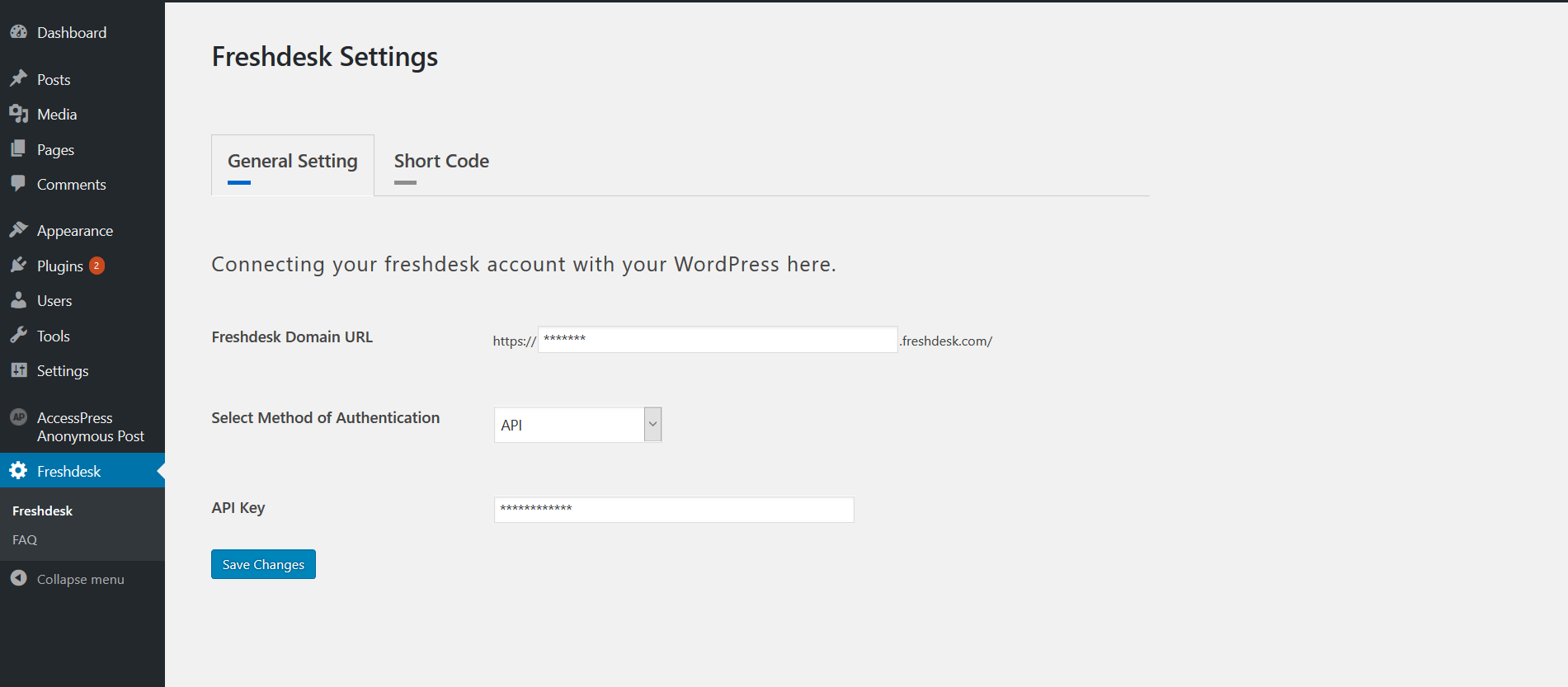
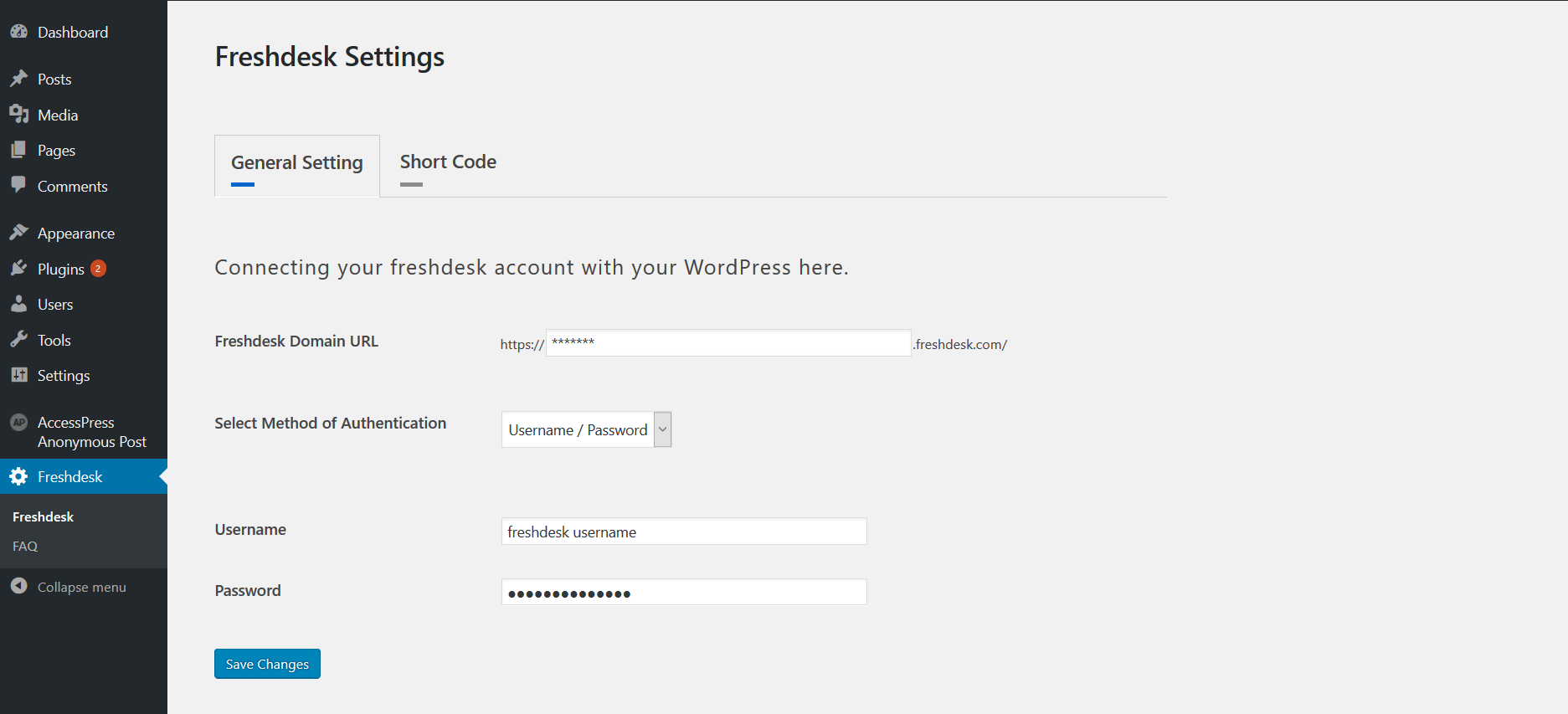


This plugin is used for connect your FreshDesk account in your wordpress site. You can easily to get your FreshDesk FAQs and Ticket, And also create a new ticket in your FreshDesk account directly using this plugin, And also check your ticket conversation.
FreshDesk Terms of Service
https://www.freshworks.com/terms/
Usage
Place this shortcode in page, post or text widget where you’d like to display Data.
[freshdesk-create-ticket]
[get_all_ticket]
[freshdesk-faq]
Templates
Place this shortcode in any template parts of your theme.
<?php echo do_shortcode('[freshdesk-create-ticket]'); ?>
<?php echo do_shortcode('[get_all_ticket]'); ?>
<?php echo do_shortcode('[freshdesk-faq]'); ?>
Installation
- Upload “hb_freshdesk” to the “/wp-content/plugins/” directory.
- Activate the plugin through the “Plugins” menu in WordPress.
How to Use
- Place Add your Fresh-desk account detail in Freshdesk Settings -> General Setting tab.
- You can connect two way in our account 1. API Key 2. User-name and Password.
- Place Go to Faq page and select our FAQ’s which is display in your front end.
- Place Use Above Shortcode.