

Handled Locator – Store Locator Map
v1.0.0Handled Locator · 2026年8月24日 上架
Add a searchable store locator map to any page with a block or shortcode. Import locations from a spreadsheet and bring your own map key.
- 正在使用
- 10 以下
- 评分
- 暂无
- 累计下载
- 278
- 最近更新
- 2026年10月31日
贡献者
 Handled Locator
截图

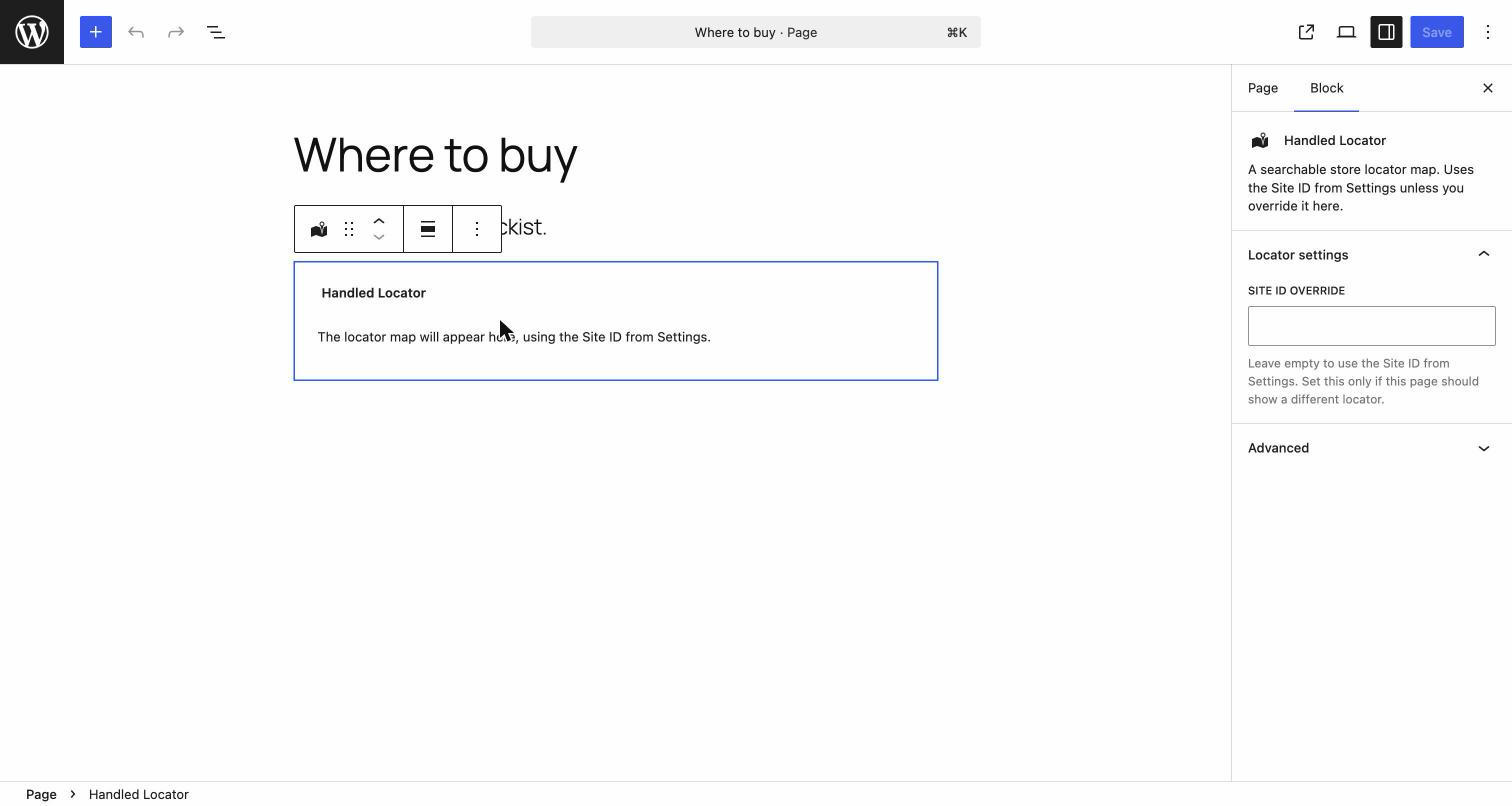
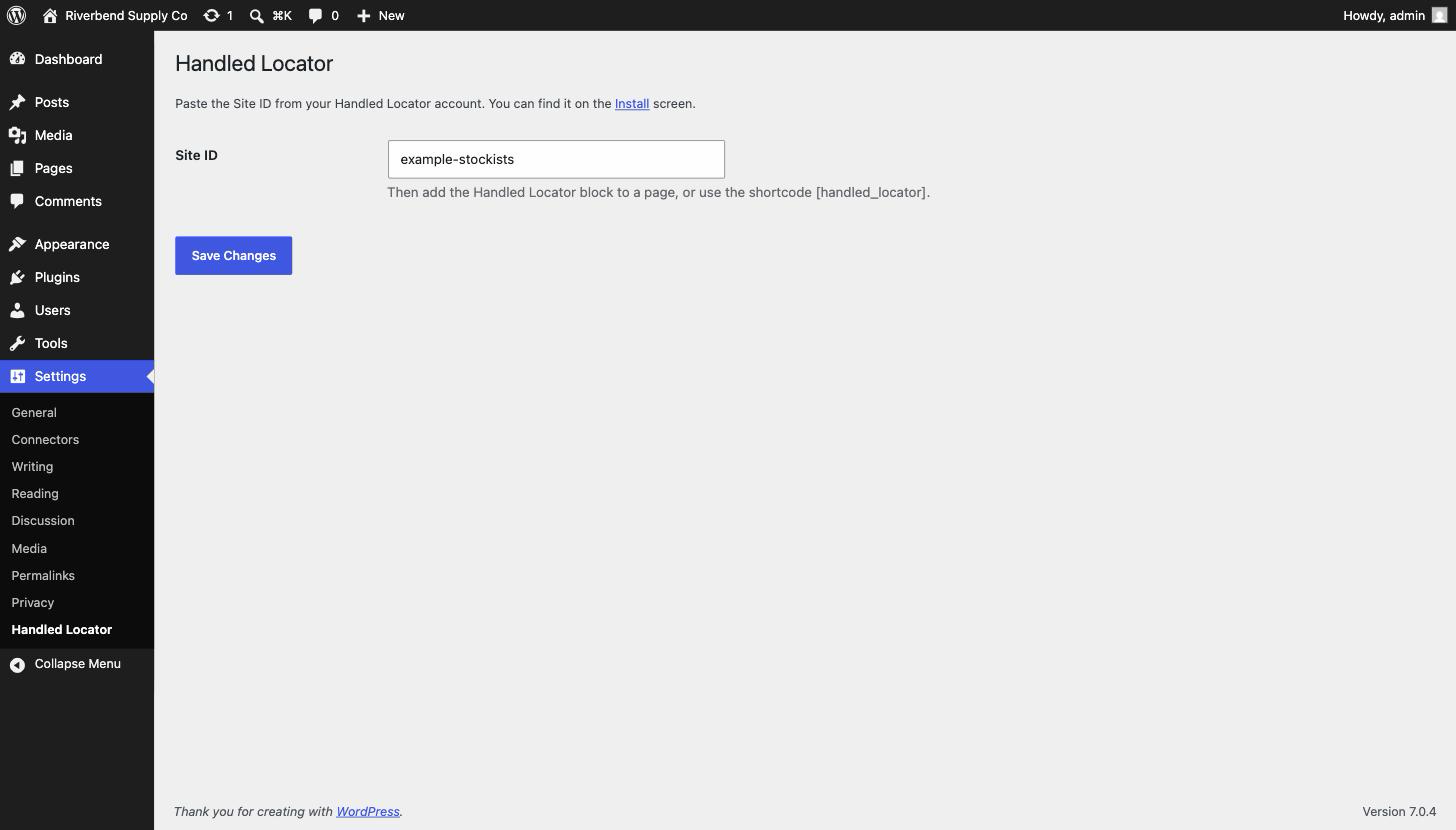

Handled Locator adds a searchable store locator to your WordPress site. Visitors search by town or postcode, filter by category, see opening hours in each location’s own timezone, and get directions.
Add it with the Handled Locator block, or the [handled_locator] shortcode.
See it in a minute, including running it from ChatGPT or Claude:
Bring your own map key
Most store locators bill you for map usage on top of their subscription, or cap how many map views you get. Handled Locator uses your own Mapbox or Google Maps key, so map traffic is billed at cost by the map provider, with no markup from us and no view ceiling.
What visitors get
- Search by town, postcode or address
- Filter by category
- Opening hours, with an open-or-closed badge computed in the location’s own timezone
- Directions, call and website actions
- Works on phones: the layout stacks rather than shrinking
What you get
- Import locations from a spreadsheet, with duplicate detection and address geocoding
- Style it to match your site: colours, fonts, corners, spacing
- One line of setup in WordPress, then manage everything from your Handled Locator dashboard
Requires a Handled Locator account
This plugin displays a locator that is configured and hosted at locator.handledlocal.com. A Handled Locator account is required for the plugin to display anything. There is a 7-day free trial with no card required. After the trial, paid plans start at $19/month.
The plugin itself is free and open source under GPLv2.
External services
This plugin relies on the Handled Locator service to render your store locator. It is not usable without it.
What is loaded, and when
-
Widget script. On any page containing the Handled Locator block or shortcode, the plugin loads a JavaScript bundle from
https://cdn.handledlocal.com/widget.js. This is the code that renders the locator. -
Location data. That script then requests your published locations from the Handled Locator API at
https://app.handledlocal.com/api/public/locations, identified by the Site ID you configure in the plugin settings.
What is sent
The requests are made by the visitor’s browser. They include the Site ID you configured, and, as with any web request, the visitor’s IP address and user agent. Nothing about your WordPress users, posts, or site content is transmitted. The plugin does not send anything from your server.
If a visitor uses the optional “near me” feature, their browser asks them for location permission and the coordinates are used to sort results. This only happens if they grant permission.
Terms
- Terms of service: https://locator.handledlocal.com/terms
- Privacy policy: https://locator.handledlocal.com/privacy