

GS Portfolio – Filterable Portfolio, Portfolio Grid & Portfolio Slider
v3.0.8GS Plugins · 2015年7月15日 上架
Show your projects in a portfolio grid, slider or list with popups and project details. Shortcode builder with live preview, no coding.
- 正在使用
- 300+
- 评分
- 4.4 / 5
- 累计下载
- 3.8 万
- 最近更新
- 2026年11月3日
 GS Plugins
 Md. Sarwar Zaman
 GS Plugins
截图


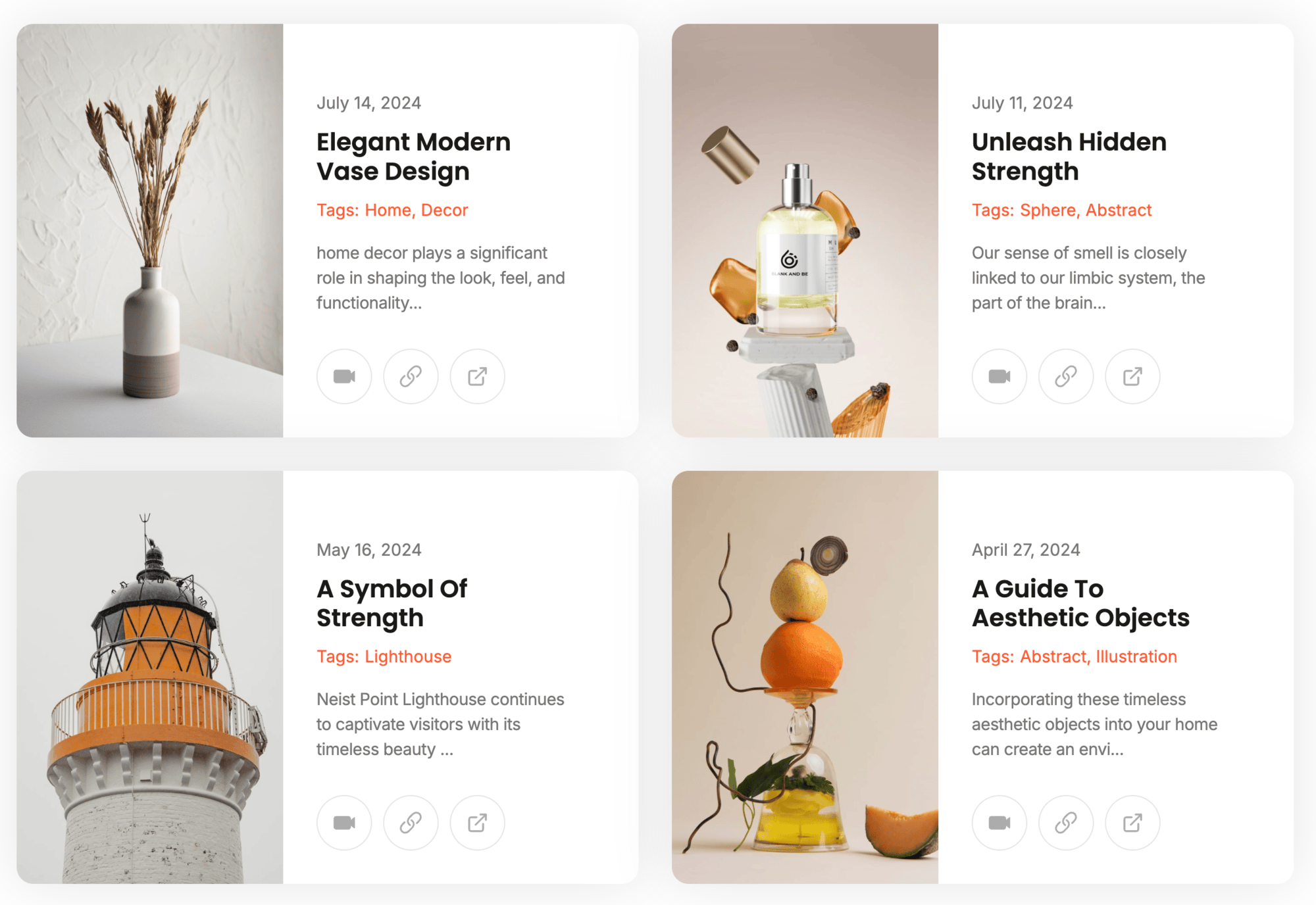

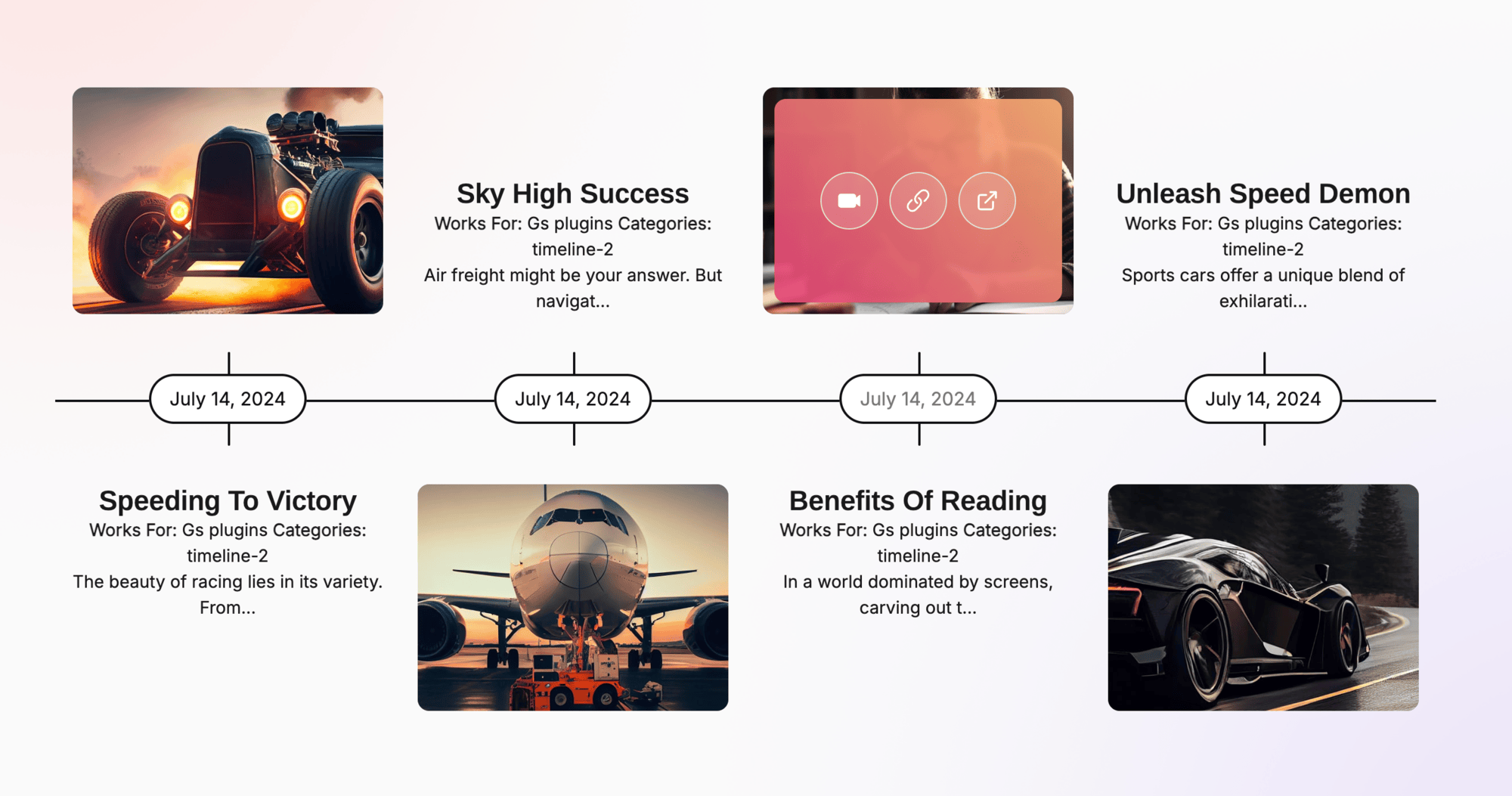

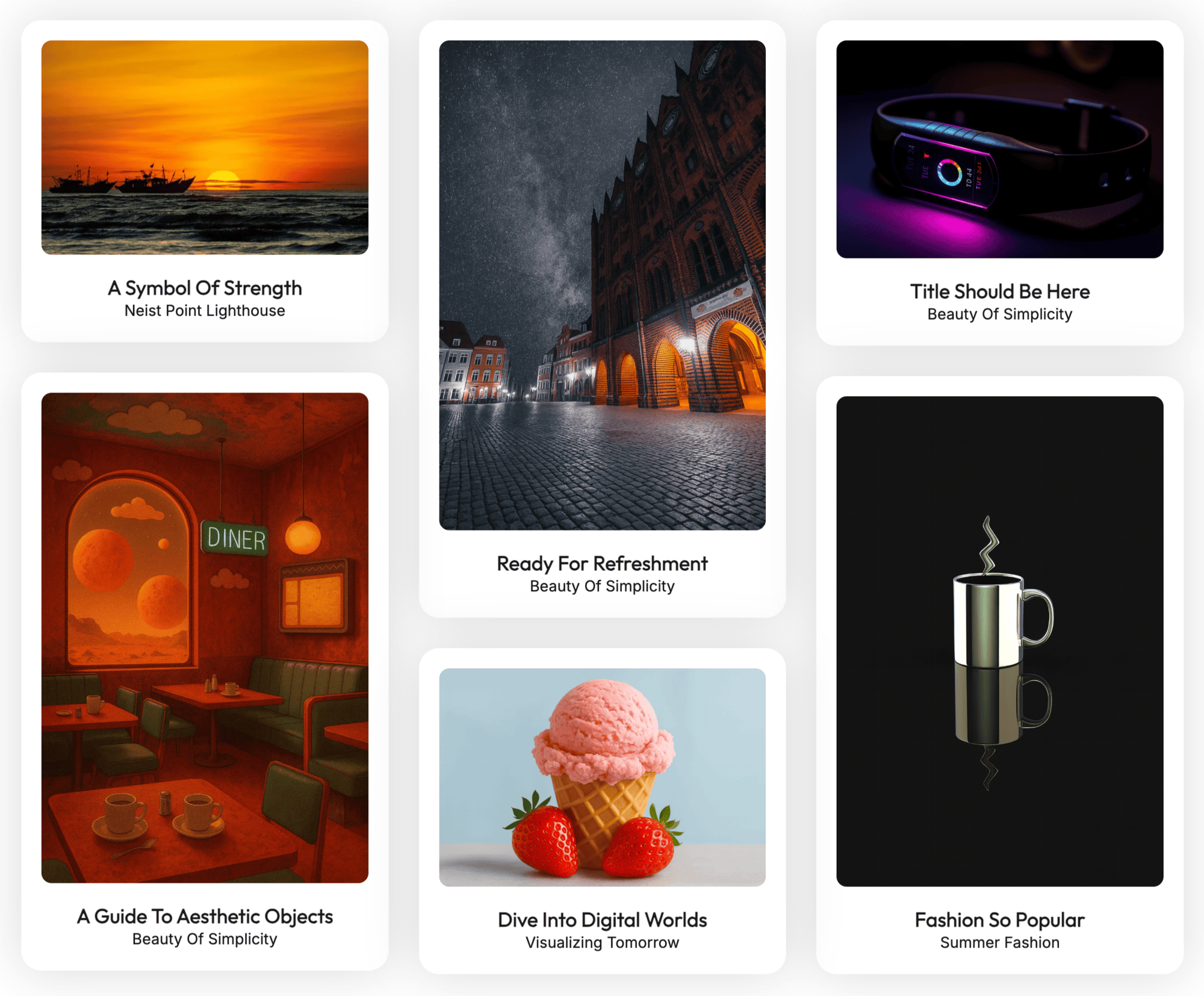

GS Portfolio shows your best work the way clients want to see it. Add each project once with its image, description, client, dates and technologies, then display your portfolio anywhere as a grid, slider, horizontal card or list. Pick a design in the shortcode builder, see it in the live preview, and paste one shortcode or block.
Visitors can open a project in a popup or on its own page, so they see the details without losing their place.
👉 Live demo · Documentation · Pro features · Pricing · Support
Who it’s for
- Designers and agencies: show client projects, branding work and case studies.
- Photographers and artists: present collections and series in clean grids.
- Developers: list websites and apps you’ve built, with the technologies used.
- Architects, builders and other businesses: show finished projects with client names and dates.
Why site owners choose GS Portfolio
- Set up in minutes: a dedicated Portfolio menu, a shortcode builder with live preview, and one-click demo data.
- Project details built in: client name, start and completion dates, technologies and project status.
- Looks right on every screen: set columns for desktop, tablet and mobile.
- Works with your builder: Gutenberg block, Elementor, Divi, WPBakery, Beaver Builder, Oxygen and the Newspaper theme.
Free features
- 8 designs across grid, slider, horizontal and list layouts.
- Shortcode builder with live preview: create, edit, clone and delete portfolio shortcodes.
- Open projects in a popup or on a single project page.
- Responsive columns for desktop, tablet and mobile.
- Categories and tags: include or exclude them to choose which projects appear.
- Project details: client name, start and completion dates, technologies and status.
- Typography and color settings for titles and text.
- Custom image sizes.
- Unlimited projects.
- Export and import projects, plus one-click demo data.
- Custom portfolio slug, custom CSS and template overrides in your child theme.
- Translation ready.
Pro features
GS Portfolio Pro adds:
- Filterable portfolio: category filter tabs so visitors can sort your work, with a custom “All” label.
- Masonry view.
- 57 more designs, including metro, justified, timeline and extra grid, slider, horizontal and list designs.
- Image galleries, video and audio for each project, shown in the popup.
- Project link to a live site or case study.
- Drag-and-drop custom order for projects.
- Bulk import of projects.
- Priority email support.
Plans start at $49 per year, with a 7-day money-back guarantee. Compare Pro plans.
How it works
- Go to GS Portfolio > Add New. Add the project title, description and featured image, then fill in the client, dates, technologies and status, and choose a category.
- Go to GS Portfolio > Shortcode, create a shortcode and pick a view and design. The live preview updates as you change settings.
- Copy the shortcode, for example
[gsportfolio id=2], into any page or post, or use the GS Portfolio block or widget in your page builder.
Under Preferences you can change the portfolio slug, choose how project links open and add custom CSS.
Shortcode usage
[gsportfolio id=2]
In a theme file:
<?php echo do_shortcode( '[gsportfolio id=2]' ); ?>
See the documentation for every option.
Support
Free users get help in the WordPress.org support forum. Pro users get priority email support through our help desk. We reply as soon as we can, excluding holidays.
More plugins from GS Plugins
- GS Logo Slider: client, partner and sponsor logos in sliders, carousels, tickers and grids.
- Solid Testimonials: customer reviews and quotes in sliders, grids and masonry layouts.
- GS Team Members: team pages and staff directories with profiles and social links.
- GS Projects Showcase: projects with details, client reviews, galleries and videos.
- GS Books Showcase: books with authors, ratings and galleries in 35+ designs.
- GS Coaches: coach and trainer profiles with skills and certifications.
- GS Posts Grid: blog posts in 50+ grid, list and slider styles.
- GS WooCommerce Products Slider: product sliders and carousels for your shop.
- GS Variation Swatches: color, image and button swatches for WooCommerce variations.
- GS WooCommerce Brands: add brands to products with logos, filters and sliders.
- GS Pinterest Portfolio: embed Pinterest pins and boards.
- GS YouTube Gallery: YouTube videos, playlists and channels in galleries.
- PowerUp: redirects, restrictions and admin tools for WordPress.