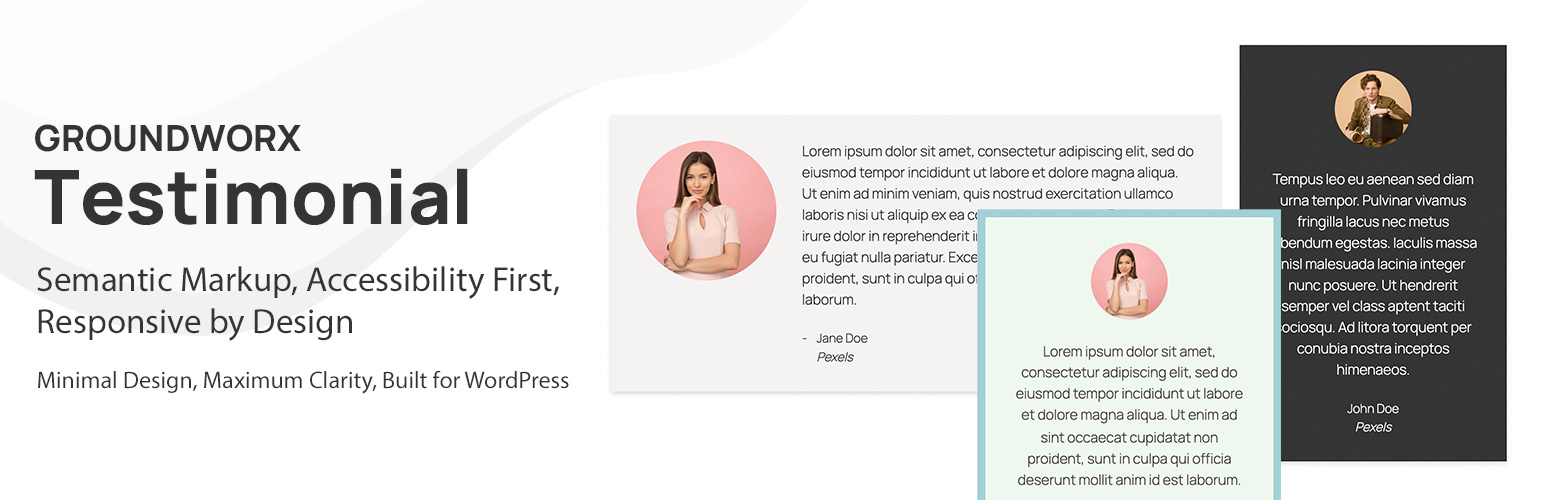

Groundworx Testimonial
v1.1.1Groundworx · 2025年10月1日 上架
A modern testimonial plugin for WordPress block themes — custom post type, custom fields, and Gutenberg blocks with schema and accessibility built-in.
- 正在使用
- 10 以下
- 评分
- 暂无
- 累计下载
- 773
- 最近更新
- 2026年8月28日
贡献者
 Groundworx
截图
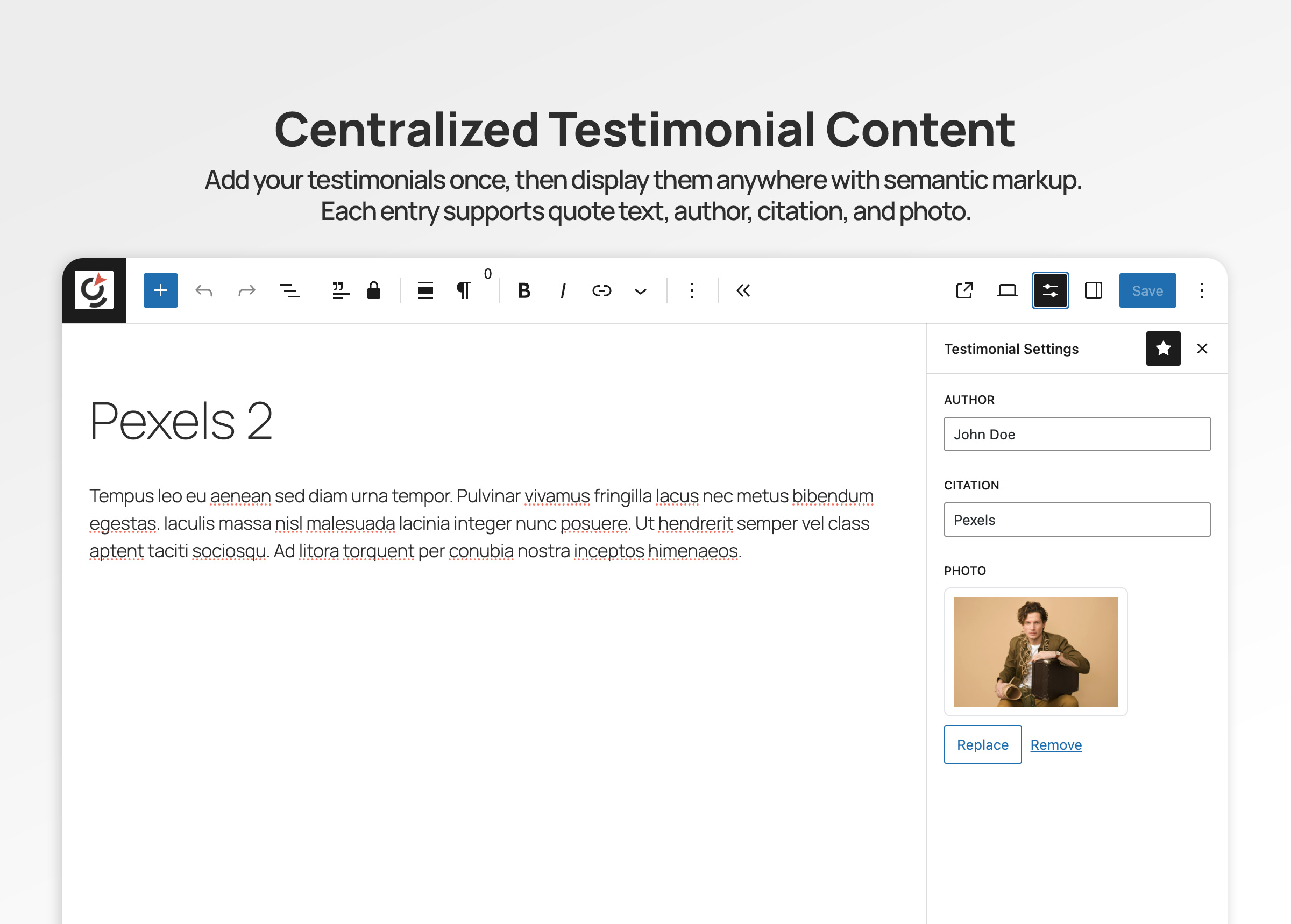
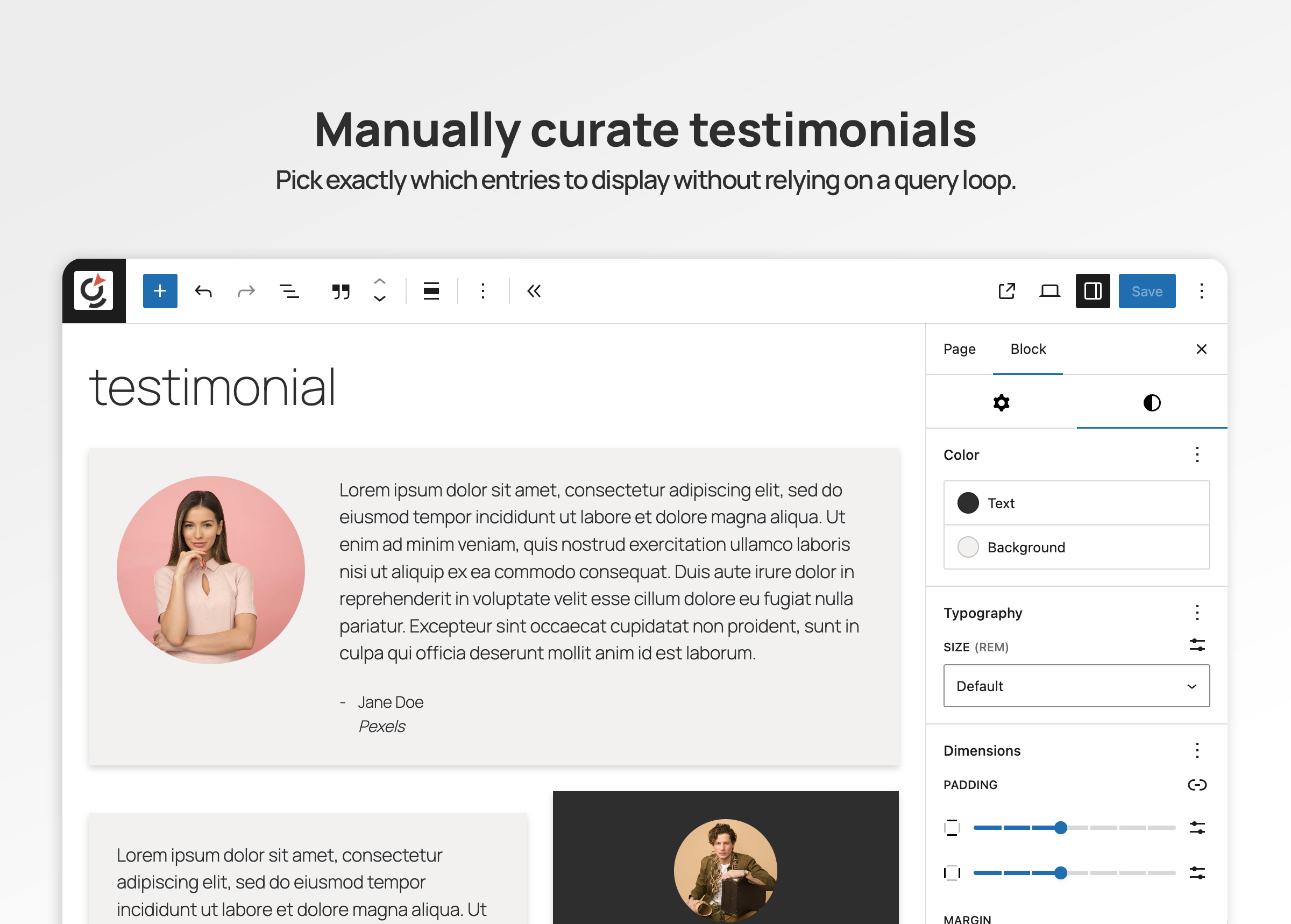
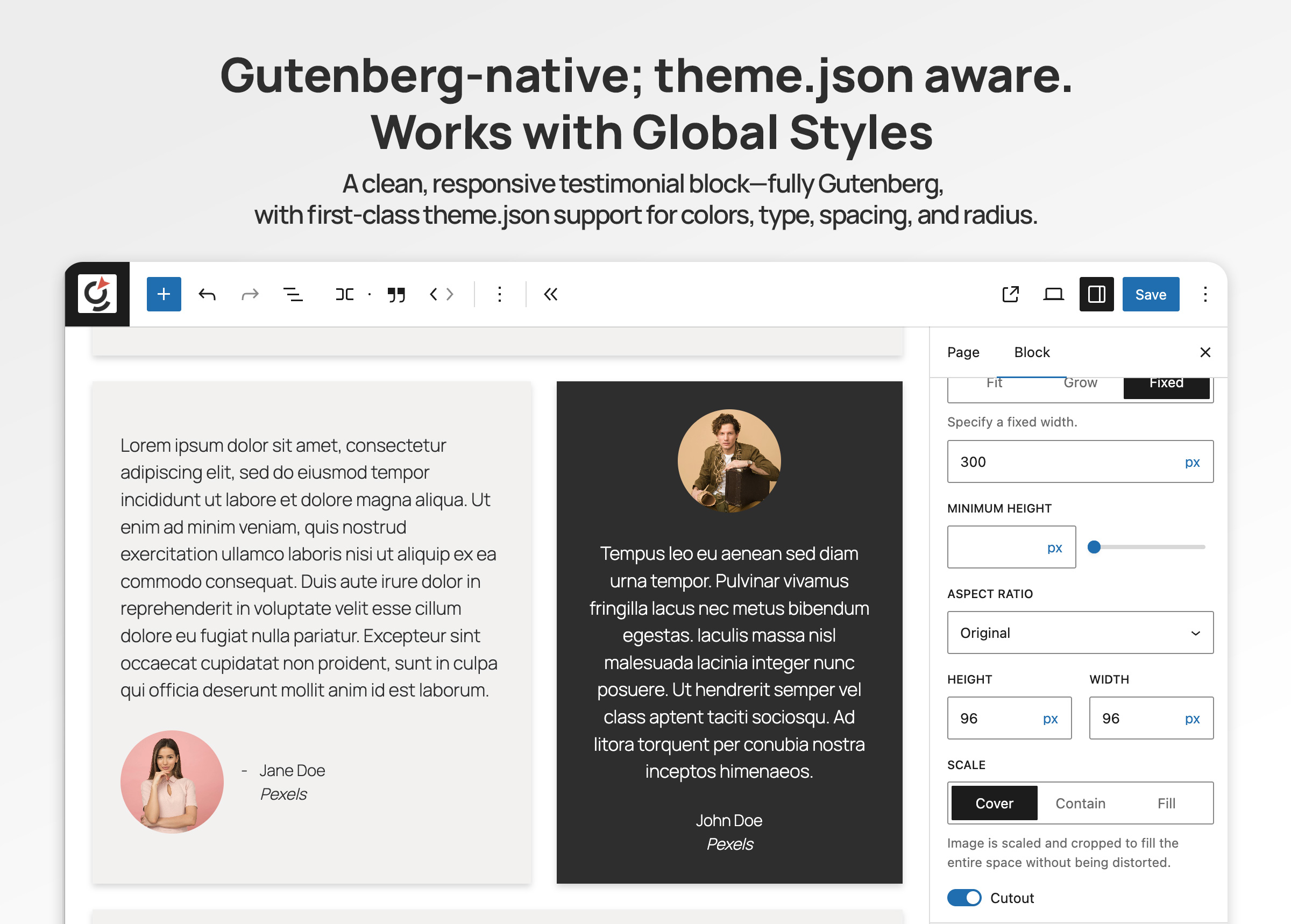
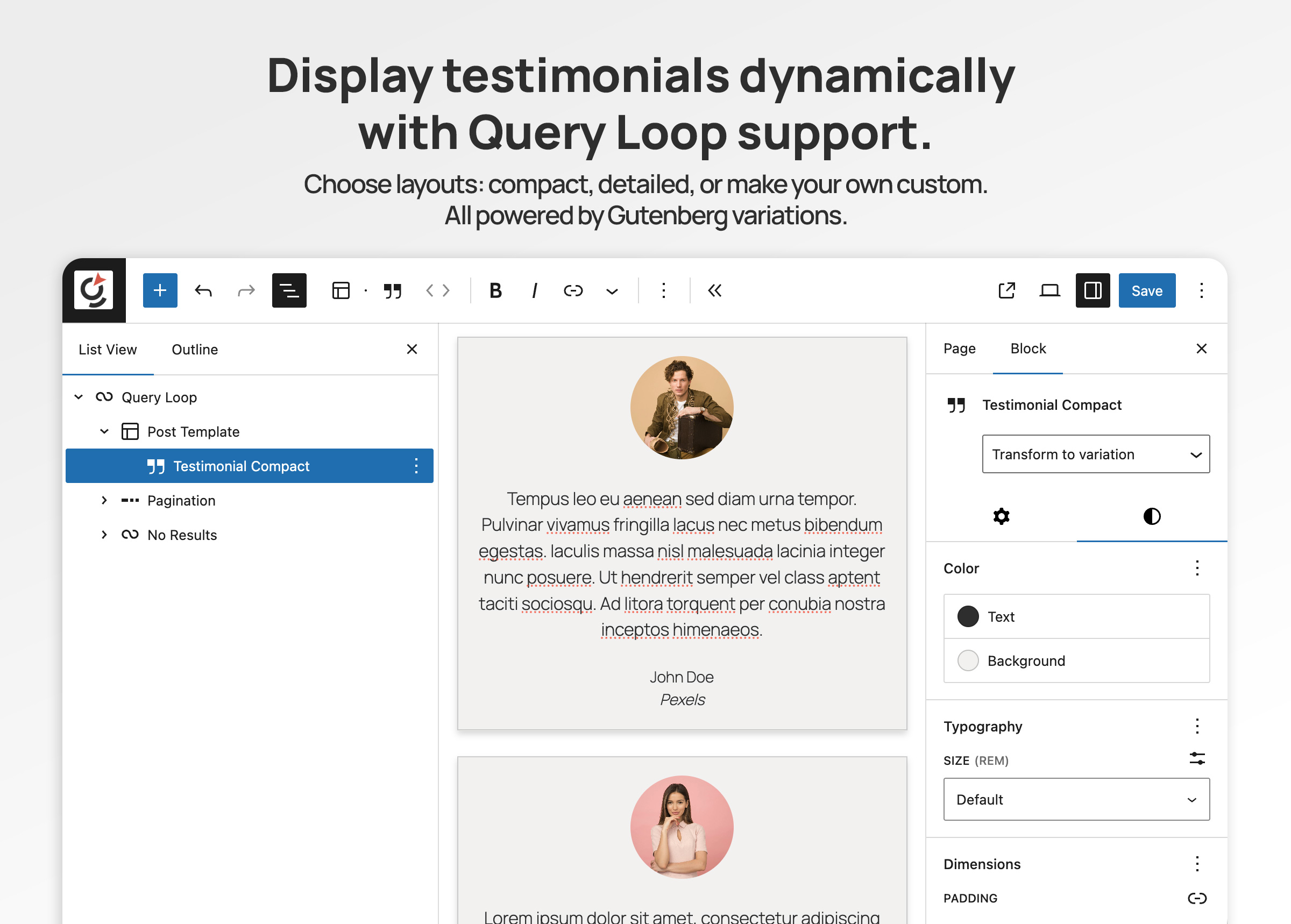
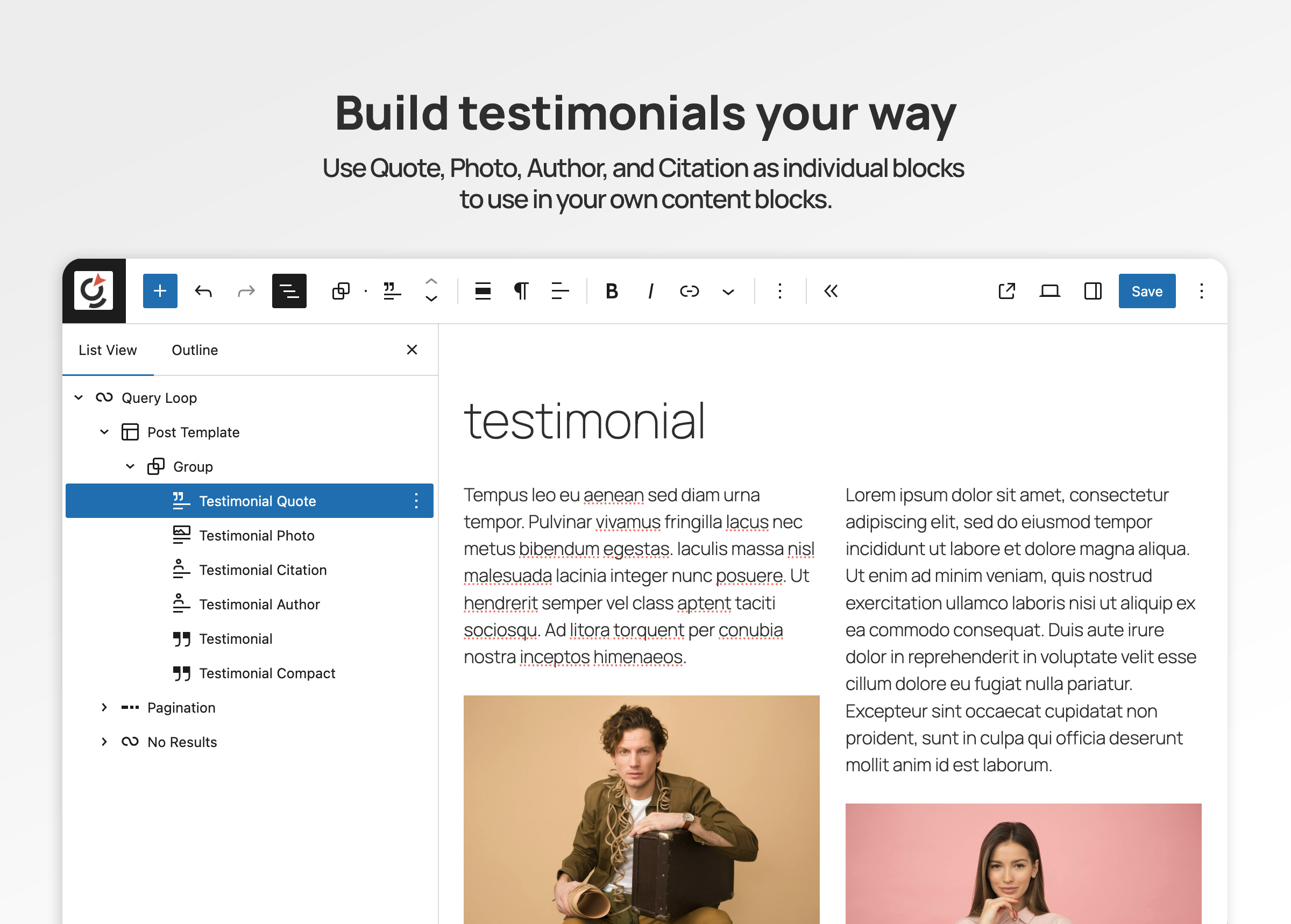
Groundworx Testimonial gives you a dedicated testimonial post type plus flexible blocks that fit seamlessly into the WordPress Block Editor.
You can display testimonials in two ways:
– Query Loop – pull multiple testimonials automatically from the CPT.
– Standalone block – insert a single block and select which testimonial post to display.
Each testimonial supports a quote, author, citation (e.g. company), and photo. The main Testimonial block also includes schema markup for SEO, helping search engines recognize and display your reviews.
Editing Experience
When you add a new testimonial in the admin, the editor is streamlined for this purpose:
– The main block is a Testimonial Quote.
– In the right sidebar, open the block settings panel (click the controls icon with sliders) to access fields for Author name, Citation (such as a company or title), and Photo.
Key Features
Custom Post Type + Fields
Manage testimonials in one place with quote, author, citation, and photo fields.
Native Gutenberg Blocks
Insert testimonials directly in the Block Editor—no shortcodes or legacy templates needed.
Main Testimonial Block
Full testimonial with schema support for SEO.
Individual Field Blocks
Use Author, Citation, Quote, and Photo as standalone blocks if you want to design custom layouts.
Flexible Display Options
– Show multiple testimonials in a Query Loop.
– Drop in a single block and select which testimonial to feature.
Accessible Markup
Semantic HTML with proper <blockquote>, <figure>, and <figcaption> for screen readers and SEO.
Theme.json Integration
Typography, spacing, colors, and borders inherit from your theme.json design tokens.
How it works
- Go to Testimonials Add New in the WordPress admin.
- Enter the testimonial quote, author, citation, and photo.
- Save and publish the testimonial.
- Display testimonials:
- Add the Testimonial block and select a specific testimonial to feature.
- Or use a Query Loop to show multiple testimonials automatically.
Blocks included
- groundworx-testimonial/testimonial – Main testimonial block (with schema support).
- groundworx-testimonial/quote – Quote field.
- groundworx-testimonial/citation – Citation field (e.g. company).
- groundworx-testimonial/author – Author name.
- groundworx-testimonial/photo – Photo block.