

Gravatar Enhanced – Avatars, Profiles, and Privacy
v0.15.0Automattic · 2011年2月23日 上架
The official Gravatar plugin, featuring privacy-focused settings, easy profile updates, and customizable Gravatar Profile blocks.
- 正在使用
- 20 万+
- 评分
- 5.0 / 5
- 累计下载
- 6.6 万
- 最近更新
- 2026年10月31日
 Automattic
 Mohammad Jangda
 John Godley
 Aarón
 Welly Shen
截图
Elevate your WordPress site with Gravatar Enhanced – the plugin that simplifies digital identity and improves user engagement.
Seven Ways Gravatar Enhanced Improves WordPress:
✓ Privacy Protection – Automatic referrer blocking and optional IP address proxy
✓ Accessibility Improvements – Alt-text for all avatars to support screen readers
✓ One-Click Profile Updates – Edit Gravatar directly from the WordPress dashboard
✓ Versatile Profile Block & Patterns – Showcase authors and team members anywhere
✓ Comment Engagement Tools – Remind users to create avatars for better discussions
✓ Comment Form Integration – Show Gravatar directly in the comment form
✓ WooCommerce Integration – Personalized account pages for customers
Privacy Protection
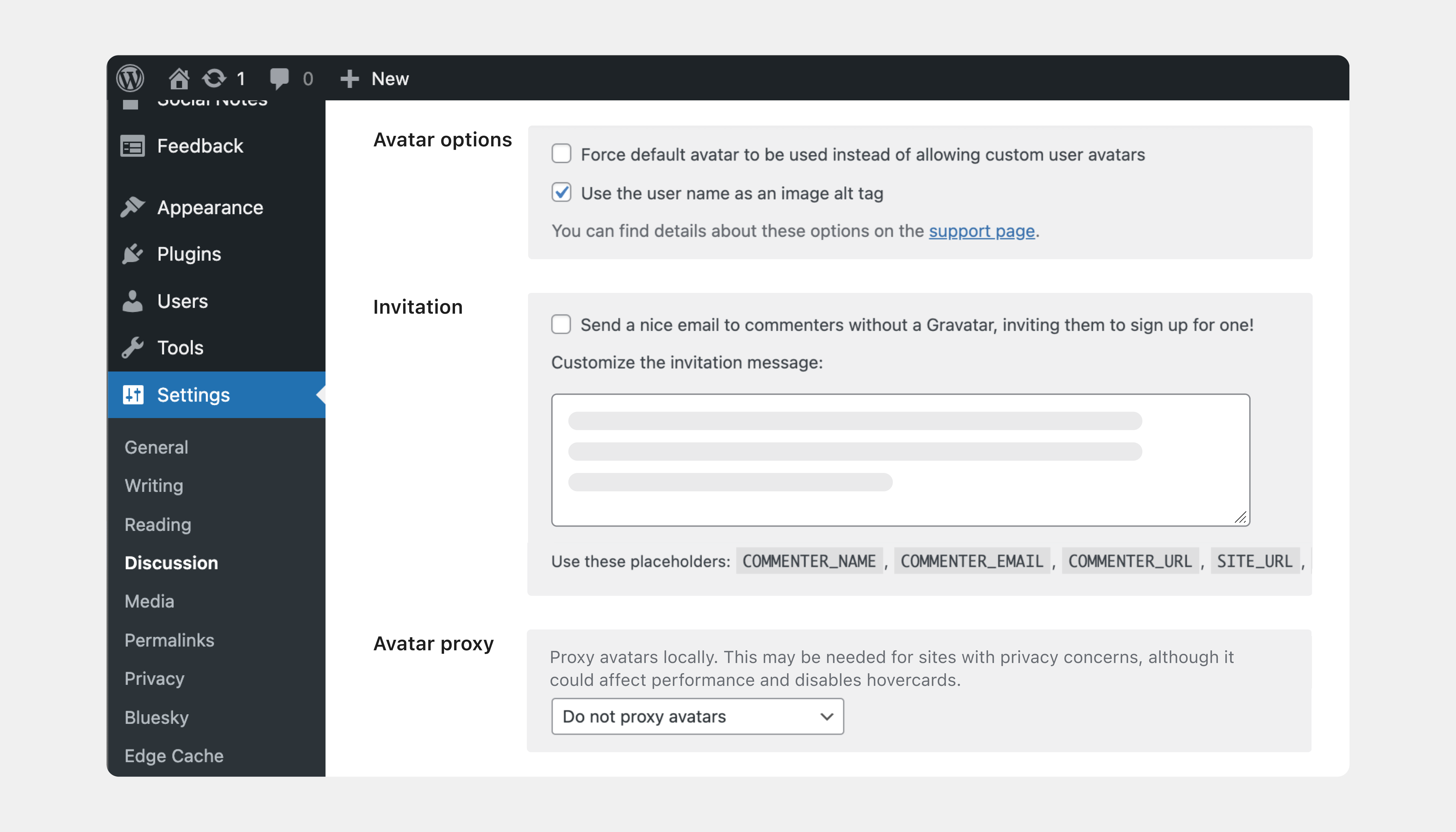
Just by enabling the plugin, the plugin ensures that no referrer information is sent to Gravatar. The opt-in proxy service also keeps IP addresses from being exposed or logged.
Accessibility Improvements
All avatars now include alt-text, enhancing the experience for users with screen readers. Alt-text can be edited in the Gravatar Profile editor.
One-Click Profile Updates
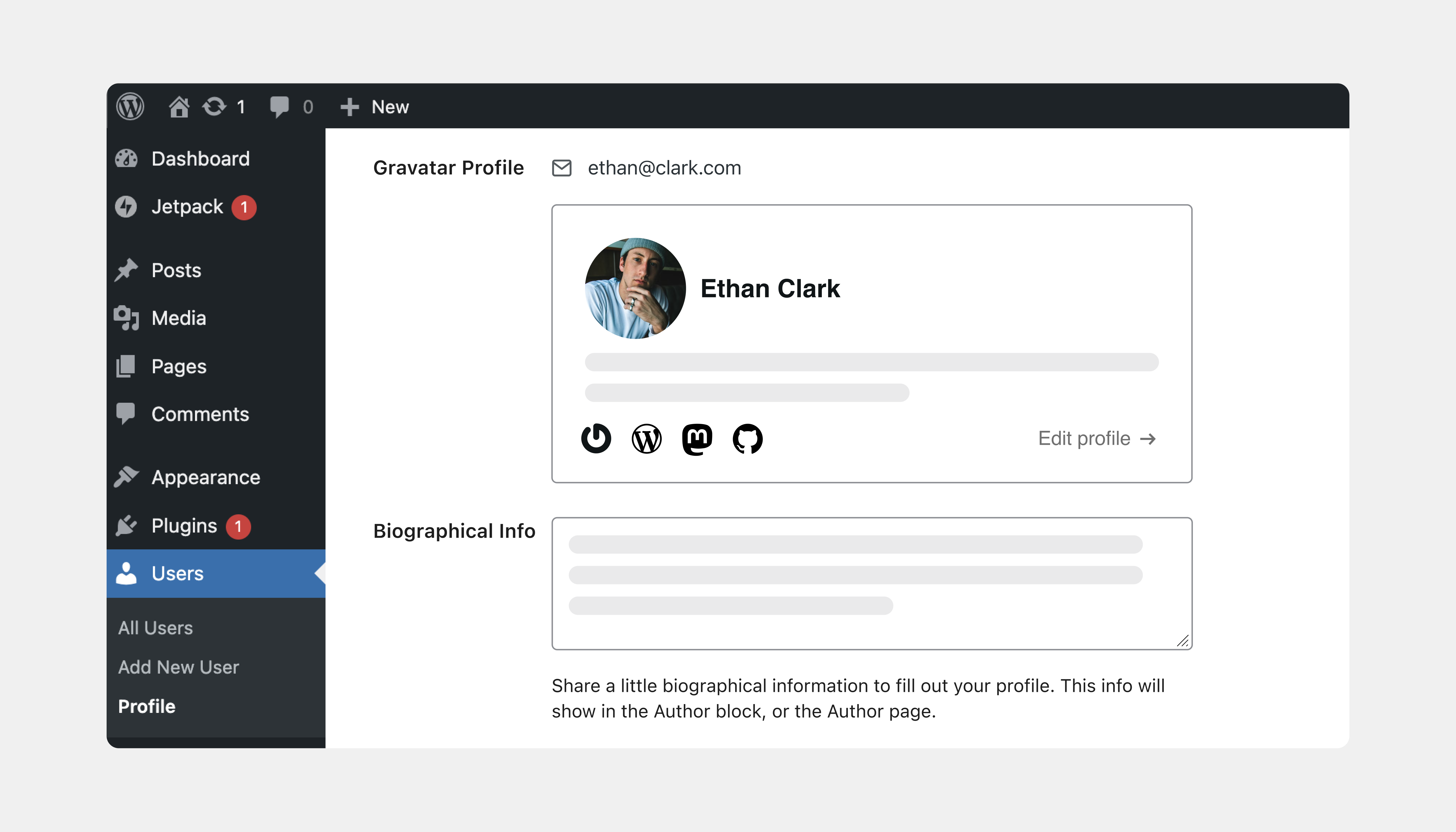
Visit Users > Your Profile to edit your Gravatar profile directly from WordPress. Preview your hovercard and make updates with ease.
Gravatar Profile Block & Patterns
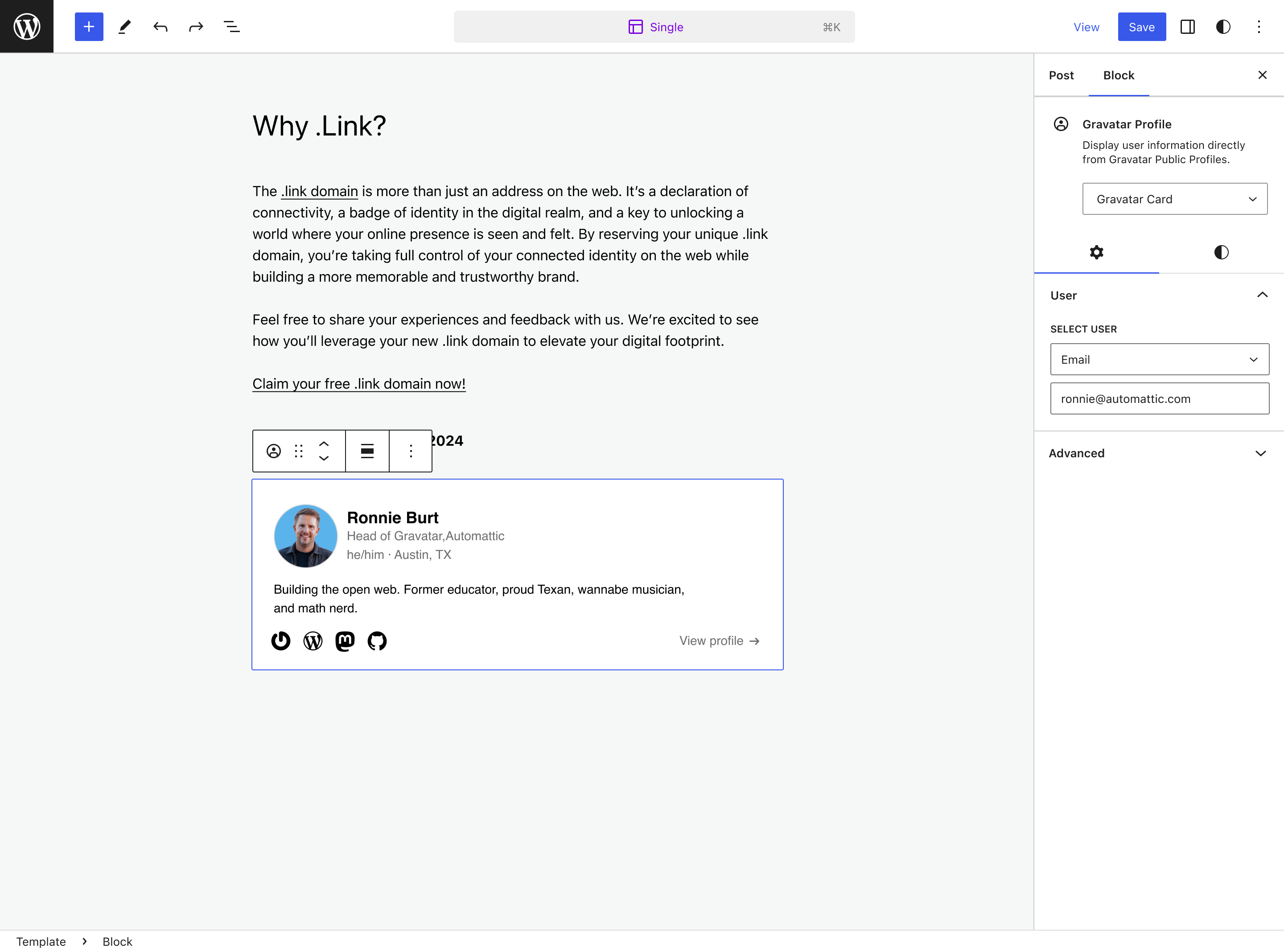
Enhance your website with our custom Gravatar profile block and patterns. Seamlessly integrate Gravatar profiles into posts, pages, or biographies to elegantly showcase team members, guest contributors, speakers, event attendees, authors, and more.
Comment Engagement Tools
Automatically remind commenters without avatars to create a Gravatar, increasing visual engagement on your blog.
Comment Form Integration
When the plugin is enabled we will show a Gravatar profile directly in the comment form, and allow the profile to be updated, so users can feel confident their details are correct, and the site shows richer comments.
WooCommerce Integration
Enhance your WooCommerce store by displaying user Gravatar avatars on the My Account page. Customers can view and update their avatars directly from their account dashboard, improving personalization and user engagement.
- Seamless Integration: Automatically works if WooCommerce is installed and activated.
- Direct Avatar Management: Users can change their Gravatar avatars without leaving your site.
- Improved Personalization: Adds a personal touch to the shopping experience, fostering customer loyalty.
Automatic Installation
- Click ‘Add New Plugin’ from your WordPress plugins page and search for ‘Gravatar Enhanced’
- Press the ‘Install Now’ button
- Activate the plugin
- Go to the “Discussion” Settings page to enable the new features.
Manual Installation
- Download the plugin from https://wordpress.org/plugins/gravatar-enhanced/
- Upload and extract the plugin to your
/wp-content/plugins/directory - Activate the plugin through the ‘Plugins’ menu in WordPress
- Go to the “Discussion” Settings page to enable the new features.