

Graceful Error Pages
v1.0.7Bojan Josifoski · 2026年6月5日 上架
Replace WordPress's ugly error screens with branded, professional pages — in one click.
- 正在使用
- 10 以下
- 评分
- 暂无
- 累计下载
- 322
- 最近更新
- 2026年6月5日
需要 WordPress 6.4+已测试到 7.0.9PHP 8.0+
贡献者
 Bojan Josifoski
截图
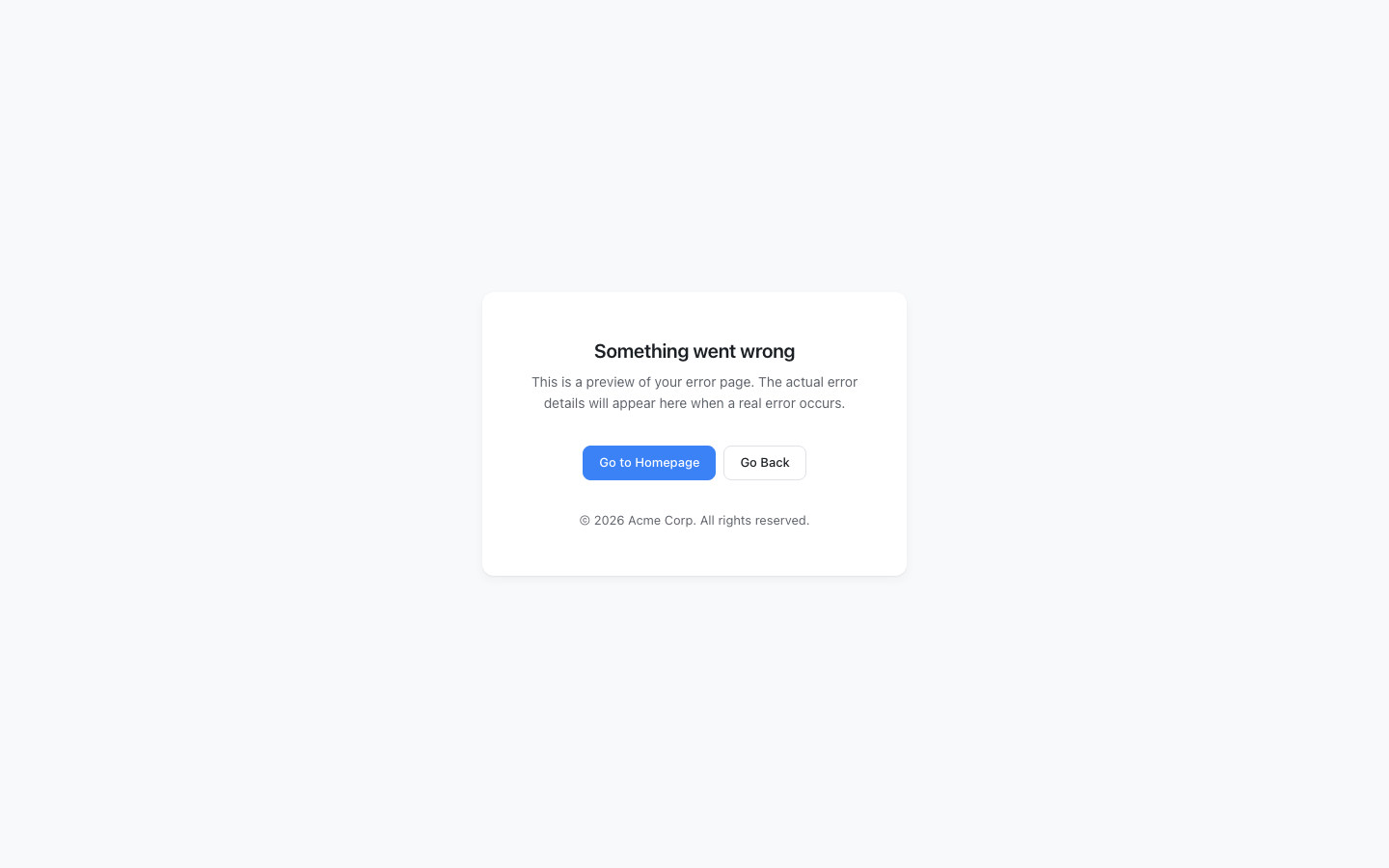
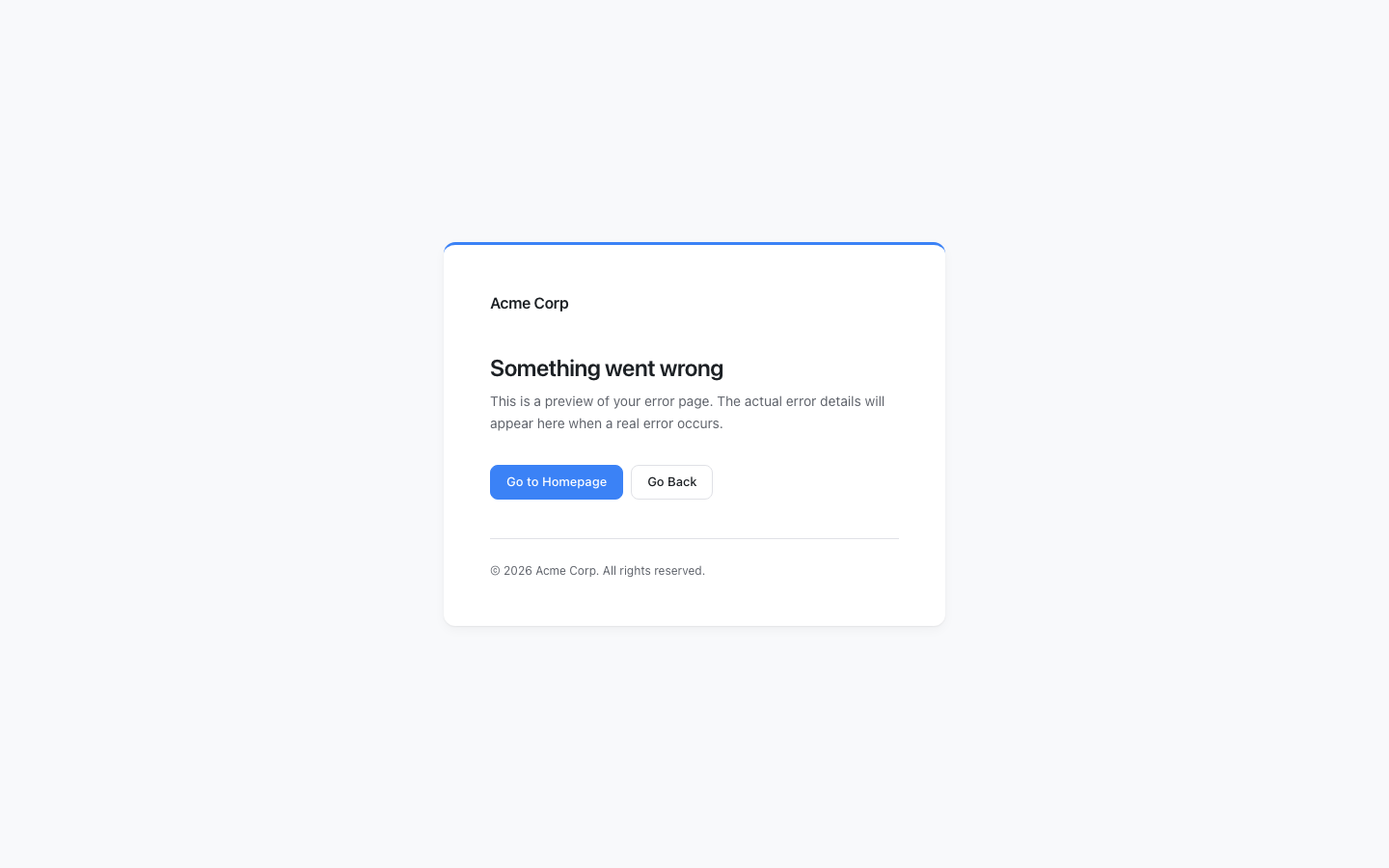
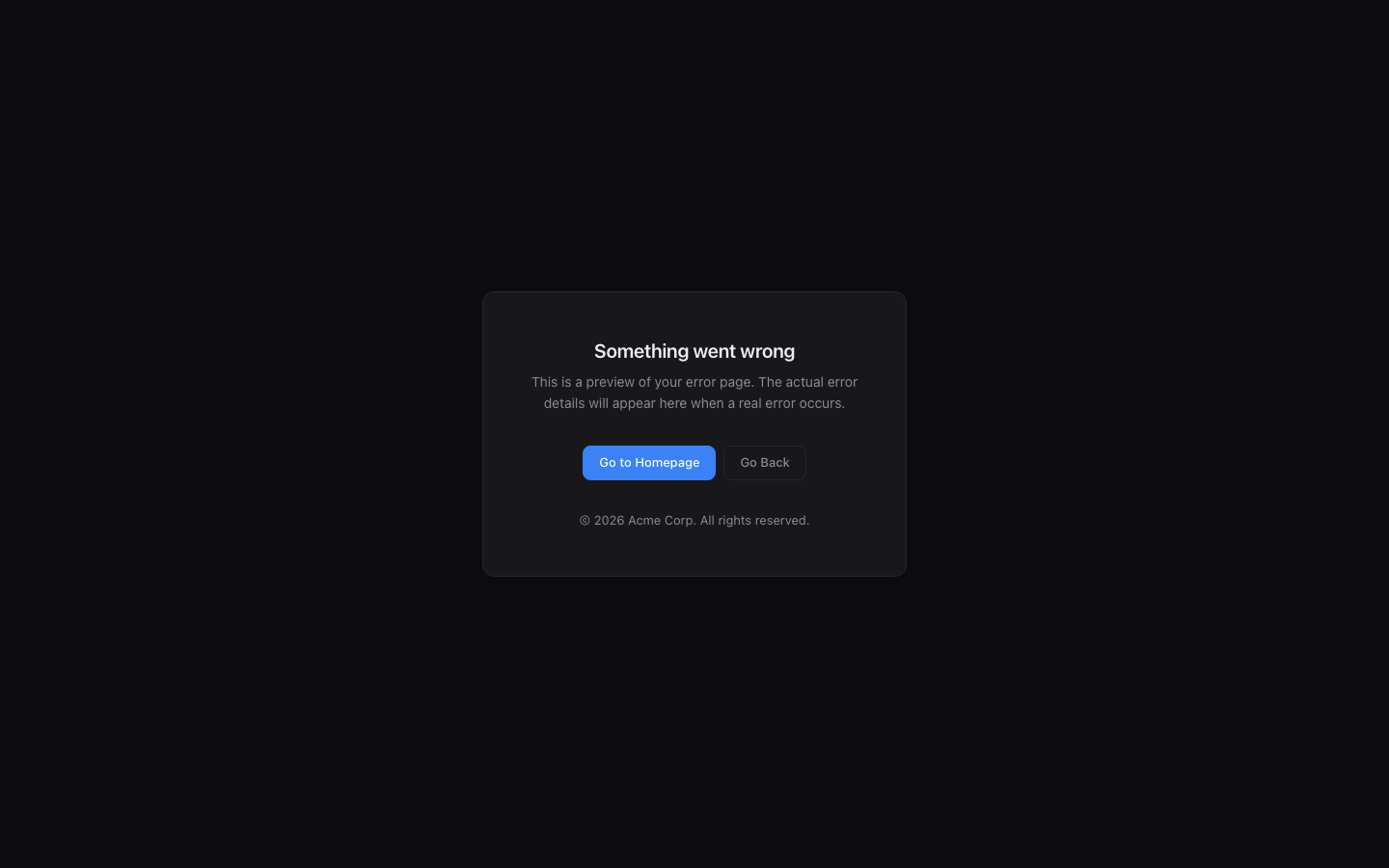
Every WordPress site shows the same plain white error screen when something goes wrong.
It looks broken. It destroys trust. Graceful Error Pages replaces it with a page that
matches your brand — automatically, the moment you activate it.
What it replaces:
- The
wp_die()error screen (permission errors, expired links, security blocks) - PHP fatal error screens (white screen of death)
Features:
- Zero-config activation — works immediately with auto-detected site name, logo, and colors
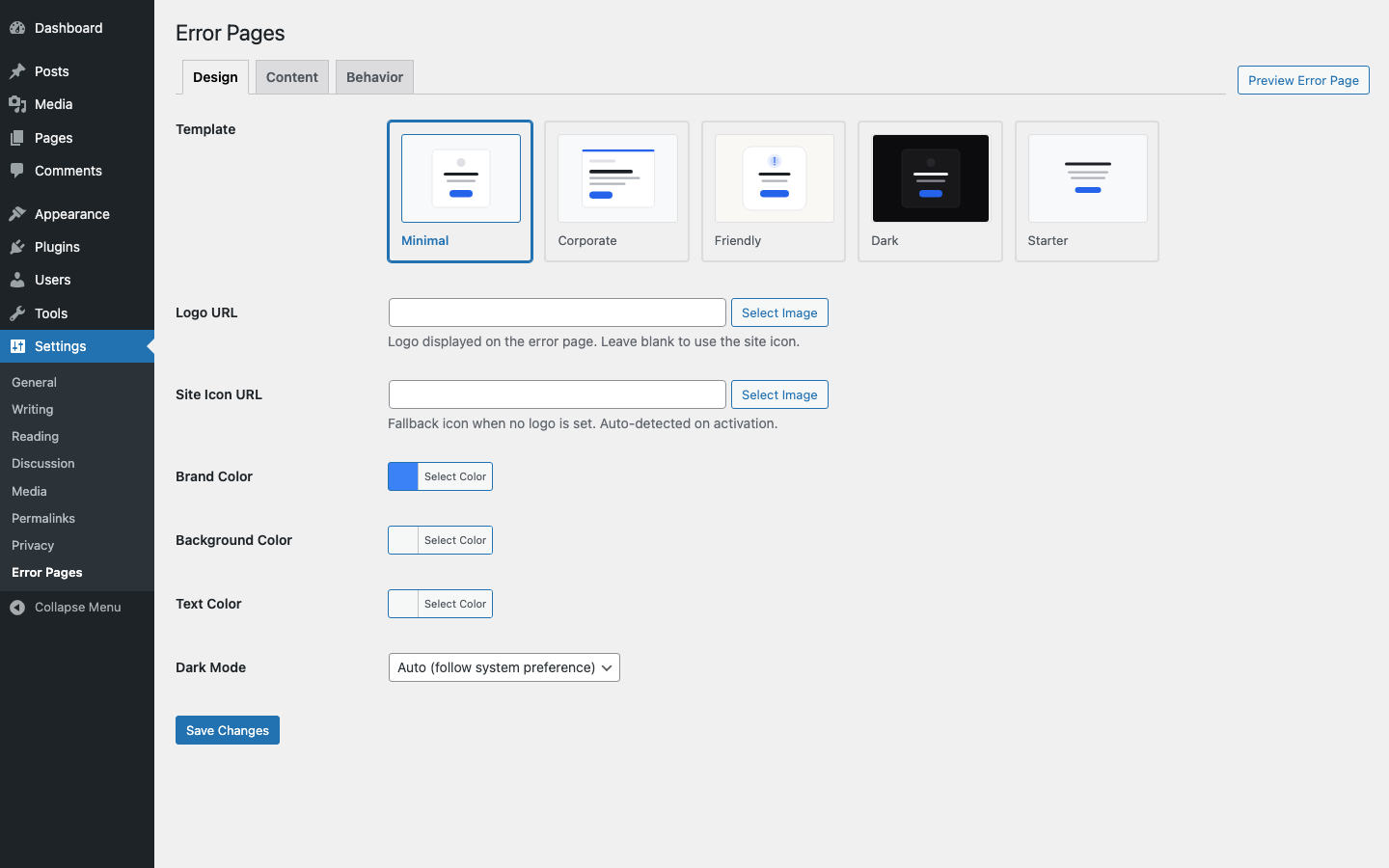
- Five built-in templates — Minimal, Corporate, Friendly, Dark, and Starter
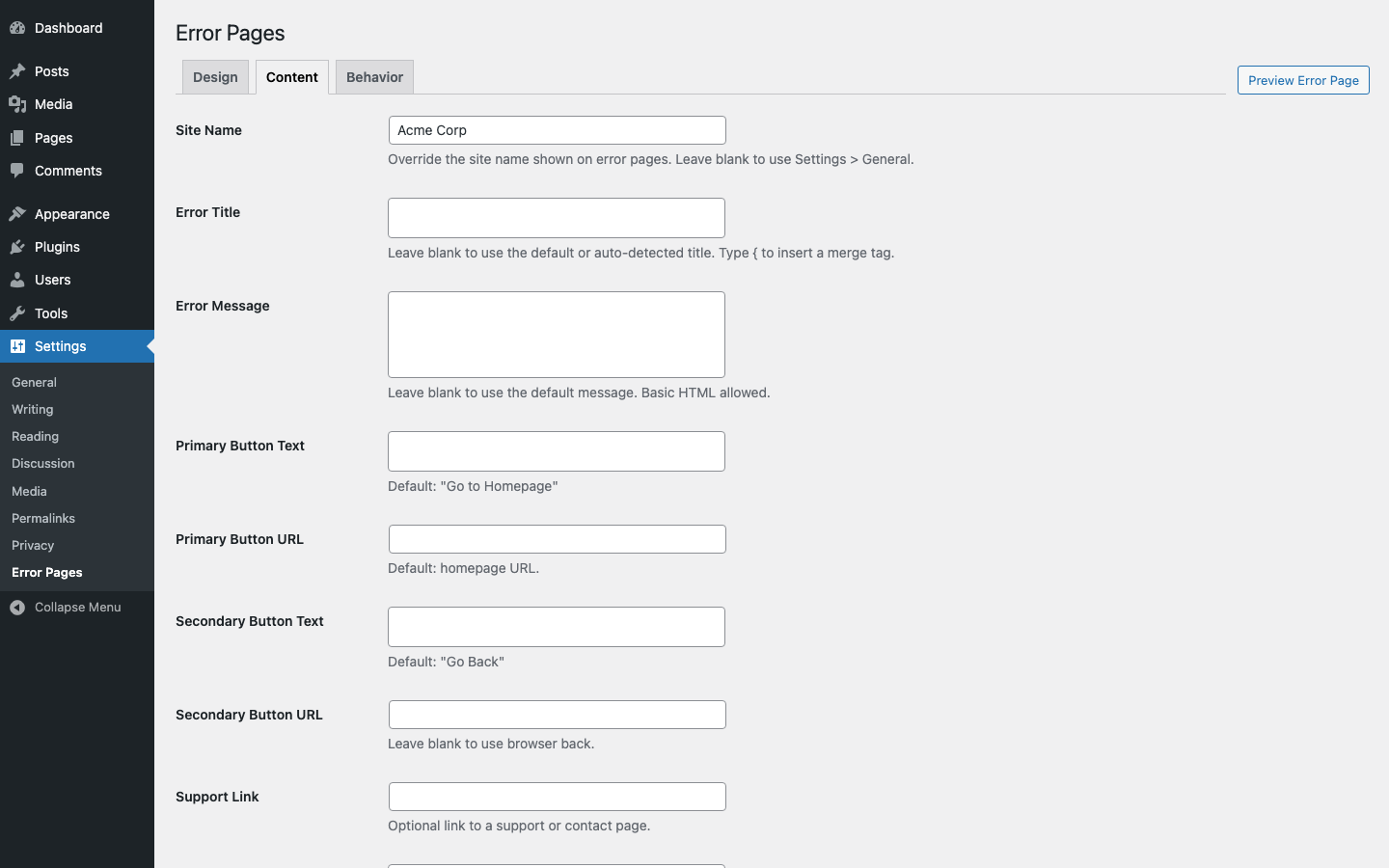
- Brand customization — logo, colors, heading, message, and redirect URL
- Merge tags — dynamic content like {site_name} and {year}
- Self-contained styling — no theme or CDN dependencies (works even during fatal errors)
- API safe — only overrides HTML output; REST API, AJAX, and JSON responses are untouched
- WP-CLI safe — automatically skips CLI contexts
- Lightweight — zero overhead on normal page loads; only runs when an error occurs
- Fully translatable — all strings use WordPress i18n functions
How it works:
- Activate the plugin
- Your site’s error pages are instantly branded with auto-detected settings
- Optionally customize via Settings > Error Pages
Source Code
The full source code, including unminified JavaScript and build tools, is available at:
github.com/codeverbojan/graceful-error-pages
To build from source:
- Clone the repository
- Run
composer install - Run
npm install - Run
npm run build