gitblock – GitHub Blocks
v2.0.1Thrijith Thankachan · 2019年6月23日 上架
Show GitHub profiles, organizations and repositories in the block editor, with top languages and contribution graphs.
- 正在使用
- 10 以下
- 评分
- 暂无
- 累计下载
- 2,600
- 最近更新
- 2026年10月23日
 Thrijith Thankachan
 Abhijit Rakas
截图
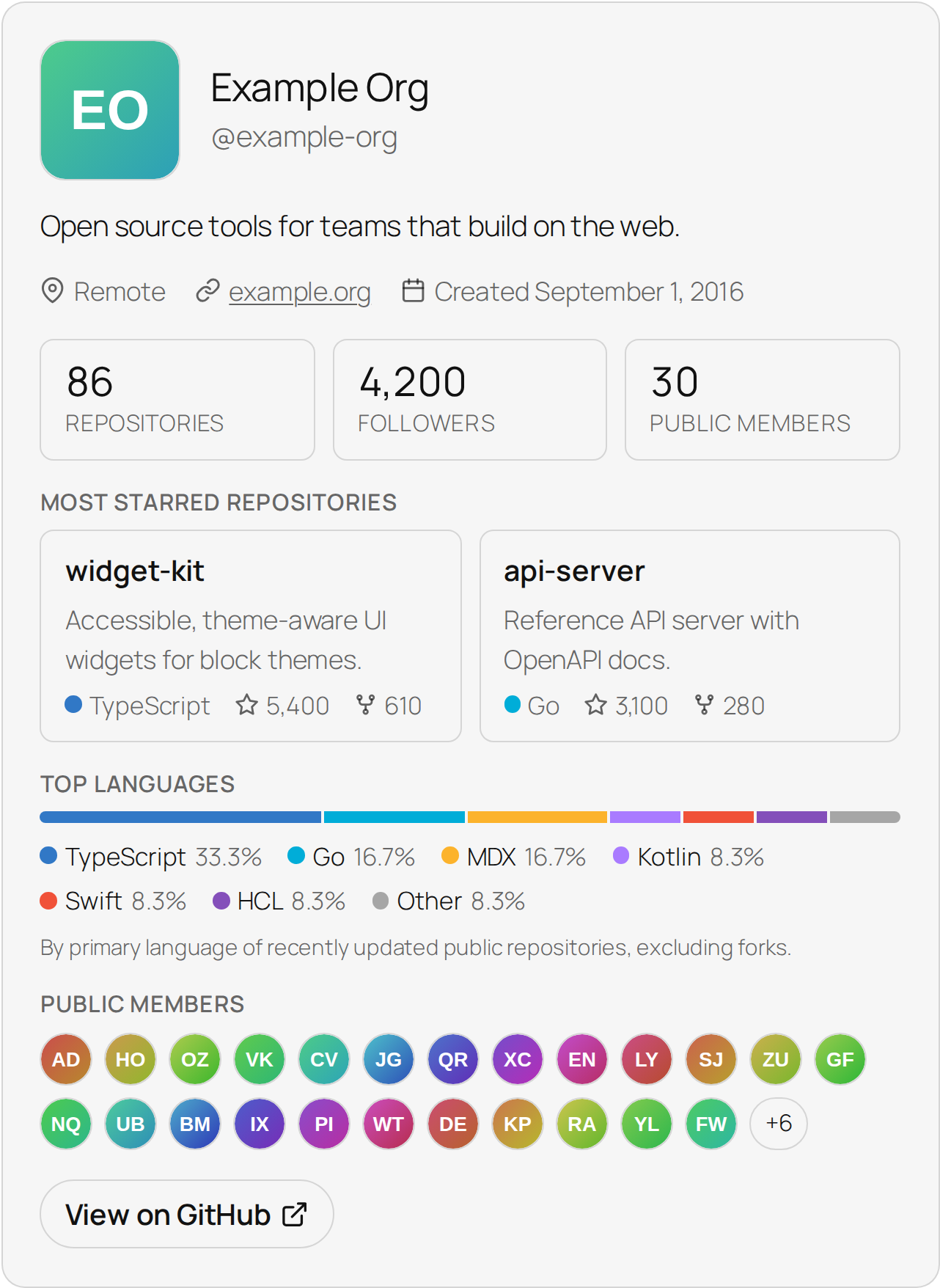
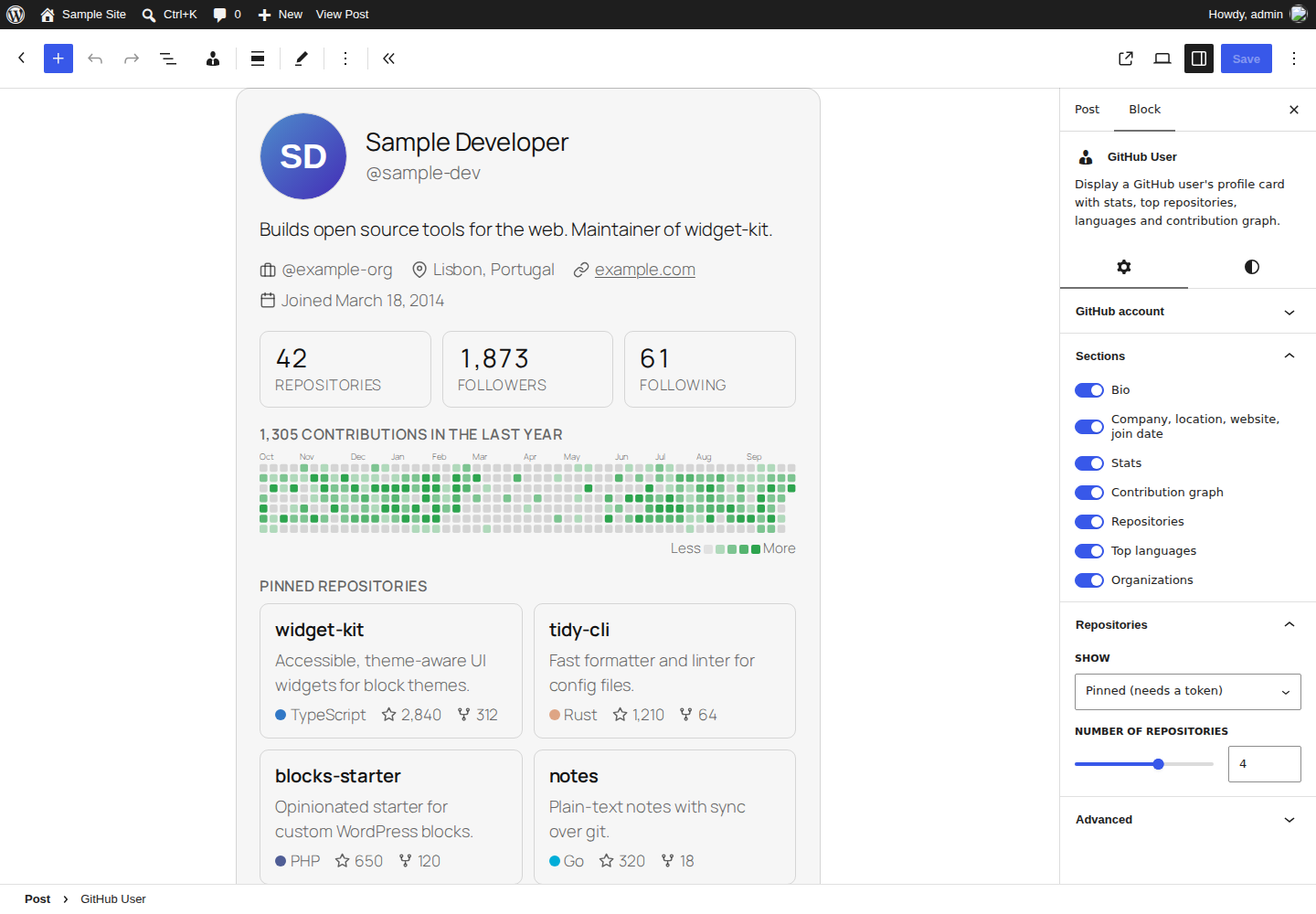
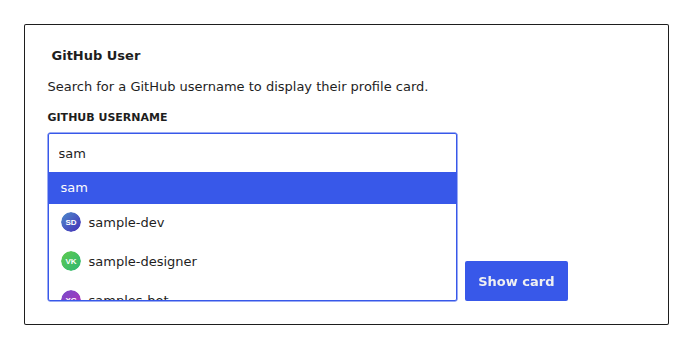

gitblock adds three blocks to the block editor:
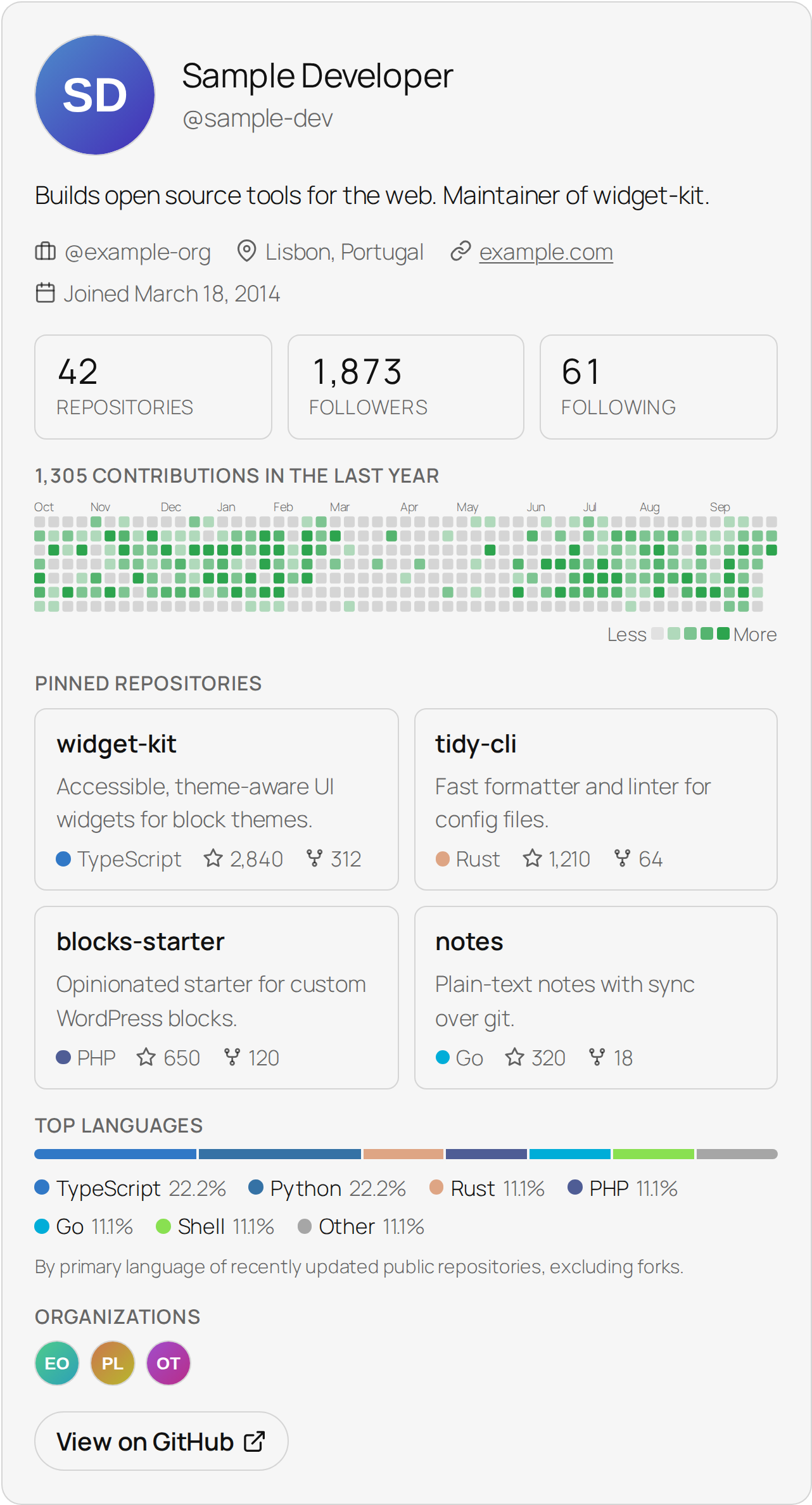
- GitHub User: a profile card with bio, company, location, website, join date, repository/follower/following counts, the contribution graph for the last year, pinned or top repositories, top languages and organizations.
- GitHub Organization: an organization card with description, location, website, stats, pinned or top repositories, top languages and public members.
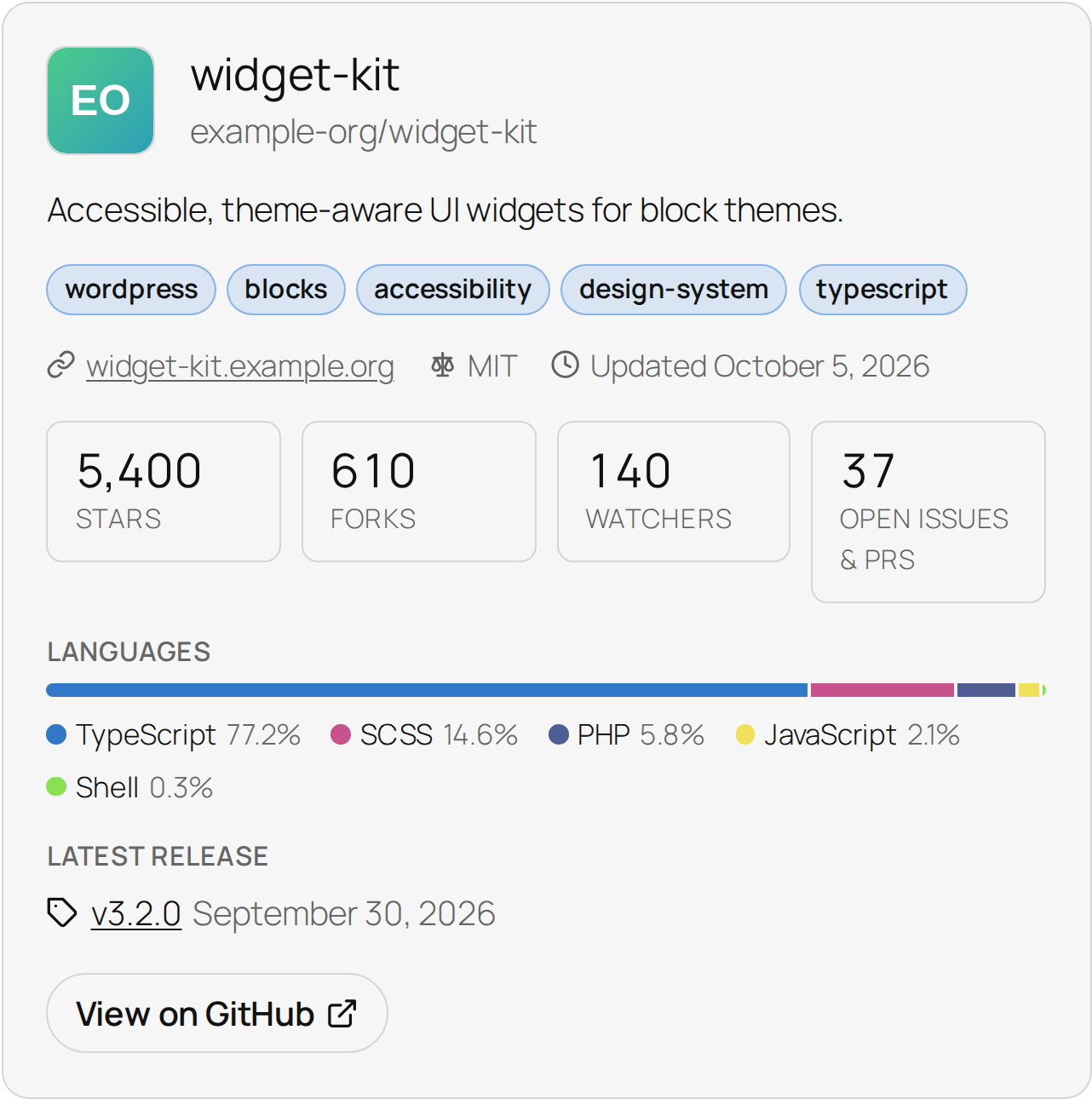
- GitHub Repository: a repository card with description, topics, website, license, stars, forks, watchers, open issues, a language breakdown and the latest release.
Search for an account or repository right in the block, pick it from the suggestions and the card appears. Every section can be switched on or off in the block settings, and you choose whether to list pinned, most starred or recently updated repositories. Cards follow your theme’s colors and fonts, work in light and dark themes and adapt to narrow columns.
Pinned repositories and the contribution graph come from GitHub’s GraphQL API, which needs a token. Without one, the most starred repositories are listed instead and the graph is hidden.
GitHub responses are cached (one hour by default, see the gitblock_cache_ttl filter), so pages stay fast and well within GitHub’s rate limits. If GitHub is down or a rate limit is reached, cards keep showing the last data they had.
External service
This plugin fetches public data from the GitHub REST and GraphQL APIs (api.github.com) when a block is rendered and when you search for accounts or repositories in the editor. When a token is configured, opening Settings General also checks it with GitHub’s rate limit endpoint (at most every ten minutes). The requested username, organization or repository name, your site’s address (in the User-Agent header) and, if you configure one, your GitHub token are sent to GitHub. Avatars are loaded from GitHub in visitors’ browsers. See GitHub’s Terms of Service and Privacy Statement.