

Osom Author Pro
v2.0OsomPress · 2015年4月16日 上架
The Osom Author Pro plugin creates a library which allows you to add books to any WordPress theme.
- 正在使用
- 1,000+
- 评分
- 4.9 / 5
- 累计下载
- 6 万
- 最近更新
- 2026年9月17日
 Nick the Geek
 Jen Baumann
 laurenmancke
 StudioPress
 marksabbath
 JiveDig
 OsomPress
 esther sola
截图
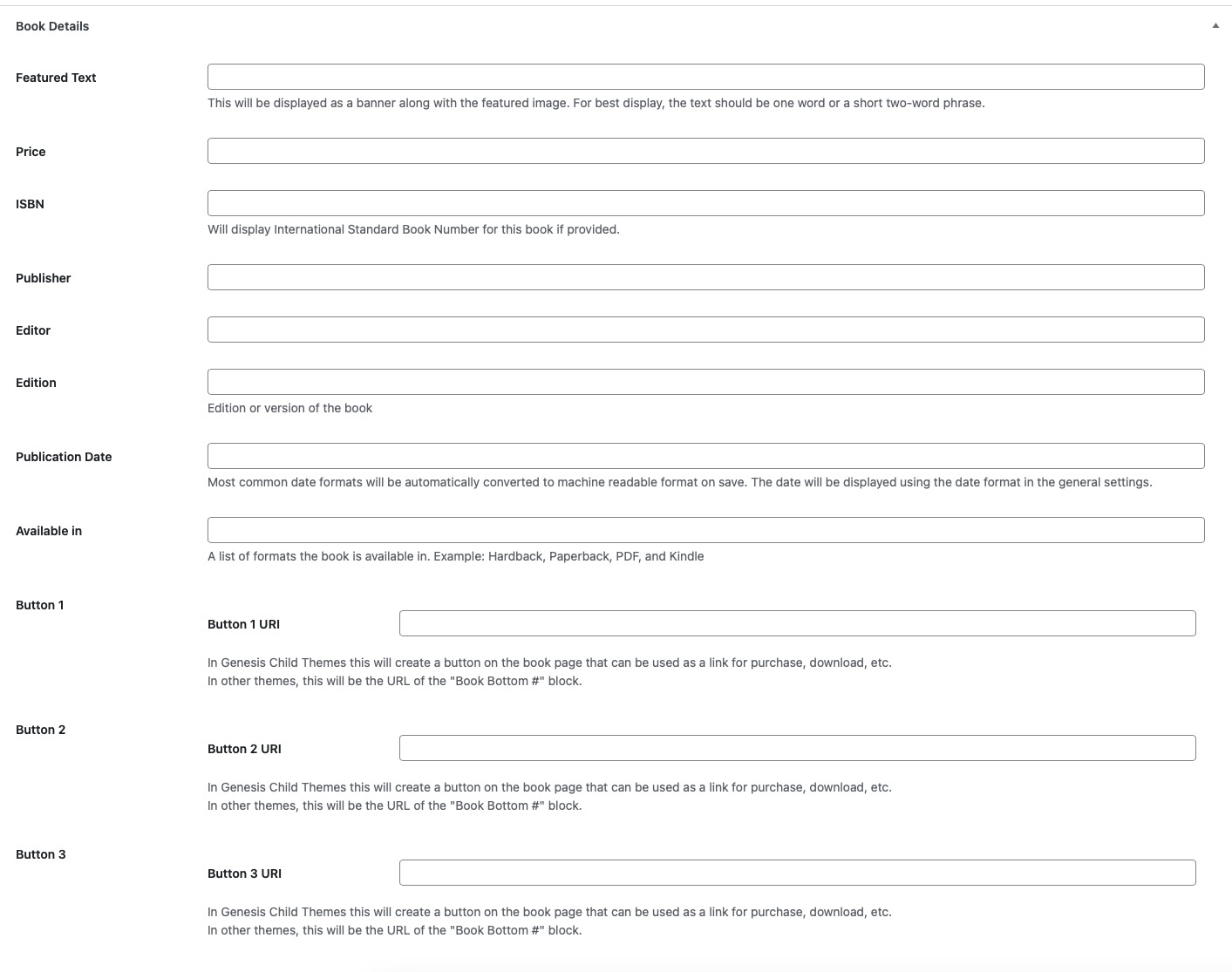
The Osom Author Pro plugin creates a library which allows you to add books to any WordPress theme.
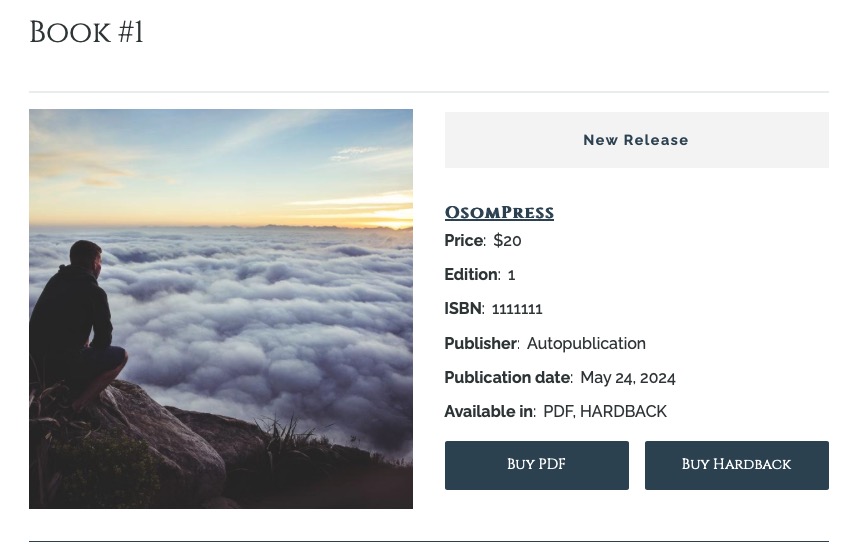
In WordPress themes using the Block Editor, you’ll be able to display the book details (Price, ISBN, author…) using native blocks and a dedicated block pattern. Additionally, in Genesis child themes it also provides layouts for a single and archive views.
WordPress Themes with Block Editor
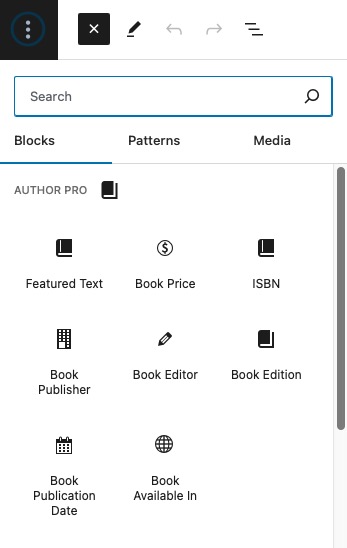
The Osom Author Pro adds a new category called “Author Pro” containing a native block for each custom book information:
- Featured Text
- Price
- ISBN
- Publisher
- Editor
- Edition
- Publish Date
- Available Editions
- Three custom buttons
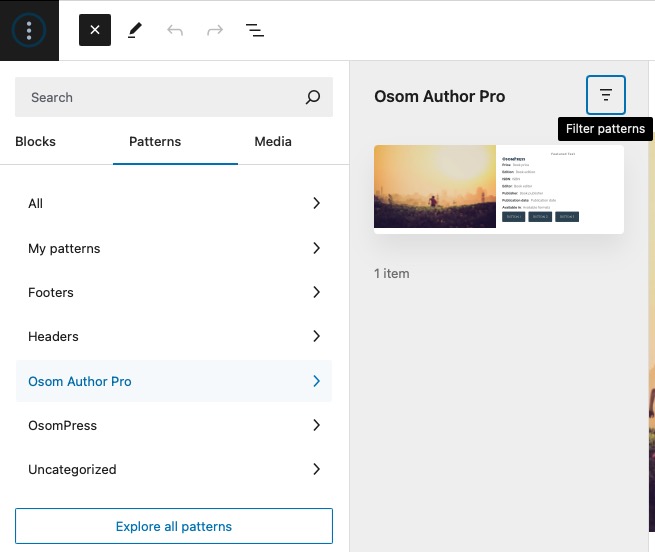
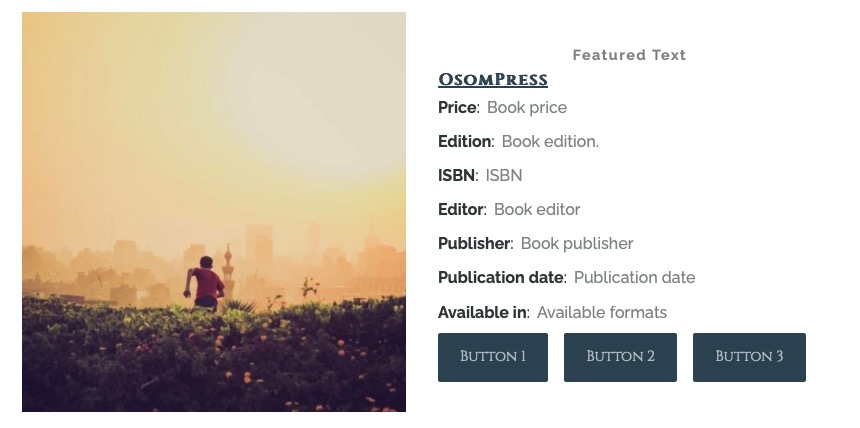
More over, the plugin adds a dedicated block pattern including all these new native blocks.
In addition to the custom book data, there are three taxonomies created: “Author,” “Series,” and “Tags.” These allow you and your site visitors to sort and organize the books in your library.
The Author is handled via the custom taxonomy instead of following the post author. This allows you to have multiple book authors and put books in the library without creating new members on your site. Multiple authors should be output in the byline without the Oxford comma like:
- John Doe
- Jane Doe and John Doe
- Jane Doe, John Doe and John Smith
The publish date is a text-aware date field that attempts to understand standard date formats such as:
- January 1, 1999
- 1 Jan 1999
- 1 1 1999
- 1999 1 1
There are instances where the returned date may not correctly match. 4 10 1999 might be interpreted as April 10, 1999 instead of the intended 4 October 1999. Typing out the month or month abbreviation instead of numeric representation of the month should resolve any discrepancies.
The date will be stored in a computer readable format and then output following the date format set in the WordPress options.
In Genesis Themes
The Osom Author Pro Featured Book widget will allow you to select a book from the library and feature it in any widgeted area of your website.
Optional output from the widget includes:
- Widget Title
- Book Title
- By Line
- Book Image
- Featured Text
- Content options including: Full content, limited content, and the excerpt for a custom synopsis.
- Price
- Custom link to the single book page
For Genesis child themes it also offer templates that are built into the plugin with default CSS to create the basic layout for all child themes. Templates follow standard WP template hierarchy so if the template is in the child theme, that will override the template in the plugin. Templates include:
- single-books.php
- archive-books.php
- taxonomy-book-authors.php
- taxonomy-book-series.php
- taxonomy-book-tags.php
Quick Setup Videos
If you want more info about the setup and configuration you can check the tutorial below.