
Genealogy
v1.2.3SuitePlugins · 2011年3月29日 上架
"Being revamped" Map out your family relationships using the Genealogy plugin.
- 正在使用
- 50+
- 评分
- 2.3 / 5
- 累计下载
- 1.2 万
- 最近更新
- 2026年6月8日
3 条评价需要 WordPress 3.1+已测试到 7.0.9PHP 7.4+
贡献者
 SuitePlugins
截图
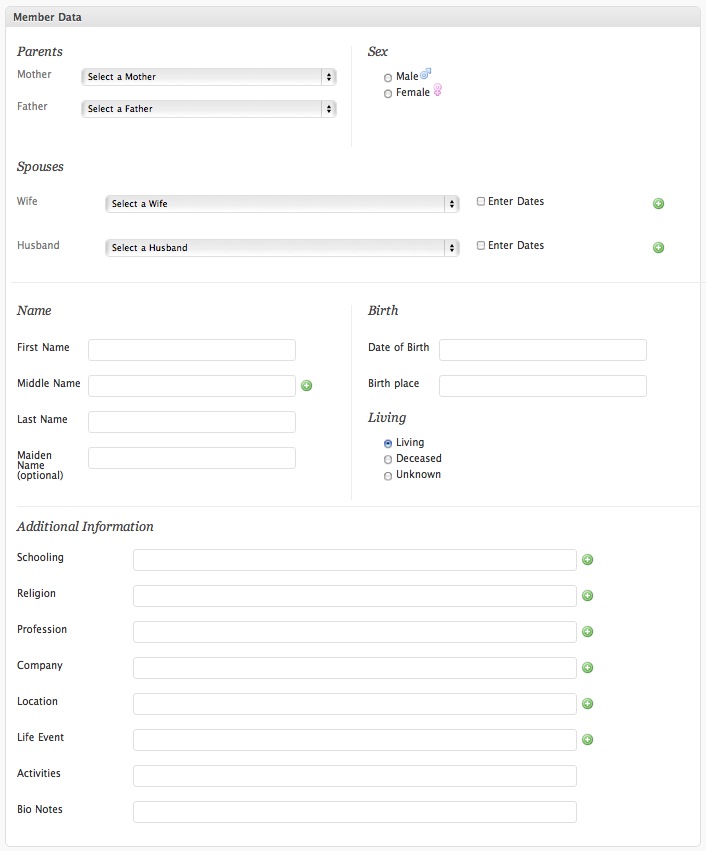
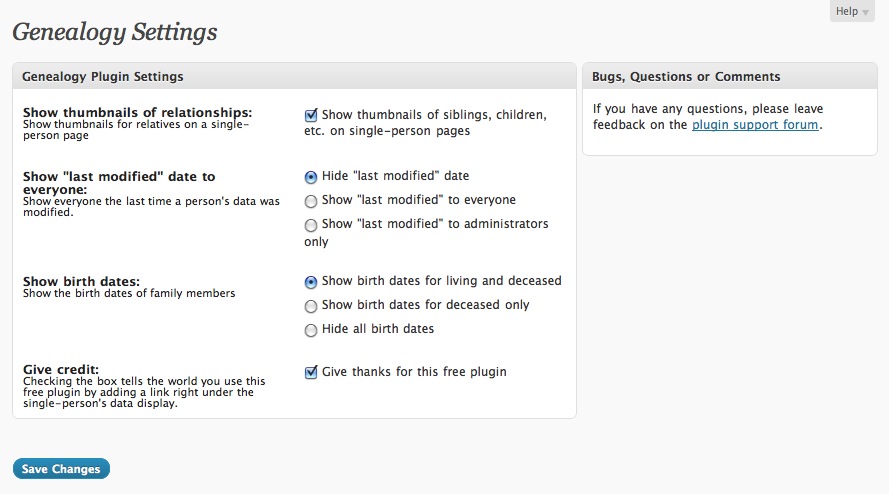
This plugin has been adapted by SuitePlugins and is currently in BETA as we work to resolve open issues and improve this amazing plugin.
The Genealogy plugin for WordPress allows you to map your entire family’s relationships.
Use the plugin to create a Member for each person in your family. Assign Members parents from the people you have added.
Add information for each Member, including:
- Photographs
- Date and location of birth
- Parents
- Spouses
- Date, location, and reason of death
- Up to 20 wives, husbands, professions, schools, religions & middle names
The plugin has support for:
- Featured images – Upload photos to the family member and set them as Featured Image to have their picture added to the family member information table
- Multiple wives and husbands, including wedding time span
- Multiple professions, schools, religions, locations, and life events
- Calendar-based date picker to make it easy to select a date (as far back as 1411!)
Easy to use!
To add a list of family members to a post or page: add [genealogy] to the content
To add a single family member, add [genealogy id=#] where id is the post ID of the Family Member (such as 231). You can also use [genealogy slug="john-smith"] where the URL of the family member is .../family/john-smith/