

Garden Gnome Package
v2.5.4Chief Gnome · 2019年6月26日 上架
Display panoramas, virtual tours or object movies created with Pano2VR and Object2VR.
- 正在使用
- 4,000+
- 评分
- 4.2 / 5
- 累计下载
- 6.5 万
- 最近更新
- 2026年10月16日
贡献者
 Chief Gnome
截图
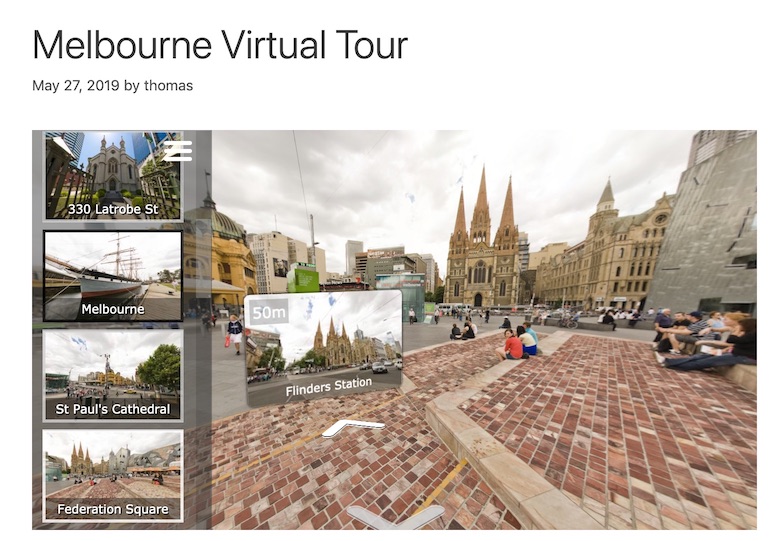

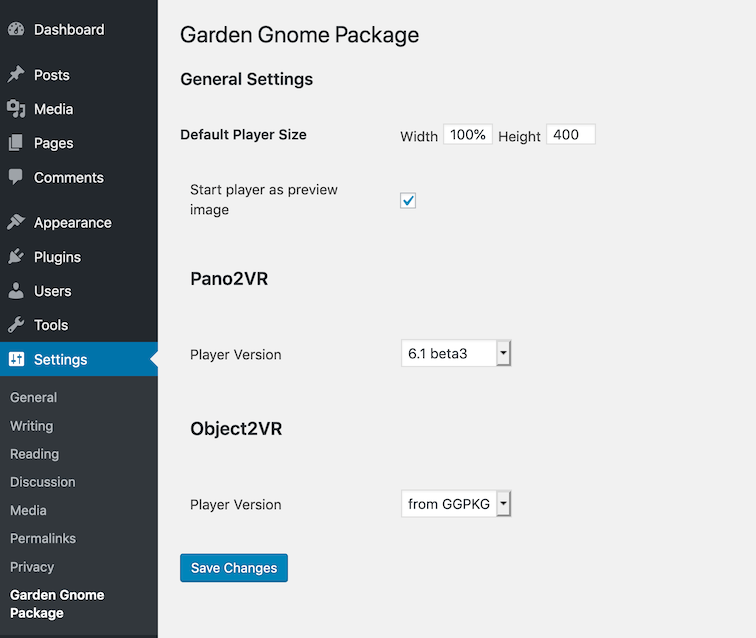
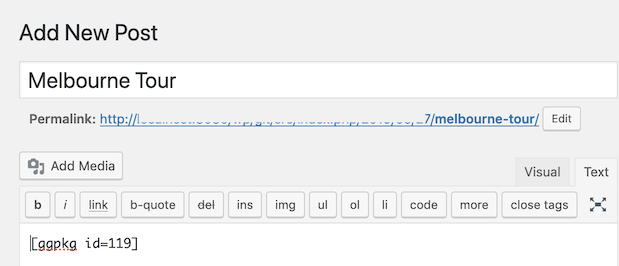
This plugin provides an easy way to publish panoramas and object movies created with Garden Gnome Software’s Pano2VR and Object2VR.
You can embed a package via a shortcode like [ggpkg id=12] or a block in the Gutenberg editor.
In the plugin settings, you can restrict .ggpkg uploads to users with a specific WordPress capability. This check is enabled by default and uses upload_ggpkg unless you change it.
Sample packages can be downloaded from our forum.
Shortcode
When you are using a shortcode to embed a package, you can provide additional parameters in the shortcode:
-
width: the width of the player in the page
-
height: the height of the player in the page
-
start_preview: when set to ‘true’, the player will initially show as a preview image with a play button.
-
start_node: if the package is a virtual tour, you can specify the start node. You can find the node ID of each node in the tooltip in the tour browser.
-
start_view: for panoramas and virtual tours, sets the initial view of the first node. The format is ‘pan/tilt/fov/projection’. The projection parameter is optional.
-
url: can be used instead of ID, to embed a package from a specific URL. Like
[ggpkg url='....']. This field needs to be enabled in the settings. -
Remote URL security: when using
url, you can enforce TLS certificate verification and optionally restrict allowed hostnames in the plugin settings.
Example: [ggpkg id=12 width='100%' height='500px' start_preview='true']
If you are using the Gutenberg Editor and want to embed a package via a shortcode, use a Classic Block from the ‘Formatting’ section, and use the Add Media button to add a package from the media library.
Gutenberg Block
You can find the GGPKG Gutenberg Block in the Widgets section.
In the GGPKG Block, you can pick a package from the media library.
In the Inspector panel on the right, you can specify if the package should start with a preview image and a play button, and set the width and height of the player in the page.
Elementor Widget
You can find the Garden Gnome Package Widget in the General section.
In the Widget settings, you can pick a package from the media library, define the height, and select if it should start with a preview image.