

Galleo – Portfolio Gallery, 3D Carousel & Slider
v1.0.4Galleo · 2026年11月5日 上架
Photo and portfolio gallery with 3D carousels, sliders, masonry, filterable grids and a lightbox. Batch-upload and caption photos in minutes.
- 正在使用
- 10 以下
- 评分
- 暂无
- 累计下载
- 422
- 最近更新
- 2026年11月6日
贡献者
 Galleo
截图
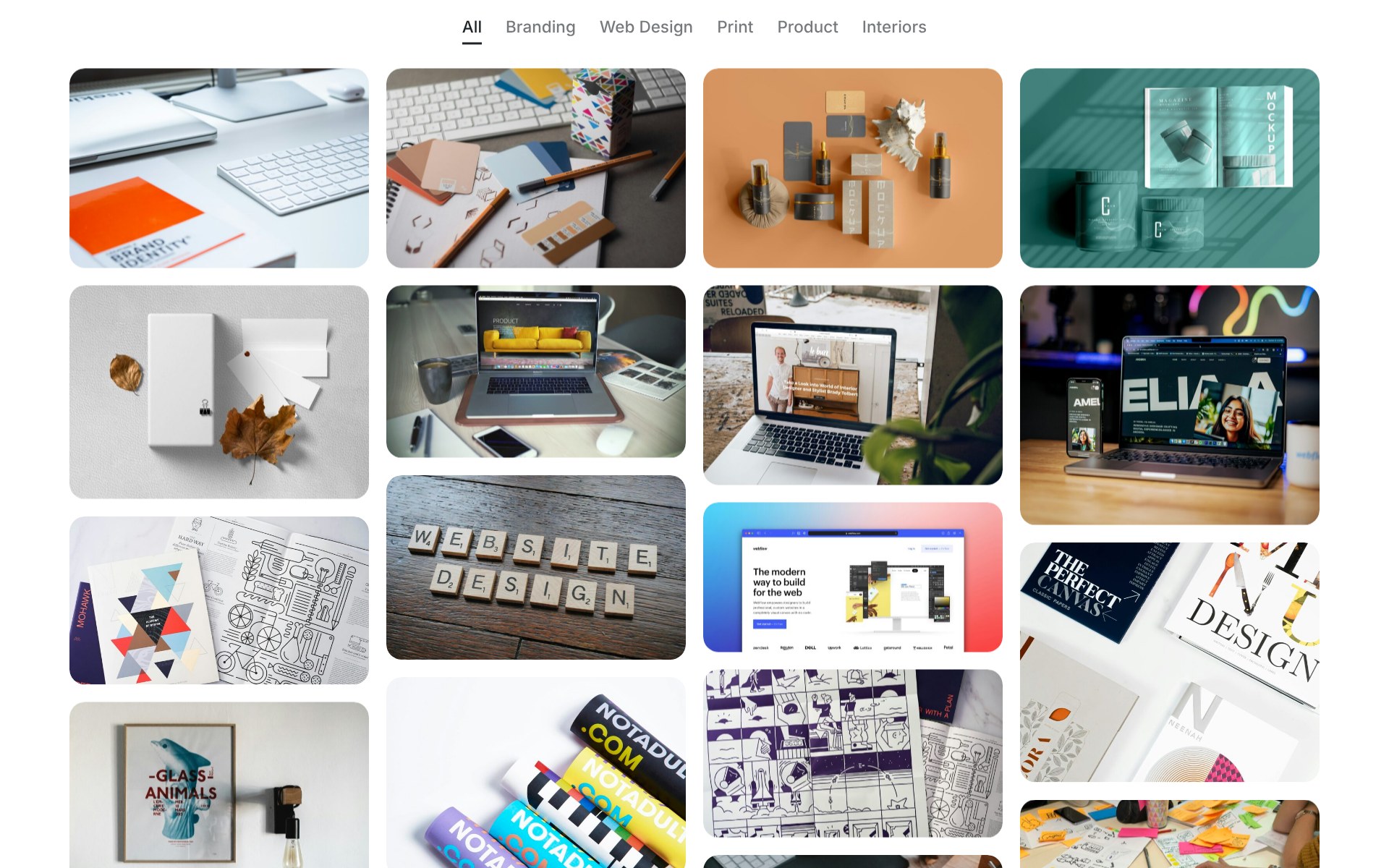


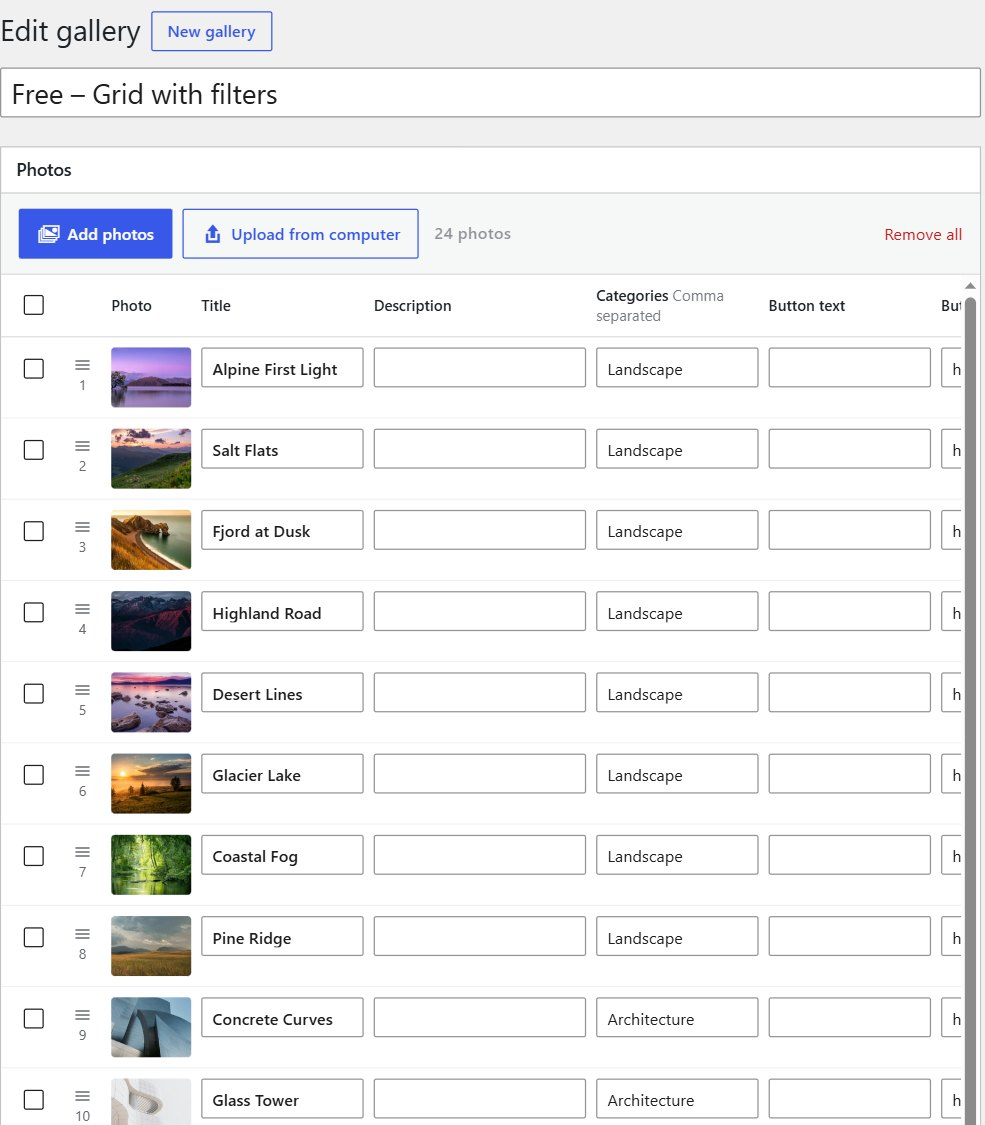
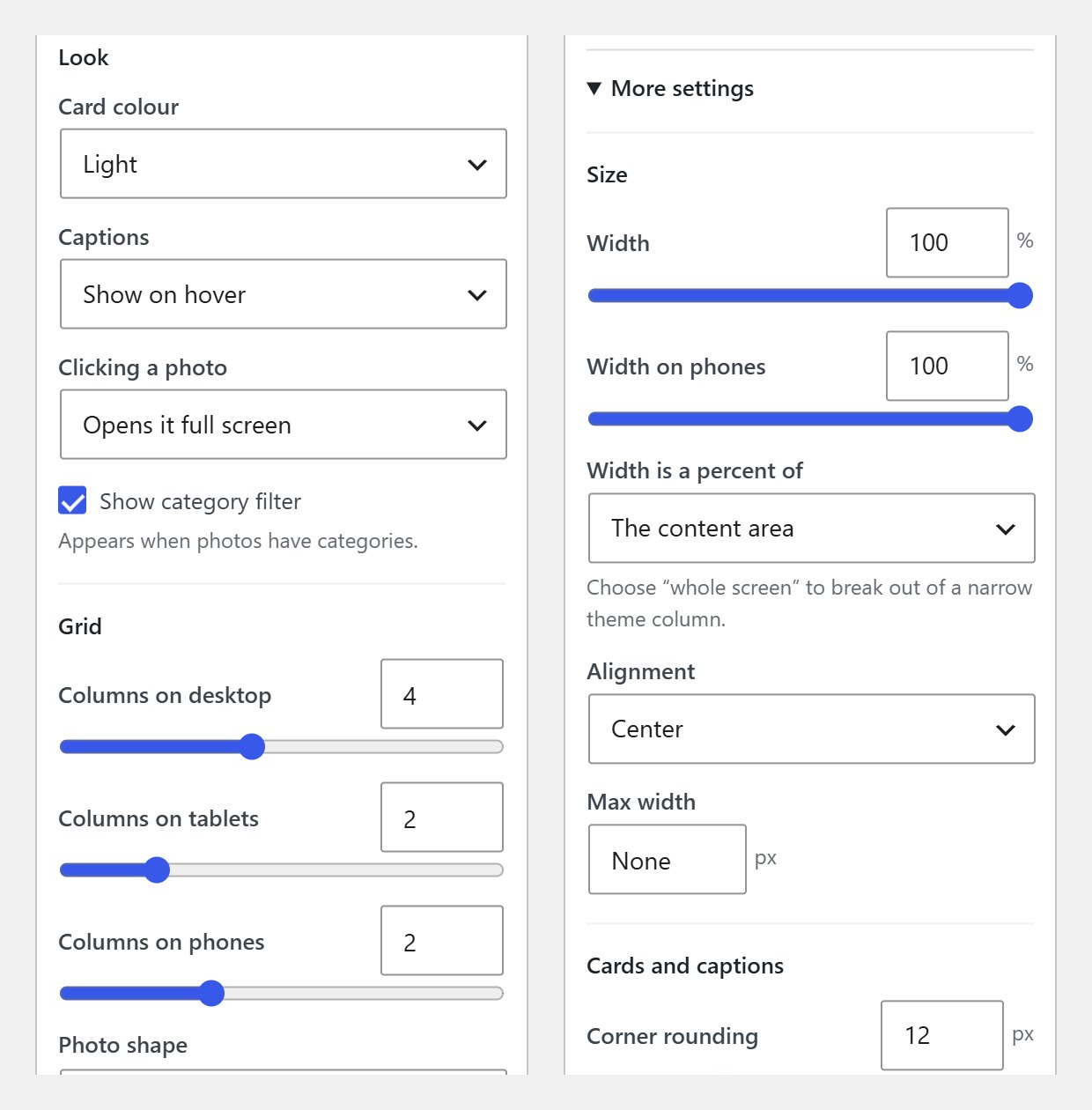
Galleo is an image gallery and portfolio plugin that turns a batch of photos into a polished photo gallery in a few minutes, from a classic grid to a 3D carousel or slider. Drop the photos in, fill in a title, categories and a button for each one in a quick-edit table, choose a layout, and add the gallery to any page with a block or shortcode.
Six layouts
- Grid: even rows in the photo shape you choose (square, 4:3, 3:2, 16:9, portrait or original).
- Masonry: columns that keep every photo’s own shape.
- Justified: rows of equal height that fill the width with no cropping.
- Coverflow: one big photo in the middle with its neighbours angled away in 3D.
- 3D Ring: matted prints stand in a rotating ring with a soft floor reflection.
- Expanding Panels: tall photo strips; the one you choose widens and tilts forward.
Made for real portfolios
- Batch upload. Drag a whole folder of photos onto the editor, or pick many from your Media Library at once.
- Quick-edit table. Every photo is a row with title, description, categories, button text and link. Press Enter to jump down a column. Select several rows to add a category or the same button to all of them.
- Smart titles. “IMG_2034-desert-dunes.jpg” becomes “Desert Dunes”, and captions you’ve already written in the Media Library fill the description.
- Filterable portfolio. Give photos categories such as Weddings or Portraits and visitors can filter the gallery. Grids re-sort with a smooth animation.
- Full-screen lightbox. Click a photo to see it large, with its caption and button. Swipe, use the arrow keys, or swipe down to close. Every photo has its own link you can share.
- Phones first. Choose different column counts for phones, tablets and desktops, or a completely different layout on phones.
- Your site’s style. Galleries use your theme’s font. Photos carry the colour while the frames stay neutral. Light or dark cards, with an optional accent colour; text colours are picked automatically for contrast.
- Exact sizing. Set the gallery width as a percentage of the content area or the whole screen, and set exact card sizes if you want them.
- Watermark. Add your name or studio as text over every photo, in the corner, the centre or repeated across it. It shows in the full-screen viewer too.
- Block and shortcode. Use the Galleo Gallery block, or
[galleo id="123"]. - Accessible. Every photo opens from the keyboard, focus is always visible, screen readers get clear labels, moving galleries have a pause button, and “reduce motion” is respected.
Galleo Pro adds 24 more 3D and FX layouts (Helix, Tunnel, Flip Book, Sphere, Infinite Marquee, Scroll Gallery and more), albums, video, password-protected galleries and right-click protection. See Galleo Pro.
Try it first: click Live Preview above to open a demo site with a sample portfolio in five layouts. More at galleo3d.com.