

Front User Submit – Frontend Post Submission, Guest Posting & AI Writing Assistant
v5.3.3aharonyan · 2020年5月15日 上架
Frontend post submission and guest posting forms: drag-and-drop builder, user post dashboard and a free AI writing assistant. No wp-admin needed.
- 正在使用
- 100+
- 评分
- 5.0 / 5
- 累计下载
- 2.9 万
- 最近更新
- 2026年11月19日
 aharonyan
 Freemius
截图


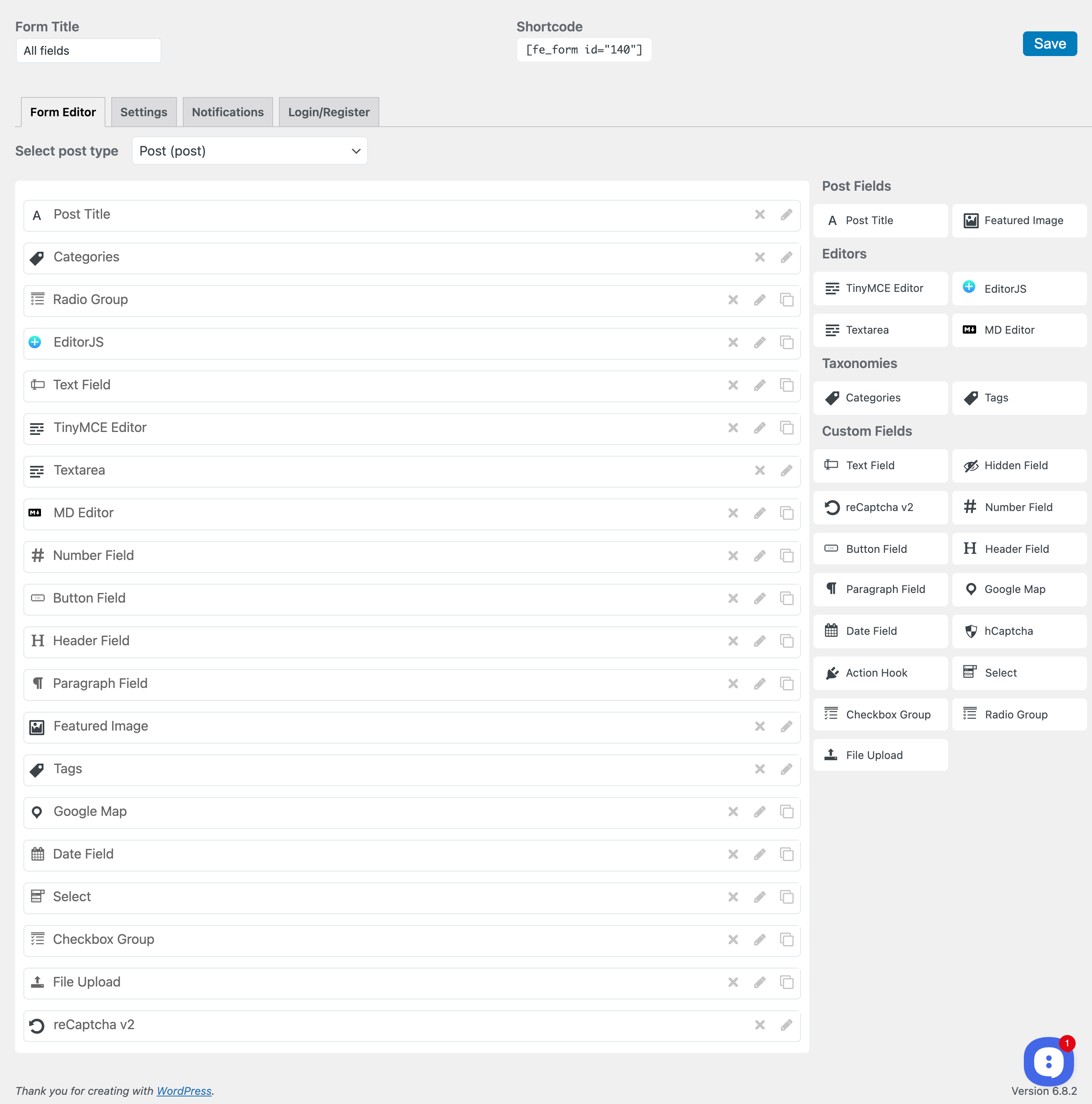
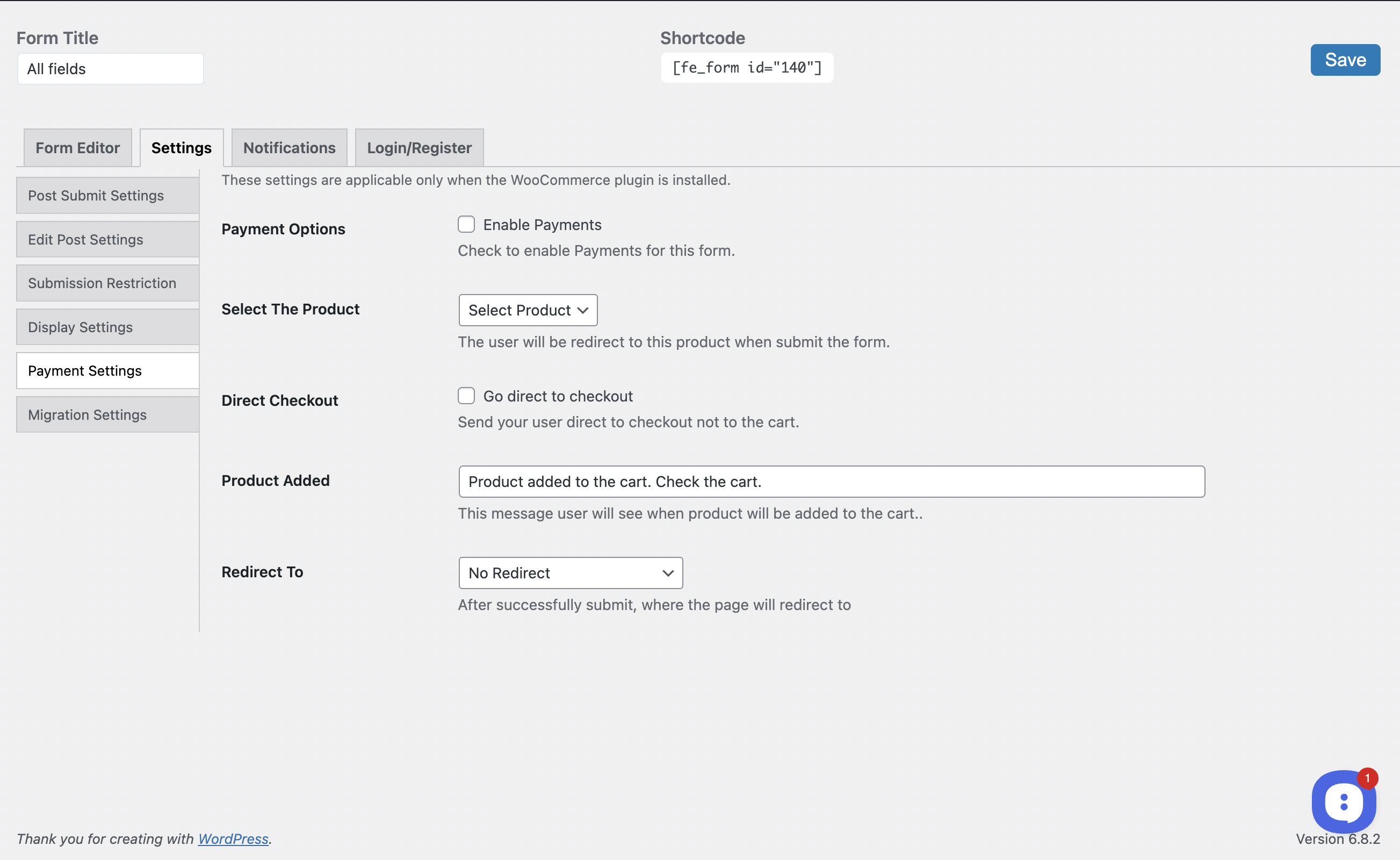
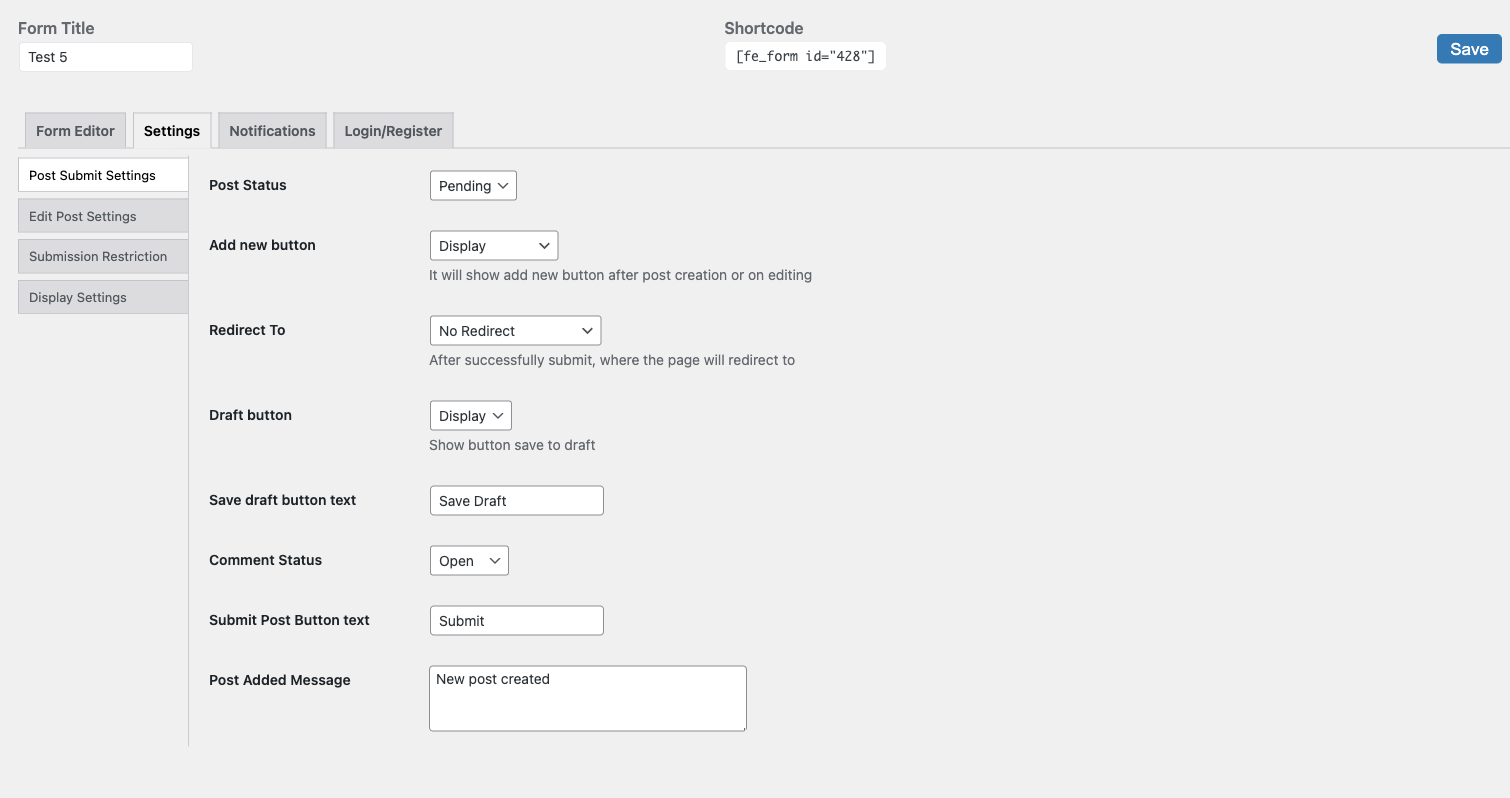
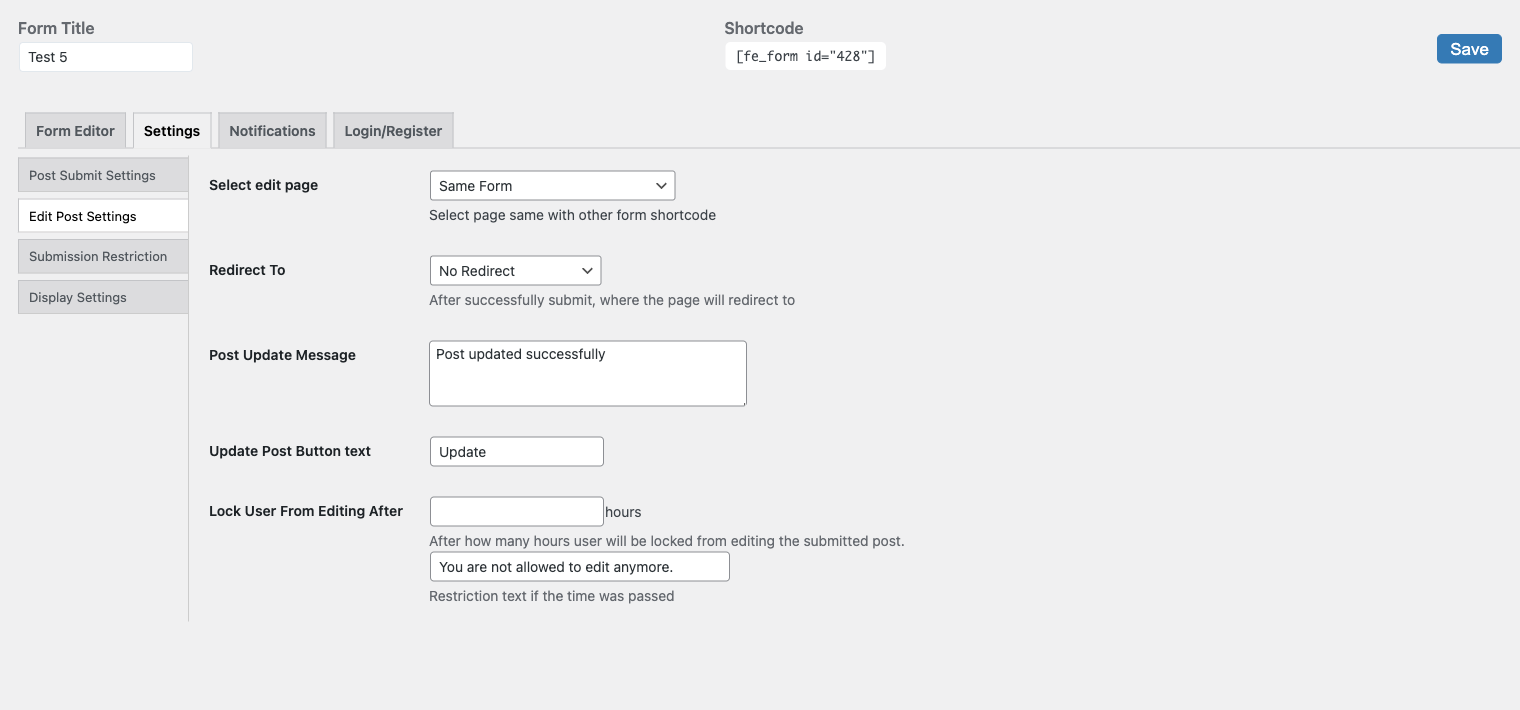
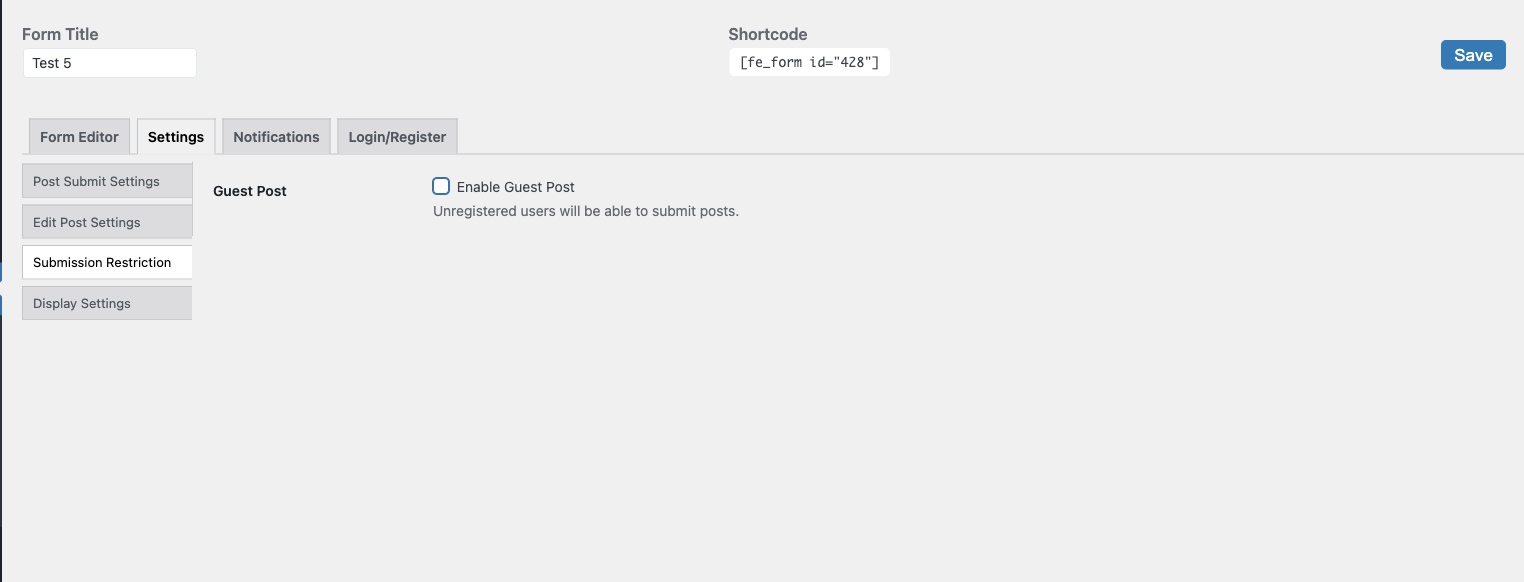
Front User Submit lets visitors and members create, edit and manage WordPress posts from the front end of your site, without ever opening wp-admin. Build a submission form in minutes with the drag-and-drop form builder, drop it on any page with a shortcode or block, and start collecting guest posts, user-generated content, listings, reviews or news.
New in 5.3: guest posting, captcha fields (Cloudflare Turnstile, hCaptcha, reCAPTCHA), simple custom fields, file uploads and the ✨ AI form generator are now in the free version.
New in 5.1: a free ✨ AI writing assistant right inside your forms. Your users write from a prompt, improve their text, fix grammar, shorten or expand it, using OpenAI, Anthropic Claude, Google Gemini, OpenRouter or a local model with your own API key.
📖 Documentation · 💬 Community · 🚀 Pro version
Why site owners choose Front User Submit
- Focused and lightweight. A frontend post submission plugin, not a membership suite. No extra modules you will never use.
- Modern editors your users enjoy. Block-style EditorJS, Markdown, TinyMCE or a simple textarea, chosen per form.
- AI writing help in the free version. Your users get an AI assistant inside the form, no Pro license needed.
- Your keys, your costs, your rules. AI is off by default, per-form switch, who-can-use-it setting and a daily limit per user.
- Rated 5 stars by the people who use it.
Who is it for?
- Guest posting and multi-author blogs: accept articles from guest authors without giving them a wp-admin account.
- Community and news sites: let members publish stories, events and announcements.
- Directories and classifieds: collect listings with images, maps, dates and custom fields. Charge per submission with WooCommerce.
- Membership and course sites: a frontend dashboard where users manage their own posts.
Core features (free)
- Frontend post submission form for logged-in users and for guests without an account
- Drag-and-drop form builder with live preview
- ✨ AI form generator: describe the form in your own words and AI adds the fields (uses your own AI provider key)
- Multiple forms, each with its own settings
- Edit and delete posts from the front end
- User post dashboard:
[fe_fs_user_admin] - Login and registration forms:
[fus_form_login],[fus_form_register] - Show the login form to visitors who are not logged in, instead of a “restricted” message
- Spam protection: Cloudflare Turnstile, hCaptcha and Google reCAPTCHA v2 fields
- Categories and tags fields: several terms, new terms from users, child terms under their parent
- Custom fields: text, email, phone, password, color, number and hidden
- Layout fields: header and paragraph
- Featured image upload
- File upload field: images and PDF, up to 2 MB per file and 3 files per field
- Choose the post status after submission: published right away or pending review. Authors can also save drafts
- Admin and user email notifications
- Redirect after submission to any URL or the current page
- Required and optional fields, custom success and error messages
- Shortcode, Gutenberg block or template tag
- Show custom field data on single posts
- Clean form design that looks right with any theme, or add your own CSS
- Preview every design, including Pro ones, on your own form before you choose
- Responsive, translation ready, developer hooks
- Tested with popular themes and plugins: Astra, Kadence, GeneratePress, Elementor, Yoast SEO, WooCommerce, ACF, Wordfence, LiteSpeed Cache and more
✨ AI writing assistant (free)
An “✨ AI” button appears next to the title, textarea, Markdown, EditorJS and TinyMCE fields:
- Write from a prompt
- Improve writing
- Fix spelling and grammar
- Make shorter or longer
- Preview the result, then replace the text or insert it below
Works with OpenAI, Anthropic Claude, Google Gemini, OpenRouter and any OpenAI compatible API, including self-hosted models (Ollama, LM Studio). Requests go from your server: the API key is never shown to visitors and can be defined in wp-config.php.
You stay in control of costs: AI is off in every form until you turn it on, you choose who can use it (logged-in users only or everyone) and set a daily request limit per user.
🚀 Pro features
- ✨ AI moderation: check submitted posts for spam, abuse and your own rules, hold flagged posts for review
- ✨ AI auto-fill: excerpt, tags and SEO meta description (Yoast SEO, Rank Math, SEOPress or built-in) after submission
- ✨ AI assistant extras: translate, change tone, custom instructions
- WooCommerce integration: paid post submissions
- Custom post types and custom taxonomies
- More custom fields: date, select, radio group, checkbox group, button and action hook
- Google Map location field
- File upload settings: choose the allowed file types, the maximum file size and the number of files
- WP Media Library for the featured image and the EditorJS gallery
- More EditorJS blocks: gallery, images carousel, table, file attachments and warning
- Generated post titles built from other fields
- More form designs: Modern Minimal, Card/Panel, Corporate/Professional and Borderless/Flat
Links
External services
This plugin can connect to external services. Nothing is sent until you configure the service in the plugin settings.
AI providers (Settings ✨ AI). When a user clicks the “✨ AI” button in a form where AI is enabled, the text of that field, the post title and the user instructions are sent to the AI provider selected by the site administrator. The AI form generator in the form builder sends the form description entered by the administrator. With the Pro version, AI moderation sends the submitted post text when a post is submitted, and AI auto-fill sends the post title and content after a post is submitted. The “Test connection” button sends a short test message.
- OpenAI – Terms of use, Privacy policy
- Anthropic Claude – Terms of service, Privacy policy
- Google Gemini – Terms of service, Privacy policy
- OpenRouter – Terms of service, Privacy policy
- Any other OpenAI compatible API URL entered by the administrator – the terms of that service apply.
Captcha services (form builder Custom Fields). Used only when you add a captcha field with your keys to a form. The visitor’s browser loads the captcha widget from the provider. When the form is sent, the plugin sends the captcha answer and your secret key to the provider to check it.
- Cloudflare Turnstile – Terms of use, Privacy policy
- hCaptcha – Terms of service, Privacy policy
- Google reCAPTCHA – Terms of service, Privacy policy
Features.Vote (Settings Suggest Feature). When a project slug is set, the feature request widget script is loaded from features.vote on the plugin settings page. If “Pass User Data” is enabled, the current user’s name, email and ID are passed to the widget. Terms of service, Privacy policy
Translations
- English – default, always included
- Russian – ru_RU