
Broken Link Checker – SEO and 404 error Fix
v1.0.7FARAZFRANK · 2026年2月17日 上架
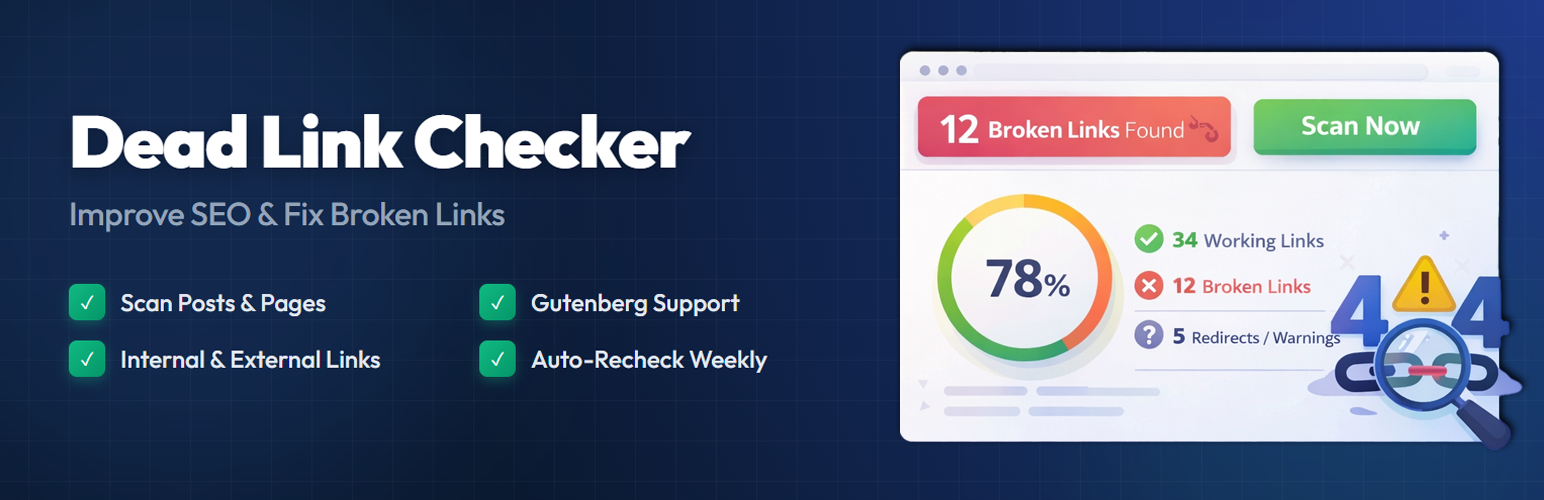
Scan your WordPress site for broken links and dead URLs. Detect 404 errors, fix link issues, and keep your SEO healthy.
- 正在使用
- 100+
- 评分
- 5.0 / 5
- 累计下载
- 1,510
- 最近更新
- 2026年11月3日
 A WP Life
 Pathhan
 mohammadhanif
 Alexander
 fkfaisalkhan007
 Sharik Khan
 zish
 FARAZFRANK
截图


Broken links frustrate your visitors and hurt your search rankings. When someone clicks a link on your site and lands on a 404 page, they lose trust — and so does Google.
Dead Link Checker scans your WordPress posts and pages, finds broken links, and gives you a clear report so you can fix them quickly. It runs in the background without slowing down your site.
Whether you have a personal blog or a large content site, keeping your links healthy is one of the simplest things you can do for on-page SEO. This plugin handles the heavy lifting so you don’t have to check every link by hand.
How It Works
- Go to Dead Link Checker Dashboard in your WordPress admin.
- Click Scan Now to start scanning your content.
- The plugin checks every link in your posts and pages.
- Broken links, redirects, and slow responses show up in a visual report.
- Fix or dismiss links directly from the dashboard.
The scanner runs in small batches. This keeps your server running fast. It will not slow down your website for visitors.
Why Fixing a 404 Error Improves Your SEO
Search engines prefer websites with working links. Regular scans help keep your pages healthy.
- The scanner checks both internal and external links.
- It finds every dead link in your text.
- It lists all 404 error status codes.
- You can see redirects and response times.
- The plugin works with both block and classic editors.
- You can dismiss links to skip them in future scans.
How to Clean Up Your Website Links
- Go to the Dead Link Checker menu in your admin dashboard.
- Click the Scan Now button to start.
- The plugin will check your content in the background.
- Open the report to see the results.
- Edit your posts to fix the broken links.
- Dismiss links that do not need changes.
Pro Features
Take your link management further with Dead Link Checker Pro:
- Extended Content Scanning – Scan Custom Post Types, Comments, Navigation Menus, Widgets, and Custom Fields (including ACF).
- Page Builder Support – Full compatibility with Elementor, Divi, and WPBakery page builders.
- Redirect Manager – Create 301, 302, and 307 redirects directly from the broken link report. Includes a hit counter and import/export functionality.
- Email Notifications – Receive email alerts when new broken links are found. Set up weekly or monthly digest reports.
- Export Reports – Download your broken link reports as CSV or JSON files for offline review or sharing with your team.
- Multisite Support – Manage broken links across your entire WordPress multisite network.
- Priority Support – Get dedicated help from the development team with faster response times.
- Lifetime Updates – One-time purchase with lifetime access to plugin updates.
Free vs Pro Comparison
- Post & Page Scanning – Free ✓ | Pro ✓
- Internal & External Links – Free ✓ | Pro ✓
- Visual Dashboard – Free ✓ | Pro ✓
- Dismiss Links – Free ✓ | Pro ✓
- Scan History – Free ✓ | Pro ✓
- Custom Post Types – Free ✗ | Pro ✓
- Comments & Menus – Free ✗ | Pro ✓
- Page Builder Support – Free ✗ | Pro ✓
- Redirect Manager – Free ✗ | Pro ✓
- Email Notifications – Free ✗ | Pro ✓
- CSV/JSON Export – Free ✗ | Pro ✓
- Multisite Support – Free ✗ | Pro ✓
- Priority Support – Free ✗ | Pro ✓