

FoxyShop
v4.9.8sparkweb · 2011年2月20日 上架
FoxyShop provides a robust shopping cart and inventory management tool for use with FoxyCart's hosted e-commerce solution.
- 正在使用
- 70+
- 评分
- 4.5 / 5
- 累计下载
- 3.8 万
- 最近更新
- 2026年10月7日
贡献者
 foxycart
截图
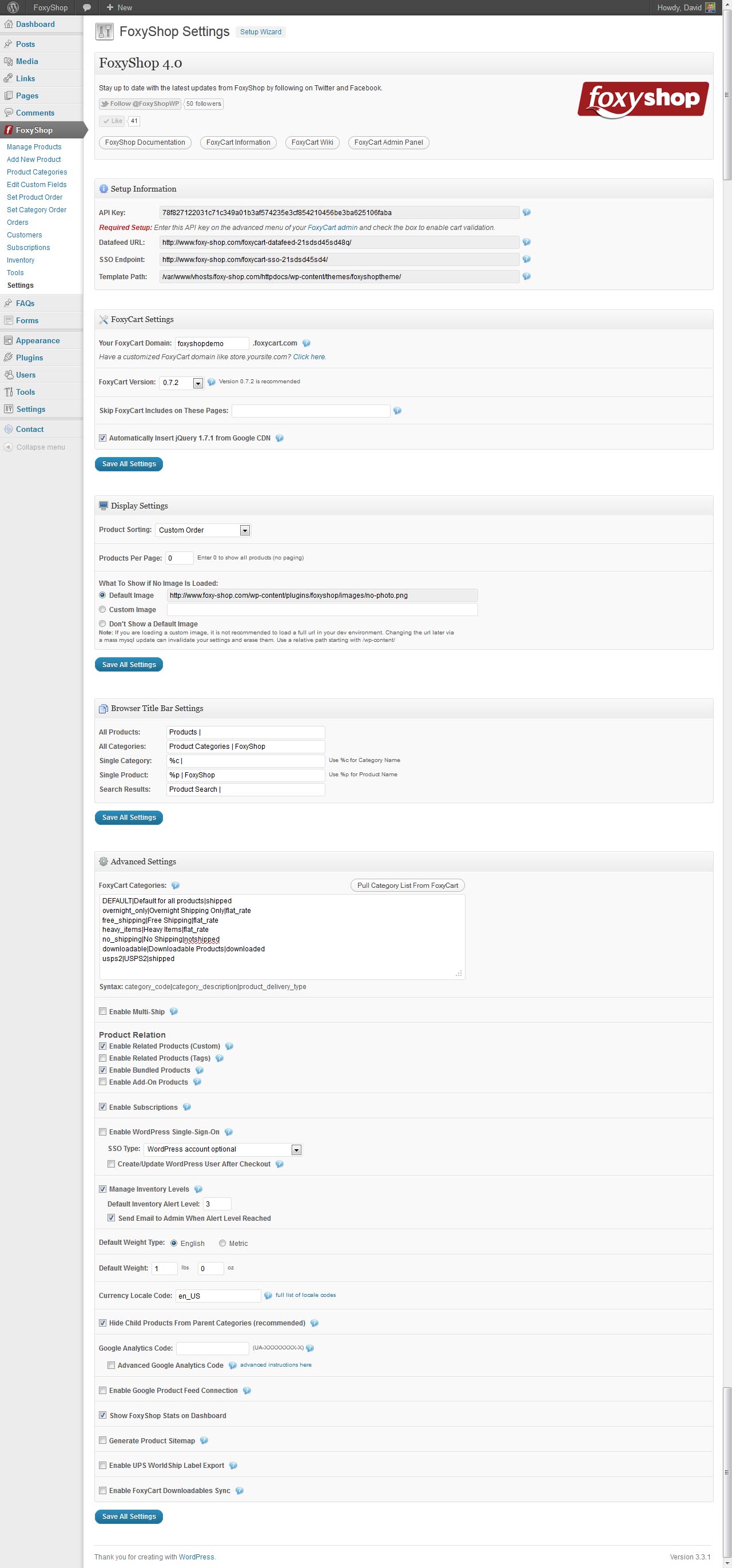
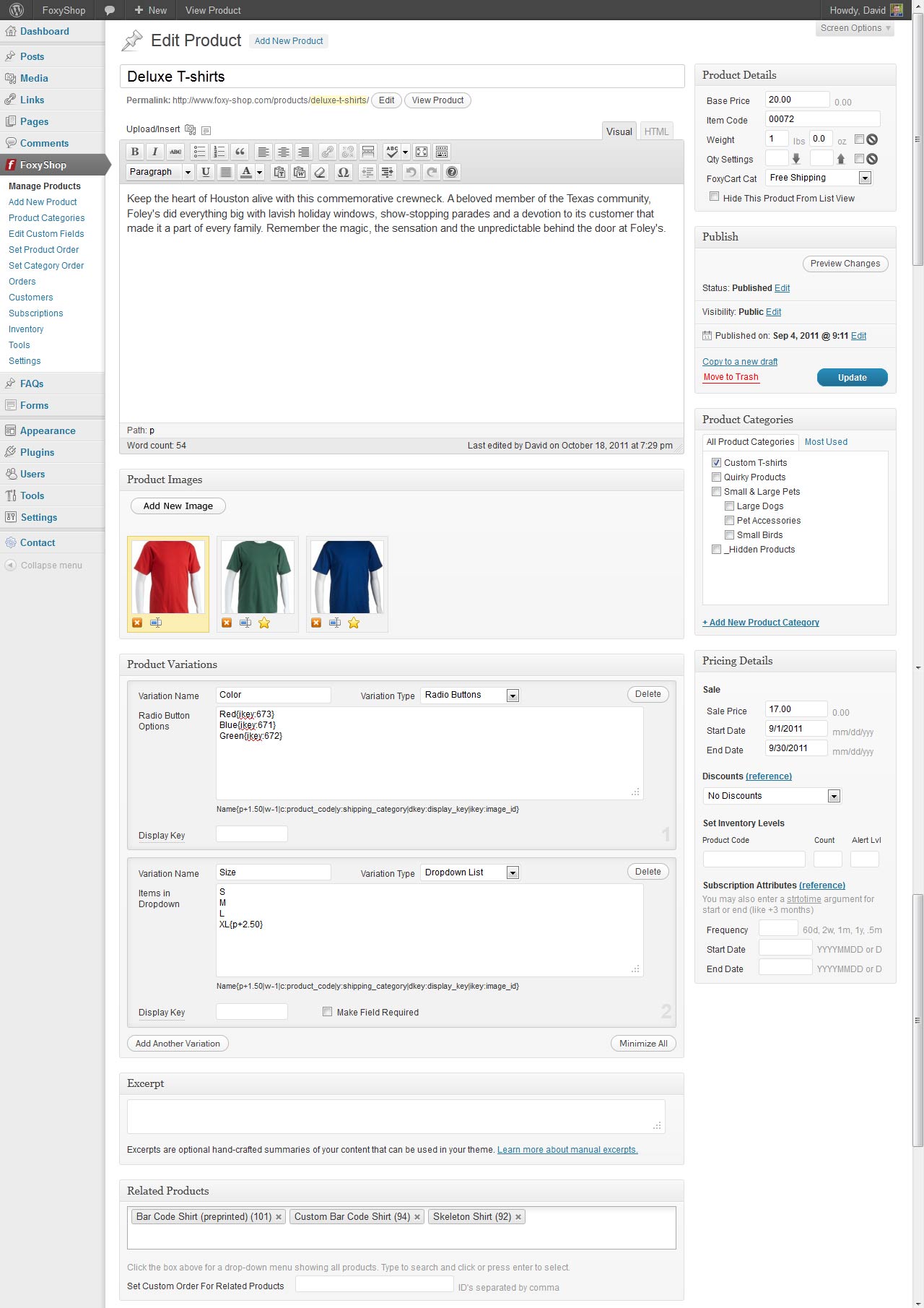
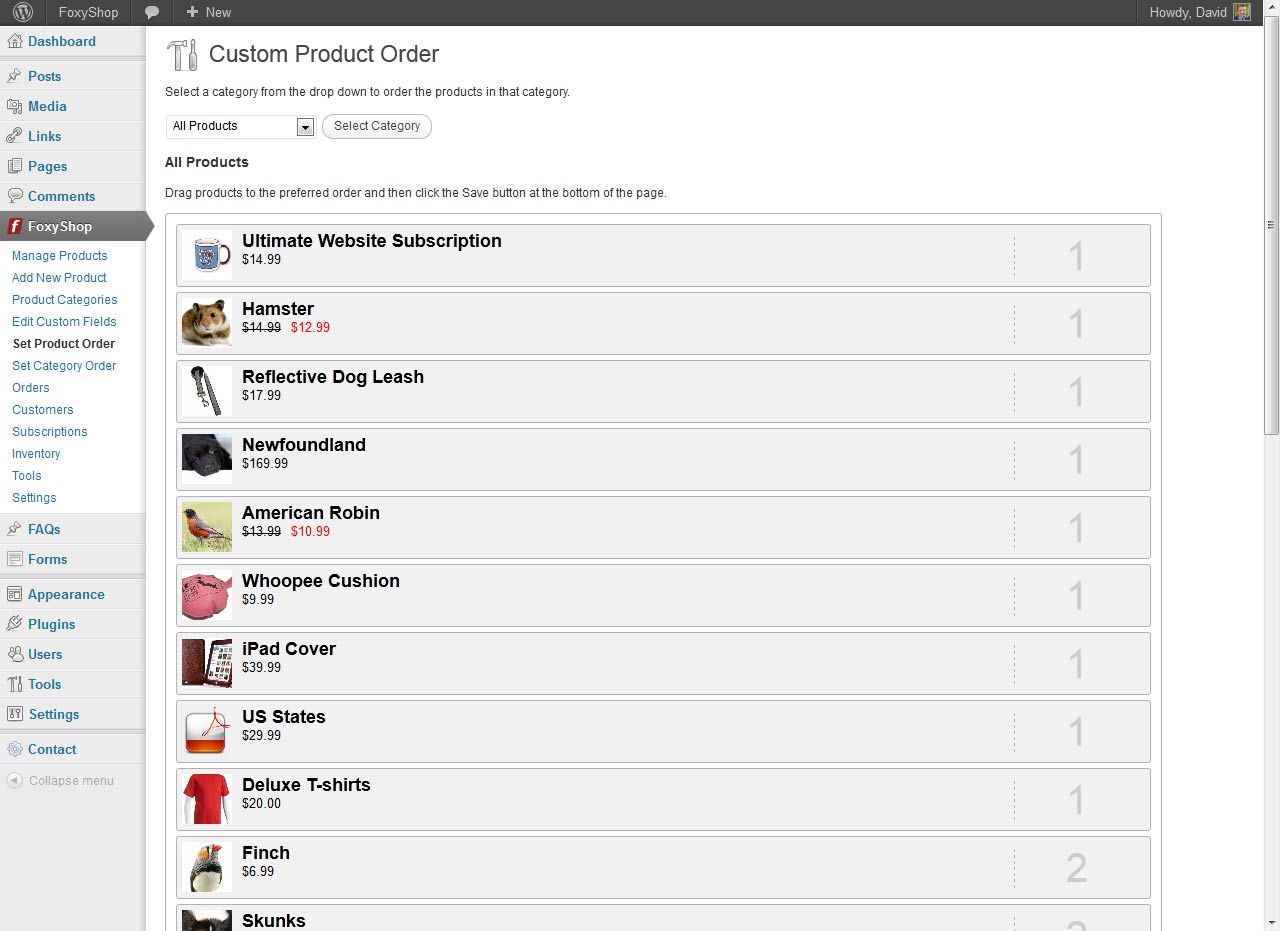
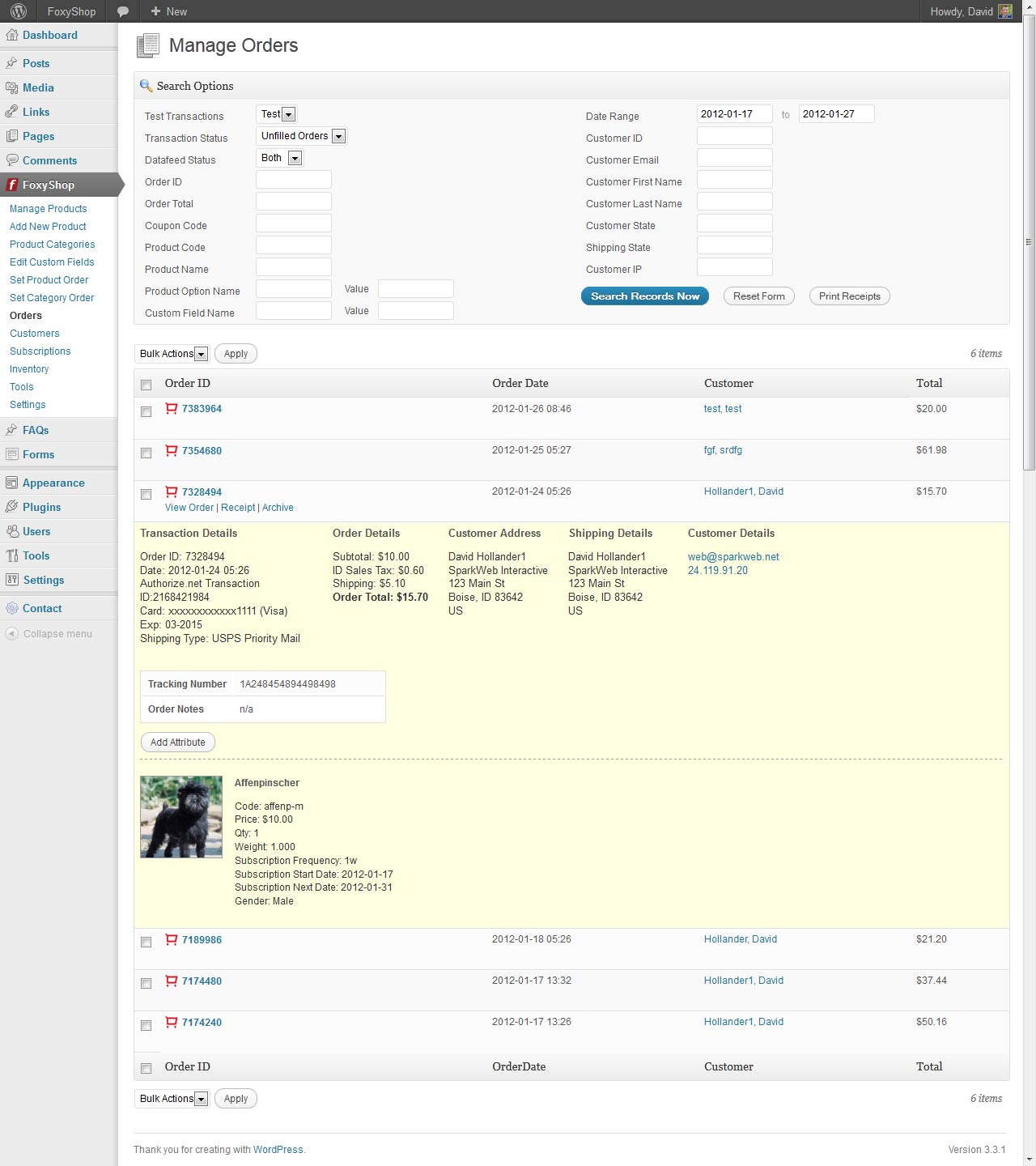
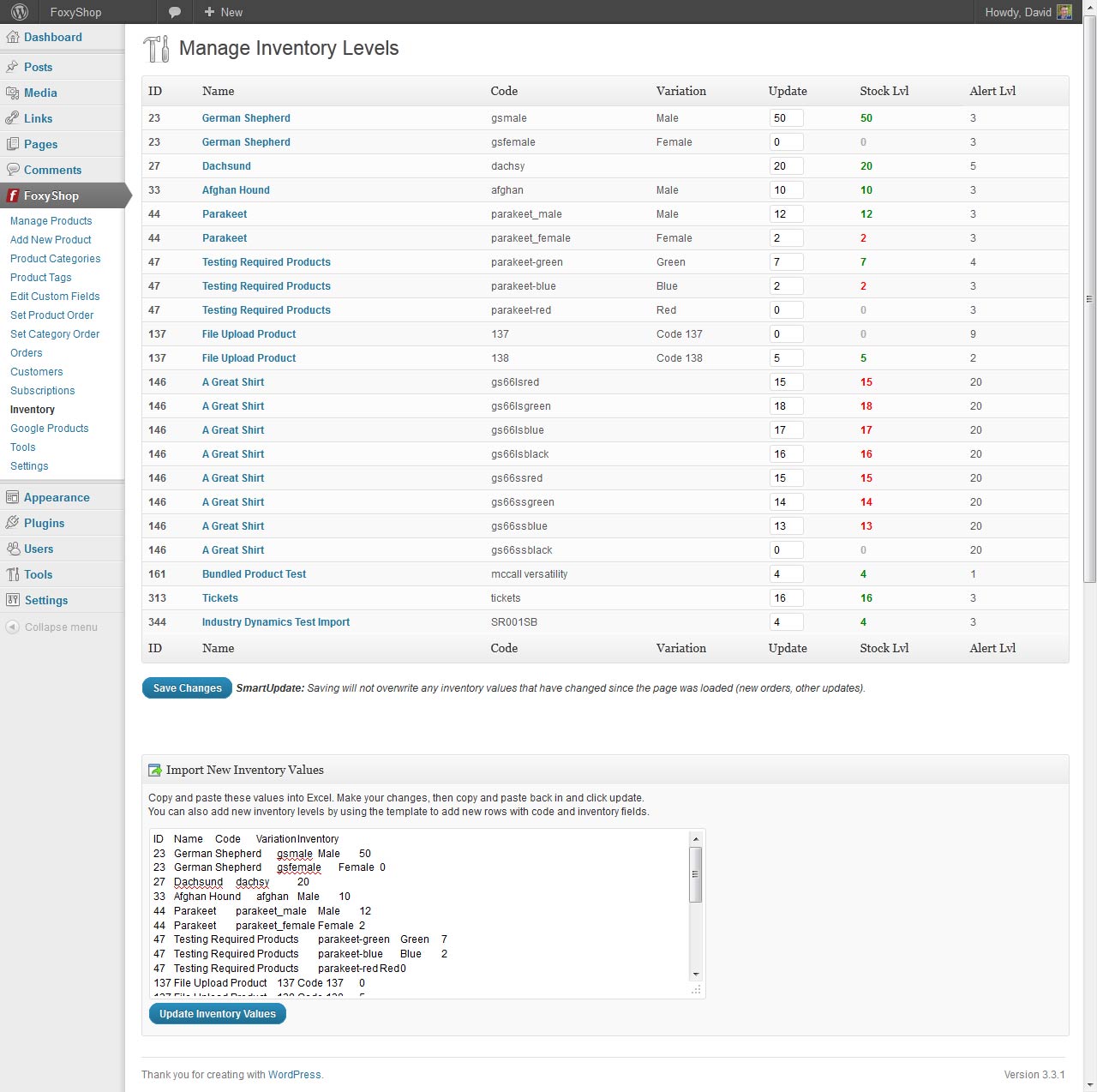
FoxyShop is a complete shopping cart solution for WordPress. This plugin connects to FoxyCart’s hosted shopping cart service and will allow you to manage your inventory from a WordPress backend. FoxyShop was built to make the integration of FoxyCart and WordPress a breeze. Products are easy to manage and the flexible templates make it easy for developers to quickly build their storefront. The FoxyShop plugin is exhaustively documented, actively maintained, and completely free. And it’s foxy, too.
Visit foxy-shop.com for full documentation and instructions.
Just a Few of the Many FoxyShop Features:
- Fully customizable theme files and CSS
- Unlimited images per product with popup slideshow or zooming
- Widget support for featured categories
- Manage product inventory within the WordPress admin
- Set up product categories and subcategories
- Drag-and-drop product sorting
- Complete flexibility for product variations and pricing
- Sale pricing with optional date controls
- Digital products and subscriptions
- Allow WordPress users to checkout with their account
- Flexible product and category discounts
- Multiple shipping recipients
- Inventory management
- Internationalization support
- Field validation to prevent form tampering
- Much more… See Complete Feature List!
Translations Available
- Norwegian (Kenneth from KKTrends)
- German (Andrei from PixelDarkroom)
Third-party script inclusion
As part of this plugin, based on the Foxy store version you have configured, a javascript file will be included from the Foxy CDN to add the cart functionality to your site. The file is unique to your store, and updated based on changes to your store in the Foxy administration.
You can exclude this from being output on specific (or all) pages using the “Skip FoxyCart Includes on These Pages” option in the FoxyShop plugin settings. If the file isn’t included on a page with a product add to cart, customers will be redirected to the full page cart instead, and it may impact cart session functionality.