
Formii
v1.7.0spiraledge · 2026年10月25日 上架
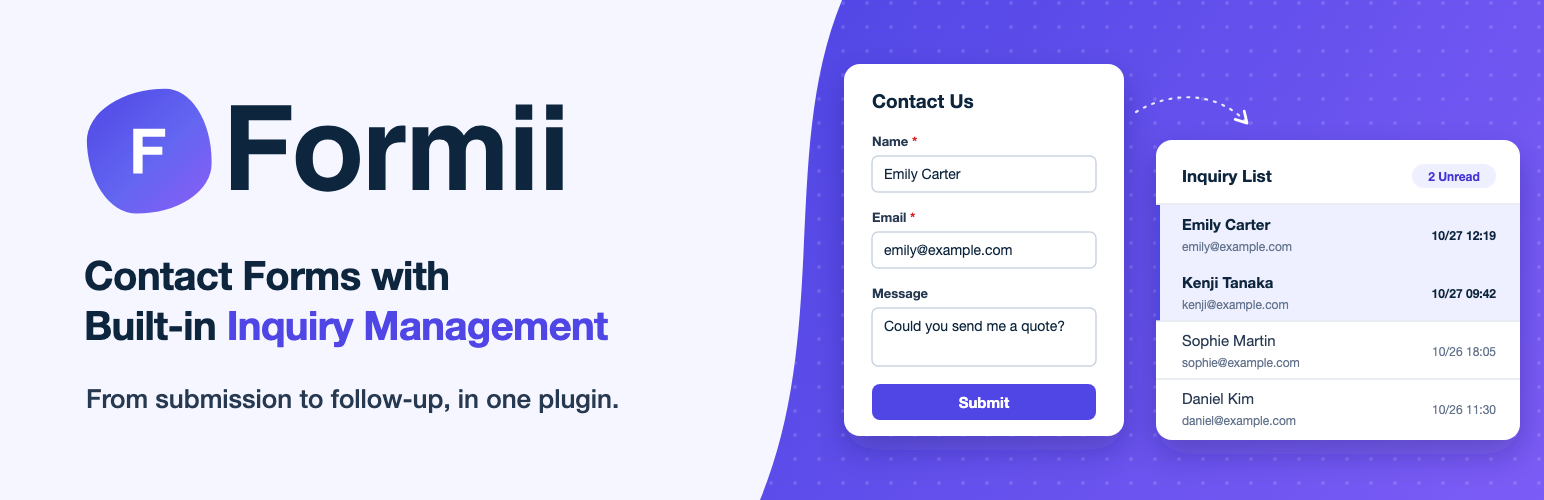
Contact forms with built-in inquiry management and a confirmation screen. Drag-and-drop builder, plus optional fields for Japanese forms.
- 正在使用
- 10 以下
- 评分
- 暂无
- 累计下载
- 702
- 最近更新
- 2026年11月25日
贡献者
 spiraledge
截图
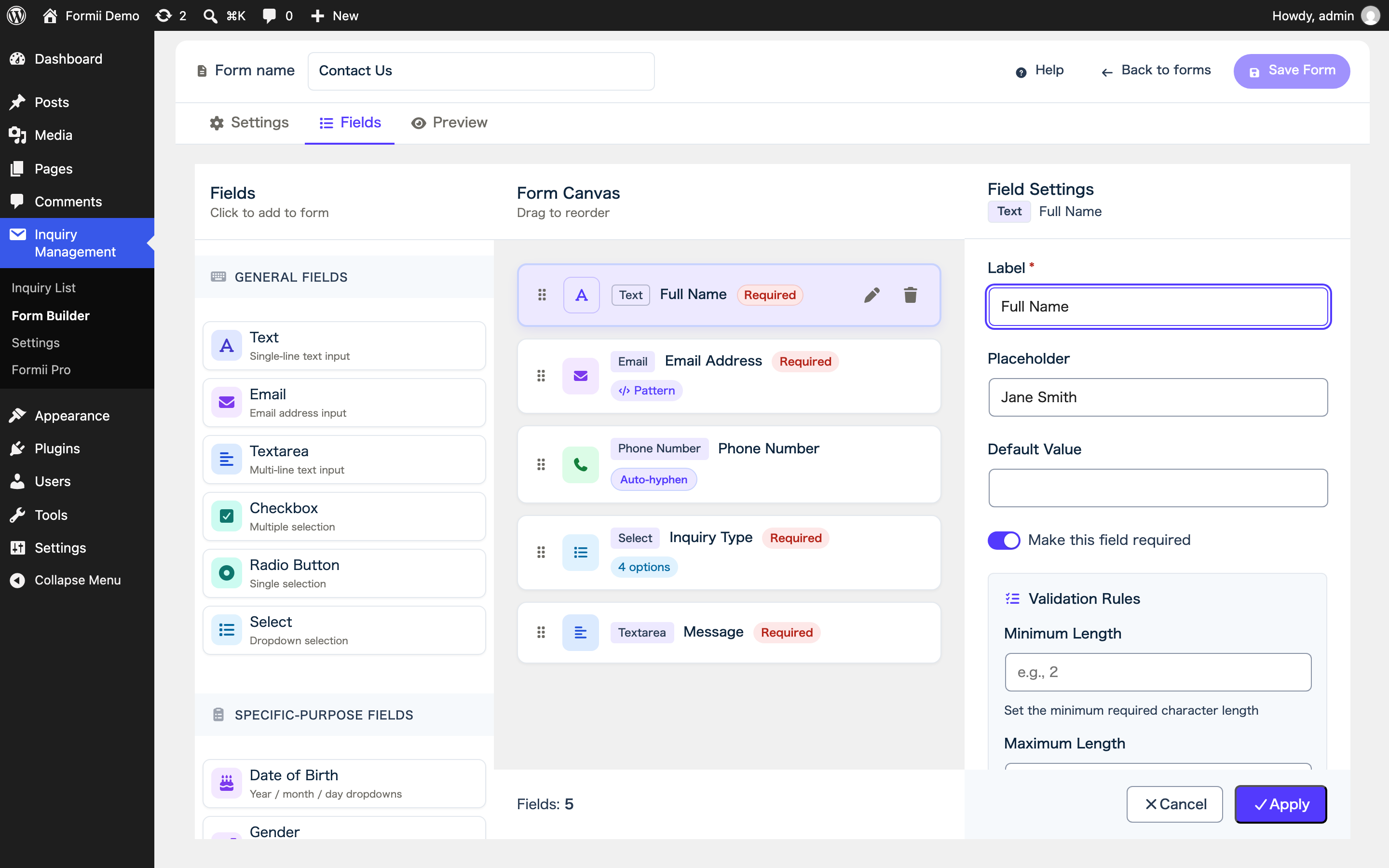

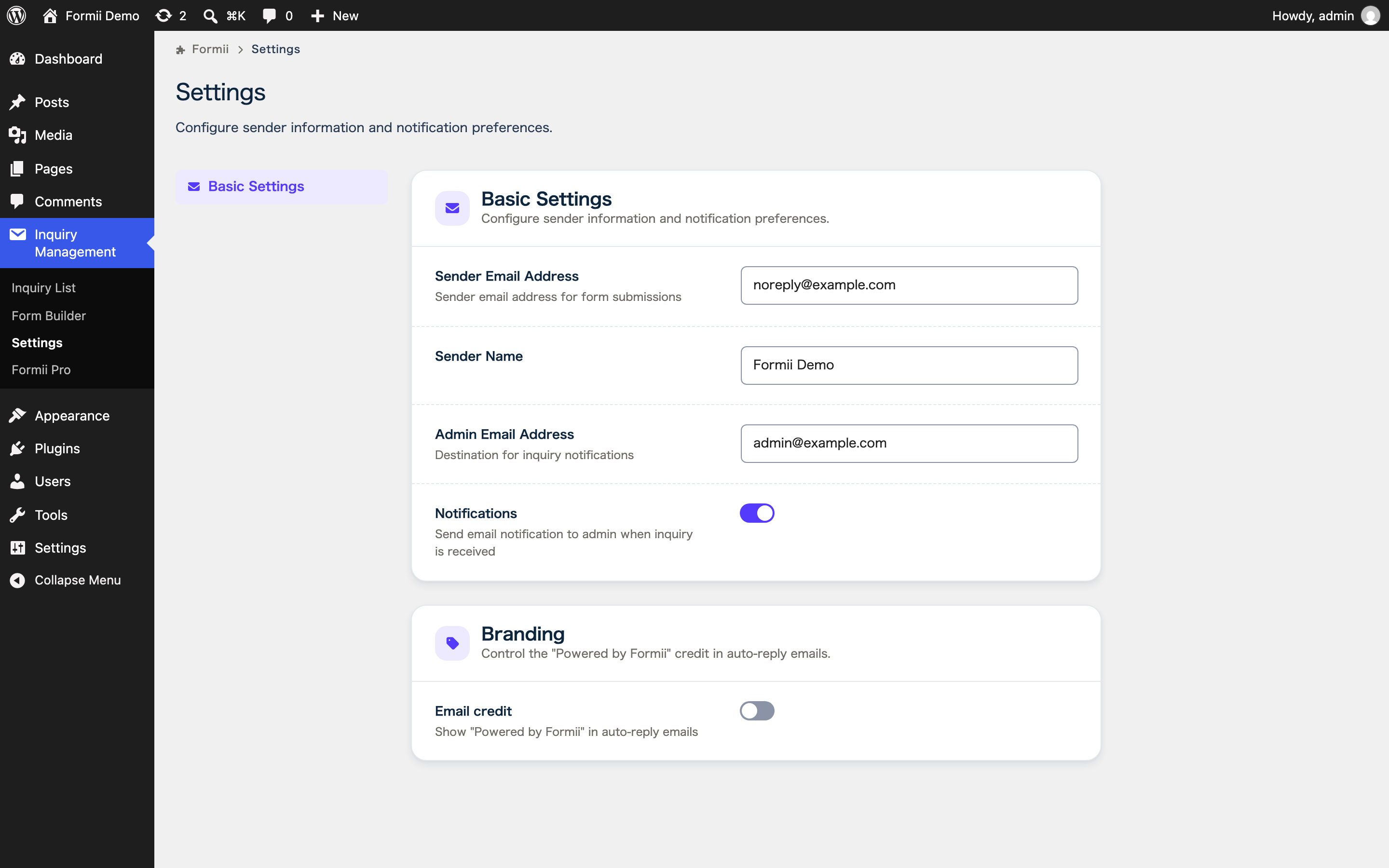
Formii is a contact form plugin with an intuitive drag-and-drop form builder and built-in inquiry management — no external service required. It also includes optional fields for Japanese forms, such as furigana and a 47-prefecture address field.
Key Features
Form Builder
- Drag-and-drop form creation
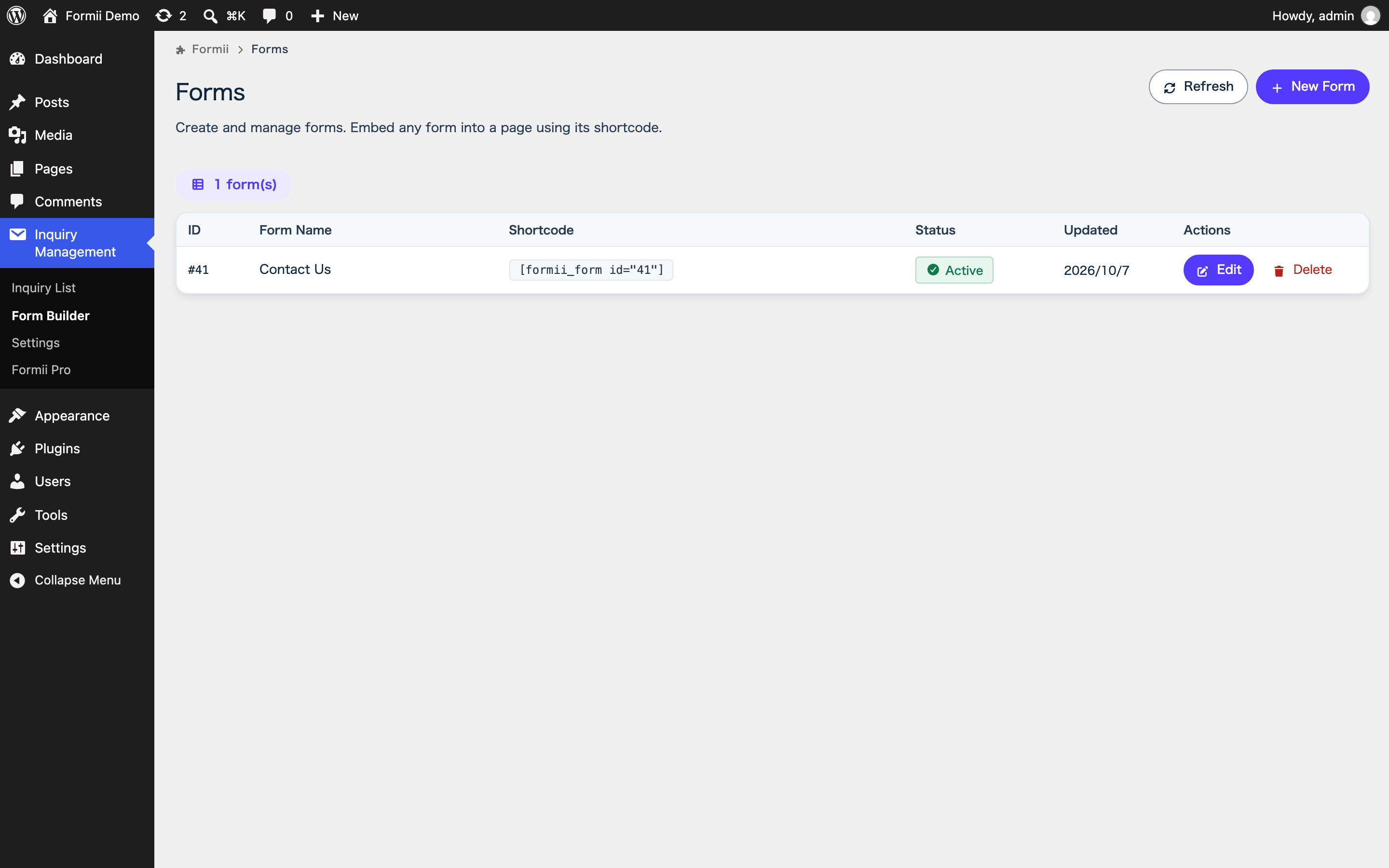
- Create as many forms as you need — each form gets its own shortcode
- Form status management (draft / published)
- Real-time save indicator in the editor
- Live preview tab (see your form before publishing)
- Confirmation screen before submission — on by default, and you can turn it off for each form
Field Types
- Text, email, textarea, select, radio, checkbox, and privacy consent
- Full name (last / first), birthdate, gender, and confirmation email
Fields for Japanese Forms
Use these optional fields when your form collects Japanese contact details:
- Postal code field (auto-inserts hyphens as you type)
- Phone number field (auto-inserts hyphens as you type)
- Address field — postal code, a 47-prefecture select, and city / town / building inputs (all offline; the prefecture list is bundled)
- Furigana field — choose katakana, hiragana, or no restriction; input in the other kana is converted automatically
Note: Postal-code address auto-fill (fills prefecture / city / town from the postal code) is part of Formii Pro (Personal plan and above). The free plugin makes no external network requests.
Validation
- Required field check
- Min/max character length
- Regular expression validation
- Custom error messages per field
Inquiry Management
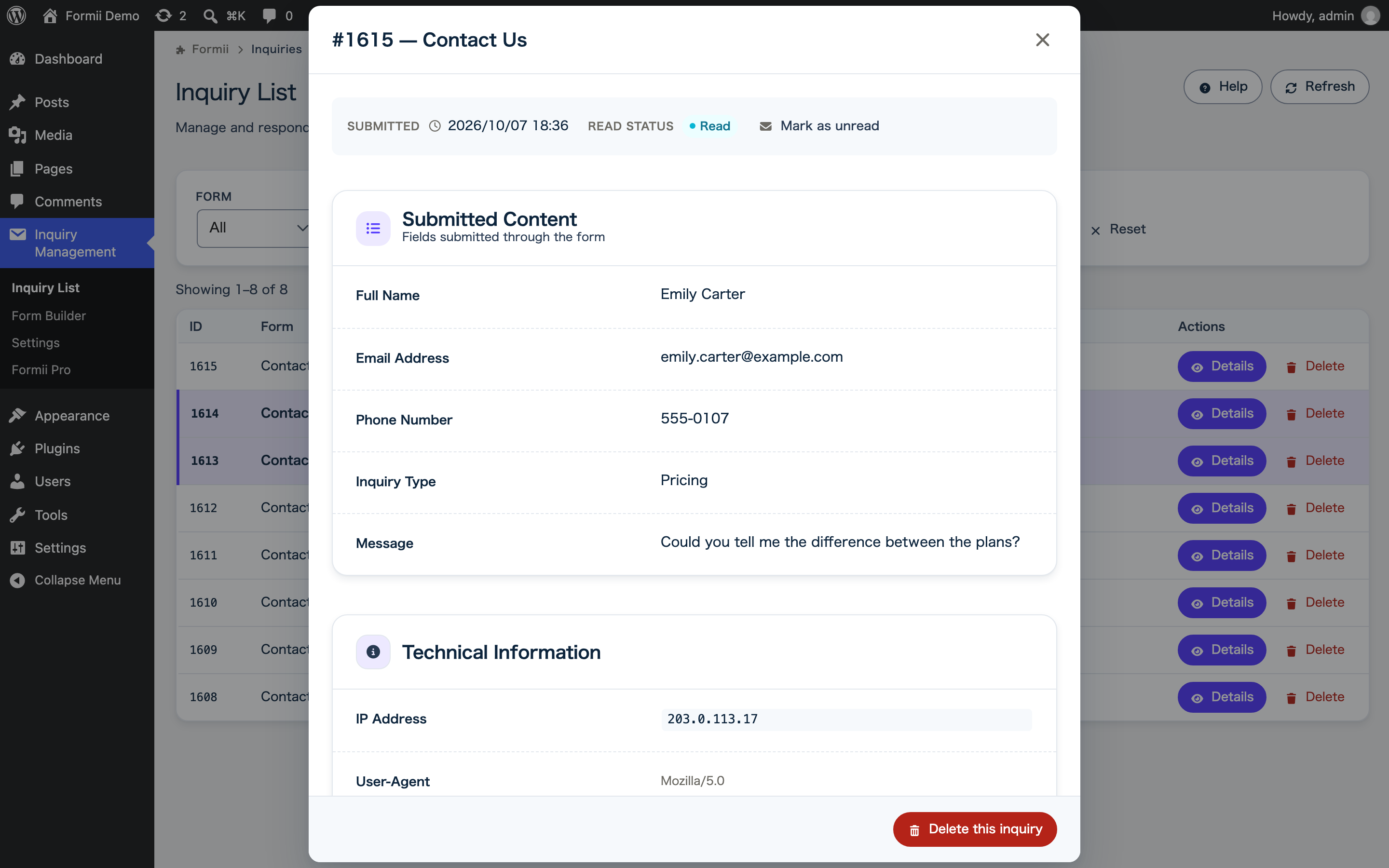
Formii stores every submission in your own WordPress database and gives you a built-in inbox:
- Inquiry list with keyword search and pagination
- Inquiry detail view — see all submitted data at a glance
- Read / unread tracking — new inquiries stay highlighted until you open them
Email Notifications
- Admin notification email on new inquiry
- Auto-reply email to the submitter
- Customizable subject and body per form
- Optional “Powered by Formii” credit in auto-reply emails — off by default; you can turn it on in Settings
Thank You Page
- Show a custom message after submission
- Or redirect to a URL of your choice
Security
- Nonce verification on all endpoints
- Permission checks (manage_options / edit_posts)
$wpdb->prepare()for all database queries- Output escaping (
esc_html,esc_attr,esc_url) - ABSPATH guard (prevents direct file access)
Accessibility
- Follows WCAG 2.1 AA guidelines — keyboard navigation, ARIA attributes, focus management, and sufficient color contrast
Shortcode
Embed a form in a post or page using:
[formii_form id="1"]
The form ID is shown in the Forms list in the admin panel.
If your form redirects to a separate thank-you page, place the following shortcode on that page:
[formii_notice]
It shows a notice only when it is needed — for example, when the auto-reply email was not sent because the sending limit was reached. Otherwise it outputs nothing.
Formii Pro
Formii Pro is a separate add-on that will be available from https://formii.net/ (coming soon). It adds team workflow and extra field types on top of the free plugin: inquiry status tracking for your team (in progress / completed / spam, plus custom statuses), starred inquiries, advanced field types (date/time, number, rating, confirmation, section, hidden, file upload), internal memos, bulk operations, CSV export (UTF-8 & Shift_JIS), postal-code address auto-fill, furigana auto-fill, adding forms to pages and posts from the form editor, spam protection (reCAPTCHA v3, honeypot, rate limiting), submission periods and capacity limits, inquiry retention (automatic deletion of old inquiries), and conditional logic. Formii Pro is optional — the free plugin above works fully on its own, with no limit on the number of forms.
External Services
This free plugin does not connect to any external services. All data stays in your WordPress site, and no outbound network requests are made.
(Formii Pro, a separate add-on not distributed here, uses Google reCAPTCHA v3 for spam protection when it is enabled. That service is loaded only by Formii Pro, and its disclosure is provided with Formii Pro. Formii Pro’s postal-code address auto-fill reads Japan Post postal code data bundled with Formii Pro and makes no external requests.)
Credits & Bundled Libraries
This plugin bundles the following third-party resource locally (no external CDN is used):
- Font Awesome Free 7.1.0 (https://fontawesome.com) — icon library bundled under
admin/fontawesome/. Licensed under CC BY 4.0 (icons), SIL OFL 1.1 (fonts), and MIT (code), all of which are GPL-compatible. The full license text is included atadmin/fontawesome/LICENSE.txt.
Source Code & Build
The admin screens are built with React. The compiled files in build/ are generated from the human-readable source code in src/, which is included in this plugin.
To rebuild them, install Node.js 22 or later and run the following commands in the plugin directory:
npm installnpm run build
The build uses @wordpress/scripts (webpack); the entry points are defined in webpack.config.js, and the CSS is processed with PostCSS (postcss.config.js, tailwind.config.js).